

 v2.0.4
flutter_animated_button
一個包含一系列酷炫且美觀的按鈕動畫的 Flutter 包專案。
306喜歡 1400近 30 天下載150Pub 分數
AndroidiOSWebmacOSWindowsLinux
一個包含一組酷炫且美觀按鈕動畫的 Flutter 套件專案。:rocket:

以下為英文專案原文快照,最新內容請造訪 GitHub。


Add this to your package's pubspec.yaml file:
dependencies:
  flutter_animated_button: <latest_version>
Now in your Dart code, you can use:
import 'package:flutter_animated_button/flutter_animated_button.dart';
Your contribution will help improve the plugin

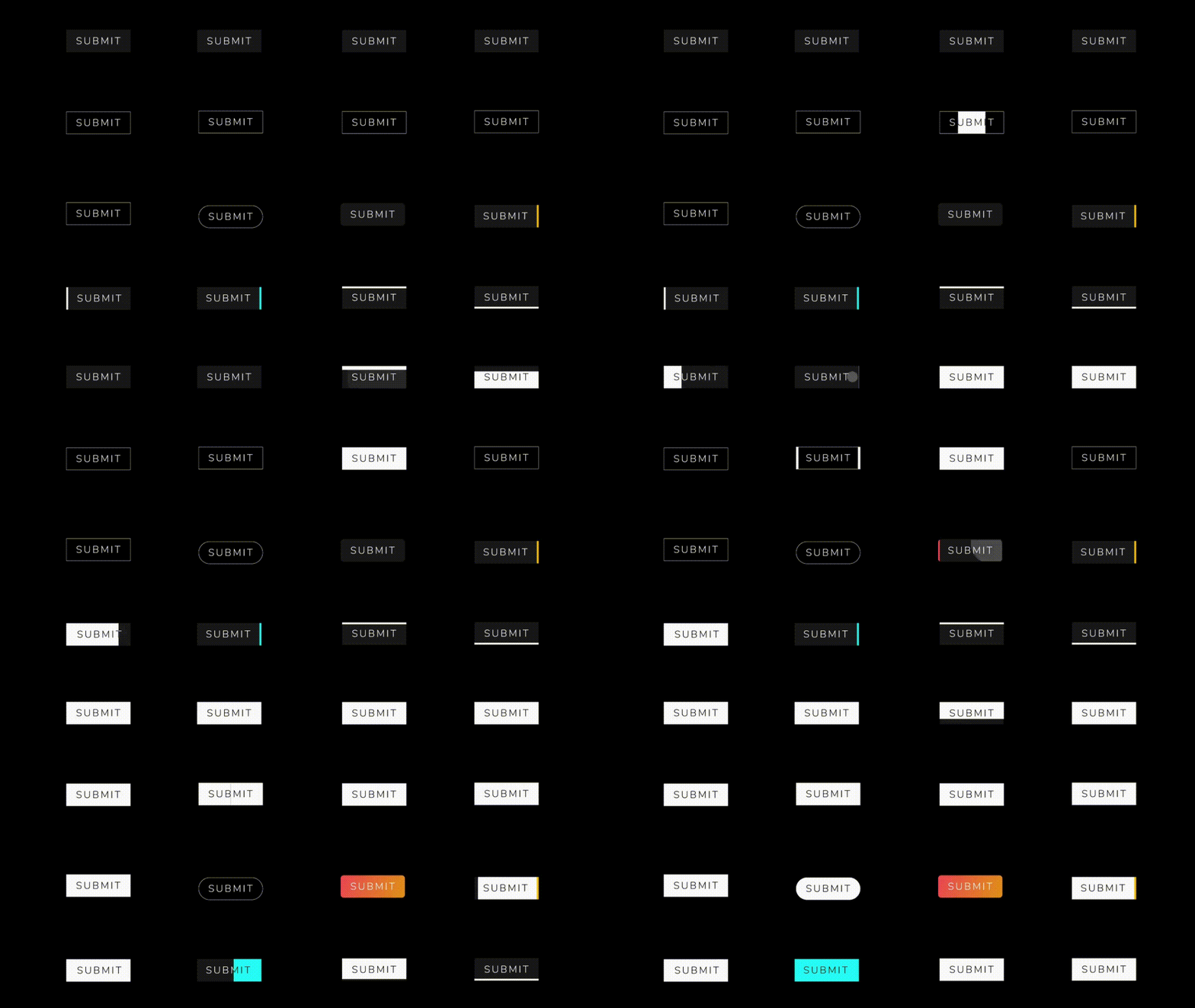
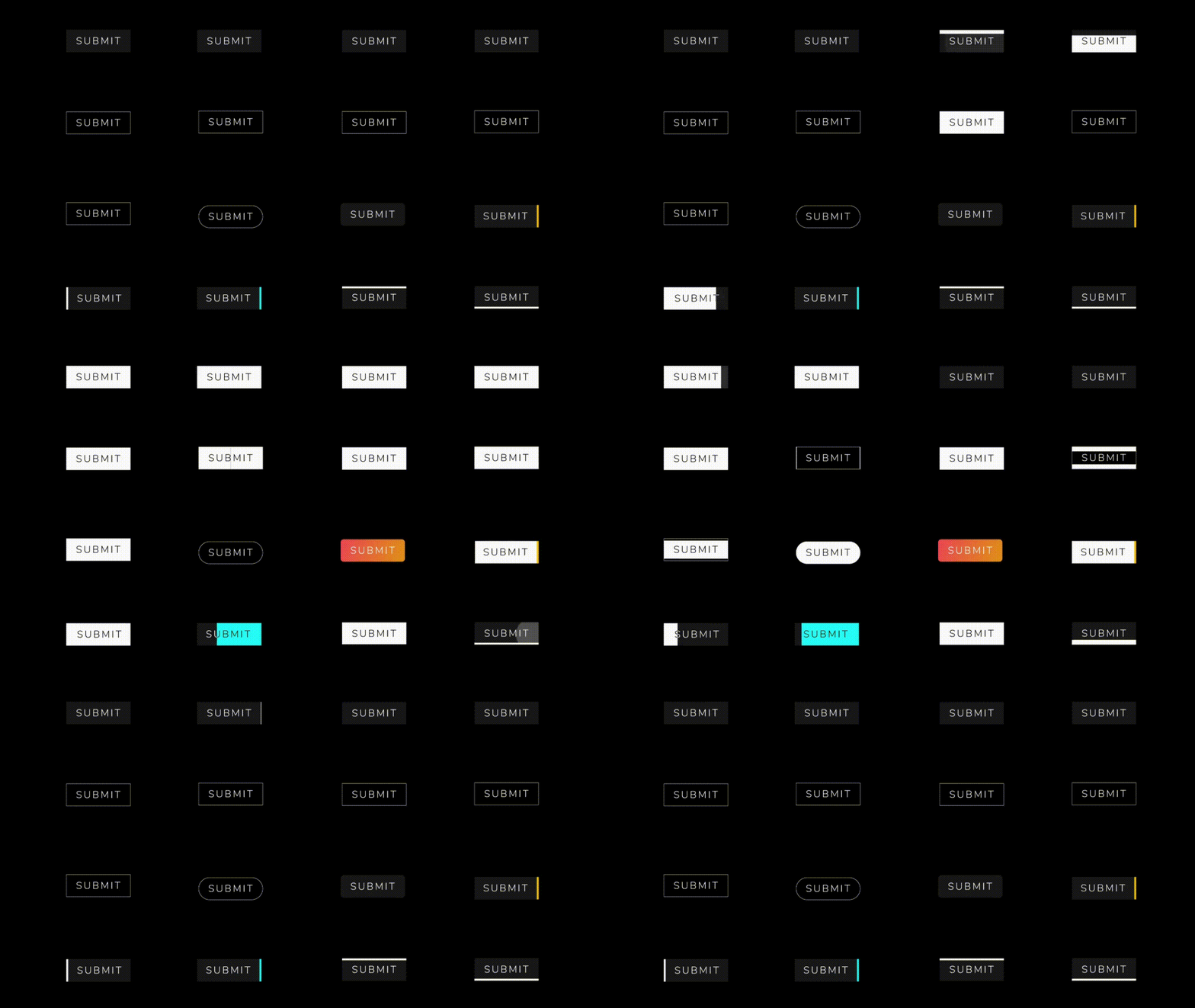
You can override the animationDuration of animation of the button by setting its duration in each AnimatedButton class, also you can get animationController for animation status and animation value during the animation. You can change text style, selected textColor and background color of button by textStyle,selectedTextColor,backgroundColor and selectedBackgroundColor. If you want revert animation when button already select then you can do it by isReverse property.
 AnimatedButton(
                width: 200,
                text: 'SUBMIT',
                selectedTextColor: Colors.black,
                transitionType: TransitionType.BOTTOM_TO_TOP,
                textStyle: TextStyle(
                    fontSize: 28,
                    letterSpacing: 5,
                    color: Colors.deepOrange,
                    fontWeight: FontWeight.w300),
              )

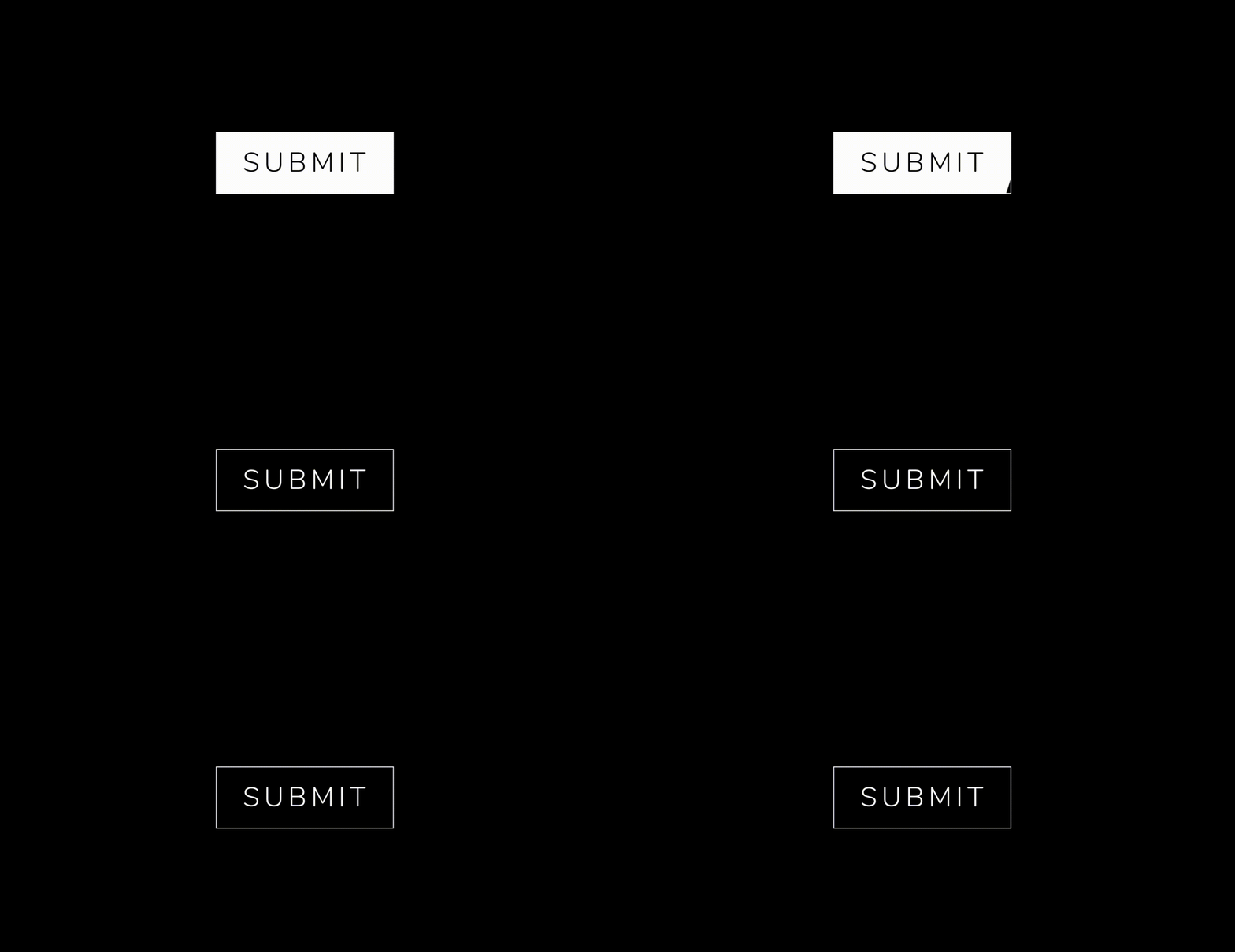 .
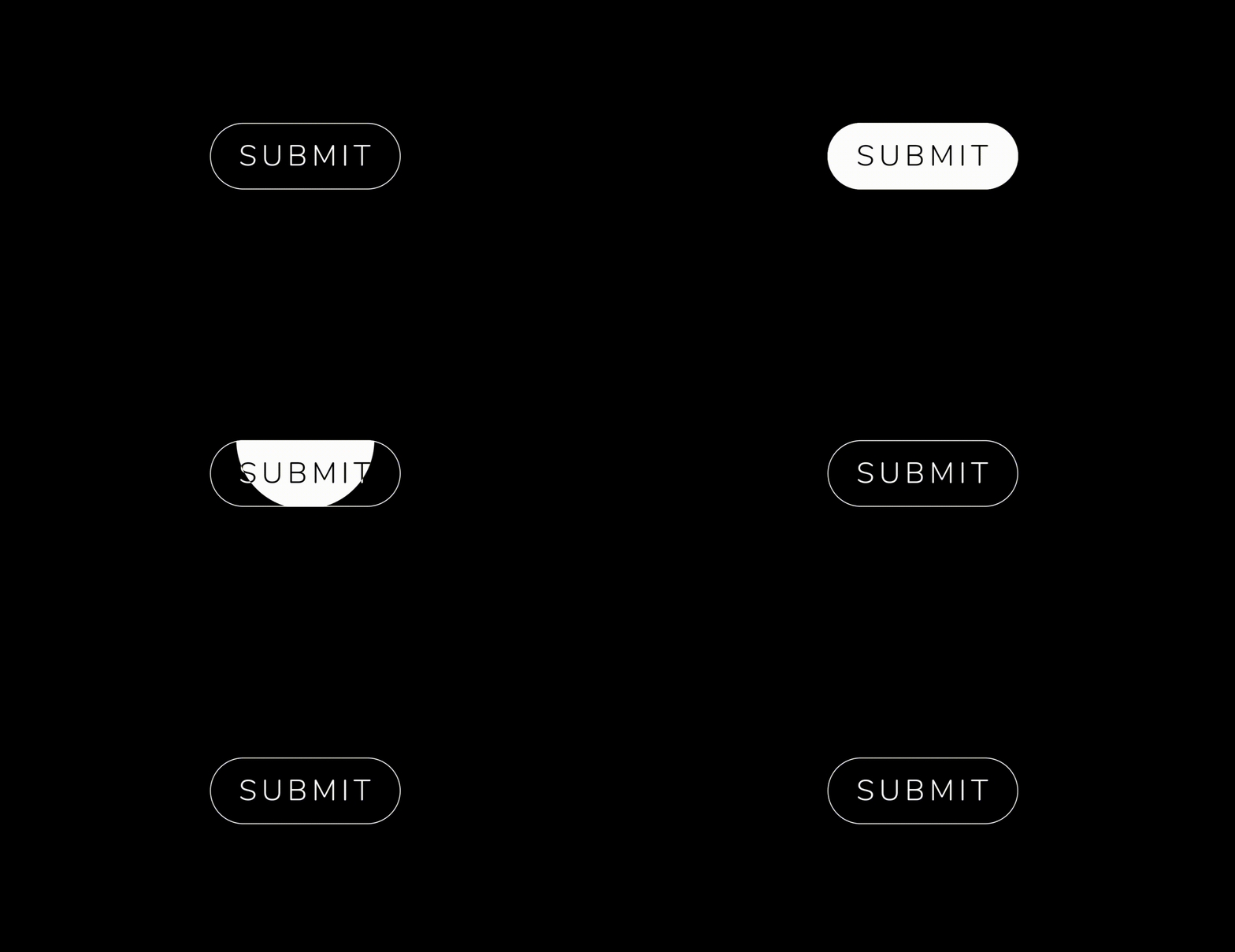 .


  AnimatedButton(
              height: 70,
              width: 200,
              text: 'SUBMIT',
              isReverse: true,
              selectedTextColor: Colors.black,
              transitionType: TransitionType.BOTTOM_TO_TOP,
              textStyle: GoogleFonts.nunito(
                  fontSize: 28,
                  letterSpacing: 5,
                  color: Colors.white,
                  fontWeight: FontWeight.w300),
            ),

  AnimatedButton(
             height: 70,
             width: 200,
             text: 'SUBMIT',
             isReverse: true,
             selectedTextColor: Colors.black,
             transitionType: TransitionType.LEFT_TO_RIGHT,
             textStyle: submitTextStyle,
             backgroundColor: Colors.black,
             borderColor: Colors.white,
             borderRadius: 0,
             borderWidth: 2,
           ),

    AnimatedButton(
              height: 70,
              width: 200,
              text: 'SUBMIT',
              isReverse: true,
              selectedTextColor: Colors.black,
              transitionType: TransitionType.LEFT_TO_RIGHT,
              textStyle: submitTextStyle,
              backgroundColor: Colors.black,
              borderColor: Colors.white,
              borderRadius: 50,
              borderWidth: 2,
            ),

  AnimatedButton.strip(
              width: 200,
              height: 70,
              text: 'SUBMIT',
              isReverse: true,
              selectedTextColor: Colors.black,
              stripTransitionType: StripTransitionType.LEFT_TO_RIGHT,
              selectedBackgroundColor: Colors.white,
              textStyle: GoogleFonts.nunito(
                  fontSize: 28,
                  letterSpacing: 5,
                  color: Colors.white,
                  fontWeight: FontWeight.w300),
            ),
| LEFT_TO_RIGHT | CENTER_LR_IN | LEFT_TOP_ROUNDER | RIGHT_TOP_ROUNDER | CENTER_ROUNDER |
| RIGHT_TO_LEFT | CENTER_TB_IN | LEFT_CENTER_ROUNDER | RIGHT_CENTER_ROUNDER | - |
| TOP_TO_BOTTOM | CENTER_LR_OUT | LEFT_BOTTOM_ROUNDER | TOP_CENTER_ROUNDER | - |
| BOTTOM_TO_TOP | CENTER_TB_OUT | RIGHT_BOTTOM_ROUNDER | BOTTOM_CENTER_ROUNDER | - |
| LEFT_TO_RIGHT |
| RIGHT_TO_LEFT |
| TOP_TO_BOTTOM |
| BOTTOM_TO_TOP |
If you encounter any problems feel free to open an issue. If you feel the library is missing a feature, please raise a ticket on GitHub and I'll look into it. Pull request are also welcome.
MIT License
依賴清單 2 項
{"sdk":"flutter"}{"sdk":"flutter"}先依使用情境篩選,再比較專案活躍情況,最後到原始儲存庫確認使用要求。
“A repository is the most basic element of GitHub.”
GitHub Docs — About repositories ↗