

 v2.0.5
keep_keyboard_popup_menu
一個會保持鍵盤開啟的彈出式選單。
29喜歡 27近 30 天下載45Pub 分數
平台暫無資料
一個 Flutter 弹出選單,將保持鍵盤開啟。

以下為英文專案原文快照,最新內容請造訪 GitHub。
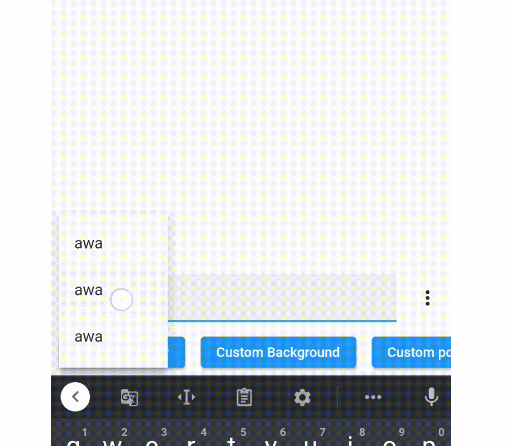
A popup menu that will keep the soft keyboard open. This package is created to solve issue #24843 and #50567.
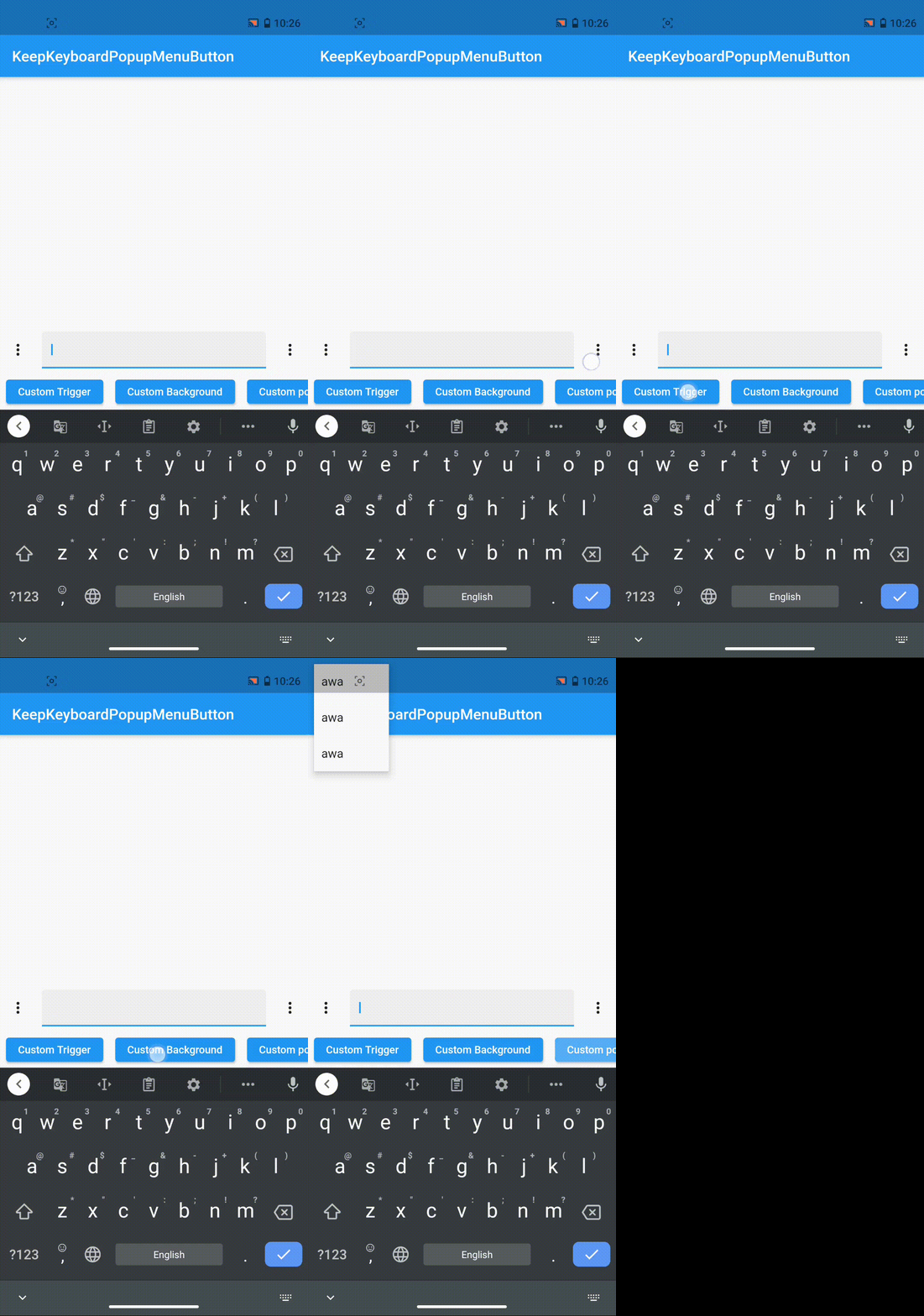
Unlike the popup menu created by PopupMenuButton, which works by pushing
a new route to the navigator and causes the soft keyboard to hide, the popup
menu created by this package works by adding an entry to
Overlay and will keep the soft keyboard open.
(I'm sorry for the long names, please pr if there are shorter alternatives.)
KeepKeyboardPopupMenuItemIntended to replace PopupMenuItem. Works similarly to a ListTile. PopupMenuItem won't work with this package because it will pop the current route when tapped. (This package shows popup menu using overlay, not route.)
KeepKeyboardPopupMenuItem(
    child: Text('awa'),
    onTap: () {},
)
KeepKeyboardPopupMenuButtonIntended to replace PopupMenuButton. Despite the similar name, the usage is quite different. The closePopup passed to the menuItemBuilder is used to programmatically close the popup.
KeepKeyboardPopupMenuButton(
    menuItemBuilder: (context, closePopup) => [
        KeepKeyboardPopupMenuItem(
            child: Text('awa'),
            onTap: closePopup,
        ),
    ]
)
You can also use the menuBuilder property to show any widget you want in the popup menu. For details, see the documentation and example.
WithKeepKeyboardPopupMenuWithKeepKeyboardPopupMenu allows opening a popup menu on any widget.
WithKeepKeyboardPopupMenu(
    menuItemBuilder: (context, closePopup) => [
        KeepKeyboardPopupMenuItem(
            child: Text('awa'),
            onTap: closePopup,
        ),
    ],
    childBuilder: (context, openPopup) => ElevatedButton(
        onPressed: openPopup,
        child: Text('Custom Trigger'),
    ),

)
You can also use the menuBuilder property to show any widget you want in the popup menu, use backgroundBuilder property to customize background of the popup menu, and calculatePopupPosition property to customize the position of the popup menu. For details, see the documentation and example.
依賴清單 2 項
{"sdk":"flutter"}^5.0.0先依使用情境篩選,再比較專案活躍情況,最後到原始儲存庫確認使用要求。
“A repository is the most basic element of GitHub.”
GitHub Docs — About repositories ↗