
 v1.5.1
flutter_datetime_picker
一個用於 Flutter 的日期時間選擇器,您可以在英文、荷蘭語和中文中選擇日期/時間/日期和時間,並且還可以自訂您的選擇器內容
908喜歡 1.3萬近 30 天下載60Pub 分數
平台暫無資料
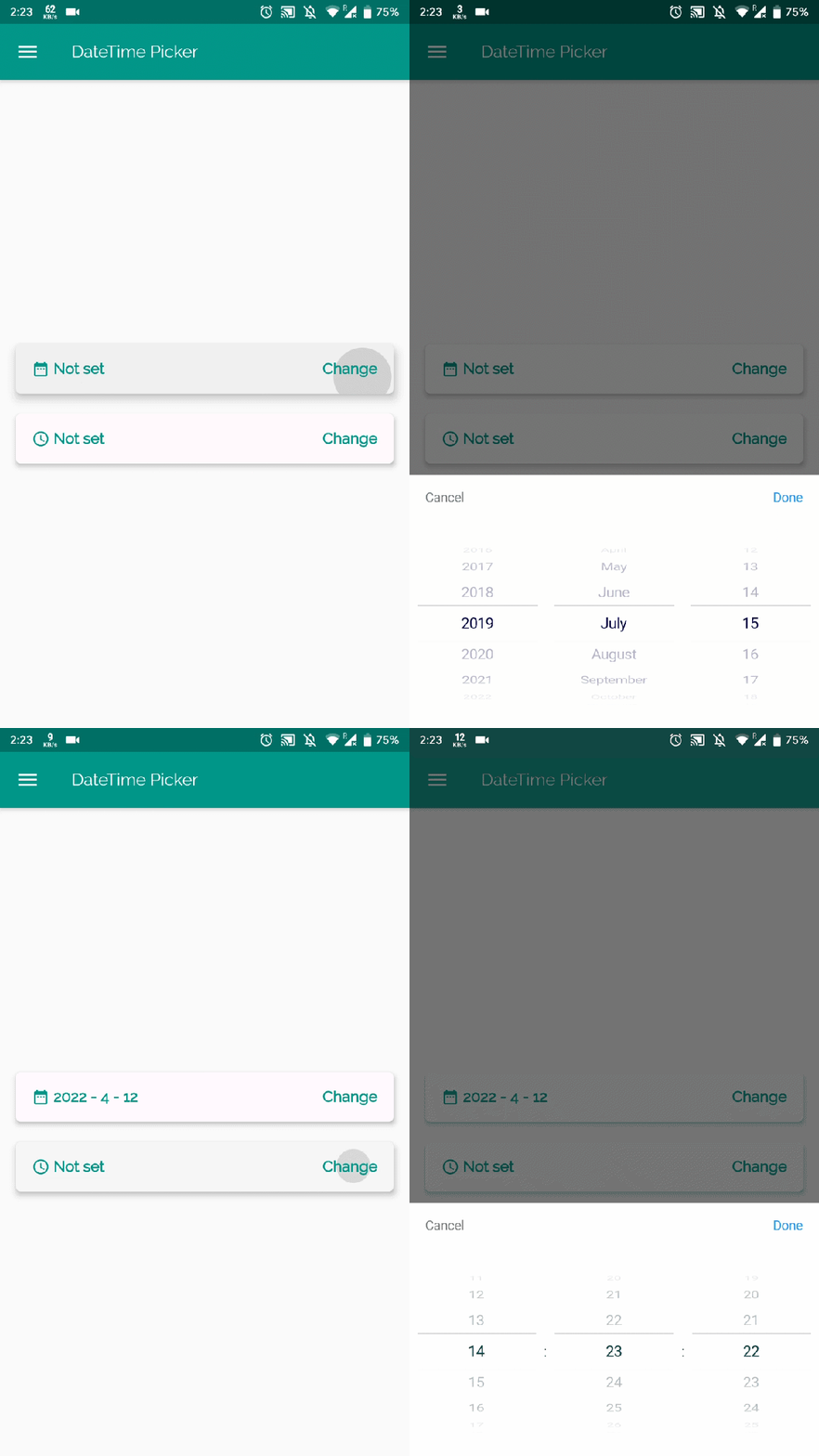
Flutter 中的日期時間選擇器
以下為英文專案原文快照,最新內容請造訪 GitHub。
A flutter date time picker inspired by flutter-cupertino-date-picker
you can choose date / time / date&time in multiple languages:
and you can also custom your own picker content
| Date picker | Time picker | Date Time picker |
|---|---|---|
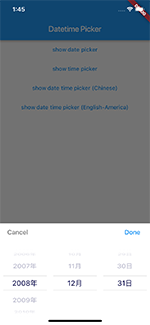 |
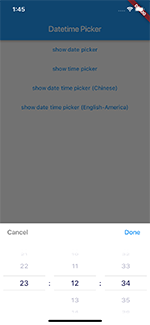 |
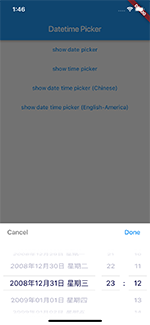 |
International:
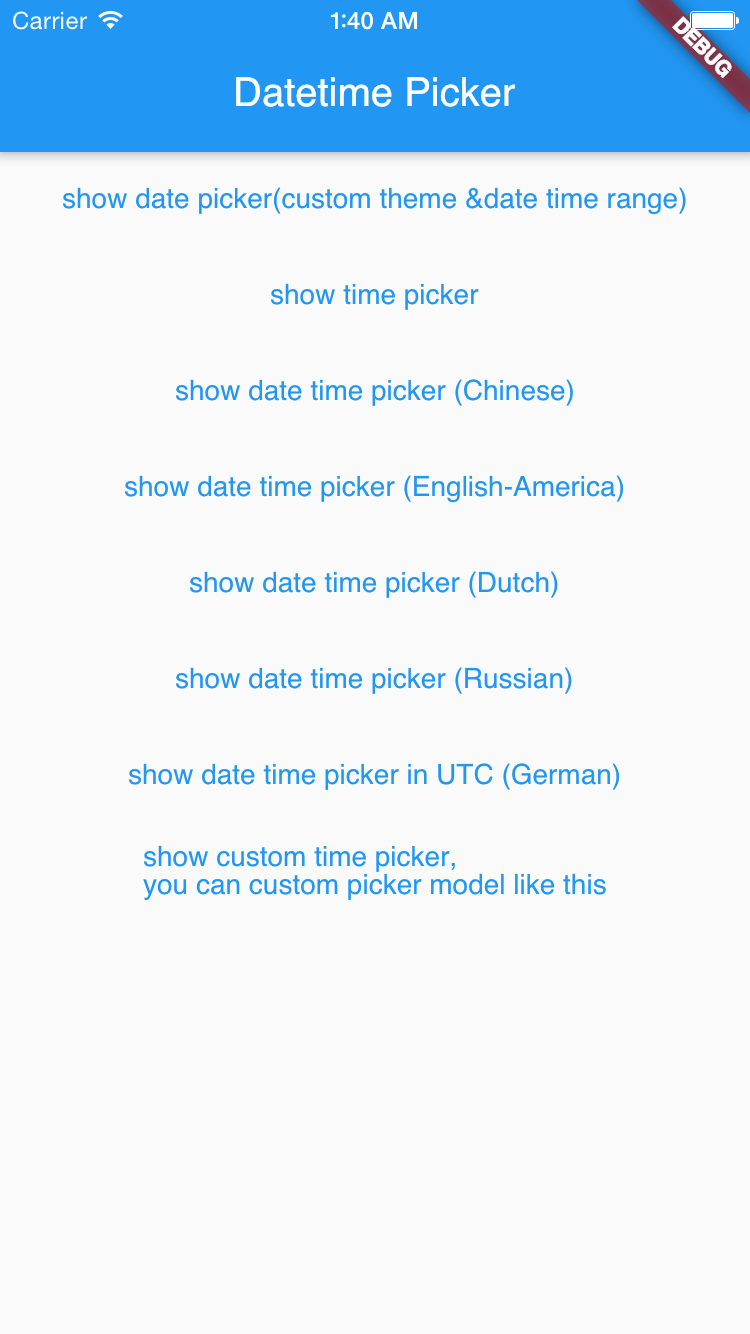
| Date Time picker (Chinese) | Date Time picker (America) | Date Time picker (Dutch) | Date Time picker (Russian) |
|---|---|---|---|
|
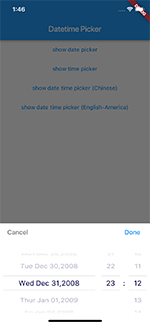 |
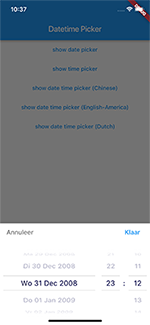 |
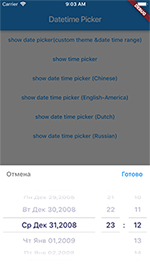 |
TextButton(
    onPressed: () {
        DatePicker.showDatePicker(context,
                              showTitleActions: true,
                              minTime: DateTime(2018, 3, 5),
                              maxTime: DateTime(2019, 6, 7), onChanged: (date) {
                            print('change $date');
                          }, onConfirm: (date) {
                            print('confirm $date');
                          }, currentTime: DateTime.now(), locale: LocaleType.zh);
    },
    child: Text(
        'show date time picker (Chinese)',
        style: TextStyle(color: Colors.blue),
    ));
If you want to customize your own style of date time picker, there is a class called CommonPickerModel, every type of date time picker is extended from this class, you can refer to other picker model (eg. DatePickerModel), and write your custom one, then pass this model to showPicker method, so that your own date time picker will appear, it’s easy, and will perfectly meet your demand
How to customize your own picker model:
class CustomPicker extends CommonPickerModel {
  String digits(int value, int length) {
    return '$value'.padLeft(length, "0");
  }

  CustomPicker({DateTime currentTime, LocaleType locale}) : super(locale: locale) {
    this.currentTime = currentTime ?? DateTime.now();
    this.setLeftIndex(this.currentTime.hour);
    this.setMiddleIndex(this.currentTime.minute);
    this.setRightIndex(this.currentTime.second);
  }

  @override
  String leftStringAtIndex(int index) {
    if (index >= 0 && index < 24) {
      return this.digits(index, 2);
    } else {
      return null;
    }
  }

  @override
  String middleStringAtIndex(int index) {
    if (index >= 0 && index < 60) {
      return this.digits(index, 2);
    } else {
      return null;
    }
  }

  @override
  String rightStringAtIndex(int index) {
    if (index >= 0 && index < 60) {
      return this.digits(index, 2);
    } else {
      return null;
    }
  }

  @override
  String leftDivider() {
    return "|";
  }

  @override
  String rightDivider() {
    return "|";
  }

  @override
  List<int> layoutProportions() {
    return [1, 2, 1];
  }

  @override
  DateTime finalTime() {
    return currentTime.isUtc
        ? DateTime.utc(currentTime.year, currentTime.month, currentTime.day,
            this.currentLeftIndex(), this.currentMiddleIndex(), this.currentRightIndex())
        : DateTime(currentTime.year, currentTime.month, currentTime.day, this.currentLeftIndex(),
            this.currentMiddleIndex(), this.currentRightIndex());
  }
}
For help getting started with Flutter, view our online documentation.
For help on editing package code, view the documentation.

依賴清單 2 項
{"sdk":"flutter"}{"sdk":"flutter"}先依使用情境篩選,再比較專案活躍情況,最後到原始儲存庫確認使用要求。
“A repository is the most basic element of GitHub.”
GitHub Docs — About repositories ↗