

 v4.0.0
glassmorphism
一個用於輕鬆實現玻璃感UI的Flutter套件。
536喜歡 1.5萬近 30 天下載160Pub 分數
AndroidiOSWebmacOSWindowsLinux
適用於 Flutter 的毛玻璃 UI 套件 || UI ||

以下為英文專案原文快照,最新內容請造訪 GitHub。
A Flutter package for creating Glassmorphic UI designs in an easy and simple manner! Supports iOS, Android, web, Windows, macOS, and Linux.
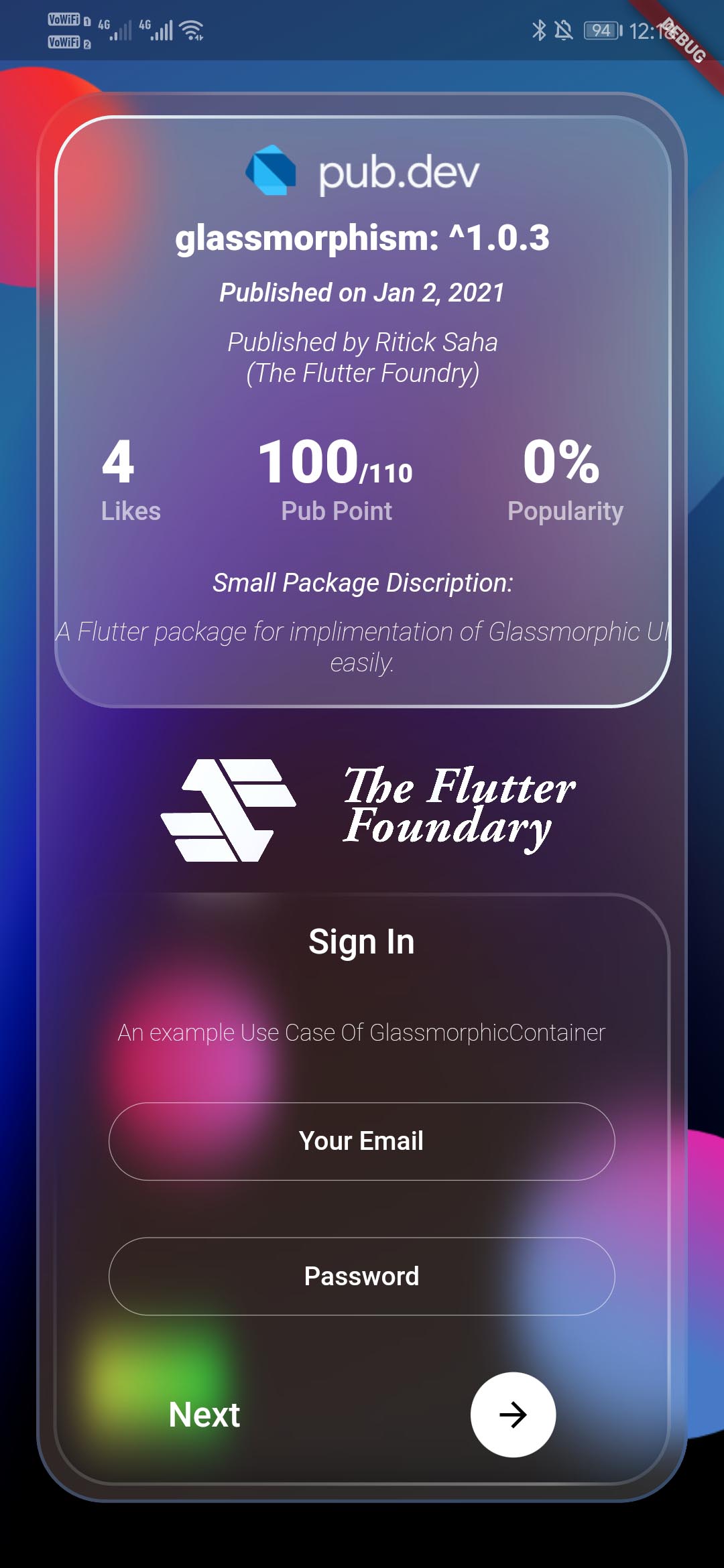
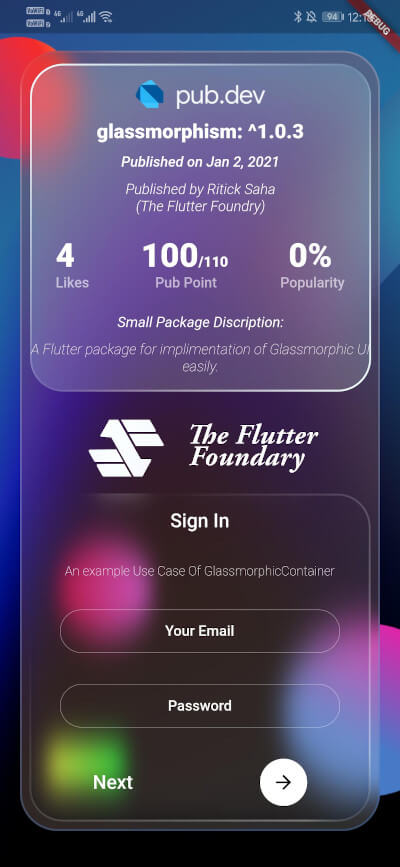
Inspired by Glassmorphism CSS Generator. Highly customizable and helps developing beautiful Glassmorphic UI.
>
>
To use this plugin, add glassmorphism as a dependency in your pubspec.yaml file.
Use the below example to get started with the sample example.
You can follow this tutorial and work around with the package.
Glassmorphism UI Package For @Flutter || UI || A Glassy and easy to use Package #flutter
[Full Control to User]GlassmorphicContainer with fixed Height and width:GlassmorphicContainer(
width: 350,
height: 350,
borderRadius: 20,
blur: 20,
alignment: Alignment.bottomCenter,
border: 2,
linearGradient: LinearGradient(
begin: Alignment.topLeft,
end: Alignment.bottomRight,
colors: [
Color(0xFFffffff).withOpacity(0.1),
Color(0xFFFFFFFF).withOpacity(0.05),
],
stops: [
0.1,
1,
]),
borderGradient: LinearGradient(
begin: Alignment.topLeft,
end: Alignment.bottomRight,
colors: [
Color(0xFFffffff).withOpacity(0.5),
Color((0xFFFFFFFF)).withOpacity(0.5),
],
),
child: null,
),
GlassmorphicFlexContainer with responsiveness or take child widgets size. :GlassmorphicFlexContainer(
borderRadius: 20,
blur: 20,
padding: EdgeInsets.all(40),
alignment: Alignment.bottomCenter,
border: 2,
linearGradient: LinearGradient(
begin: Alignment.topLeft,
end: Alignment.bottomRight,
colors: [
Color(0xFFffffff).withOpacity(0.1),
Color(0xFFFFFFFF).withOpacity(0.05),
],
stops: [
0.1,
1,
]),
borderGradient: LinearGradient(
begin: Alignment.topLeft,
end: Alignment.bottomRight,
colors: [
Color(0xFFffffff).withOpacity(0.5),
Color((0xFFFFFFFF)).withOpacity(0.5),
],
),
child: null,
),
example, Simple Glassmorphic Container with Blur.
import 'package:flutter/material.dart';
import 'package:glassmorphism/glassmorphism.dart';
import 'dart:ui';

void main() => runApp(MyApp());

class MyApp extends StatelessWidget {
  @override
  Widget build(BuildContext context) {
    return MaterialApp(
      title: 'GlassmorphicContainer Example',
      home: GlassmorphicSample(),
    );
  }
}

class GlassmorphicSample extends StatefulWidget {
  @override
  State<GlassmorphicSample> createState() => GlassmorphicSampleState();
}

class GlassmorphicSampleState extends State<GlassmorphicSample> {
  @override
  Widget build(BuildContext context) {
    return new Scaffold(
      body: Container(
        height: double.infinity,
        width: double.infinity,
        child: Stack(
          children: [
            Image.network(
              "https://github.com/RitickSaha/glassmophism/blob/master/example/assets/bg.png?raw=true",
              fit: BoxFit.cover,
              height: double.infinity,
              width: double.infinity,
              scale: 1,
            ),
            SafeArea(
              child: Center(
                child: GlassmorphicContainer(
                    width: 350,
                    height: 750,
                    borderRadius: 20,
                    blur: 20,
                    alignment: Alignment.bottomCenter,
                    border: 2,
                    linearGradient: LinearGradient(
                        begin: Alignment.topLeft,
                        end: Alignment.bottomRight,
                        colors: [
                          Color(0xFFffffff).withOpacity(0.1),
                          Color(0xFFFFFFFF).withOpacity(0.05),
                        ],
                        stops: [
                          0.1,
                          1,
                        ]),
                    borderGradient: LinearGradient(
                      begin: Alignment.topLeft,
                      end: Alignment.bottomRight,
                      colors: [
                        Color(0xFFffffff).withOpacity(0.5),
                        Color((0xFFFFFFFF)).withOpacity(0.5),
                      ],
                    ),
                    child: null),
              ),
            ),
          ],
        ),
      ),
    );
  }
}
height (double) [required] - Height for the Widget [required].width (double) [required]- Width for the Widget [@required].borderRadius (double) [required]- Border Radius for the widget 0 - any [@required].linearGradient (LinearGradient) [required]- Fills the container with the gradient passed.border (double) [required]- Gives Width to the ContainerBorder.blur (double) [required]- Gives BlurFilter to the Container.borderGradient (LinearGradient) [required]- Fills the container's border with the gradient passed.child (widget) - [optional parameter] If there is a child widget then the widget will be rendered inside the container.alignment (optional) - Handles the alignment [Default_value] - [Alignemt.topleft].padding (EdgeInset) - Used to provide pading to the child widget [Default_value] - [None].BoxShape (Fixed) - This value is fixed to [BoxFit.rectangle].constraints (ChatUser) - The constructor width and height arguments are combined with the constraints argument to set this property.margin (double) - Empty space to surround the [decoration] and [child]. GlassmorphicContainer(
width: width,
height: height,
borderRadius:borderRadius,
blur: blur,
alignment: alignment,
border:border,
linearGradient: linearGradient,
borderGradient:borderGradient,
child: null),
);

The Flutter Foundry 💙 - Instagram Link
If you found this project useful, then please consider giving it a ⭐️ on Github and sharing it with your friends via social media.
See the glassmorphic.dart for more API details
If you have any suggestion for including a feature or if something doesn't work. Feel free to open a Github issue for us to have a discussion on it.
依賴清單 1 項
{"sdk":"flutter"}先依使用情境篩選,再比較專案活躍情況,最後到原始儲存庫確認使用要求。
“A repository is the most basic element of GitHub.”
GitHub Docs — About repositories ↗