
dynamic_schema_mapper
在執行時自動將動態後端 JSON 映射為類型安全的 Dart 結構,無需模型類別。非常適合不斷演進的 API。

- 星標
- 1
- 分支
- 0
- 最近推送(UTC)
- 2025年12月3日
- 專案狀態
- 未封存
原始 README
以下為英文專案原文快照,最新內容請造訪 GitHub。
Dynamic Backend Schema Mapper
Runtime JSON Model Generator for Flutter — Automatically adapt to evolving backend JSON structures without manual model updates.


Why This Package?
Backend APIs evolve constantly—new fields get added, old ones removed, types change. Traditional model classes break easily, requiring constant maintenance. Dynamic Backend Schema Mapper solves this by:
- ✅ Zero Model Classes — No manual model updates needed
- ✅ Type-Safe Access —
getString(),getInt(),getBool()with defaults - ✅ Auto-Adaptation — Handles backend changes automatically
- ✅ Schema Detection — Get notified when backend structure changes
- ✅ Deep Nesting — Fully supports nested objects and lists
- ✅ Crash Prevention — Default values prevent null reference errors
Demo
Schema Parsing & Type-Safe Access
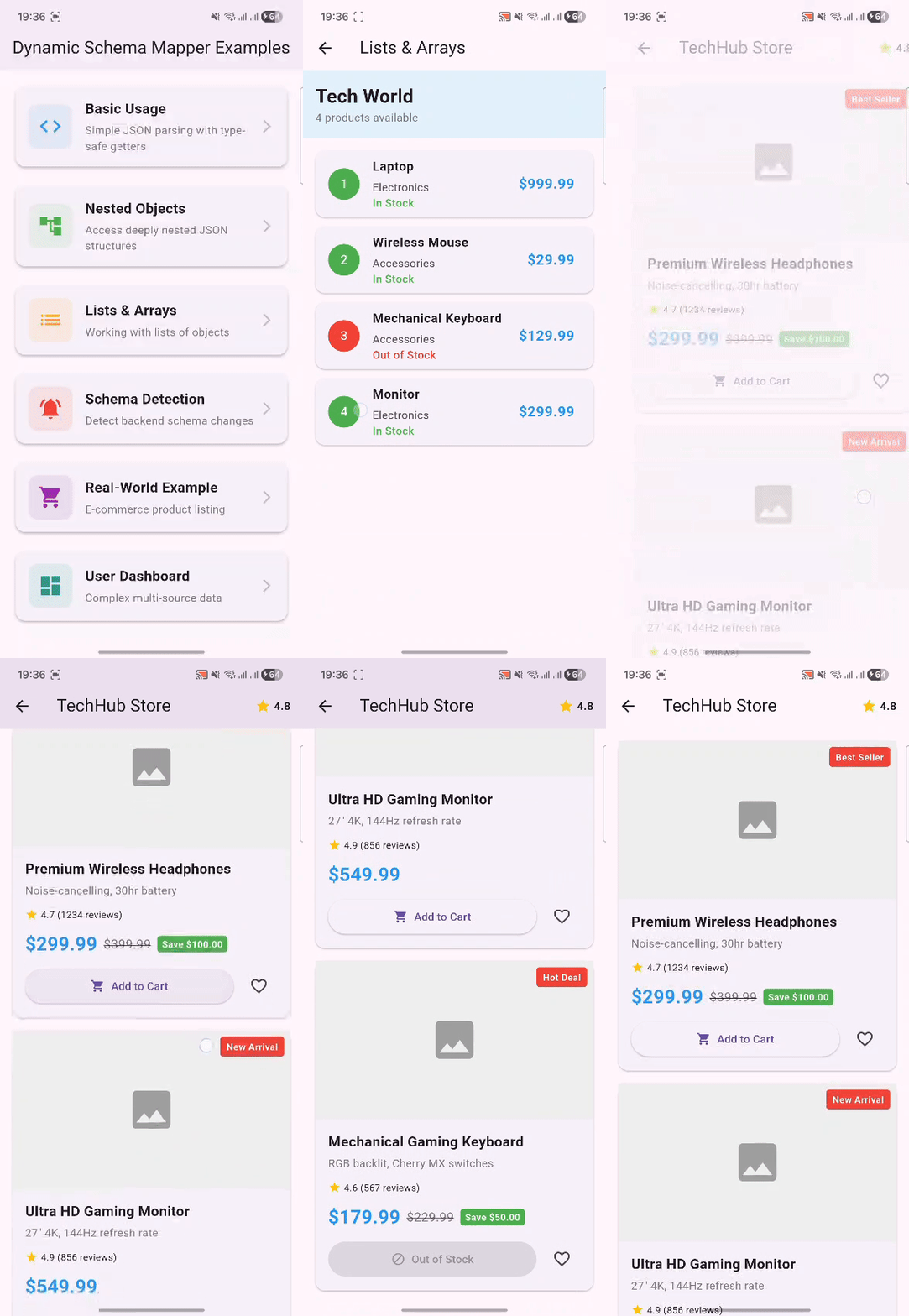
Demonstrating real-time JSON parsing with type-safe getters and default values
Schema Change Detection
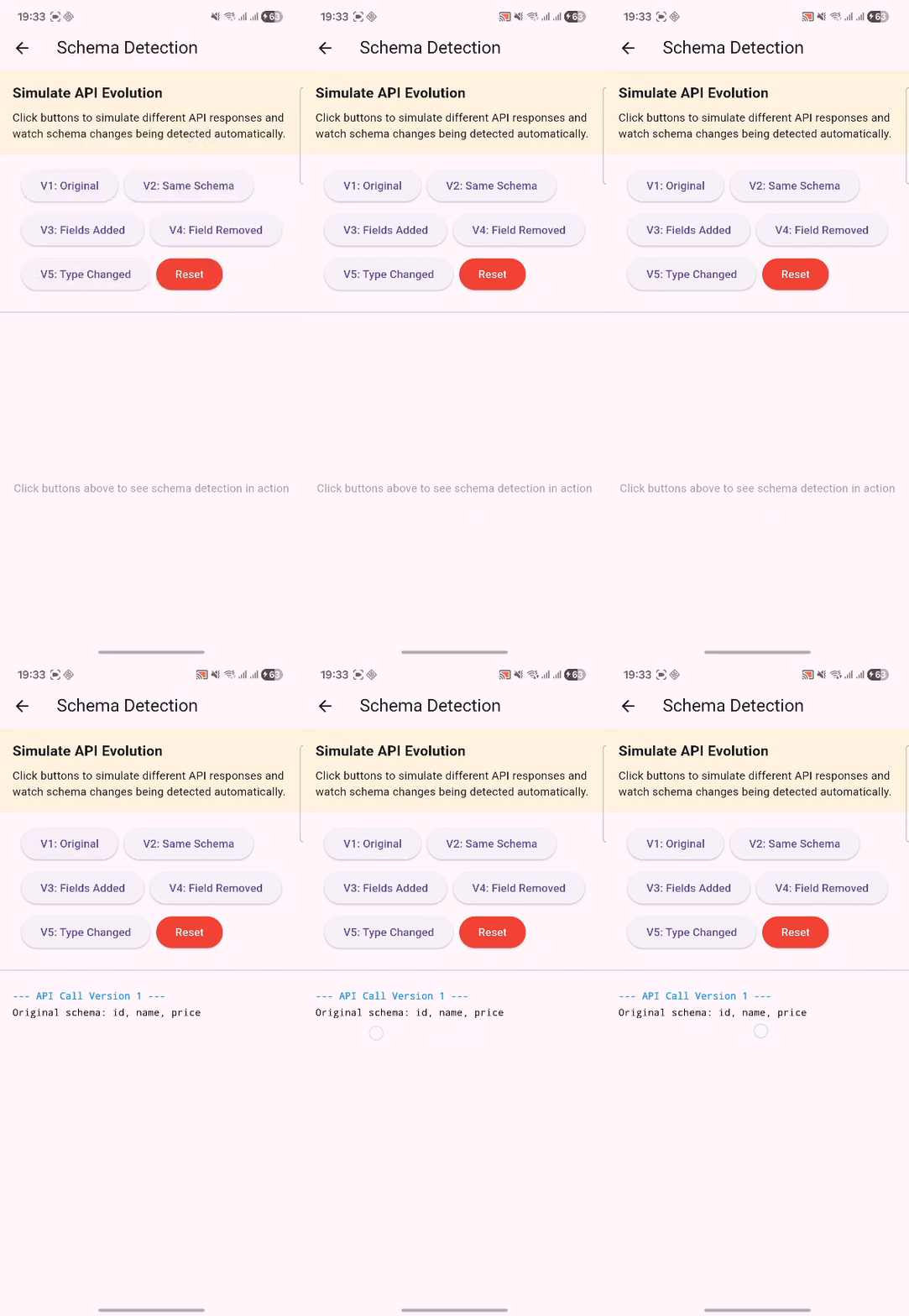
Automatic detection and notification of backend schema changes
Installation
Add to your pubspec.yaml:
dependencies:
  dynamic_schema_mapper: ^0.1.0
Then run:
flutter pub get
Quick Start
Basic Usage
import 'package:dynamic_schema_mapper/dynamic_schema_mapper.dart';

// Parse any JSON response
final jsonResponse = {
  'id': 123,
  'name': 'John Doe',
  'age': 30,
  'premium': true,
  'balance': 1250.50,
};

final schema = DynamicSchema.parse(jsonResponse);

// Type-safe access with automatic defaults
final name = schema.getString('name');           // "John Doe"
final age = schema.getInt('age');                // 30
final premium = schema.getBool('premium');       // true
final balance = schema.getDouble('balance');     // 1250.50

// Non-existent keys return safe defaults
final phone = schema.getString('phone', defaultValue: 'N/A');  // "N/A"
Nested Objects
final response = {
  'user': {
    'name': 'Alice',
    'address': {
      'city': 'Springfield',
      'zipcode': 12345,
    }
  }
};

final schema = DynamicSchema.parse(response);

// Navigate nested structures
final user = schema.getNested('user');
final address = user?.getNested('address');

print(address?.getString('city'));        // "Springfield"
print(address?.getInt('zipcode'));        // 12345

// Or use dot notation
print(schema.getValueAtPath('user.address.city'));  // "Springfield"
Lists of Objects
final response = {
  'products': [
    {'id': 1, 'name': 'Laptop', 'price': 999.99},
    {'id': 2, 'name': 'Mouse', 'price': 29.99},
  ]
};

final schema = DynamicSchema.parse(response);
final products = schema.getList('products');

for (final product in products) {
  print('${product.getString('name')}: \$${product.getDouble('price')}');
}
// Output:
// Laptop: $999.99
// Mouse: $29.99
Schema Change Detection
Get notified automatically when your backend structure changes:
// Enable change detection
DynamicSchema.enableSchemaDetection((changes) {
  print('⚠️ Backend schema changed!');
  for (final change in changes) {
    print('• $change');
  }
});

// First API call
DynamicSchema.parse({'id': 1, 'name': 'Product A', 'price': 99.99});

// Backend evolves - new fields added
DynamicSchema.parse({
  'id': 2,
  'name': 'Product B',
  'price': 149.99,
  'category': 'Electronics',  // NEW!
  'inStock': true,            // NEW!
});

// Console output:
// ⚠️ Backend schema changed!
// • Fields Added: category
// • Fields Added: inStock
Features
Type-Safe Getters
All getters include default values to prevent crashes:
schema.getString('key', defaultValue: 'default');
schema.getInt('key', defaultValue: 0);
schema.getDouble('key', defaultValue: 0.0);
schema.getBool('key', defaultValue: false);
Schema Introspection
// Get all keys
final keys = schema.keys;  // ['id', 'name', 'age']

// Check if key exists
if (schema.hasKey('email')) {
  print(schema.getString('email'));
}

// Get all paths (including nested)
final paths = schema.getAllPaths();
// ['user', 'user.name', 'user.address', 'user.address.city']

// Get schema structure (types only)
final structure = schema.getSchemaStructure();
Convert Back to JSON
// Pretty print
print(schema.toJsonString(pretty: true));

// Compact
final json = schema.toJsonString();
Optional Caching
Cache schemas locally for offline use or comparison:
import 'package:dynamic_schema_mapper/cache_manager.dart';

final cache = SchemaCacheManager(
  namespace: 'my_app',
  cacheDuration: Duration(hours: 24),
);

// Save schema
await cache.saveSchema('users', schema.getSchemaStructure());

// Load cached schema
final cachedSchema = await cache.loadSchema('users');

// Check if valid cache exists
if (await cache.hasValidCache('users')) {
  print('Using cached schema');
}
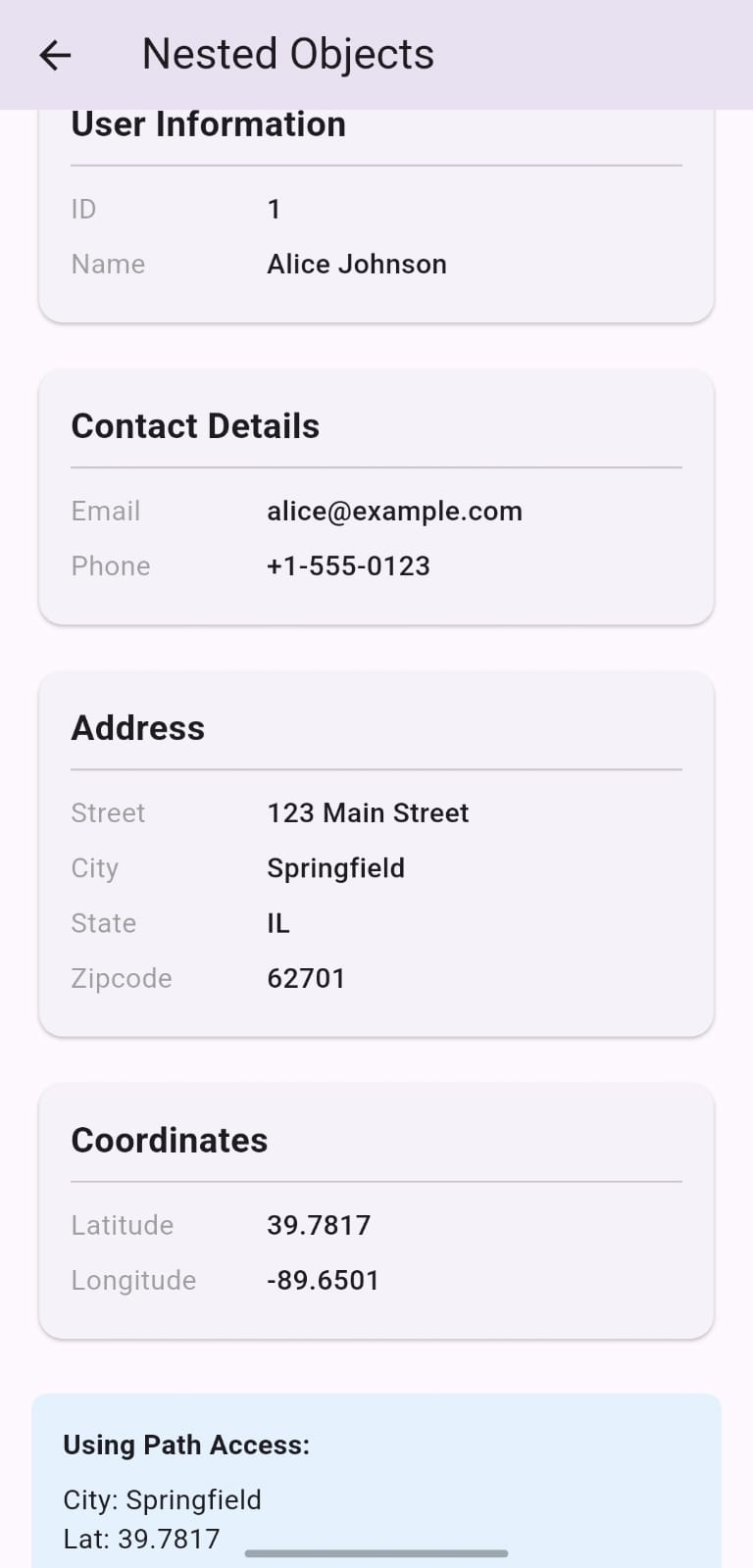
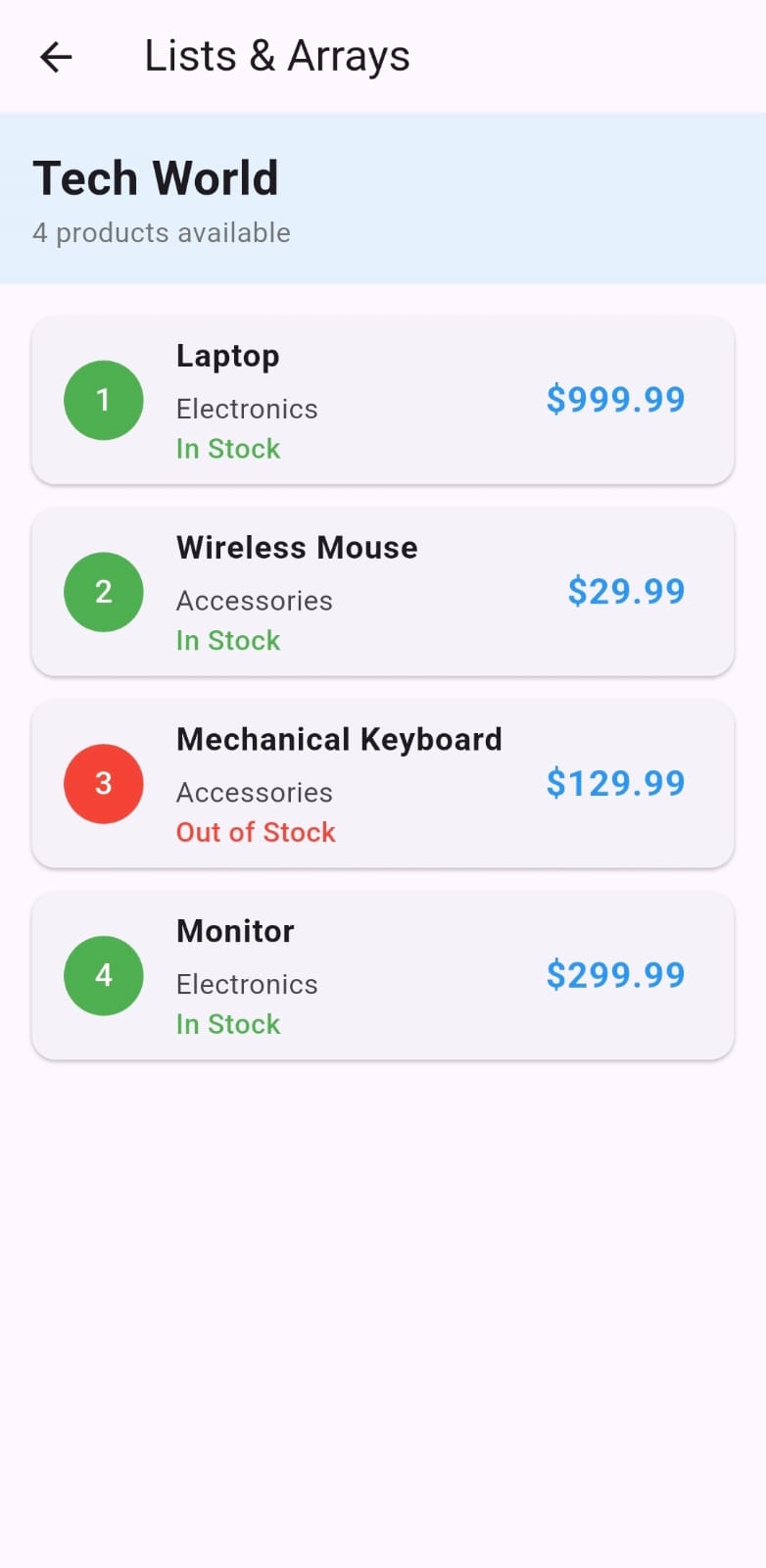
Screenshots
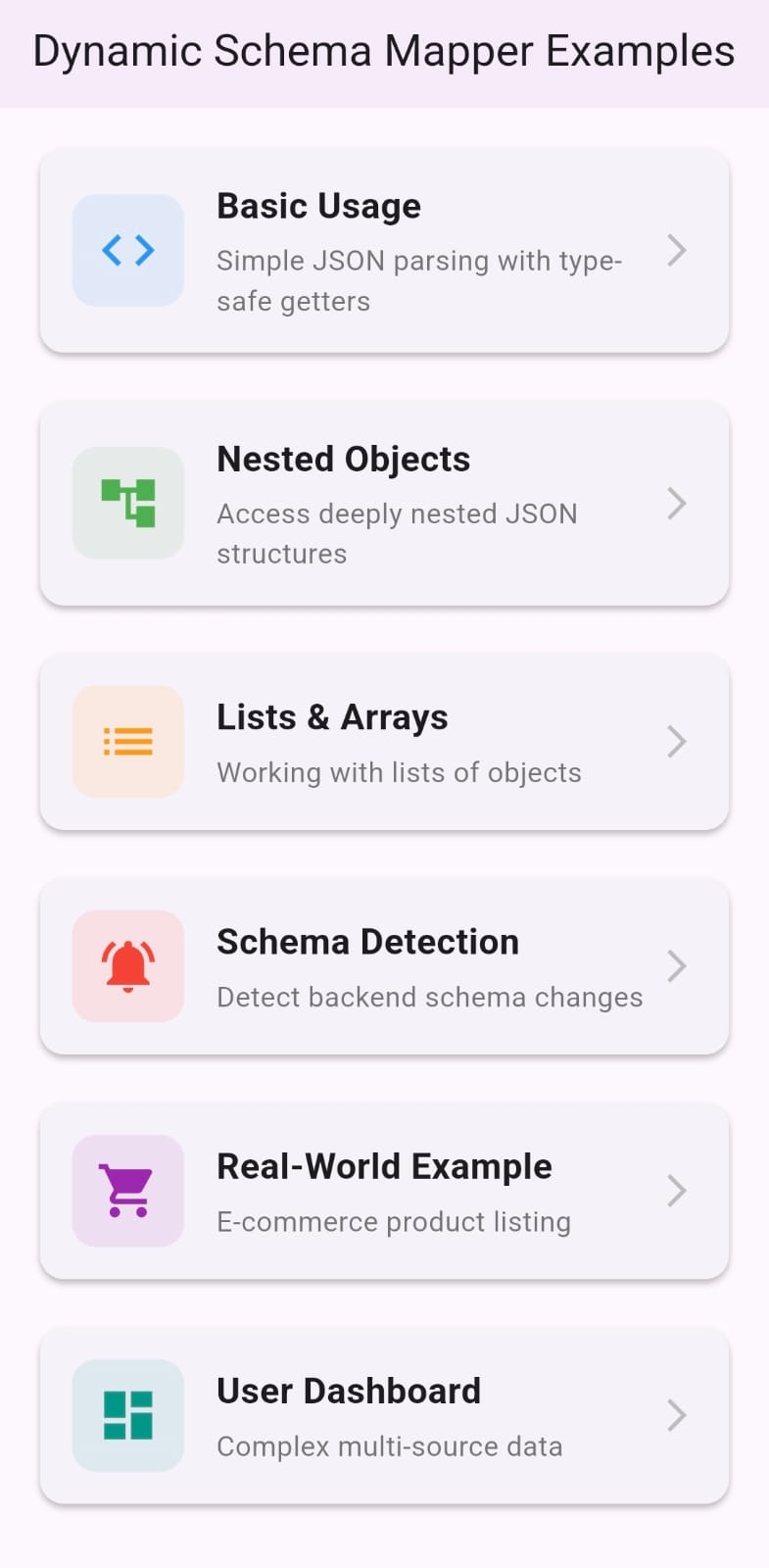 |
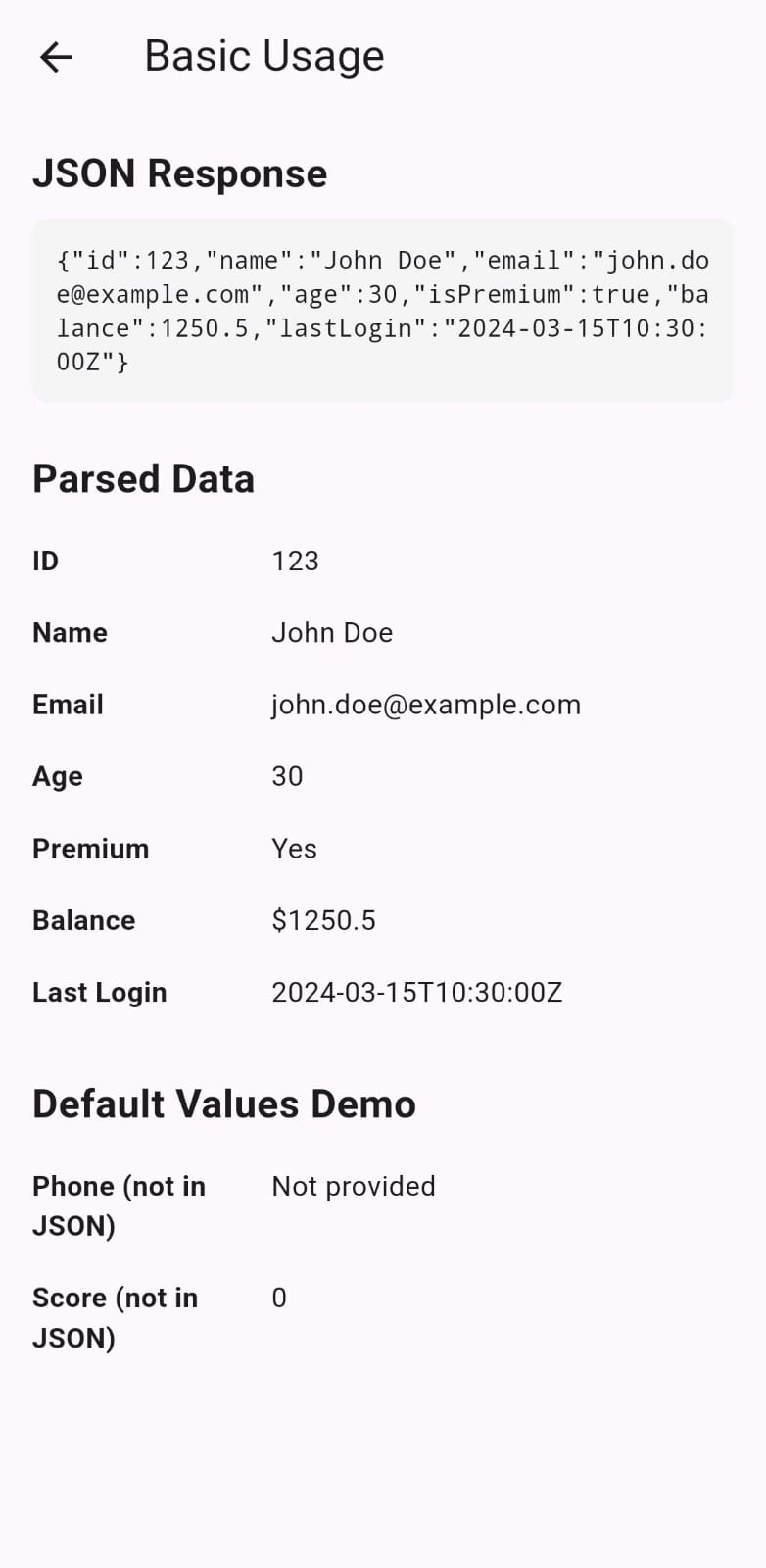 |
 |
 |
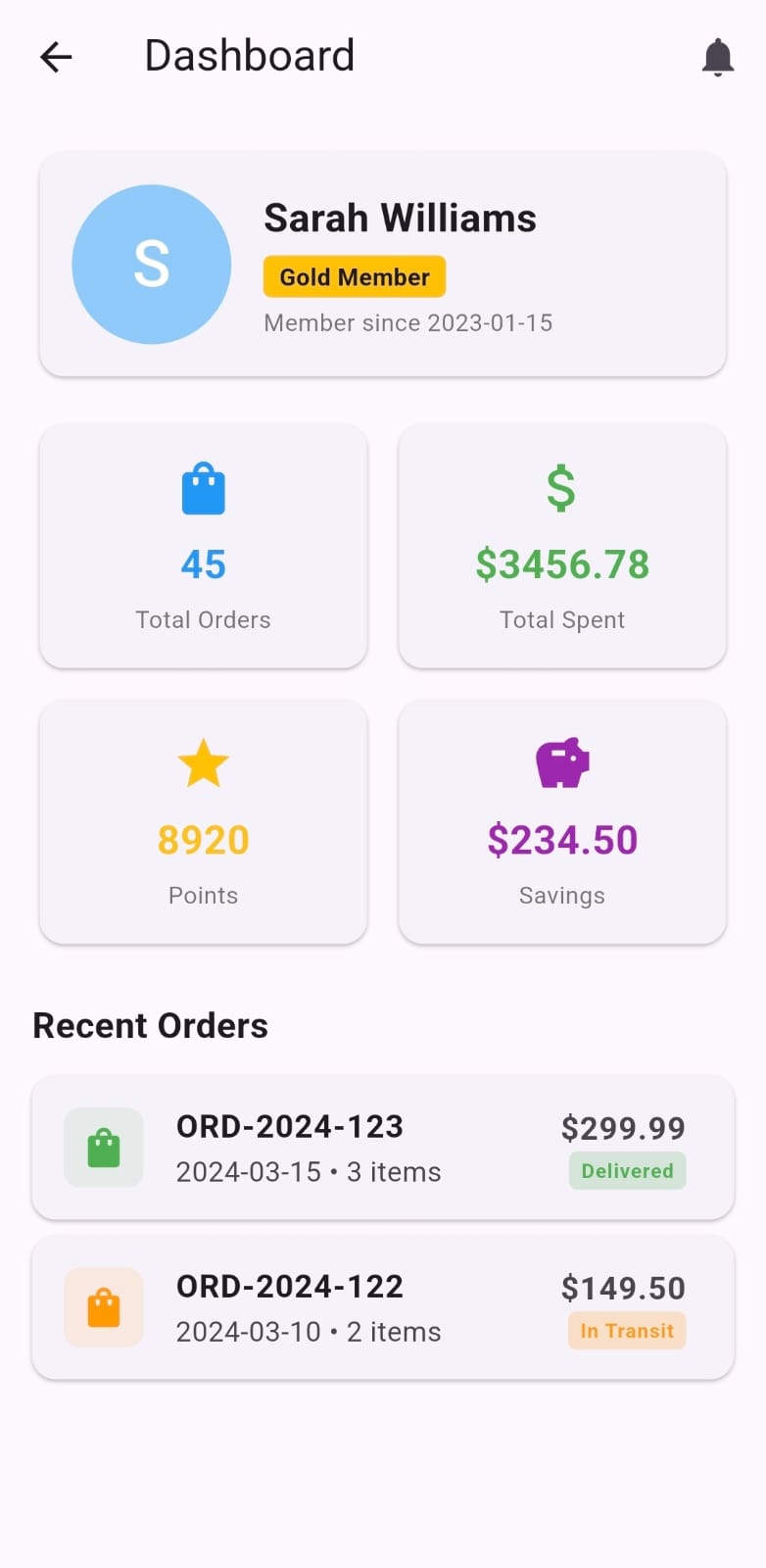 |
| Home Screen | Basic JSON Parsing | Nested Objects | Lists And Arrays | Dashboard |
Architecture
dynamic_schema_mapper/
├─ lib/
│  ├─ dynamic_schema_mapper.dart     # Main API
│  └─ src/
│     ├─ schema_node.dart            # Core data structure
│     ├─ schema_parser.dart          # JSON → SchemaNode
│     ├─ schema_diff.dart            # Change detection
│     └─ cache_manager.dart          # Optional caching
Core Components
- SchemaNode: Represents JSON values (primitives, objects, lists)
- SchemaParser: Converts JSON to SchemaNode tree
- SchemaDiff: Detects changes between schemas
- CacheManager: Optional local schema storage
Real-World Example
// Complex e-commerce order
final order = DynamicSchema.parse(orderApiResponse);

// Customer info
final customer = order.getNested('customer');
print('Customer: ${customer?.getString('name')}');
print('Loyalty: ${customer?.getString('loyaltyTier')}');

// Order items
final items = order.getList('items');
for (final item in items) {
  final name = item.getString('name');
  final qty = item.getInt('quantity');
  final price = item.getDouble('unitPrice');
  print('$name: $qty × \$$price');
}

// Shipping address
final address = order.getNested('shipping')?.getNested('address');
print('Ship to: ${address?.getString('city')}, ${address?.getString('state')}');

// Payment
final payment = order.getNested('payment');
final paid = payment?.getBool('paid') ?? false;
print('Payment status: ${paid ? 'PAID' : 'PENDING'}');
Advanced Usage
Compare Two Schemas
final oldSchema = DynamicSchema.parse(oldApiResponse);
final newSchema = DynamicSchema.parse(newApiResponse);

final changes = DynamicSchema.compareSchemas(oldSchema, newSchema);

for (final change in changes) {
  print(change);
}
Debug Schema Tree
// Print entire schema structure
schema.printTree();

// Output:
// object {
//   name:
//     string: John Doe
//   age:
//     integer: 30
//   address:
//     object {
//       city:
//         string: Springfield
//     }
// }
Performance
- Fast Parsing: Minimal overhead compared to manual models
- Lazy Evaluation: Only processes accessed fields
- Memory Efficient: Shared references, no duplication
Note :
Performance varies based on JSON size and structure. The package is optimized for real-world use cases where flexibility is more important than raw speed.
The package is optimized for real-world scenarios where API flexibility and zero maintenance are priorities. Performance characteristics scale well with JSON size, with lazy evaluation ensuring only accessed fields are processed.
Limitations
- No Static Types: Fields are accessed dynamically at runtime
- No Code Generation: Everything happens at runtime
Contributing
Contributions are welcome! If you find a bug or have a feature request, please open an issue on GitHub.
License
MIT License - see LICENSE file.
Support
- Issues: GitHub Issues
- Discussions: GitHub Discussions
- Email: gargesamarth@gmail.com
Show Your Support
If this package helps your project, give it a ⭐ on GitHub!
Made with ❤️ for the Flutter community

Samarth Garge ↗
分類
使用的依賴
依賴清單 4 項
- flutter
{"sdk":"flutter"} - shared_preferences
^2.5.3 - flutter_test開發依賴
{"sdk":"flutter"} - flutter_lints開發依賴
^6.0.0
如何選擇適合專案的儲存庫?
先依使用情境篩選,再比較專案活躍情況,最後到原始儲存庫確認使用要求。
- 透過儲存庫名稱、作者或描述搜尋,再依技術分類縮小範圍。
- 綜合星標、分支與最近推送比較專案;星標反映社群關注,不保證品質。
- 使用前在 GitHub 確認 README、授權條款與 Issues。
來源與維護
“A repository is the most basic element of GitHub.”
GitHub Docs — About repositories ↗