




 v0.0.5
empty_widget
Custom_Empty 小部件是 Flutter 自定小部件,設計用於通知使用者某些事件。
70喜歡 537近 30 天下載65Pub 分數
平台暫無資料
Custom_Empty 小部件是專為通知使用者某些事件而設計的 Flutter 外掛程式。

以下為英文專案原文快照,最新內容請造訪 GitHub。





Custom_Empty widget is flutter custom widget which is designed to notify user about some event.
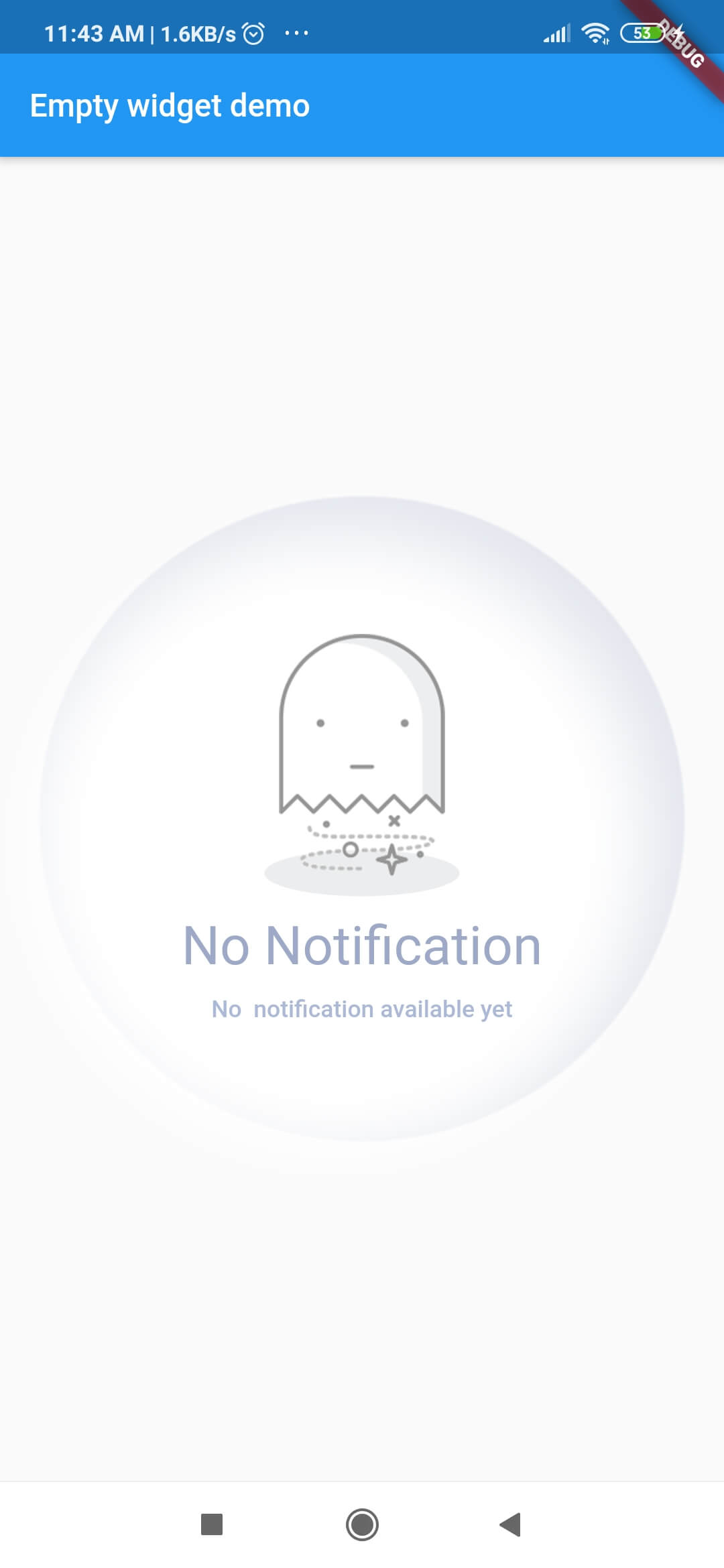
| Screenshots | Screenshots | Screenshots | Screenshots |
|---|---|---|---|
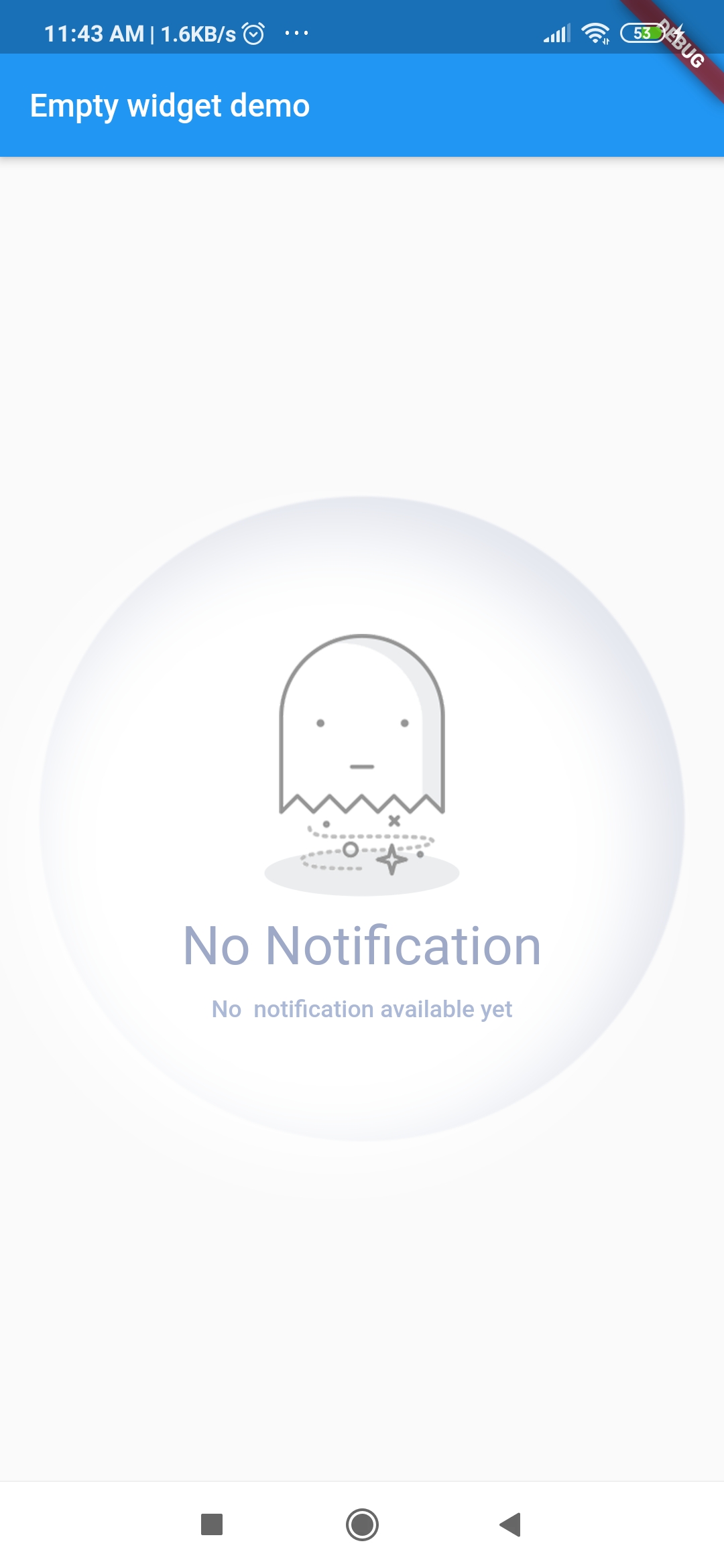 |
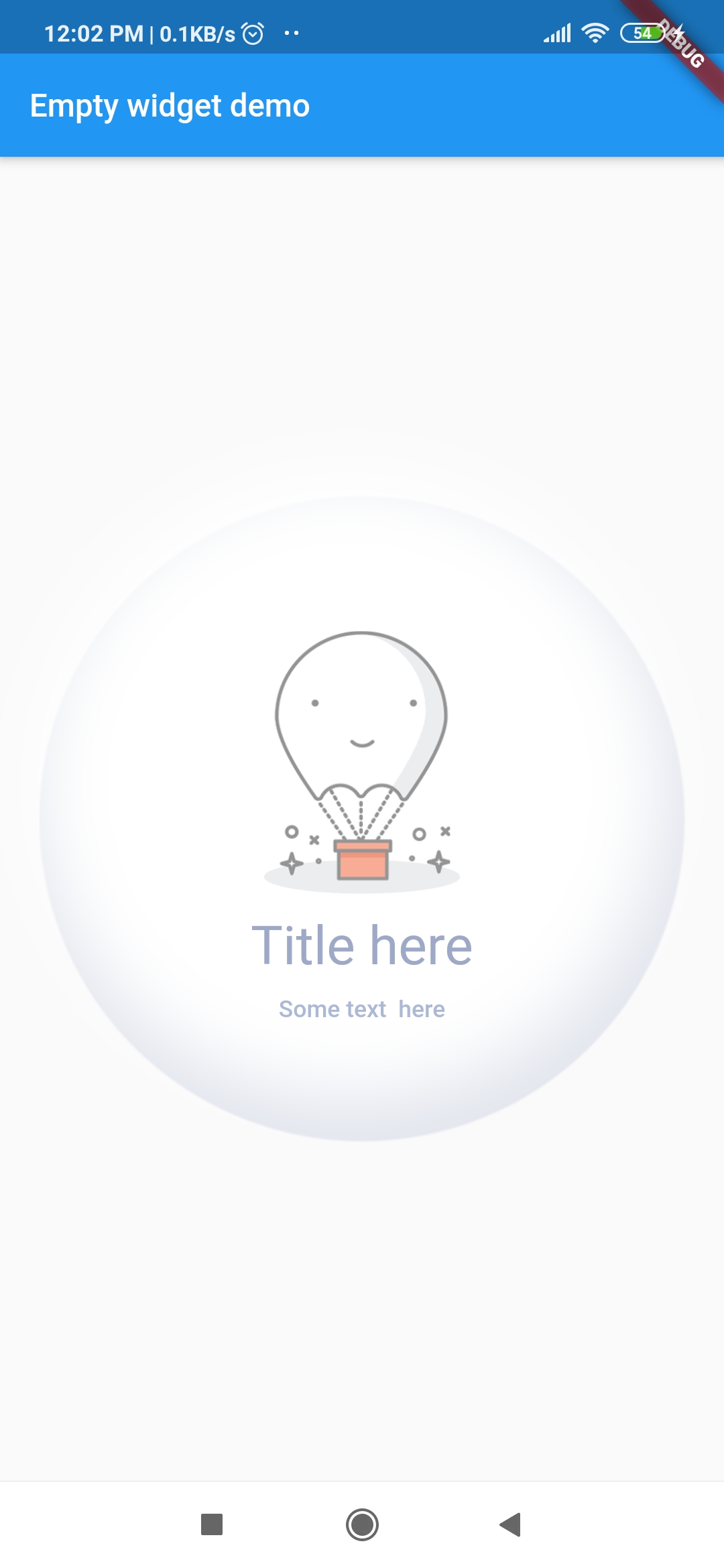 |
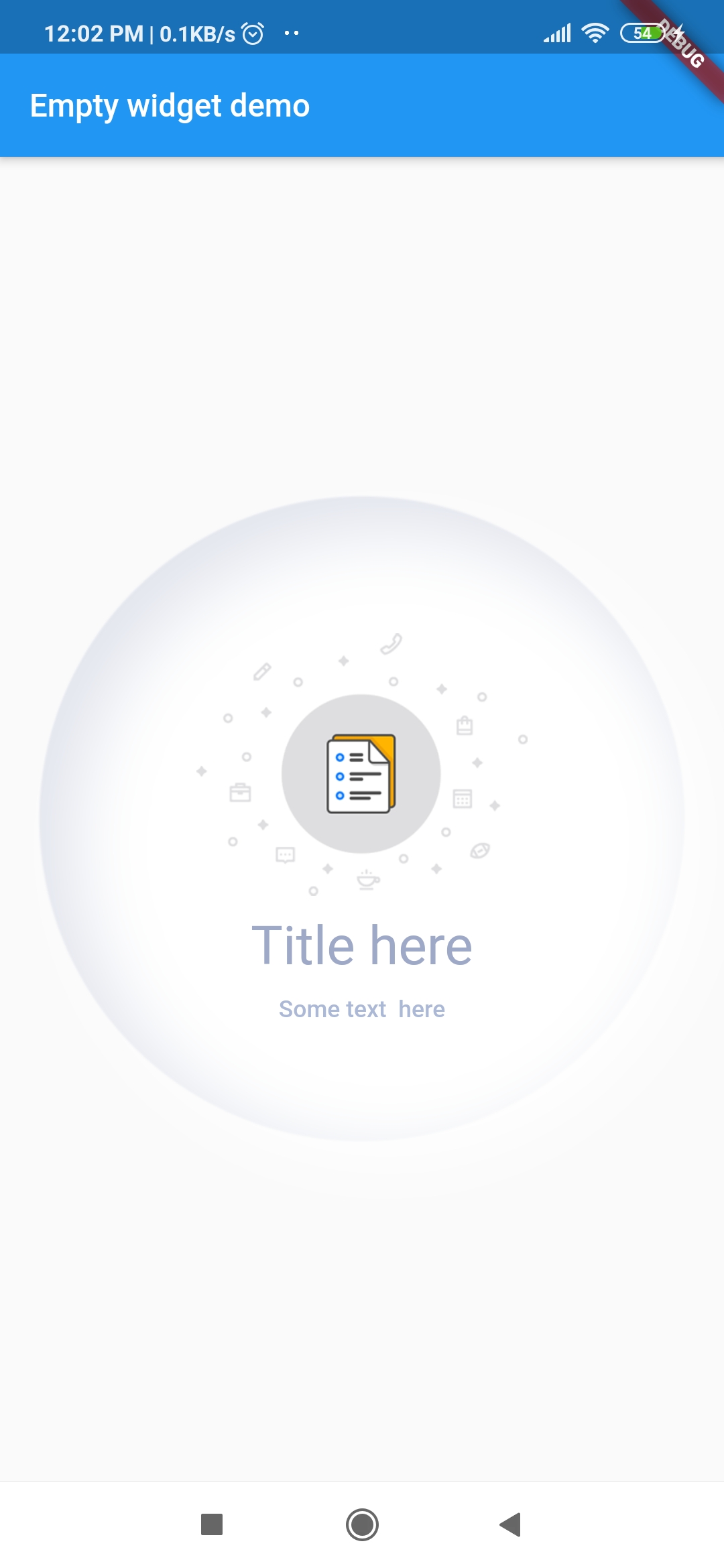 |
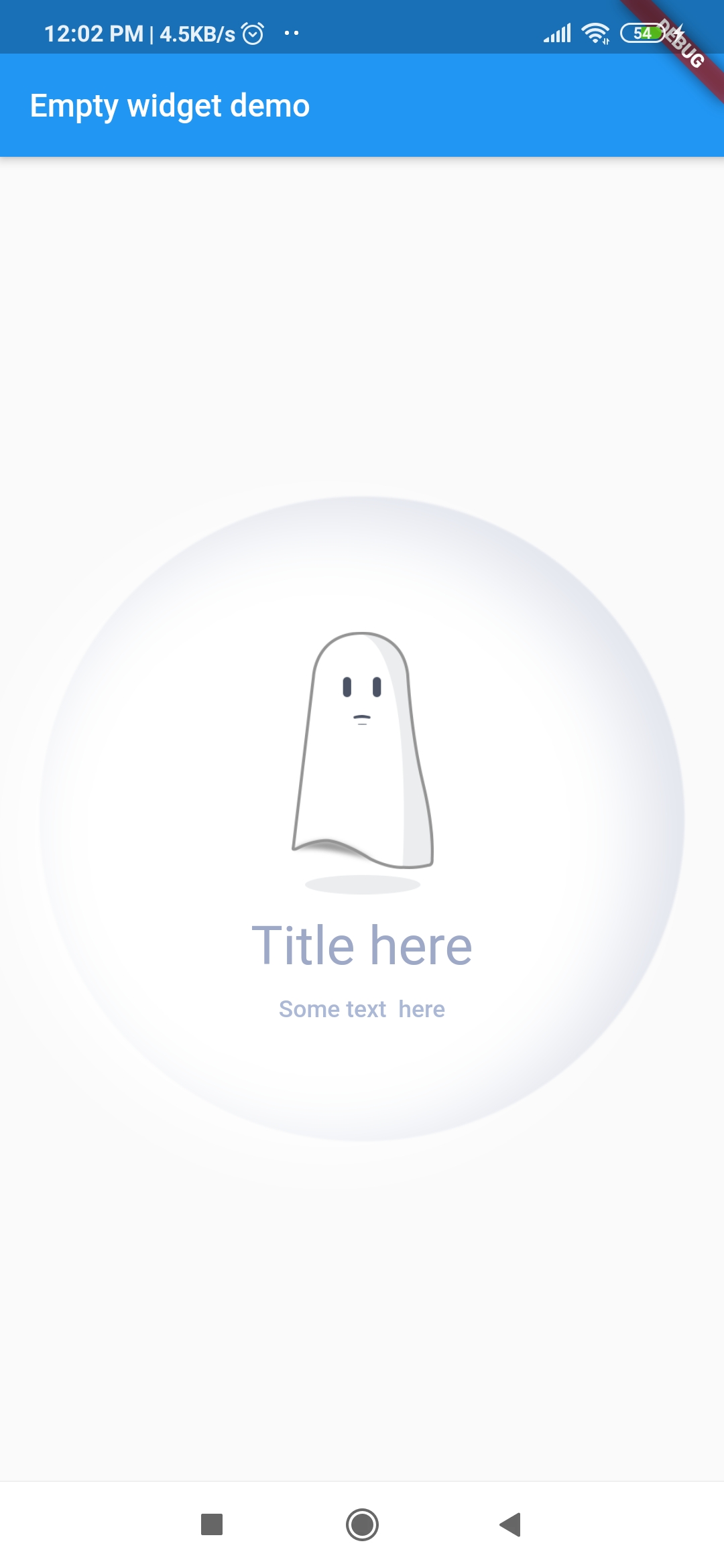 |
dependencies:
  empty_widget: ^0.0.3
import 'package:empty_widget/empty_widget.dart';
 EmptyWidget(
   image: null,
   packageImage: PackageImage.Image_1,
   title: 'No Notification',
   subTitle: 'No  notification available yet',
   titleTextStyle: TextStyle(
     fontSize: 22,
     color: Color(0xff9da9c7),
     fontWeight: FontWeight.w500,
   ),
   subtitleTextStyle: TextStyle(
     fontSize: 14,
     color: Color(0xffabb8d6),
   ),
 );
import 'package:empty_widget/empty_widget.dart';
import 'package:flutter/material.dart';

void main() => runApp(MyApp());

class MyApp extends StatelessWidget {
  @override
  Widget build(BuildContext context) {
    return MaterialApp(
      title: 'Flutter Demo',
      theme: ThemeData(
         primarySwatch: Colors.blue,
      ),
      home: MyHomePage(title: 'Empty widget demo'),
    );
  }
}

class MyHomePage extends StatefulWidget {
  MyHomePage({Key key, this.title}) : super(key: key);
 final String title;

  @override
  _MyHomePageState createState() => _MyHomePageState();
}

class _MyHomePageState extends State<MyHomePage> {
  @override
  Widget build(BuildContext context) {
    return Scaffold(
      appBar: AppBar(
        title: Text(widget.title),
      ),
      body: Container(
        alignment: Alignment.center,
        child: EmptyWidget(
          image: null,
          packageImage: PackageImage.Image_1,
          title: 'No Notification',
          subTitle: 'No  notification available yet',
          titleTextStyle: TextStyle(
            fontSize: 22,
            color: Color(0xff9da9c7),
            fontWeight: FontWeight.w500,
          ),
          subtitleTextStyle: TextStyle(
            fontSize: 14,
            color: Color(0xffabb8d6),
          ),
        ),
      ),
    );
  }
}
| Parameter | Type | Description |
|---|---|---|
| title | string |
Set text for title |
| subTitle | string |
Set text for subtitle |
| image | string |
Display images from project assets |
| packageImage | PackageImage |
Display image from package assets |
| titleTextStyle | TextStyle |
Set text style for title |
| subtitleTextStyle | TextStyle |
Set text style for subtitle |
| hideBackgroundAnimation | bool |
Hides the background circular ball animation |

I welcome and encourage all pull requests. It usually will take me within 24-48 hours to respond to any issue or request.
Sonu Sharma (Twitter) (Youtube)
(Insta)
If you found this project helpful or you learned something from the source code and want to thank me, consider buying me a cup of :coffee:

依賴清單 2 項
{"sdk":"flutter"}{"sdk":"flutter"}先依使用情境篩選,再比較專案活躍情況,最後到原始儲存庫確認使用要求。
“A repository is the most basic element of GitHub.”
GitHub Docs — About repositories ↗