

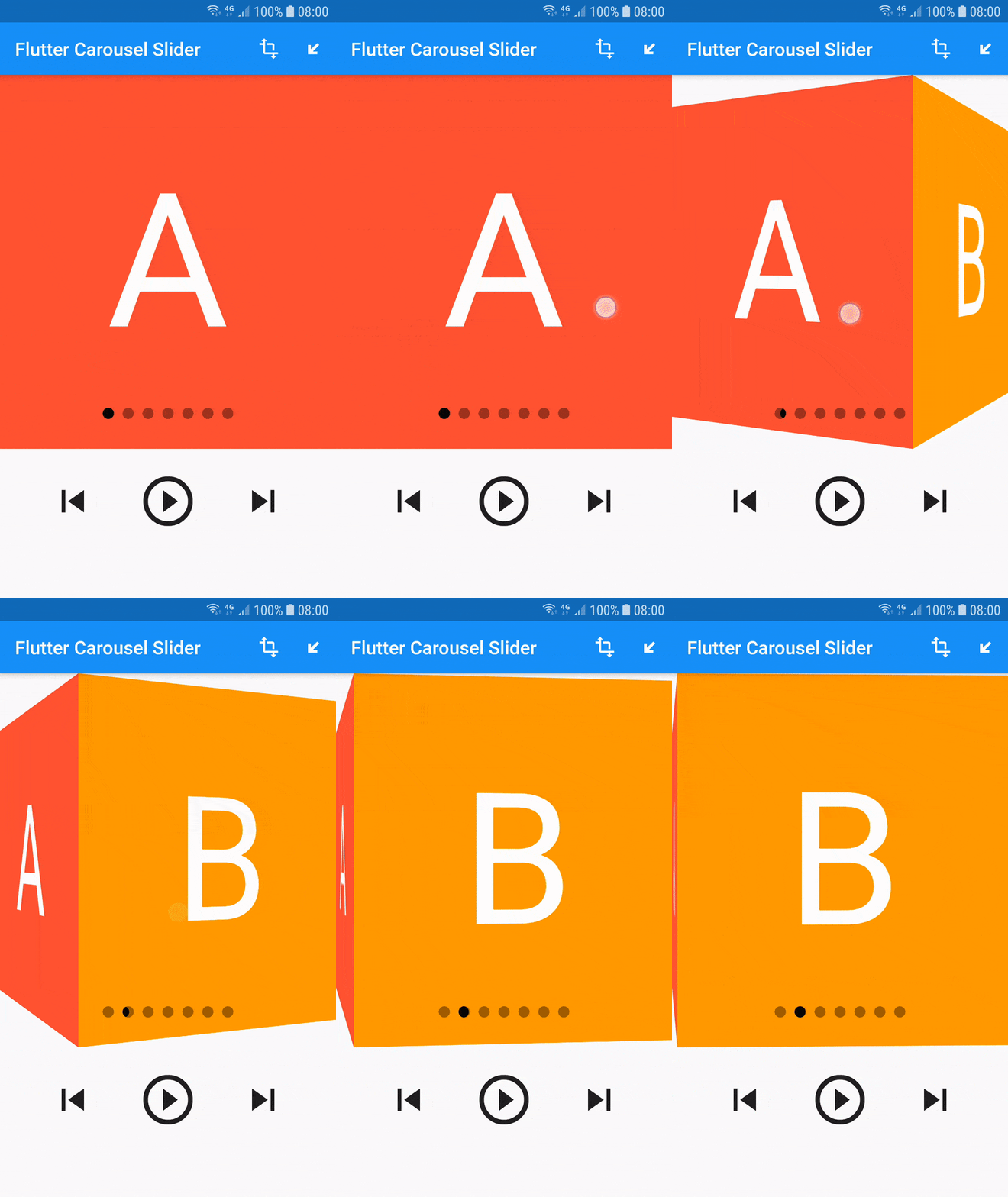
 v1.1.0
flutter_carousel_slider
一個可自定義的 Flutter 輪播圖滑塊。支援無限滑動、自訂指示器和自訂動畫,並提供多種預建指示器和動畫。
180喜歡 4060近 30 天下載140Pub 分數
AndroidiOSWebmacOSWindowsLinux
一個可自定義的 Flutter 輪播圖滑塊。支援無限滑動、自訂指示器和自訂動畫,並提供多種預建指示器和動畫。
以下為英文專案原文快照,最新內容請造訪 GitHub。
A customizable carousel slider for flutter
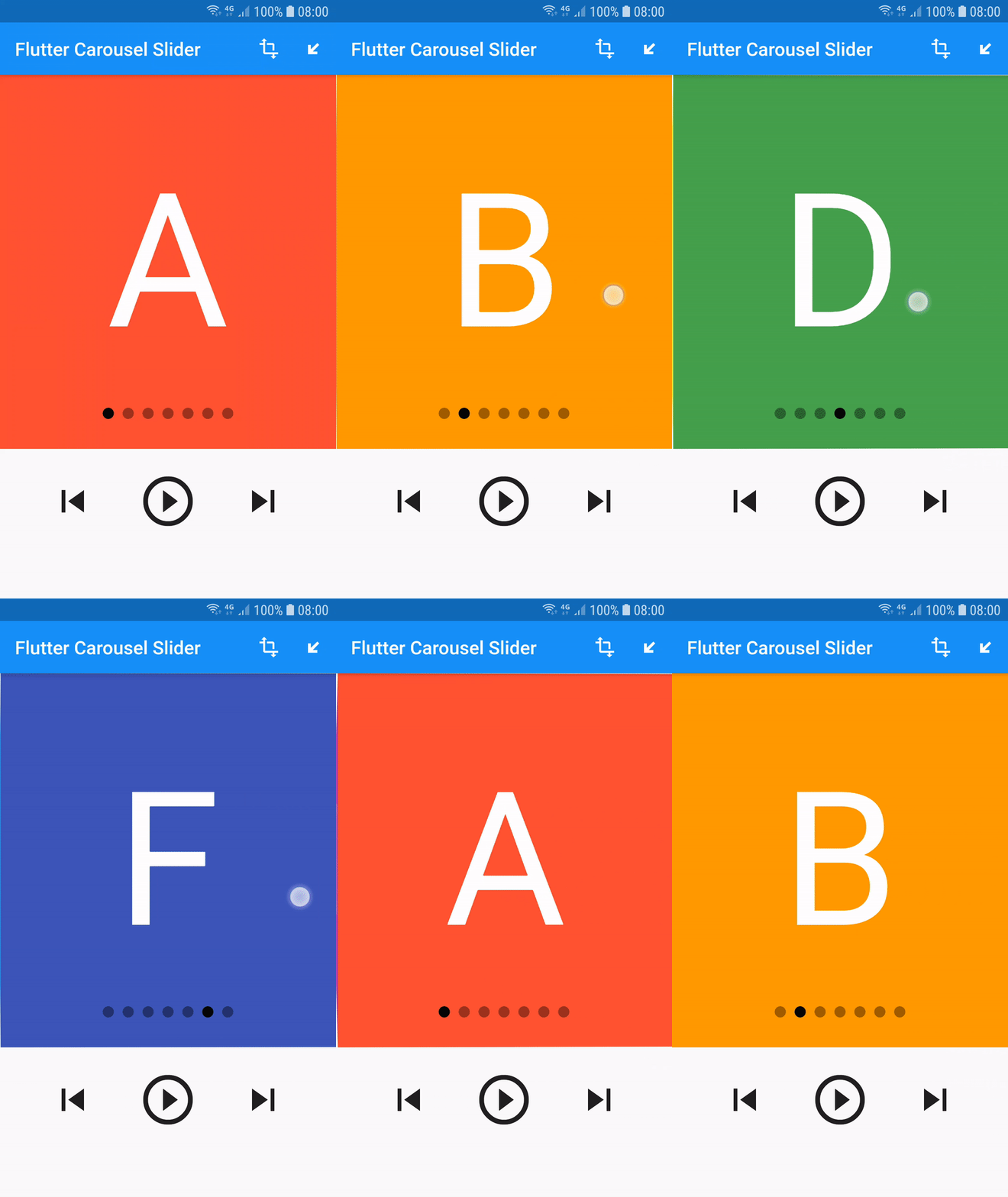
dependencies:
  flutter_carousel_slider: ^1.1.0
Demo application available at https://flutter-carousel-slider.web.app/
import 'package:flutter/material.dart';
import 'package:flutter_carousel_slider/carousel_slider.dart';

void main() {
  runApp(MyApp());
}

class MyApp extends StatelessWidget {
  @override
  Widget build(BuildContext context) {
    return MaterialApp(
      title: 'Flutter Carousel Slider',
      home: MyHomePage(title: 'Flutter Carousel Slider'),
    );
  }
}

class MyHomePage extends StatefulWidget {
  final String title;

  MyHomePage({Key key, this.title}) : super(key: key);

  @override
  _MyHomePageState createState() => _MyHomePageState();
}

class _MyHomePageState extends State<MyHomePage> {
  final List<Color> colors = [
    Colors.red,
    Colors.orange,
    Colors.yellow,
    Colors.green,
    Colors.blue,
    Colors.indigo,
    Colors.purple,
  ];
  final List<String> letters = [
    "A",
    "B",
    "C",
    "D",
    "E",
    "F",
    "G",
  ];

  bool _isPlaying = false;
  GlobalKey<CarouselSliderState> _sliderKey = GlobalKey();

  @override
  Widget build(BuildContext context) {
    return Scaffold(
      appBar: AppBar(
        title: Text(widget.title),
      ),
      body: ListView(
        children: <Widget>[
          Container(
            height: 500,
            child: CarouselSlider.builder(
                key: _sliderKey,
                unlimitedMode: true,
                slideBuilder: (index) {
                  return Container(
                    alignment: Alignment.center,
                    color: colors[index],
                    child: Text(
                      letters[index],
                      style: TextStyle(fontSize: 200, color: Colors.white),
                    ),
                  );
                },
                slideTransform: CubeTransform(),
                slideIndicator: CircularSlideIndicator(
                  padding: EdgeInsets.only(bottom: 32),
                ),
                itemCount: colors.length),
          ),
          Padding(
            padding: const EdgeInsets.symmetric(vertical: 32),
            child: Align(
              child: ConstrainedBox(
                constraints: BoxConstraints(minWidth: 240, maxWidth: 600),
                child: Row(
                  mainAxisAlignment: MainAxisAlignment.spaceEvenly,
                  children: [
                    IconButton(
                      iconSize: 48,
                      icon: Icon(Icons.skip_previous),
                      onPressed: () {
                        _sliderKey.currentState.previousPage();
                      },
                    ),
                    IconButton(
                      iconSize: 64,
                      icon: Icon(
                        _isPlaying
                            ? Icons.pause_circle_outline
                            : Icons.play_circle_outline,
                      ),
                      onPressed: () {
                        setState(
                          () {
                            _isPlaying = !_isPlaying;
                            _sliderKey.currentState.setPlaying(_isPlaying);
                          },
                        );
                      },
                    ),
                    IconButton(
                      iconSize: 48,
                      icon: Icon(Icons.skip_next),
                      onPressed: () {
                        _sliderKey.currentState.nextPage();
                      },
                    ),
                  ],
                ),
              ),
            ),
          ),
        ],
      ),
    );
  }
}

依賴清單 2 項
{"sdk":"flutter"}{"sdk":"flutter"}先依使用情境篩選,再比較專案活躍情況,最後到原始儲存庫確認使用要求。
“A repository is the most basic element of GitHub.”
GitHub Docs — About repositories ↗