

 v1.0.4
roller_list
一個列表組件,其運作方式類似於滾輪:在有限的項目集合上無限滾動。
31喜歡 970近 30 天下載160Pub 分數
AndroidiOSWebmacOSWindowsLinux
Yahhi/roller_list open-source repository details.

以下為英文專案原文快照,最新內容請造訪 GitHub。

This widget is a list of values distributed in a circle. The main rules of the list are: a user could scroll it in one direction endlessly, list values are limited and repeated in the same order over and over again. Possible usage scheme: -time selection -piano notes selection -choice of any limited number of items, where it is not important what should go first and what should go last.
You can check Flutter for web build here
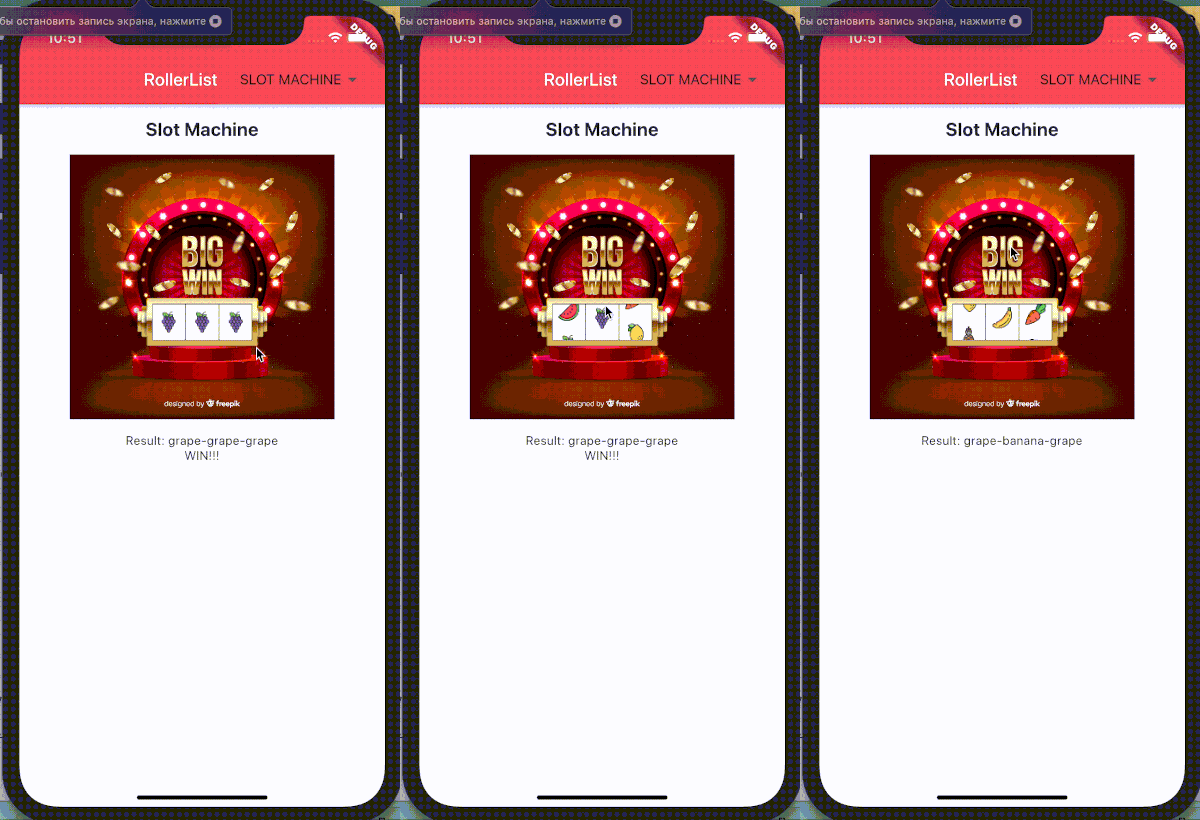
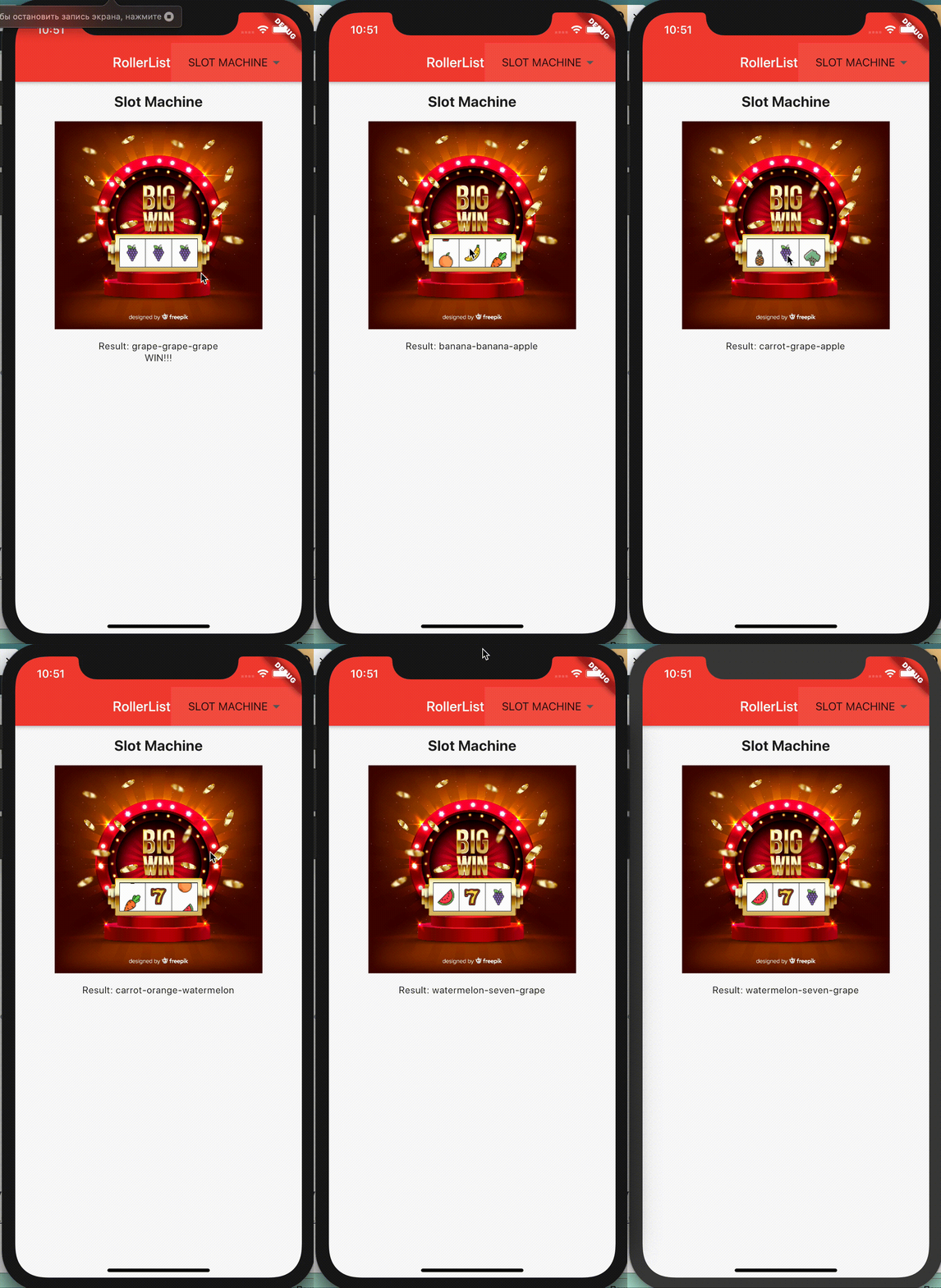
Or see how it looks like on iphone:
In the dependencies: section of your pubspec.yaml, add the following line:
roller_list: <latest version>
Then import this class:
import 'package:roller_list/roller_list.dart';
And add your list like this (with only programmatical scroll):
RollerList(
 items: slots,
 enabled: false,
 key: leftRoller,
)
Or like this (with enabled scroll):
RollerList(
  items: months,
  onSelectedIndexChanged: _changeMonths,
  initialIndex: 1,
)
where months is a list of widgets:
static const MONTHS = {
    "January": 31,
    "February": 29,
    "March": 31,
    "April": 30,
    "May": 31,
    "June": 30,
    "July": 31,
    "August": 31,
    "September": 30,
    "October": 31,
    "November": 30,
    "December": 31
  };

final List<Widget> months = MONTHS.keys
  .map((month) => Padding(
        padding: EdgeInsets.all(12.0),
        child: Text(
          month,
          textScaleFactor: 1.3,
          textAlign: TextAlign.center,
        ),
      ))
  .toList();
and _changeMonths will show the selection result somewhere in the widget tree:
void _changeMonths(int value) {
    setState(() {
      selectedMonth = MONTHS.keys.toList()[value];
    });
}
依賴清單 4 項
{"sdk":"flutter"}^1.1.0{"sdk":"flutter"}^6.0.0先依使用情境篩選,再比較專案活躍情況,最後到原始儲存庫確認使用要求。
“A repository is the most basic element of GitHub.”
GitHub Docs — About repositories ↗