
 v0.0.5
avatar_plus
一個多功能的 Flutter 套件,用於產生和顯示具有隨機字串內容的可自訂頭像。非常適合使用者個人檔案、佔位符等用途。
54喜歡 1100近 30 天下載140Pub 分數
AndroidiOSWebmacOSWindowsLinux
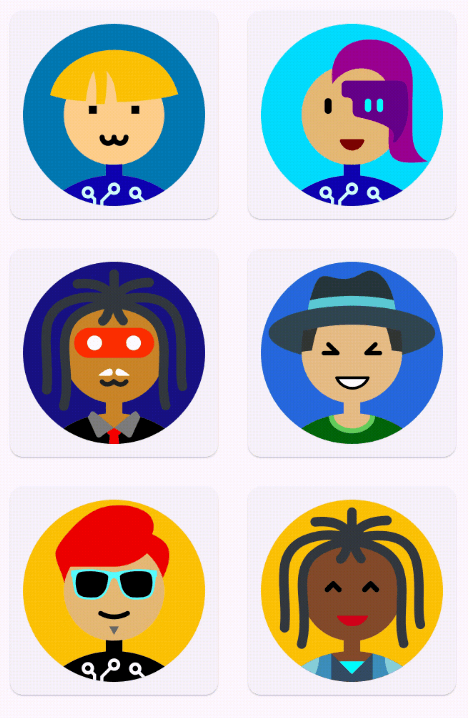
Avatar Plus 是一個 Flutter 套件,可讓您輕鬆產生並自訂獨特的頭像。最多可產生 120 億個獨一無二的頭像,此套件非常適合用於建立個人檔案圖片、遊戲標誌,或為您的設計專案增添個人化細節。

{"sdk":"flutter"}^3.0.3^2.0.0+1{"sdk":"flutter"}^4.0.0以下為英文專案原文快照,最新內容請造訪 GitHub。
https://raw.githubusercontent.com/YudizAndroidNareshP/Avatar-Plus/main/screenshots/banner.png
pub package package publisher GitHub code size
Avatar Plus is a Flutter wrapper for Multiavatar that allows you to generate and customize unique avatars easily. With up to 12 billion unique avatars possible, this package is perfect for creating profile pictures, gaming logos, or adding personalized touches to your design projects.
| https://raw.githubusercontent.com/YudizAndroidNareshP/Avatar-Plus/main/screenshots/demo.gif | https://raw.githubusercontent.com/YudizAndroidNareshP/Avatar-Plus/main/screenshots/screen-1.png | https://raw.githubusercontent.com/YudizAndroidNareshP/Avatar-Plus/main/screenshots/screen-2.png |
|---|---|---|
'Screen 1' |
'Screen 3' |
'Screen 2' |
Here is a basic example demonstrating how to use the avatar_plus package with various
customization options:
AvatarPlus("Jonny")
Add the following line to your pubspec.yaml file under dependencies:
dependencies:
  avatar_plus: ^1.0.0
Then run:
flutter pub get
To use Avatar Plus in your Flutter application:
import 'package:avatar_plus/avatar_plus.dart';
Here's a simple example of how to generate an avatar using Avatar Plus:
import 'package:flutter/material.dart';
import 'package:avatar_plus/avatar_plus.dart';

void main() {
  runApp(const MyApp());
}

class MyApp extends StatelessWidget {
  const MyApp({super.key});

  @override
  Widget build(BuildContext context) {
    return MaterialApp(
      title: 'Avatar Plus example',
      theme: ThemeData(
        primarySwatch: Colors.blue,
      ),
      home: const Example(),
    );
  }
}

class Example extends StatelessWidget {
  const Example({super.key});

  @override
  Widget build(BuildContext context) {
    return Scaffold(
      bottomNavigationBar: const Column(
        crossAxisAlignment: CrossAxisAlignment.center,
        mainAxisSize: MainAxisSize.min,
        children: [
          Text(
            "Avatar Plus",
            style: TextStyle(fontSize: 40),
          ),
          Text("Yudiz Solutions Limited © 2024"),
          SizedBox(
            height: 20,
          )
        ],
      ),
      body: Center(
        child: AvatarPlus(
          "jonny",
          height: MediaQuery.of(context).size.width - 20,
          width: MediaQuery.of(context).size.width - 20,
        ),
      ),
    );
  }
}
You can generate avatars in various formats using Avatar Plus:
String svgCode = AvatarPlusGen.instance.generate("Jonny");
String svgCode = AvatarPlusGen.instance.generate("Jonny", trBackground: true);
Widget svgWidget = AvatarPlus("Jonny", height: 100, width: 100);
Widget svgWidget = AvatarPlus("Jonny", trBackground: true, height: 100, width: 100);
This project is licensed under the MIT License - see the LICENSE file for details.
| YudizAndroidNaresh YudizAndroidNaresh 🚇 ⚠️ 💻 |
Contributions are welcome! Please open an issue or submit a pull request on the GitHub repository if you would like to contribute to Avatar Plus.
If you encounter any issues or have questions, feel free to open an issue on GitHub.