

 v3.0.1
liquid_pull_to_refresh
一個美觀且可自訂的刷新指示器,帶有酷炫的動畫和過渡效果,適用於 Flutter。
826喜歡 2.6萬近 30 天下載150Pub 分數
AndroidiOSWebmacOSWindowsLinux
🔁 適用於 Flutter 的自訂重新整理指示器。

以下為英文專案原文快照,最新內容請造訪 GitHub。
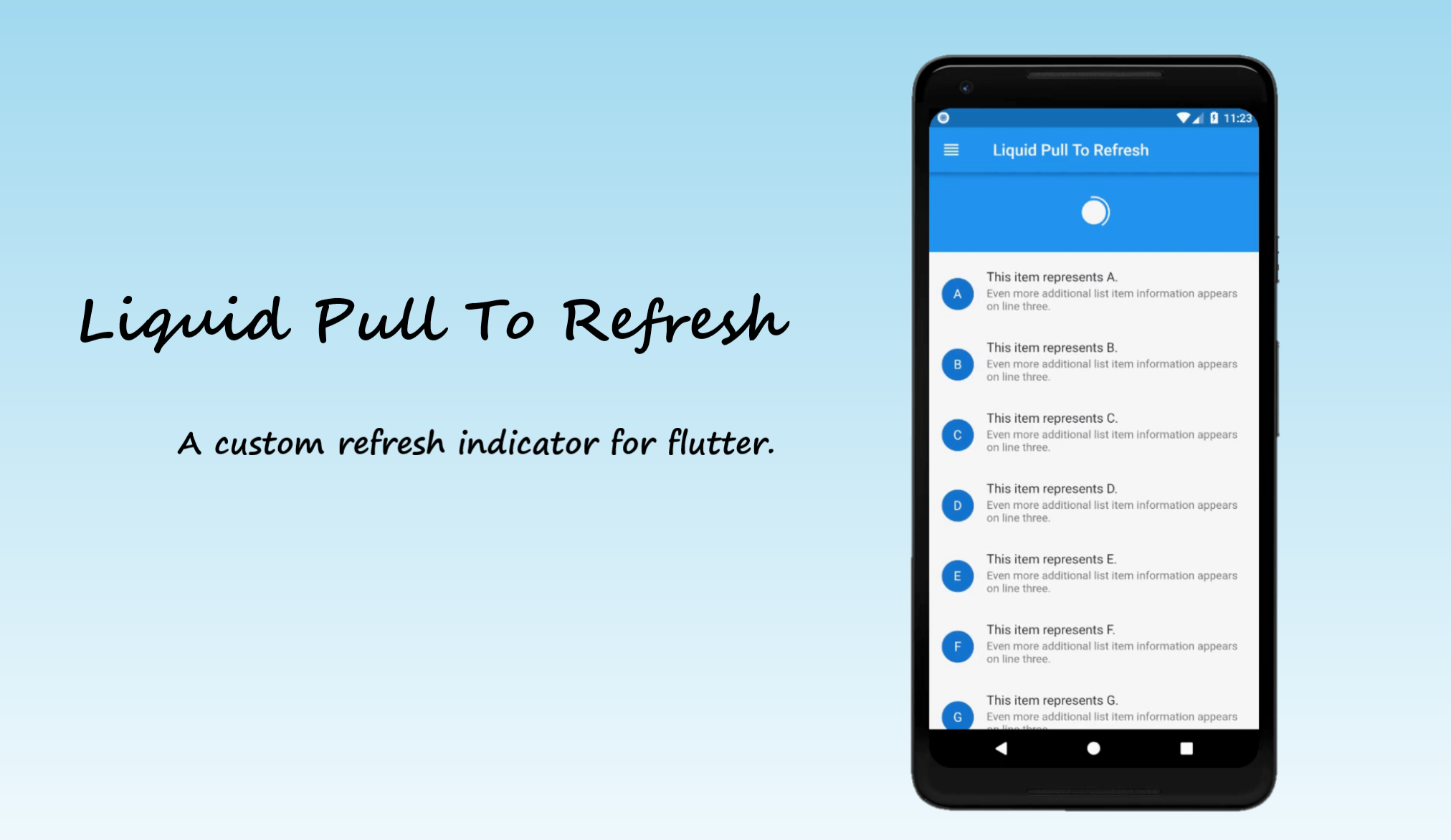
A beautiful and custom refresh indicator for flutter highly inspired from Ramotion Pull Down to Refresh. Try out our live example app.


Add this to your package's pubspec.yaml file:
dependencies:
  liquid_pull_to_refresh: ^3.0.1
You can install packages from the command line:
with pub:
$ pub get
with Flutter:
$ flutter packages get
Now in your Dart code, you can use:
import 'package:liquid_pull_to_refresh/liquid_pull_to_refresh.dart';
For adding this custom refresh indicator in your flutter app, you have to simply wrap ListView or GridView inside LiquidPullToRefresh. Also you have provide the value of onRefresh parameter which is a refresh callback.
Note - LiquidPullToRefresh can only be used with a vertical scroll view.
For example:
LiquidPullToRefresh(
        key: _refreshIndicatorKey,	// key if you want to add
        onRefresh: _handleRefresh,	// refresh callback
        child: ListView(),		// scroll view
      );
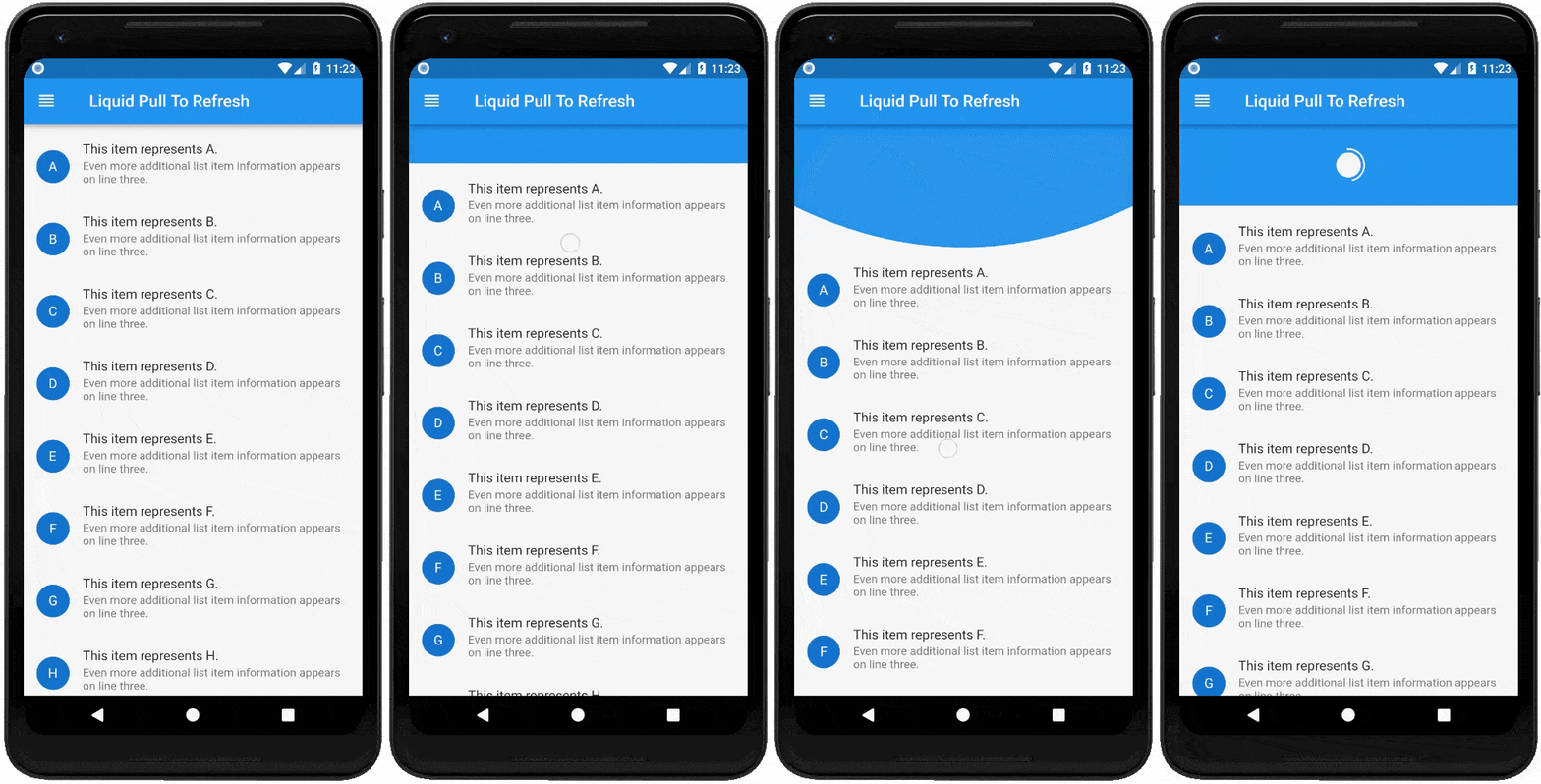
If you do not want the opacity transition of child then set showChildOpacityTransition: false. Preview regarding the both form of this widget is follows :-
showChildOpacityTransition: true |
showChildOpacityTransition: false |
|---|---|
 |
 |
| Dart attribute | Datatype | Description | Default Value |
|---|---|---|---|
| child | ScrollView | The widget below this widget in the tree. | @required |
| onRefresh | RefreshCallback | A function that's called when the refreshing of page takes place. | @required |
| height | double | The distance from the child's top or bottom edge to where the box will settle after the spring effect. | 100.0 |
| springAnimationDurationInMilliseconds | int | Duration in milliseconds of springy effect that occurs when we leave dragging after full drag. | 1000 |
| borderWidth | double | Border width of progressing circle in Progressing Indicator. | 2.0 |
| showChildOpacityTransition | bool | Whether to show child opacity transition or not. | true |
| color | Color | The progress indicator's foreground color. | ColorScheme.secondary |
| backgroundColor | Color | The progress indicator's background color. | ThemeData.canvasColor |
| animSpeedFactor | double | Controls the speed of the animation after refresh. Used to fasten the ending animation. | 1.0 |
For help on editing package code, view the flutter documentation.
If you encounter any problems feel free to open an issue. If you feel the library is missing a feature, please raise a ticket on GitHub and I'll look into it. Pull request are also welcome.
See Contributing.md.
If you found this project helpful or you learned something from the source code and want to thank me, consider buying me a cup of :coffee:
Thanks goes to these wonderful people (emoji key):
 opannapo 💻 |
 Anthony Taormina 📖 |
 Erzhan ⚠️ |
 Puttipong Wongrak 🐛 |
 Aayush Malhotra 🐛 |
 benja8151 📦 🚧 |
 Remco Schrijver 📦 🚧 |
This project follows the all-contributors specification. Contributions of any kind welcome! See Contributing.md.
Liquid-Pull-To-Refresh is licensed under MIT license. View license.
依賴清單 2 項
{"sdk":"flutter"}{"sdk":"flutter"}先依使用情境篩選,再比較專案活躍情況,最後到原始儲存庫確認使用要求。
“A repository is the most basic element of GitHub.”
GitHub Docs — About repositories ↗