
 v3.13.1
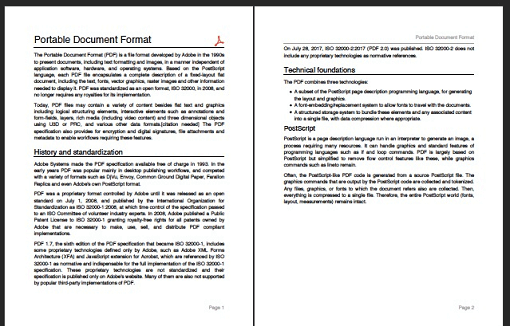
一個用於 Dart 的 PDF 產生器。它可以在 Web 或 Flutter 中建立 PDF 檔案。
3050喜歡 202萬近 30 天下載160Pub 分數
AndroidiOSWebmacOSWindowsLinux
Markdown 編輯器應用程式可輕鬆建立與編輯 Markdown 檔案。它可直接從資源管理員開啟 ".md" 檔案,提供文字樣式選項、輕鬆加入連結、淺色與深色主題模式、多種檢視模式。此應用程式使用 Flutter 開發,主要針對行動裝置設計,因為目前尚無獨立的 Markdown 編輯器可供使用。
 v3.13.1
一個用於 Dart 的 PDF 產生器。它可以在 Web 或 Flutter 中建立 PDF 檔案。
 v5.15.1
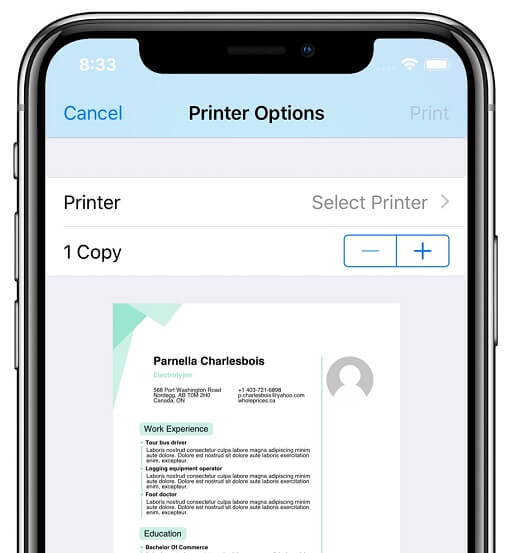
此外掛程式可讓 Flutter 應用程式在 Android、iOS、macOS、Windows 和 Linux 上,以及 Web 印表機上產生並列印文件。
Flutter 套件,用於將 HTML 渲染為小組件,著重於正確性和可擴展性。
 v2.3.2+8
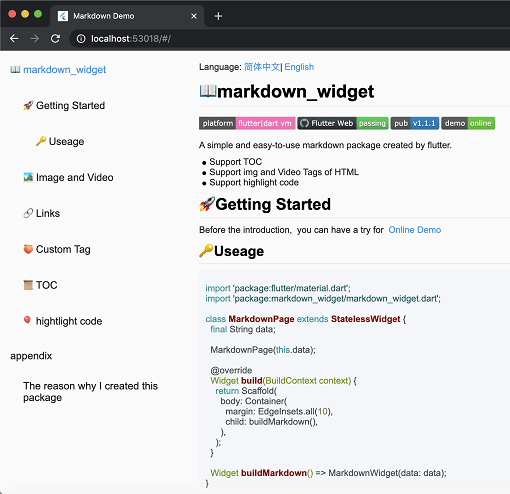
一個新的 markdown 套件。支援目錄(TOC)功能、程式碼強調,並支援所有平台。
 v5.0.1
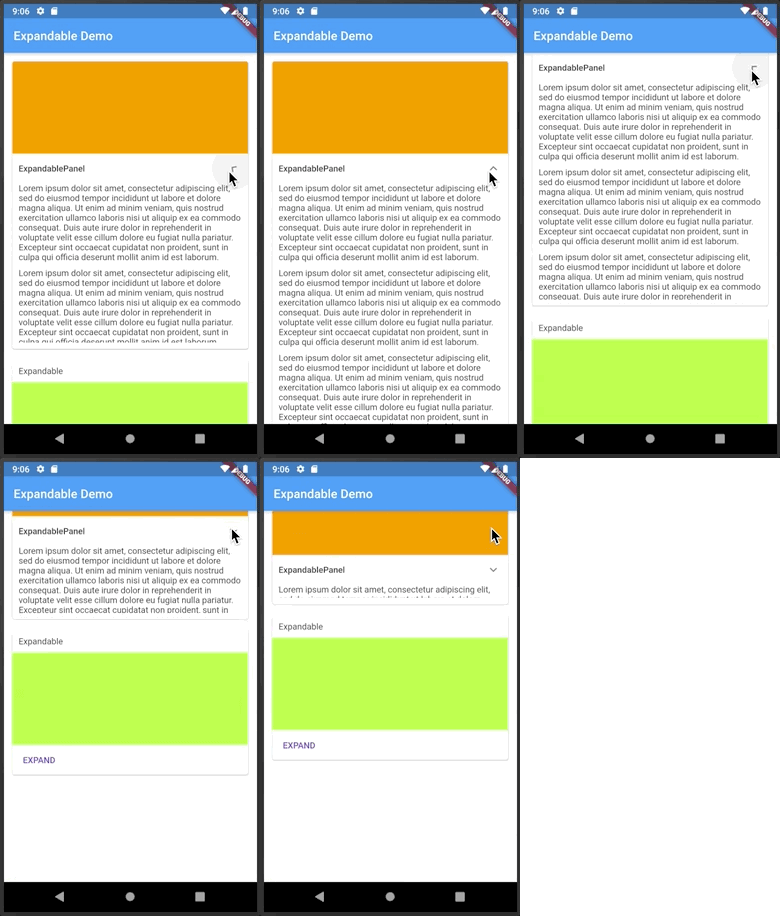
一個可點擊標題或圖示來展開或收起的 Flutter 小部件。
一個以 Dart 寫成的可攜式 Markdown 庫,可用來將 Markdown 解析為 HTML。
 v0.7.4
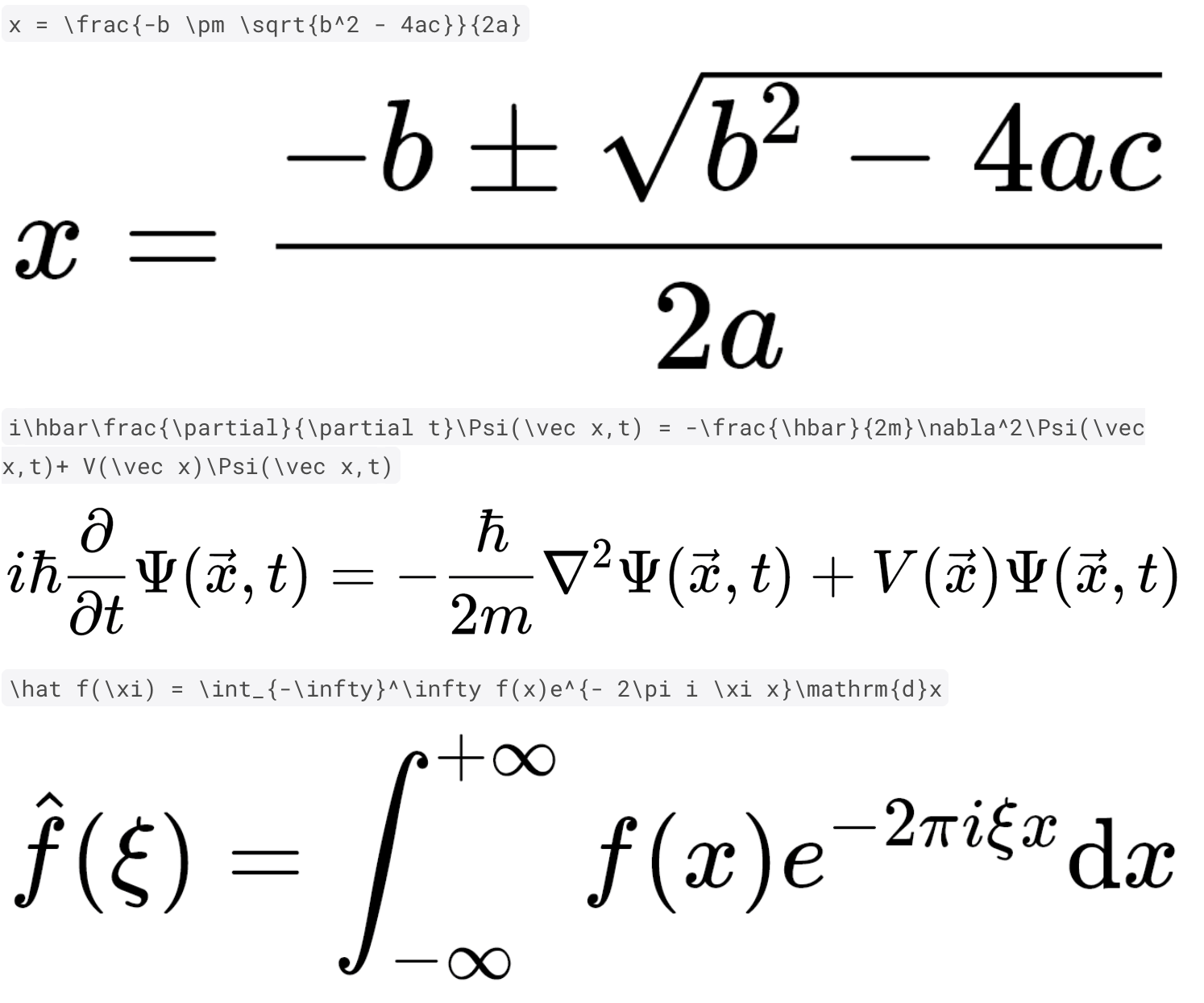
使用純 Dart 與 Flutter 快速且高品質地呈現 TeX 數學方程式。
一個 Dart 套件,可將 HTML 與 Markdown 富文本內容轉換為高品質的 PDF 小部件。透過無縫地將您的結構化文字內容轉換為可列印的專業 PDF,簡化 PDF 文件的建立。非常適合產生報表、發票等!
依賴清單 23 項
^1.8.1^5.0.1^11.0.2{"sdk":"flutter"}{"sdk":"flutter"}^0.7.4^2.2.4^0.17.2^8.0.2^0.15.6^2.0.1any^7.3.1^2.3.2+8^2.1.5^3.12.0^12.0.1^5.14.3^12.0.2^2.5.5^6.3.2^6.0.0{"sdk":"flutter"}以下為英文專案原文快照,最新內容請造訪 GitHub。
Introducing the Markdown Editor app, the perfect tool for anyone who needs to create and edit markdown files with ease. With the ability to open ".md" files directly from the explorer, you can easily access your files and start working on them right away.
The app also offers a convenient way to style your text with options such as bold, italics, headings, and more. Adding links is also a breeze with the simple interface.
In addition, you can preview JPEG, PNG, GIF, WebP, BMP, and WBMP image formats right within the app. You can easily open links from the preview, making it easy to navigate between different files and sources.
Choose between Light and Dark Theme Modes, use Dynamic Color for improved theme customization, and use the Dual View Mode to simultaneously view both the preview and editing views. Alternatively, you can use Single View Mode to focus on either the preview or editing view.
The app also offers the ability to share your markdown files as plain text, markdown, or PDF, clear text and start from scratch, as well as create new .md files or edit existing ones.
This Editor was developed using Flutter and is mainly targeted for mobile devices as currently there aren't any standalone markdown editors available.
Please star⭐ the repo if you like what you see😊.
| Platform | Installation Links |
|---|---|
| Android |
Get it on Google Play
Get it on F-Droid APK download |
| Linux |
Download .AppImage
Download .deb Download .rpm Get it from the Snap Store |
| Windows | Download Windows Installer |
| Web App | Web App |
Light Mode Image Dark Mode Image File Explorer Image Add Link Image Markdown Preview Image Markdown Editor Image
| Name | Usage |
|---|---|
| dynamic_color | For improved theme customization |
| expandable | To create expandable header buttons |
| file_picker | To open markdown files directly from the app |
| flutter_localizations | Internationalizing app |
| flutter_math_fork | Help with LaTeX support |
| flutter_svg | To Display Svg Images |
| flutter_widget_from_html_core | To add html display support |
| google_fonts | To add custom fonts support |
| html | To help display html format |
| htmltopdfwidgets | To convert html to pdf for printing |
| intl | Provides internationalization and localization facilities |
| markdown | To convert markdown to html format |
| markdown_widget | To help display markdown/custom markdown |
| To help save/create a pdf | |
| permission_handler | To get storage permissions for opening and saving .md files |
| printing | To help printing a pdf |
| share_plus | To share markdown files in various formats |
| shared_preferences | To store device preferences for persistence |
| url_launcher | To launch markdown links |
| flutter_lints | For linting |
Copyright (c) 2023 Aditya R MIT LICENCE