
字型圖庫
一個用於顯示不同字型家族及其變體外觀的應用程式。使用 Flutter 開發。

- 星標
- 82
- 分支
- 8
- 最近推送(UTC)
- 2025年7月29日
- 專案狀態
- 未封存
原始 README
以下為英文專案原文快照,最新內容請造訪 GitHub。
📜🖼️ Font Gallery
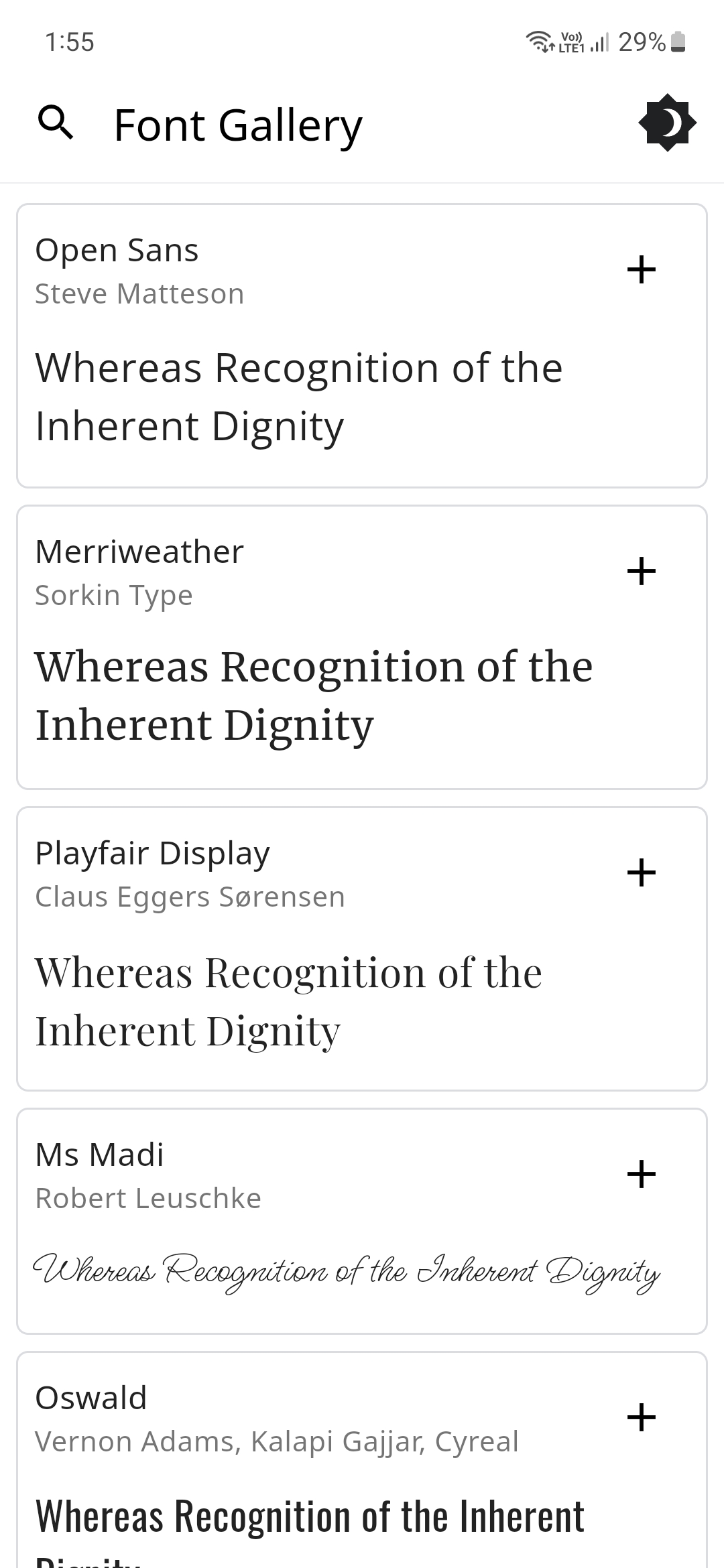
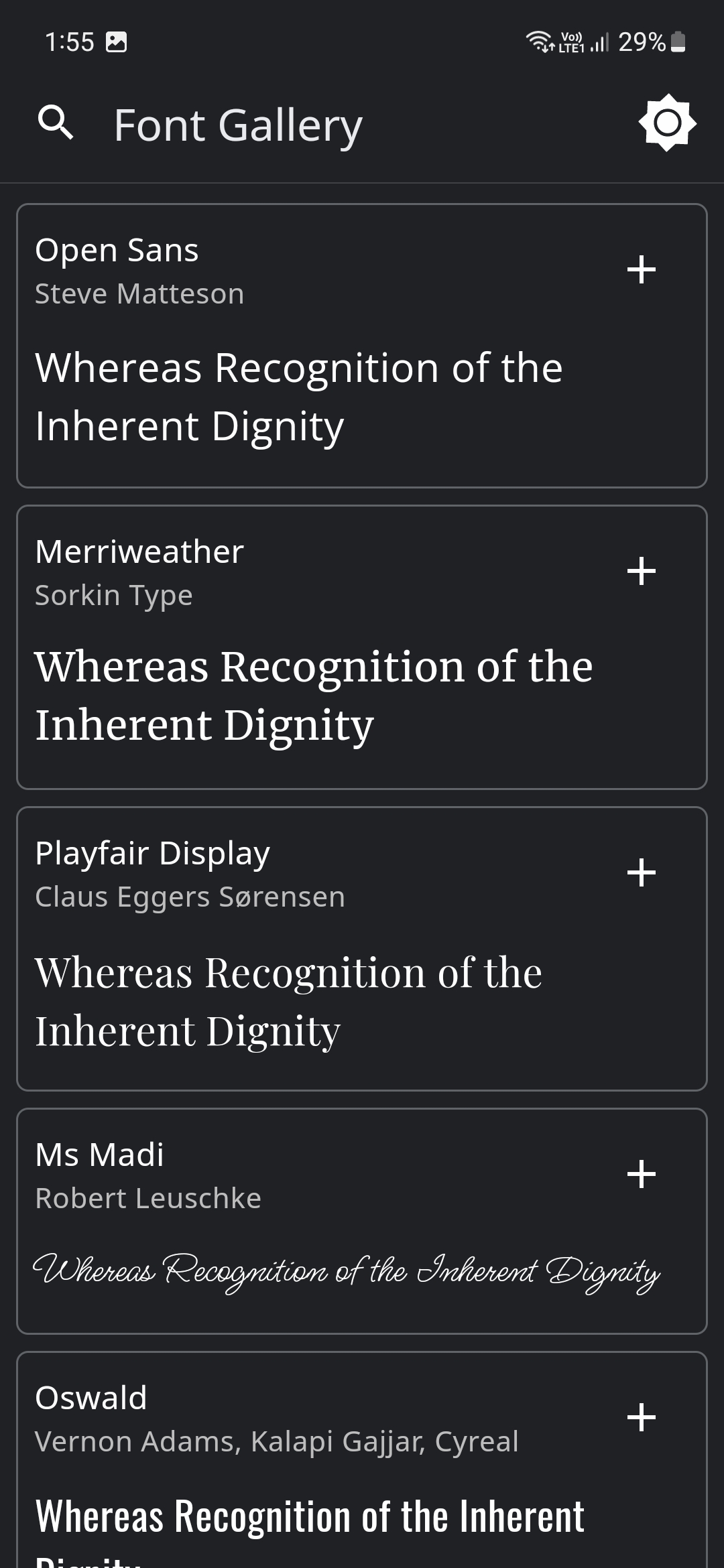
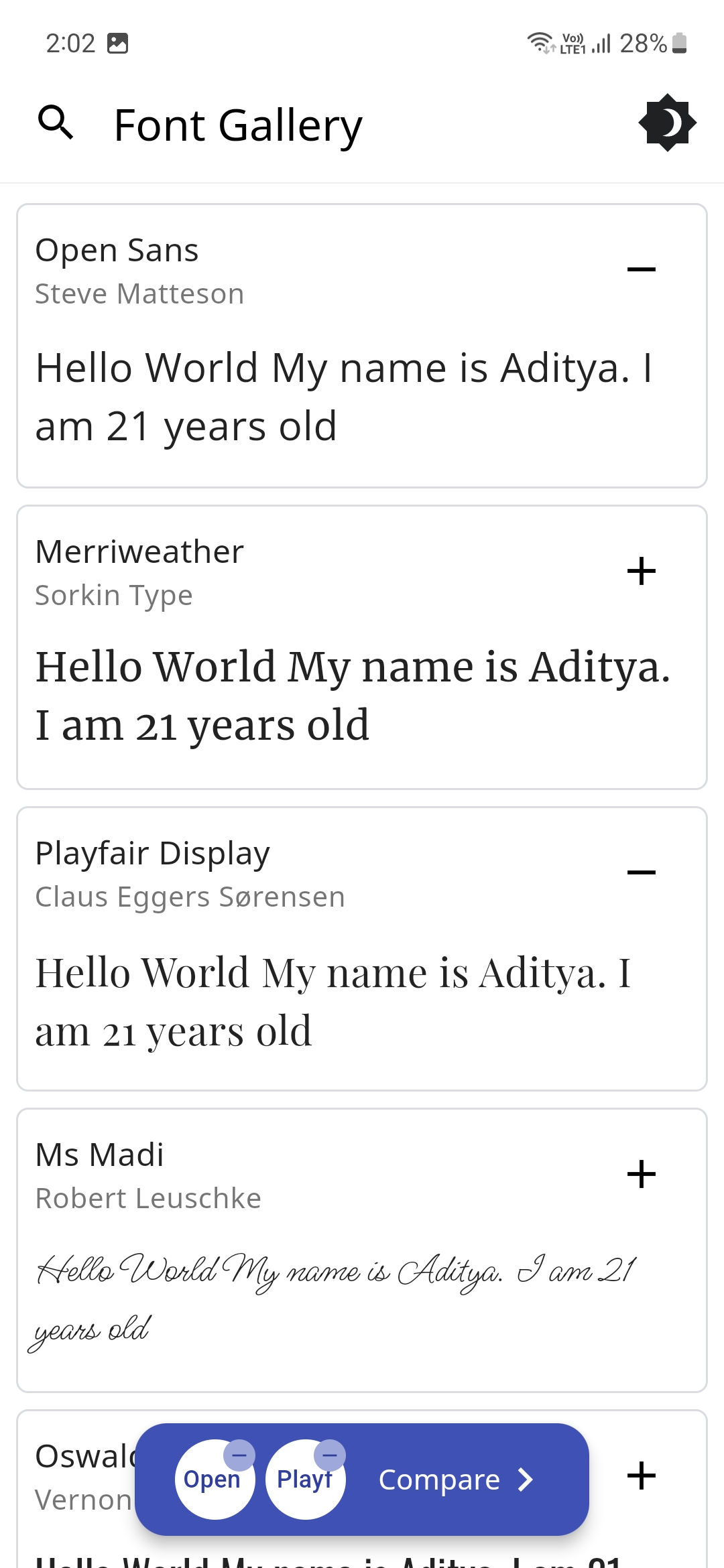
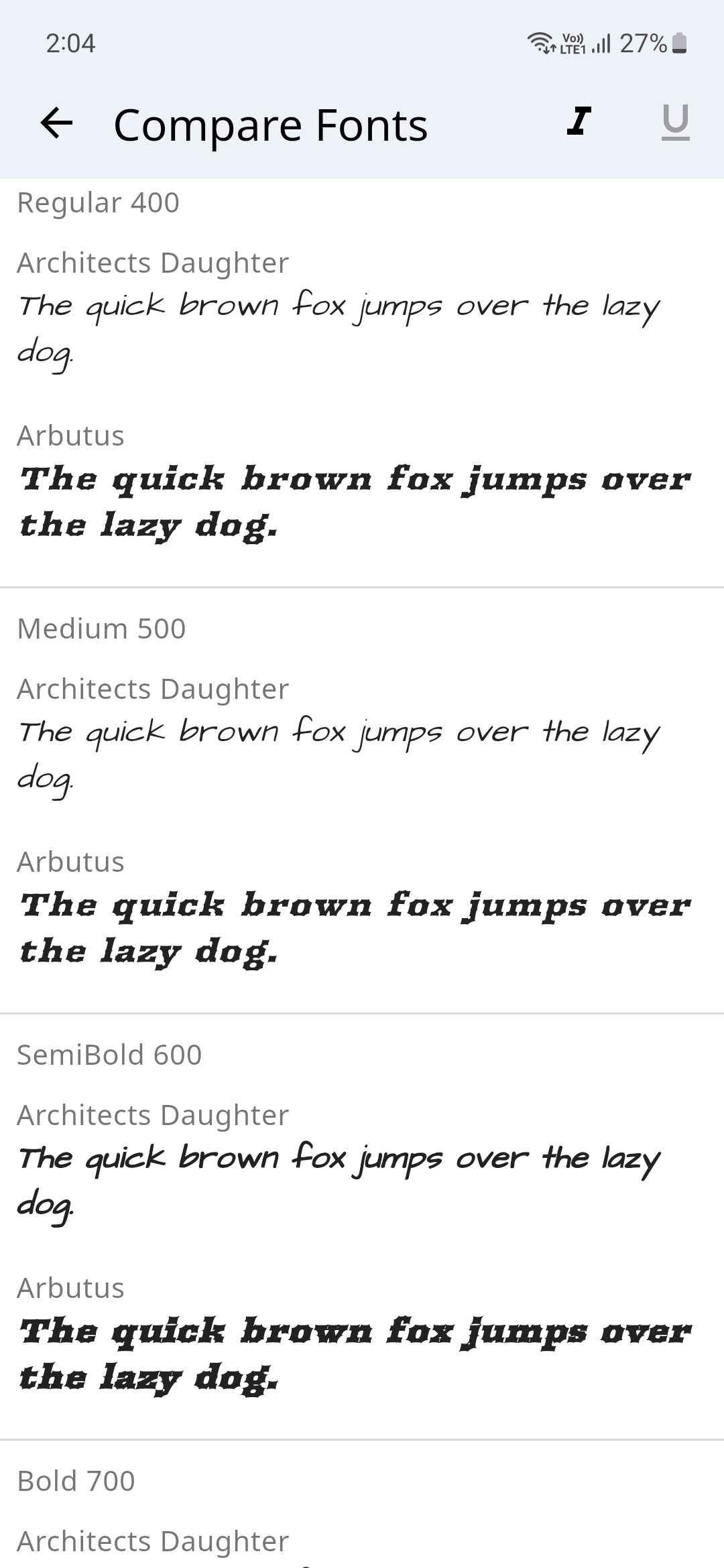
Font Gallery app showcases how different Font Families with their different variations (Style, Weight and Size) look. You could switch between light and dark modes and also compare different font families.
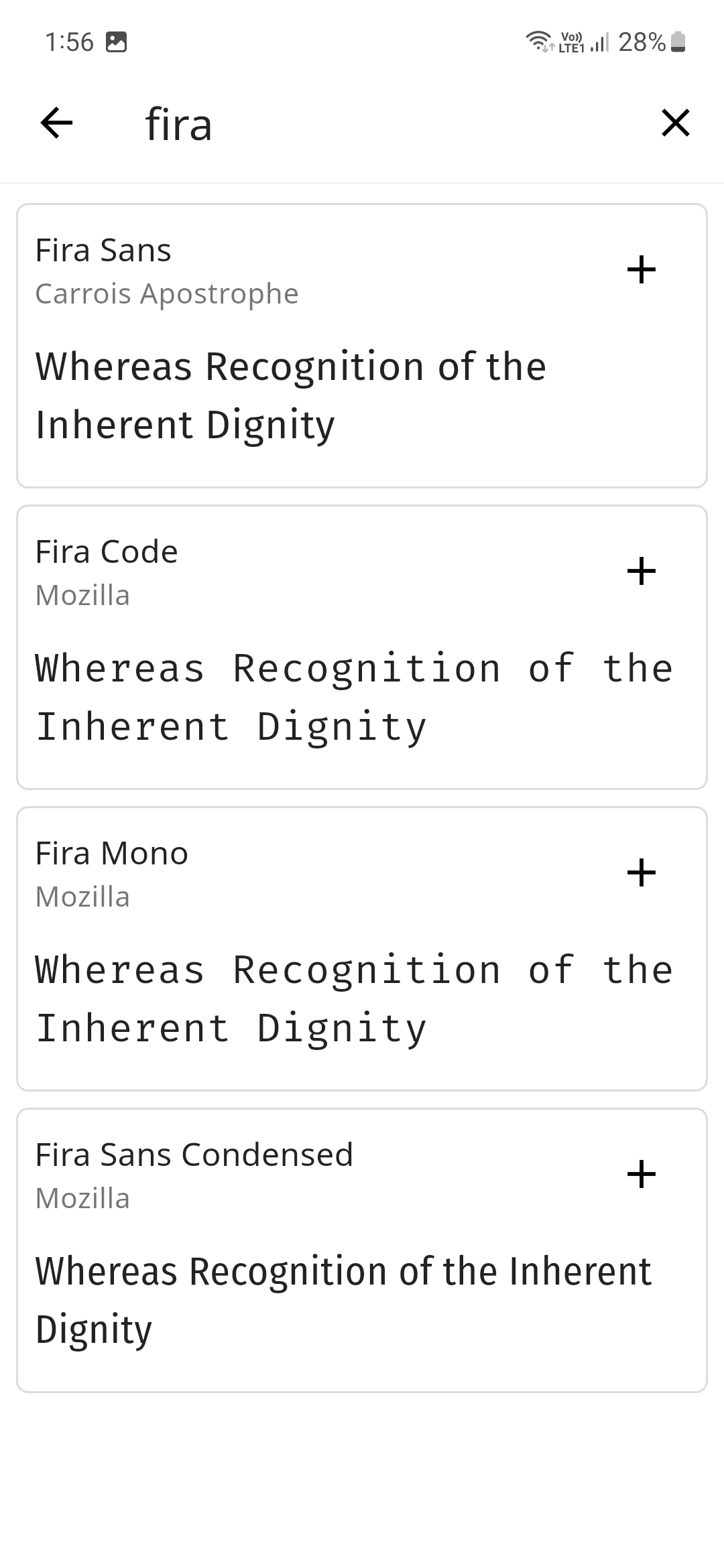
There's a handy search feature to easily search for your favorite fonts and the text to compare the font's could also be changed to a custom user set text.
The Fonts are sourced from Google Fonts and even the Font Author information is displayed.
Please star⭐ the repo if you like what you see😊.
💻 Installation and Usage
| Platform | Installation Links |
|---|---|
| Android |



|
| Linux |

|
| Windows |

|
| Web App |

|
✨ Features
- [x] Display Different Fonts
- [x] Search for Fonts using their name
- [x] Dark/Light Theme Modes
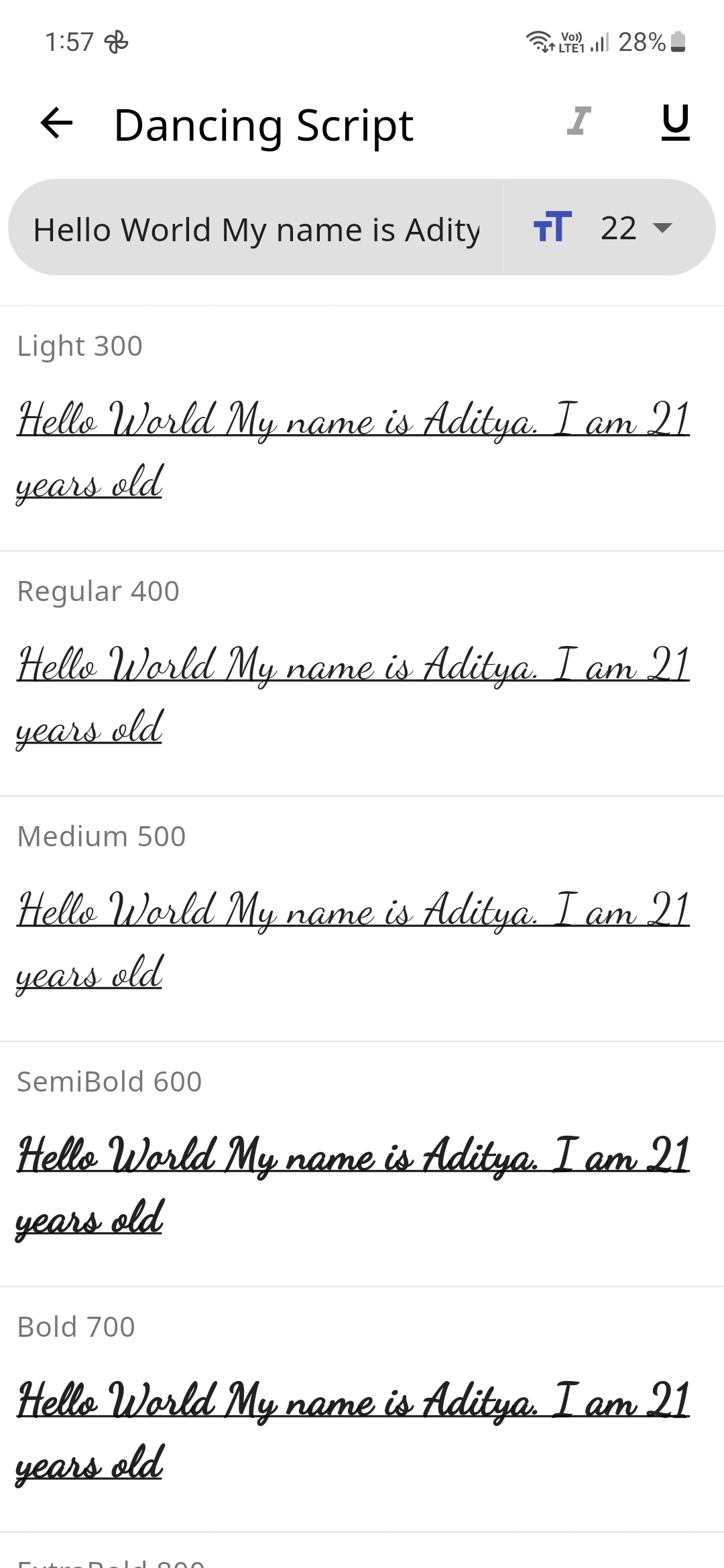
- [x] Input Text to preview how it would look with the selected Font
- [x] Change Font Size
- [x] Display all the Font Weights
- [x] Option to Display a different Font style
- [x] Display Font Author Information
- [x] Compare Fonts
- [ ] Change Font Colors
- [ ] Generate an Image for the font
- [ ] Multi-Language Support
📸 Screenshots
🔌 Plugins
| Name | Usage |
|---|---|
| shared_preferences | To store theme mode preference |
| flutter_lints | For linting |
| lottie | For Theme Switch Animation |
| google_fonts | For downloading the different fonts |
| flutter_riverpod | For managing the state |
🤓 Author
🔖 LICENSE
Copyright (c) 2023 Aditya R MIT LICENSE
🙏 Attributions

GitHub 作者
Aditya ↗
語言DartC++CMakeRubyInno SetupSwiftCHTMLKotlinObjective-C
分類
使用的依賴
依賴清單 7 項
- flutter
{"sdk":"flutter"} - flutter_riverpod
^2.6.1 - google_fonts
^6.2.1 - lottie
^3.3.1 - shared_preferences
^2.5.3 - flutter_lints開發依賴
^5.0.0 - flutter_test開發依賴
{"sdk":"flutter"}
App 分類
如何選擇適合專案的儲存庫?
先依使用情境篩選,再比較專案活躍情況,最後到原始儲存庫確認使用要求。
- 透過儲存庫名稱、作者或描述搜尋,再依技術分類縮小範圍。
- 綜合星標、分支與最近推送比較專案;星標反映社群關注,不保證品質。
- 使用前在 GitHub 確認 README、授權條款與 Issues。
來源與維護
“A repository is the most basic element of GitHub.”
GitHub Docs — About repositories ↗