


 v1.2.2
from_to_time_picker
一個簡單的持續時間範圍選擇器,允許使用者以24小時和12小時格式選擇一天中的開始時間和結束時間
61喜歡 61近 30 天下載140Pub 分數
AndroidiOSWebmacOSWindowsLinux
時間範圍選擇器套件

以下為英文專案原文快照,最新內容請造訪 GitHub。


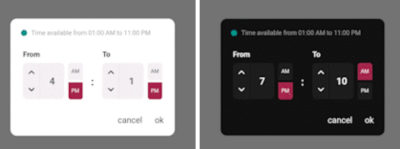
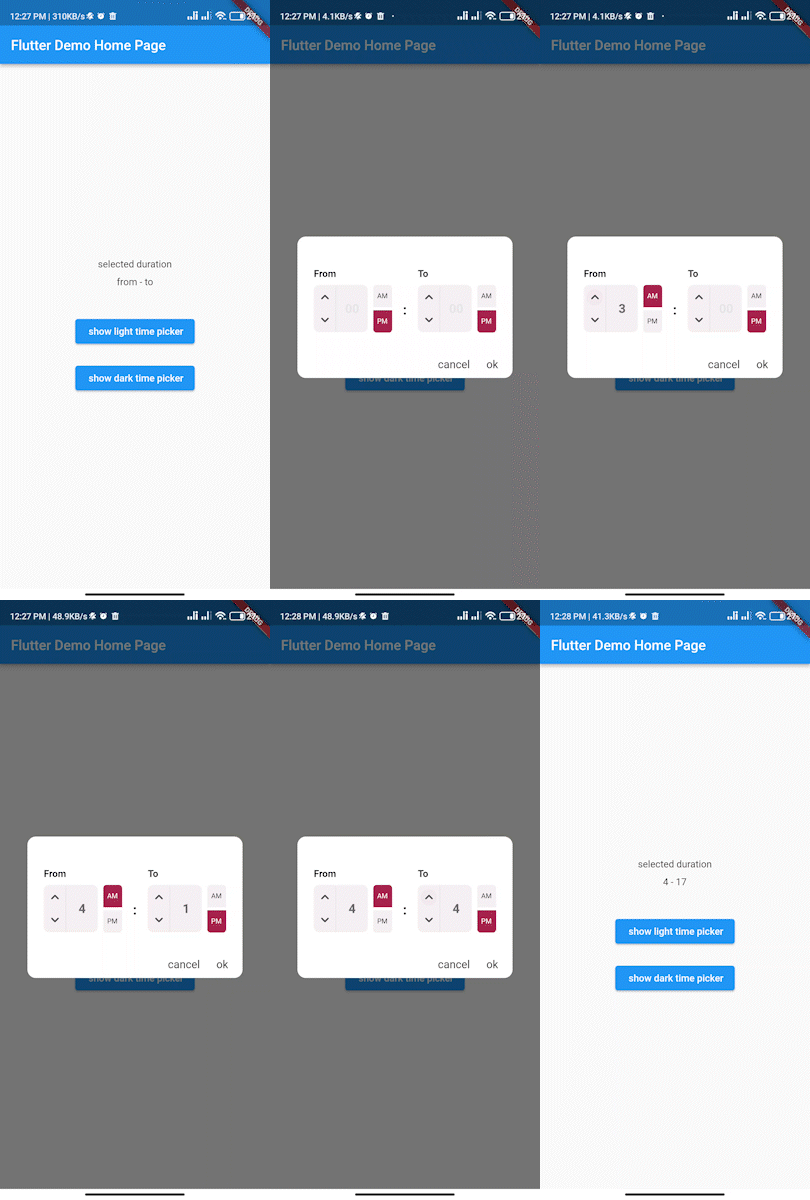
Simple interactive time range picker that enables users to pick a specific duration of the day by selecting start time and end time and defining whether it was AM or PM then it returns the duration chosen in 24H format.
In the pubspec.yaml of your flutter project, add the following dependency:
dependencies:
...
from_to_time_picker: ^1.2.2
In your library add the following import:
import 'package:from_to_time_picker/from_to_time_picker.dart';
default mode
showDialog(
        context: context,
        builder: (_) => FromToTimePicker(
              onTab: (from, to) {
                print('from $from to $to');
              },
            ));
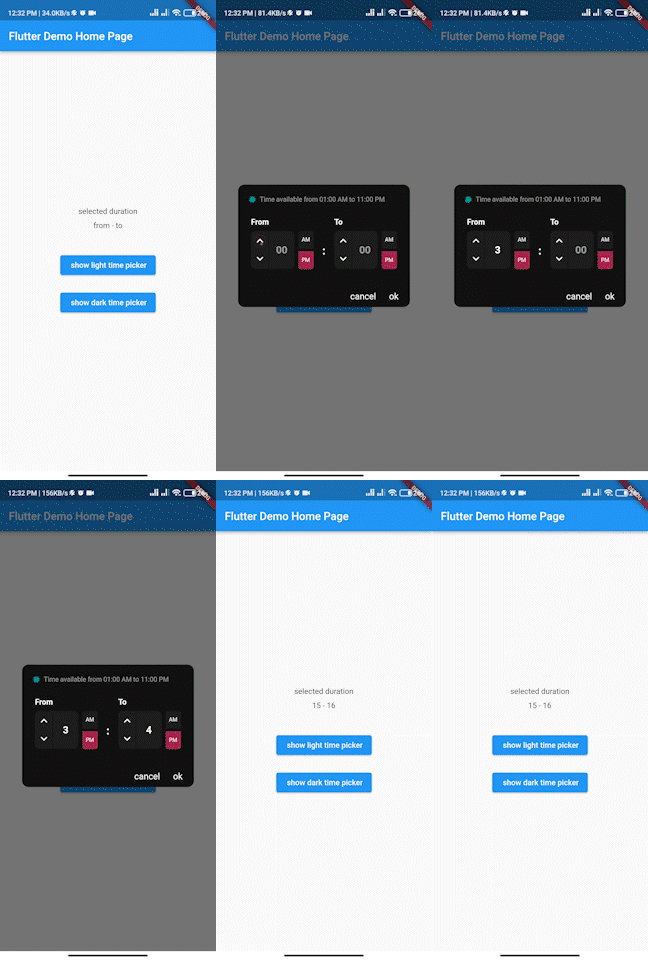
customized mode
showDialog(
      context: context,
      builder: (_) => FromToTimePicker(
        onTab: (from, to) {
          print('from $from to $to');
        },
        dialogBackgroundColor: Color(0xFF121212),
        fromHeadlineColor: Colors.white,
        toHeadlineColor: Colors.white,
        upIconColor: Colors.white,
        downIconColor: Colors.white,
        timeBoxColor: Color(0xFF1E1E1E),
        timeHintColor: Colors.grey,
        timeTextColor: Colors.white,
        dividerColor: Color(0xFF121212),
        doneTextColor: Colors.white,
        dismissTextColor: Colors.white,
        defaultDayNightColor: Color(0xFF1E1E1E),
        defaultDayNightTextColor: Colors.white,
        colonColor: Colors.white,
        showHeaderBullet: true,
        headerText: 'Time available from 01:00 AM to 11:00 PM',
      ),
    );
We accept the following contribution:
依賴清單 3 項
{"sdk":"flutter"}^0.19.0{"sdk":"flutter"}先依使用情境篩選,再比較專案活躍情況,最後到原始儲存庫確認使用要求。
“A repository is the most basic element of GitHub.”
GitHub Docs — About repositories ↗