

 v3.1.0
dotted_border
一個 Flutter 套件,讓使用者能輕鬆為任何組件加上虛線邊框。
1650喜歡 92.4萬近 30 天下載160Pub 分數
AndroidiOSWebmacOSWindowsLinux
一個用於輕鬆在組件周圍添加虛線邊框的 Flutter 套件

以下為英文專案原文快照,最新內容請造訪 GitHub。

A flutter package to easily add dotted borders around widgets.
To use this package, add dotted_border as a dependency in your pubspec.yaml file.
Wrap DottedBorder widget around the child widget
DottedBorder(
  child: Text(
    'Rectangular Border',
    style: TextStyle(
      fontWeight: FontWeight.bold,
    ),
  ),
)
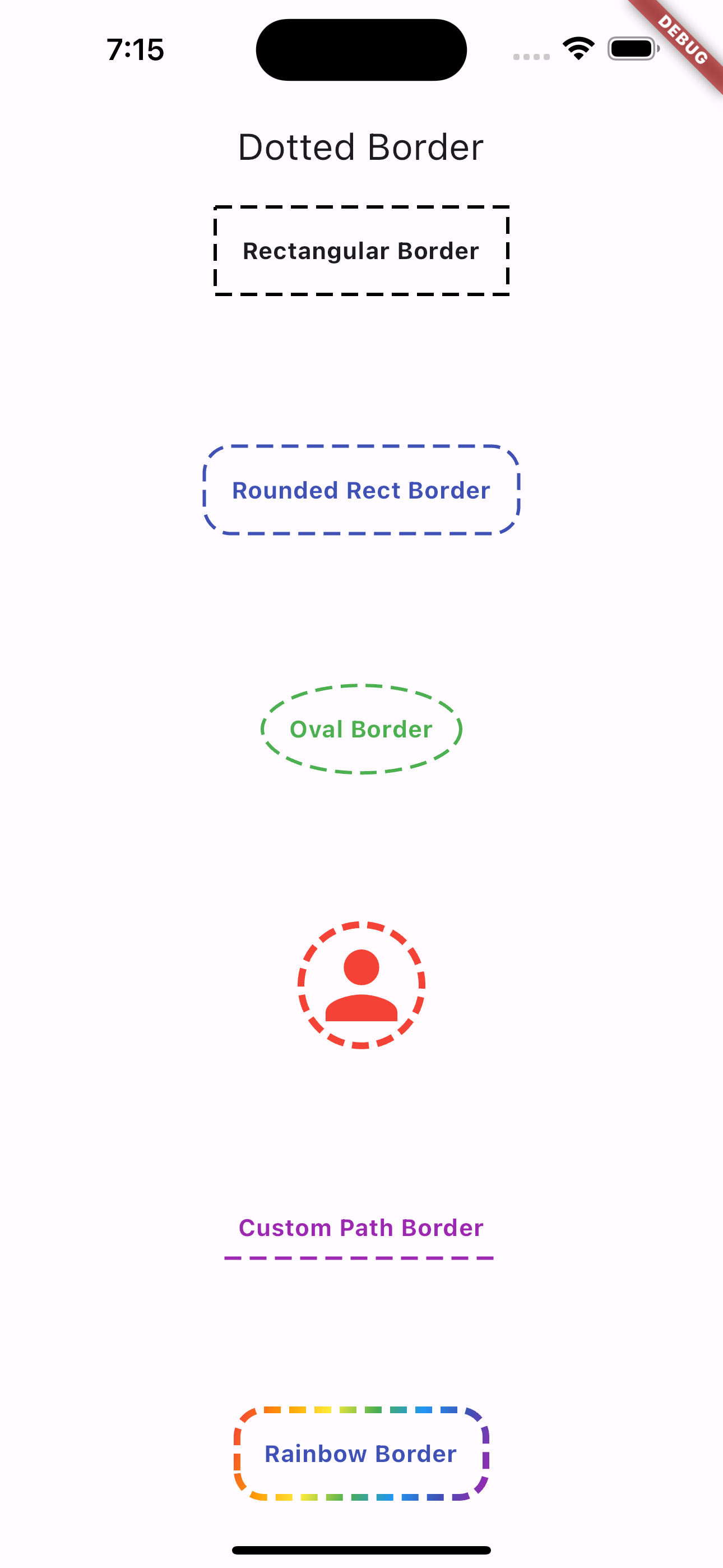
This package supports the following border options
DottedBorder(
  options: RectDottedBorderOptions(
    dashPattern: [10, 5],
    strokeWidth: 2,
    padding: EdgeInsets.all(16),
  ),
  child: Text(
    'Rectangular Border',
    style: TextStyle(
      fontWeight: FontWeight.bold,
    ),
  ),
)
You can also specify the Dash Sequence by passing in an Array of Doubles
RectDottedBorderOptions(
  dashPattern: [10, 5],
  strokeWidth: 2,
  padding: EdgeInsets.all(16),
)
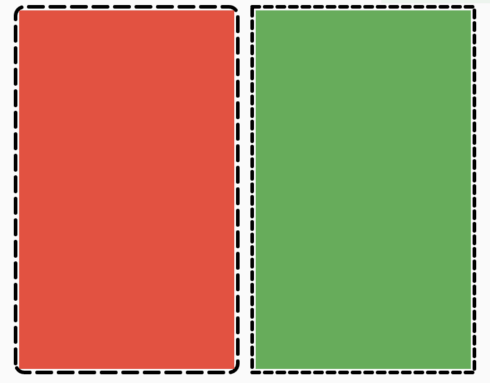
The above code block will render a dashed border with the following pattern:
You can also specify a customPath property and it will draw it for you using the provided dash pattern.
DottedBorder(
  options: CustomPathDottedBorderOptions(
    padding: const EdgeInsets.all(8),
    color: Colors.purple,
    strokeWidth: 2,
    dashPattern: [10, 5],
    customPath: (size) => Path()
      ..moveTo(0, size.height)
      ..relativeLineTo(size.width, 0),
  ),
  child: const Text(
    'Custom Path Border',
    style: TextStyle(
      color: Colors.purple,
      fontWeight: FontWeight.bold,
    ),
  ),
)
依賴清單 2 項
{"sdk":"flutter"}{"sdk":"flutter"}先依使用情境篩選,再比較專案活躍情況,最後到原始儲存庫確認使用要求。
“A repository is the most basic element of GitHub.”
GitHub Docs — About repositories ↗