 v3.3.0
table_calendar
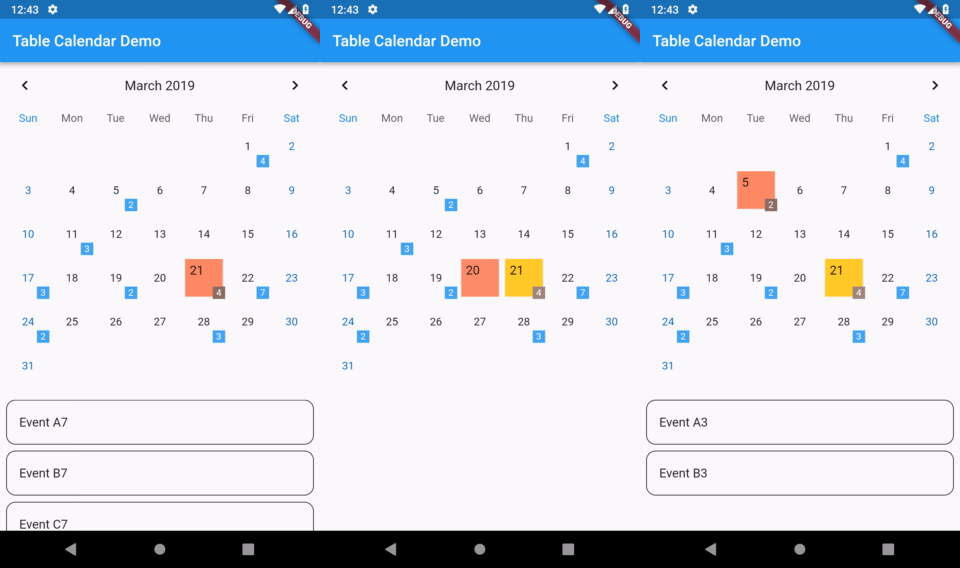
高度可自訂、功能齊全的 Flutter 日曆組件。
3320喜歡 73.9萬近 30 天下載160Pub 分數
AndroidiOSWebmacOSWindowsLinux
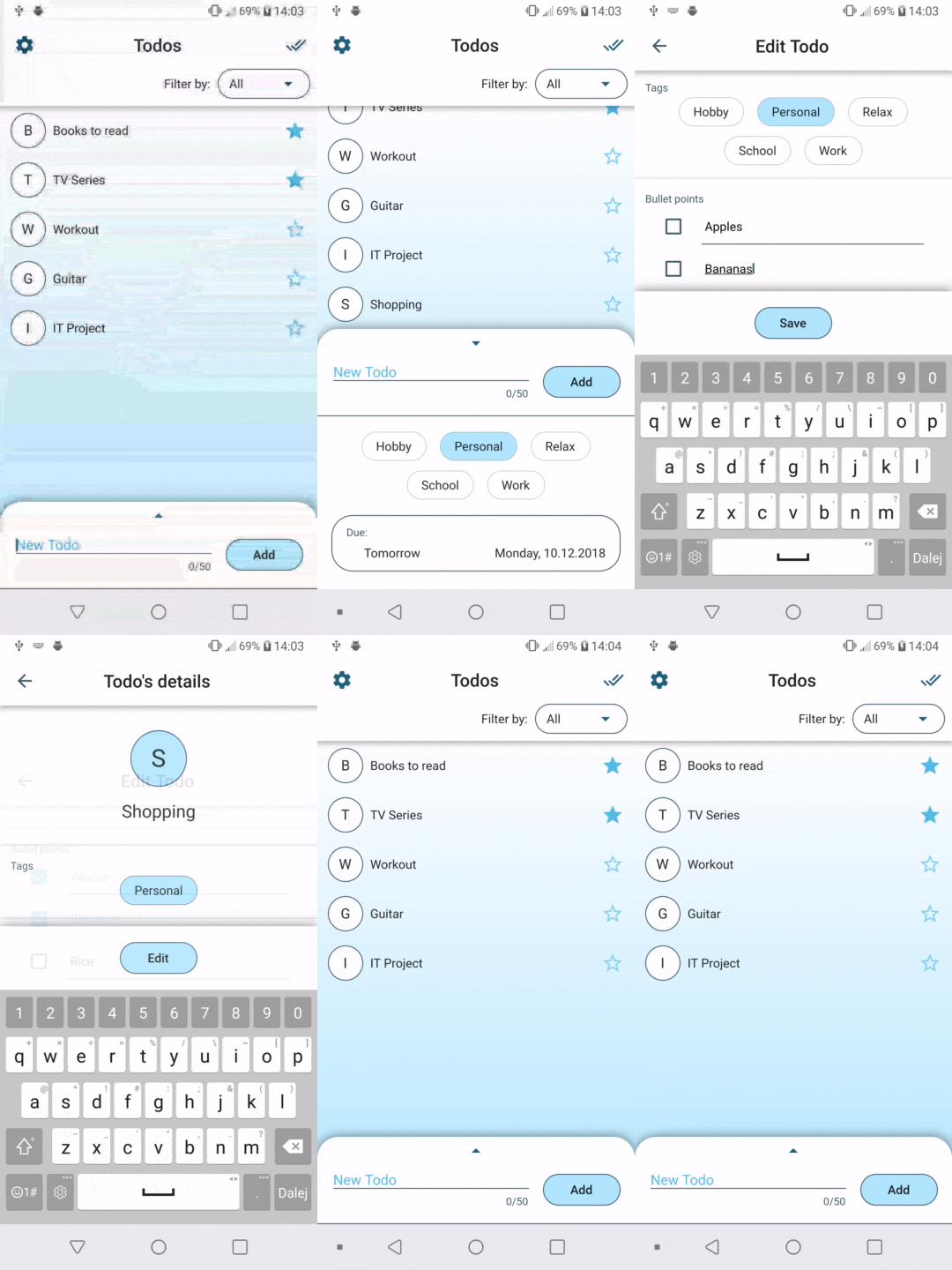
使用 BLoC 模式構建的極簡 Flutter 待辦事項應用

以下為英文專案原文快照,最新內容請造訪 GitHub。

|
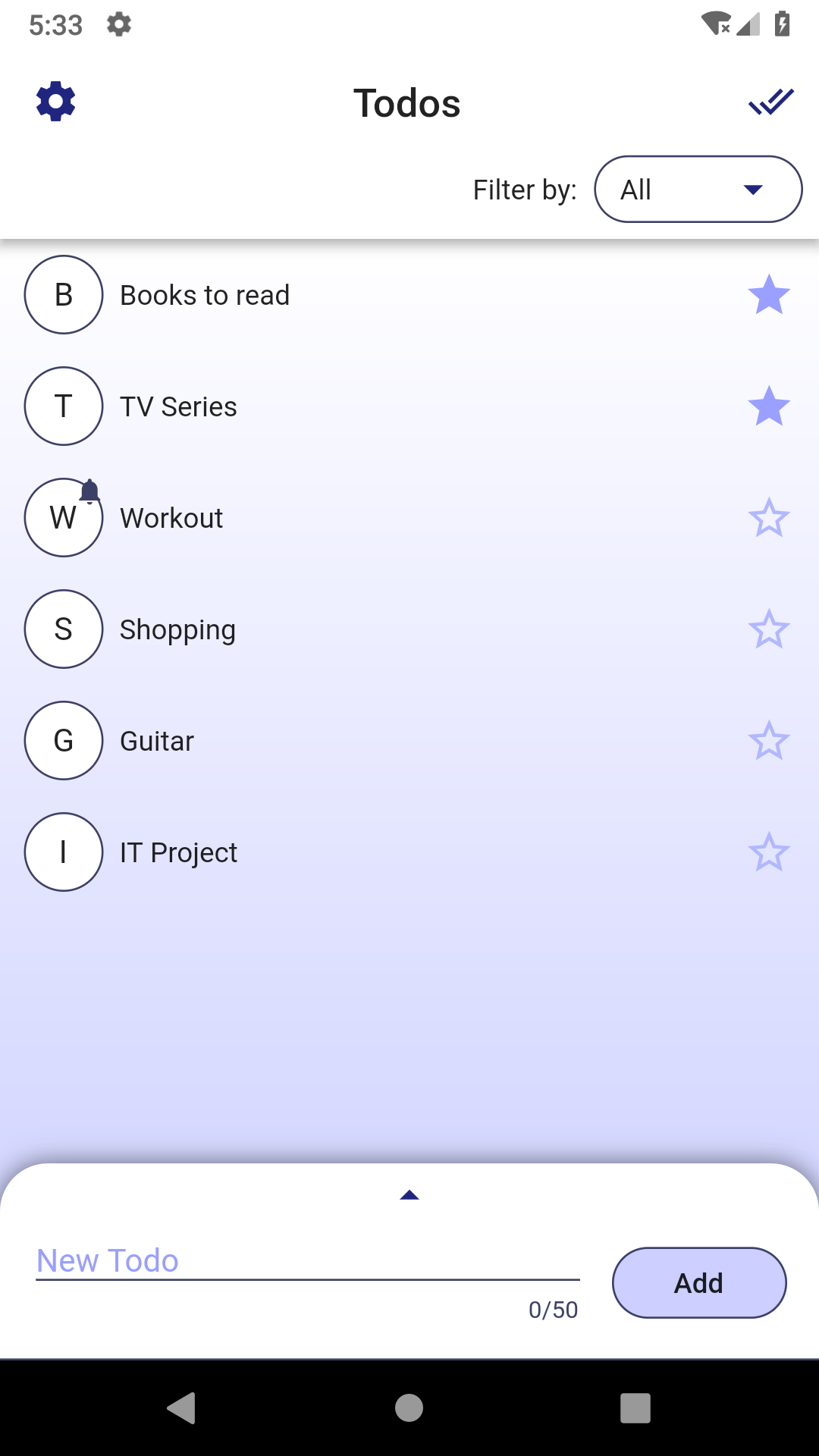
|
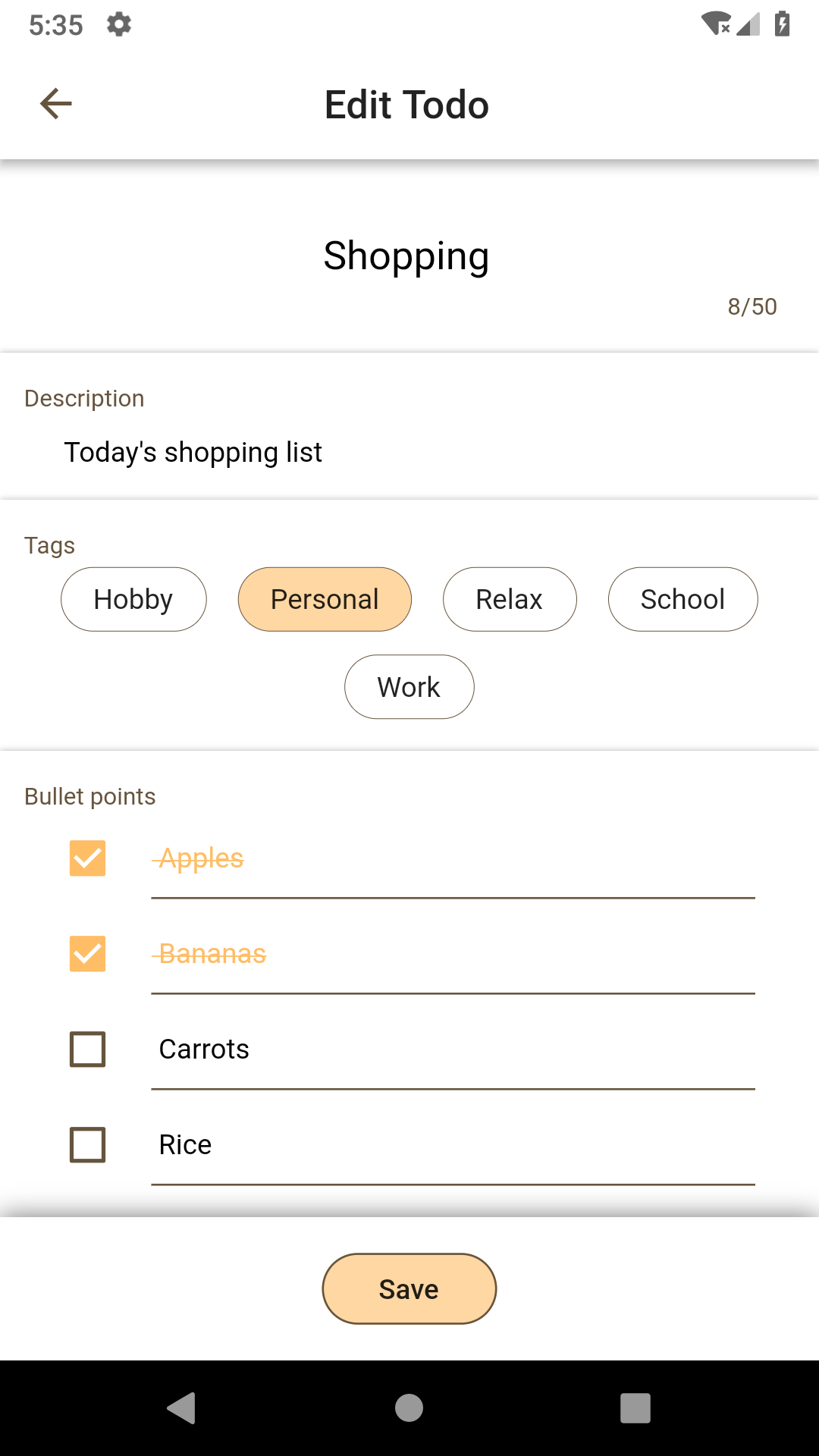
|
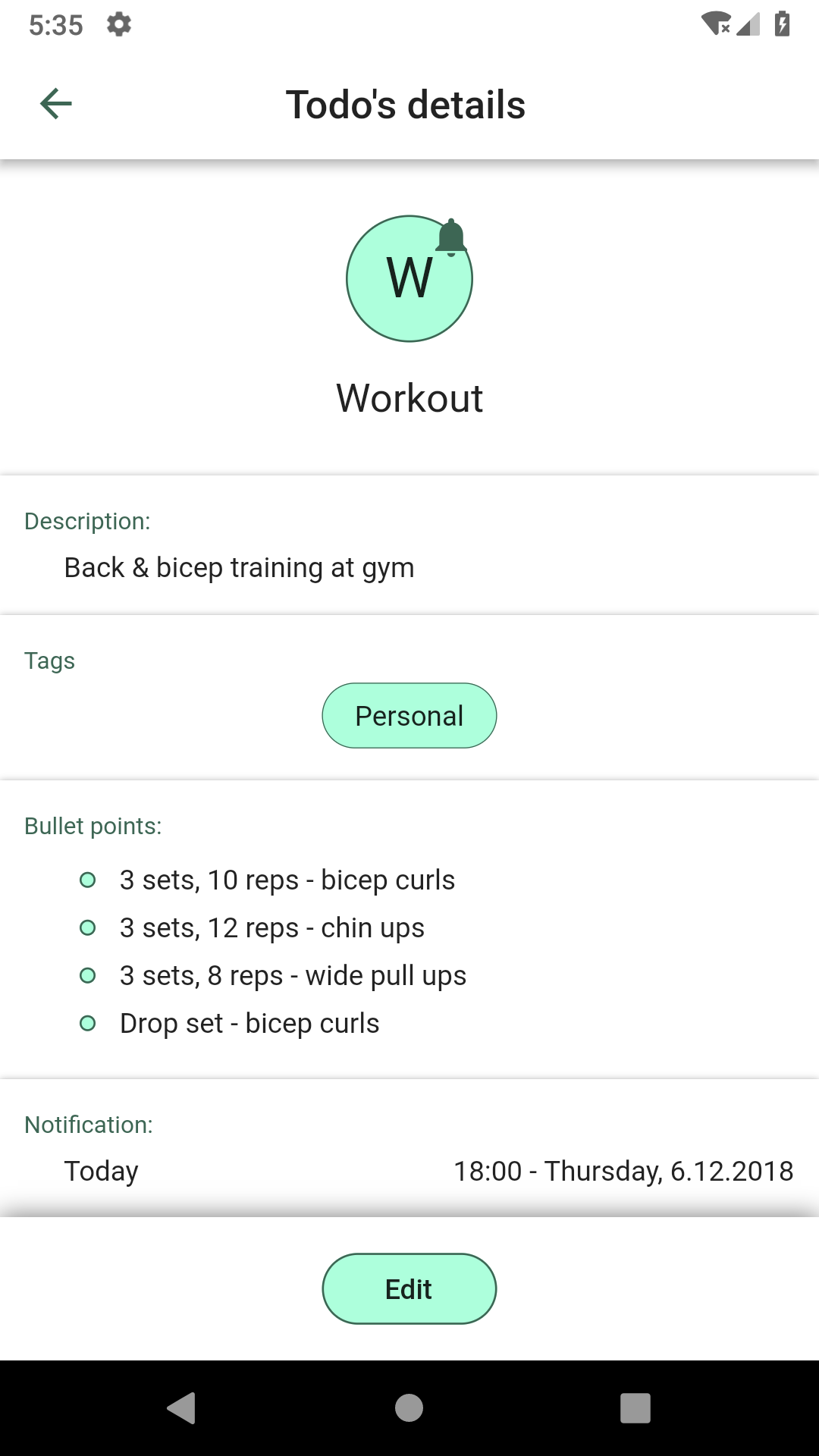
|

Deer uses BLoC (Business Logic Component) pattern to manage app state. If you want to use Streams in your Flutter project, then I think this is the way to go. BLoC plays exceptionally well with Flutter's reactive nature, especially since Flutter has built-in StreamBuilder widget.
Each screen is splitted into 4 files:
Instead of calling setState() in screen file, an action is pushed to bloc's input Stream<Action>.
Then, bloc resolves that action and updates the output Stream<State>. Every state update is listened to inside screen with StreamBuilder, which updates the UI when needed. This way we achieve clear separation of concerns.
Usually with BLoC, Sink is used for input Stream, and BehaviorSubject for output Stream.
Check those resources for more details on the pattern:
flutter packages pub run build_runner build --delete-conflicting-outputs
高度可自訂、功能齊全的 Flutter 日曆組件。
具有建構器的值類型、Dart 類別作為列舉,以及序列化。此程式庫是執行時間依賴項。
具有建構器的值類型、Dart 類別作為列舉,以及序列化。此程式庫是開發相依性。
基於 SDK 集合的不可變集合。每個 SDK 集合類別都拆分為新的不可變集合類別與對應的可變建構器類別。
一個提供元組資料結構的程式庫。
易於使用、可靠且輕量級的 Flutter 應用程式觸控偵測器。提供簡單的 API 來回應基本觸控動作。
適用於 Flutter 應用的易用文字組件,可將內聯 URL 轉換為可點擊連結。支援自訂樣式。
適用於 Flutter 的最佳滑動輪播圖(Carousel),支援多種版面與無限循環。相容 Android 與 iOS。
用於在 Android 和 iOS 上發現軟鍵盤可見性狀態的 Flutter 插件。
依賴清單 19 項
{"sdk":"flutter"}{"sdk":"flutter"}^0.21.0^6.3.2^4.2.0^1.14.11^0.6.0^0.6.1+11^0.4.2^2.2.1^0.1.1^0.1.3^1.1.6^0.5.1+2^0.5.2^1.0.2{"sdk":"flutter"}^1.7.1^6.8.2先依使用情境篩選,再比較專案活躍情況,最後到原始儲存庫確認使用要求。
“A repository is the most basic element of GitHub.”
GitHub Docs — About repositories ↗