

v1.0.8
smooth_scroll_multiplatform
用於可滾動組件的包裝器,可在所有平台實現滑鼠平滑捲動。
30喜歡 1320近 30 天下載130Pub 分數
AndroidiOSWebmacOSWindowsLinux
Flutter 套件。用於可滾動組件的包裝器,可在所有平台實現滑鼠平滑捲動。

以下為英文專案原文快照,最新內容請造訪 GitHub。
A fork of the dyn_mouse_scroll package, including Wizzel1's fixes and my own fixes; Provides wrapper for scrollable widgets that enables smooth scrolling with a mouse wheel, trackpad or touch screen on all platforms; This fork fixes all issues regarding trackpad, mouse/trackpad switching and animations, fixing the slippery effect when changing scroll direction; The fork also changes the default mouse scroll animation to look smoother; Additionally, it allows to change the scroll speed, on top of the duration and animation curve.
First gif: Scrolling slowly.
Second gif: Scrolling quickly (flick scroll).
Third gif: Mobile drag scroll detected, physics change.
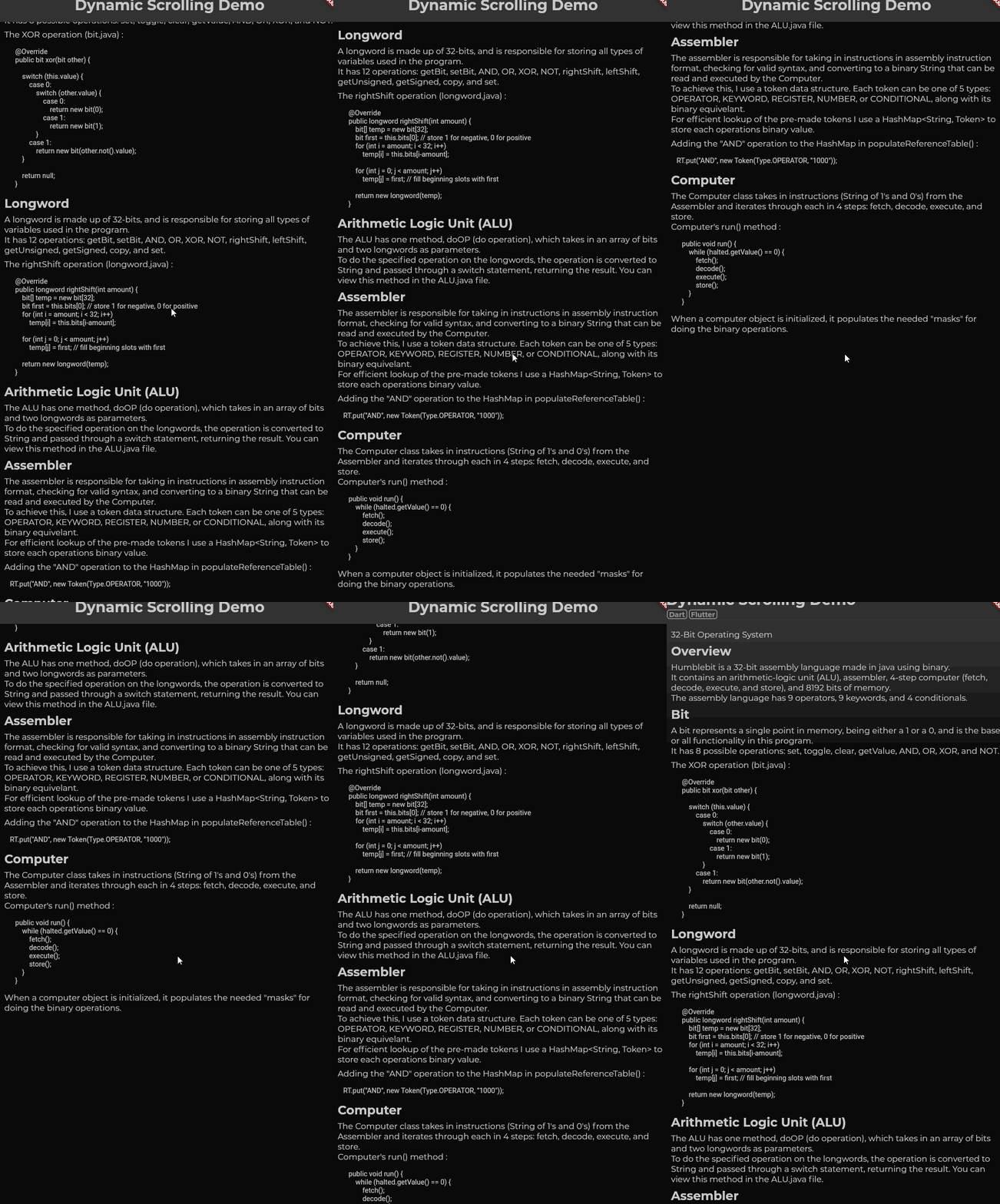
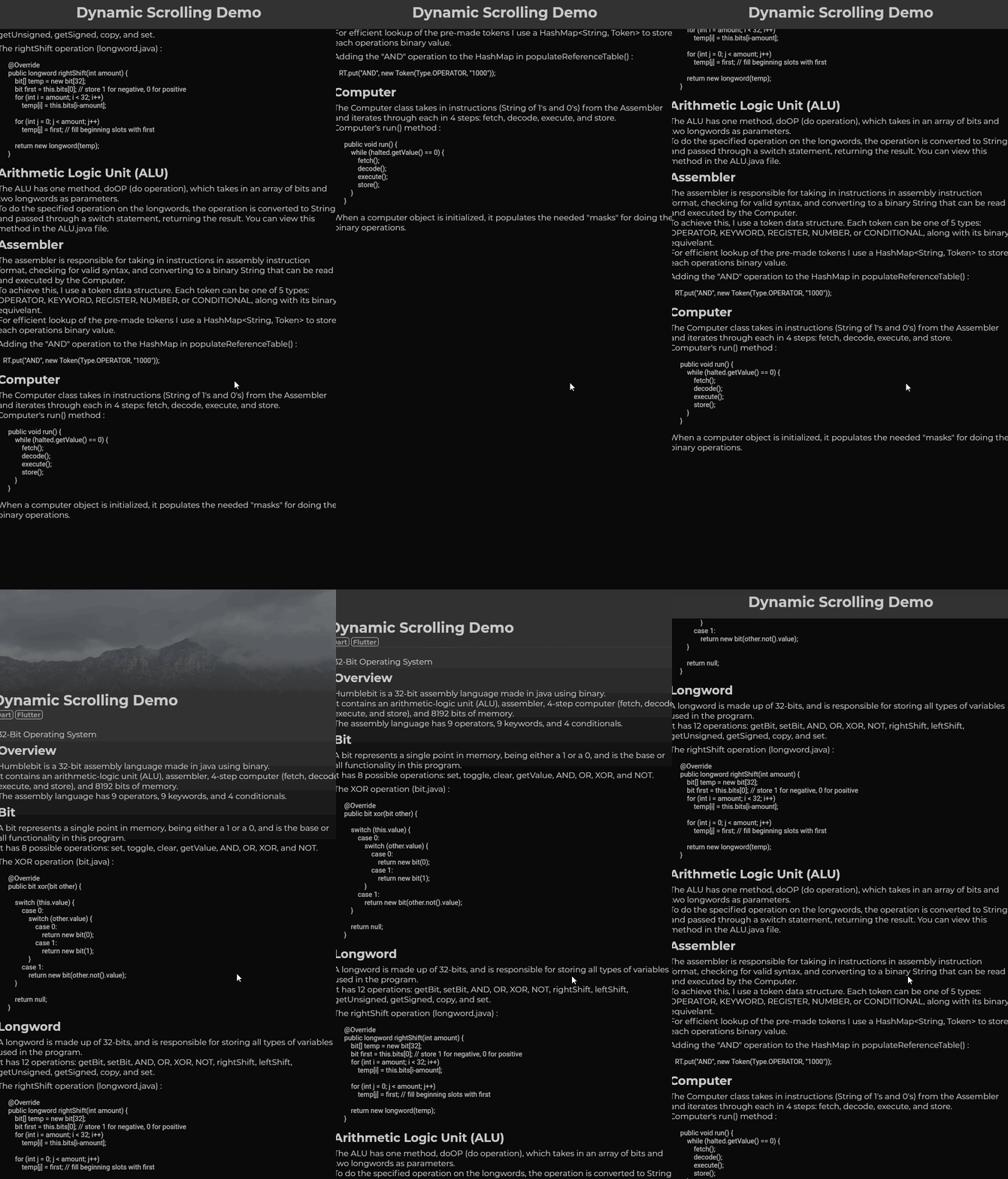
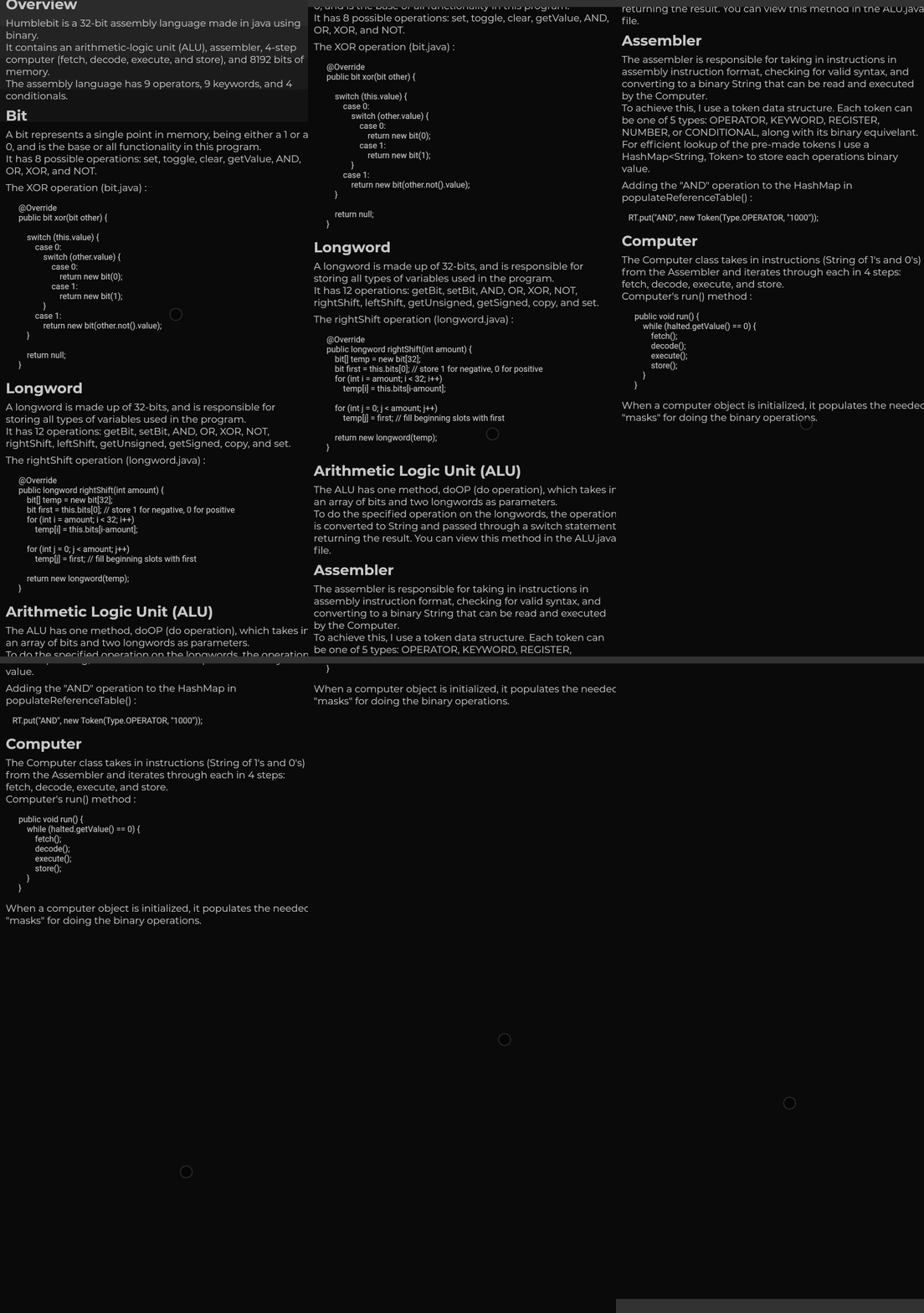
DynMouseScroll(
  builder: (context, controller, physics) => ListView(
    controller: controller,
    physics: physics,
    children: ...
    )
)
With additional settings:
DynMouseScroll(
  durationMS: 500,
  scrollSpeed: 4.4,
  animationCurve: Curves.easeOutQuart,
  builder: (context, controller, physics) => ListView(
    controller: controller,
    physics: physics,
    children: ...
    )
)
Flutter does not animate smooth scrolls for pointers, causing choppy experiences for the end user. One package, web_smooth_scroll, attempts to fix this problem by disabling default scrolling entirely (mobile can't drag now) and listening for pointer events to animate the scroll controller that can only move at one speed.
To allow mobile default scrolling to still be accessible I detect the user's platform
and automatically update if the detection was wrong. When the user scrolls, the 'futurePosition'
variable is updated and the animation is started I set the mobile scroll physics as the default
one, switching to desktop scroll physics as the mouse wheel scroll is initiated and only starting the animation
after the widget is rebuilt; the desktop scroll physics then takes priority over mobile physics,
switching back to mobile physics only after the last scroll animation has ended, only if no new scroll wheel
action had been initiated in the meantime.
依賴清單 4 項
{"sdk":"flutter"}^6.0.3{"sdk":"flutter"}^2.0.0先依使用情境篩選,再比較專案活躍情況,最後到原始儲存庫確認使用要求。
“A repository is the most basic element of GitHub.”
GitHub Docs — About repositories ↗