

v0.1.1
flutter_bloc_devtools
用於 flutter_bloc 的遠端 DevTools。此套件將所有 Bloc 連接到遠端 DevTools 伺服器,讓開發者能在執行時期檢查 Bloc 的變更。
27喜歡 31近 30 天下載40Pub 分數
平台暫無資料
用於 flutter_bloc 的遠端 DevTools。此套件將所有 Bloc(不支援 Cubit)連接到遠端 DevTools 伺服器,讓開發者能在執行時檢查 Bloc 的變更。

以下為英文專案原文快照,最新內容請造訪 GitHub。
Remote Devtools support for Blocs of flutter_bloc.
N.B. Cubit is not supported
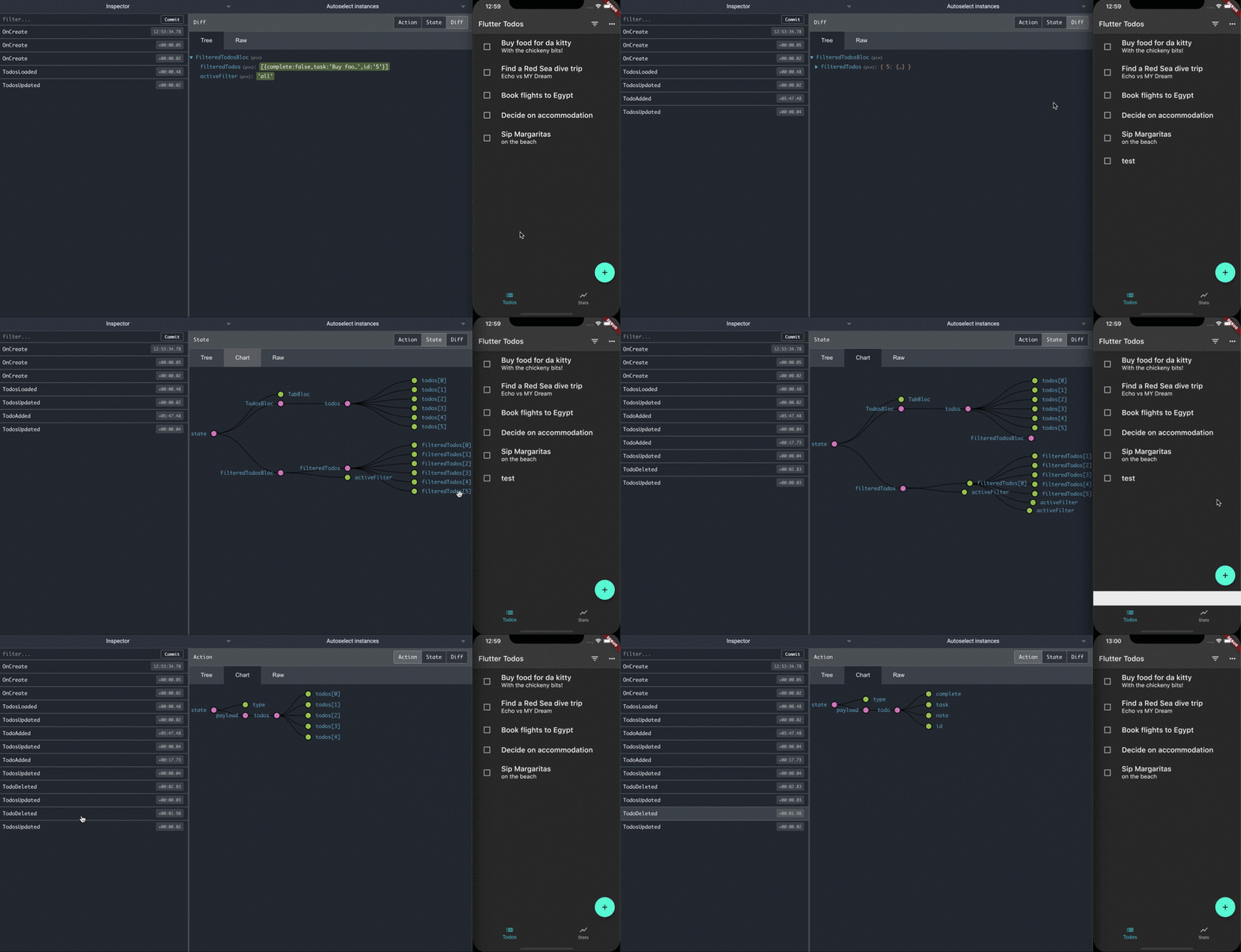
Add the library to pubspec.yaml:
dependencies:
  flutter_bloc_devtools: ^0.1.0
Add RemoteDevToolsObserver to your Bloc.observer:
void main() async {
  final observer = RemoteDevToolsObserver('192.168.1.7:8000');
  await observer.connect();
  Bloc.observer = observer;

  runApp(const CounterApp());
}
Events and States have to implements Mappable:
class CounterState extends Equatable implements Mappable {
  final int counter;

  const CounterState({
    this.counter,
  });

  @override
  List<Object> get props => [
        counter,
      ];

  @override
  Map<String, dynamic> toMap() => {
        'counter': counter,
      };
}
Use the Javascript Remote Devtools package. Start the remotedev server on your machine
npm install -g remotedev-server
remotedev --port 8000
Run your application. It will connect to the remotedev server. You can now debug your flutter_bloc application by opening up http://localhost:8000 in a web browser.
依賴清單 3 項
^6.1.0^0.2.0^1.9.0先依使用情境篩選,再比較專案活躍情況,最後到原始儲存庫確認使用要求。
“A repository is the most basic element of GitHub.”
GitHub Docs — About repositories ↗