

 v1.1.2
chart_sparkline
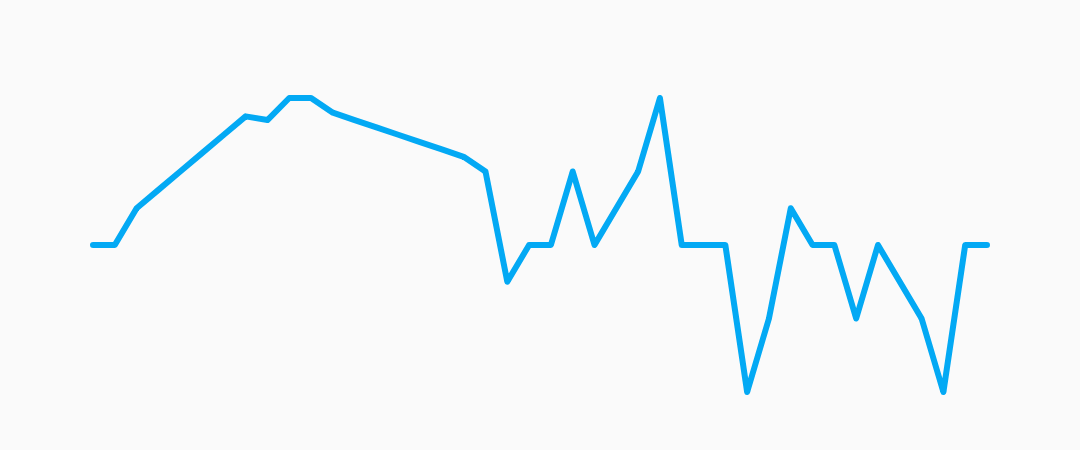
適用於 Flutter 的美觀折線圖。包含平均線、最高值和最低值。
135喜歡 7490近 30 天下載150Pub 分數
AndroidiOSWebmacOSWindowsLinux
適用於 Flutter 的精美折線圖

以下為英文專案原文快照,最新內容請造訪 GitHub。

Beautiful sparkline charts for Flutter.

Install the latest version from pub.
Import the package, create a Sparkline , and pass it your data.
import 'package:flutter/material.dart';
import 'package:chart_sparkline/chart_sparkline.dart';

void main() {
  var data = [0.0, 1.0, 1.5, 2.0, 0.0, 0.0, -0.5, -1.0, -0.5, 0.0, 0.0];
  runApp(
    MaterialApp(
      home: Scaffold(
        body: Center(
          child: Container(
            width: 300.0,
            height: 100.0,
            child: Sparkline(
              data: data,
            ),
          ),
        ),
      ),
    ),
  );
}

| Property | Default |
|---|---|
| lineWidth | 2.0 |
| lineColor | Colors.lightBlue |
| lineGradient | null |
Example:
Sparkline(
  data: data,
  lineWidth: 5.0,
  lineColor: Colors.purple,
);

Sparkline(
  data: data,
  lineWidth: 10.0,
  lineGradient: LinearGradient(
    begin: Alignment.topCenter,
    end: Alignment.bottomCenter,
    colors: [Colors.purple[800], Colors.purple[200]],
  ),
);

| Property | Default |
|---|---|
| pointsMode | PointsMode.none |
| pointSize | 4.0 |
| pointColor | Colors.lightBlue[800] |
| pointIndex | null |
| PointsMode | Description |
|---|---|
| none (default) | Do not draw individual points. |
| all | Draw all the points in the data set. |
| last | Draw only the last point in the data set. |
| atIndex | Draw one point at the index specified by pointIndex. |
Example:
Sparkline(
  data: data,
  pointsMode: PointsMode.all,
  pointSize: 8.0,
  pointColor: Colors.amber,
);

Sparkline(
  data: data,
  pointsMode: PointsMode.last,
  pointSize: 8.0,
  pointColor: Colors.amber,
);

Sparkline(
  data: data,
  pointsMode: PointsMode.atIndex,
  pointIndex: 7,
  pointSize: 8.0,
  pointColor: Colors.amber,
);
| Property | Default |
|---|---|
| fillMode | FillMode.none |
| fillColor | Colors.lightBlue[200] |
| fillGradient | null |
| FillMode | Description |
|---|---|
| none (default) | Do not fill, draw only the sparkline. |
| above | Fill the area above the sparkline. |
| below | Fill the area below the sparkline. |
Example:
Sparkline(
  data: data,
  fillMode: FillMode.below,
  fillColor: Colors.red[200],
);

Sparkline(
  data: data,
  fillMode: FillMode.above,
  fillColor: Colors.red[200],
);

Sparkline(
  data: data,
  fillMode: FillMode.below,
  fillGradient: LinearGradient(
    begin: Alignment.topCenter,
    end: Alignment.bottomCenter,
    colors: [Colors.red[800], Colors.red[200]],
  ),
);

Sparkline(
  data: data,
  useCubicSmoothing: true,
  cubicSmoothingFactor: 0.2,
),

Sparkline(
  data: data,
  averageLine: true,
  averageLabel: true,
),

Sparkline(
  data: data,
  kLine: ['max', 'min', 'first', 'last'],
),

Sparkline(
  gridLinelabelPrefix: '\$',
  gridLineLabelPrecision: 3,
  enableGridLines: true,
),

AnimatedBuilder(
  animation: AnimationController(duration: const Duration(seconds: 1), vsync: this),
  builder: (context, child) => Sparkline(
    data: [0.0, 1.0, 1.5, 2.0, 0.0, 0.0, -0.5, -1.0, -0.5, 0.0, 0.0],
    animationController: _controller,
    pointsMode: PointsMode.all,
    pointSize: 8.0,
  ),
),
依賴清單 3 項
{"sdk":"flutter"}{"sdk":"flutter"}^3.0.0先依使用情境篩選,再比較專案活躍情況,最後到原始儲存庫確認使用要求。
“A repository is the most basic element of GitHub.”
GitHub Docs — About repositories ↗