
photo_view
📸 易於使用且極度可自訂的可縮放影像組件,Photo View 提供觸控感應的可縮放組件。Photo View 廣泛用於顯示互動式影像及其他內容,例如 SVG。

- 星標
- 1999
- 分支
- 583
- 最近推送(UTC)
- 2024年9月4日
- 專案狀態
- 未封存
原始 README
以下為英文專案原文快照,最新內容請造訪 GitHub。
Flutter Photo View



A simple zoomable image/content widget for Flutter.
PhotoView enables images to become able to zoom and pan with user gestures such as pinch, rotate and drag.
It also can show any widget instead of an image, such as Container, Text or a SVG.
Even though being super simple to use, PhotoView is extremely customizable though its options and the controllers.
Installation
Add photo_view as a dependency in your pubspec.yaml file.
Import Photo View:
import 'package:photo_view/photo_view.dart';
Docs & API
The API Docs some detailed information about how to use PhotoView.
If you want to see it in practice, check the example app that explores most of Photo View's use cases or download the latest version apk on the releases page
(Very) Basic usage
Given a ImageProvider imageProvider (such as AssetImage or NetworkImage):
@override
Widget build(BuildContext context) {
  return Container(
    child: PhotoView(
      imageProvider: AssetImage("assets/large-image.jpg"),
    )
  );
}
Result:
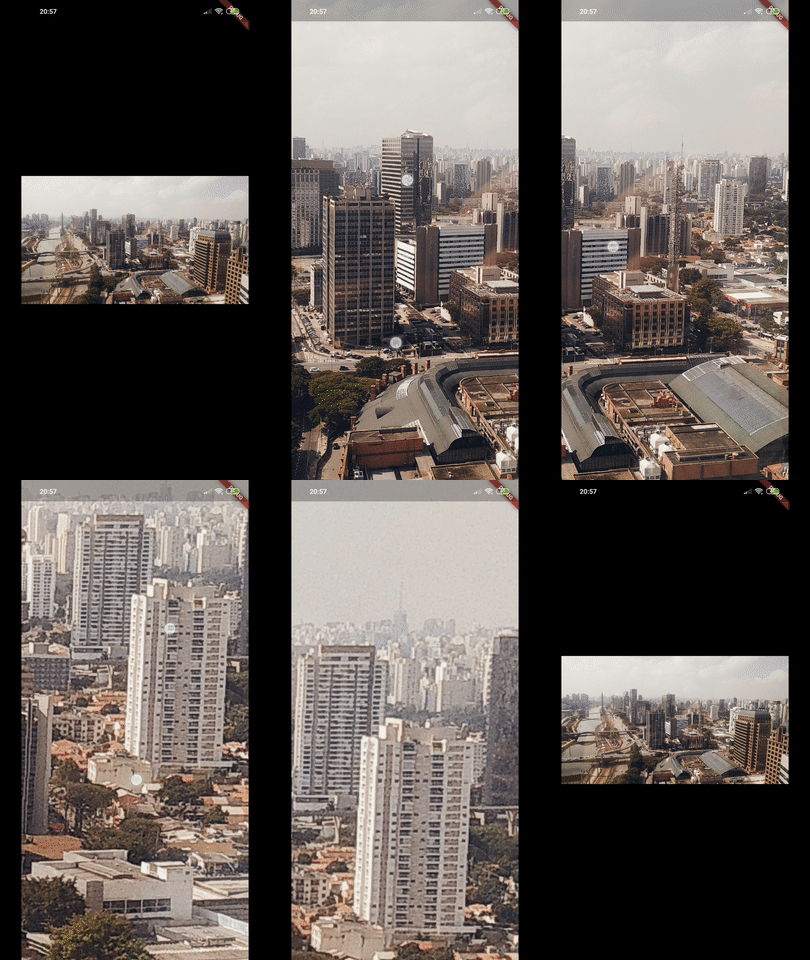
Read more about the PhotoView widget here.
Gallery
To show several images and let user change between them, use PhotoViewGallery.
Read more about the gallery here.
import 'package:photo_view/photo_view.dart';
import 'package:photo_view/photo_view_gallery.dart';
// ...


@override
Widget build(BuildContext context) {
  return Container(
    child: PhotoViewGallery.builder(
      scrollPhysics: const BouncingScrollPhysics(),
      builder: (BuildContext context, int index) {
        return PhotoViewGalleryPageOptions(
          imageProvider: AssetImage(widget.galleryItems[index].image),
          initialScale: PhotoViewComputedScale.contained * 0.8,
          heroAttributes: PhotoViewHeroAttributes(tag: galleryItems[index].id),
        );
      },
      itemCount: galleryItems.length,
      loadingBuilder: (context, event) => Center(
        child: Container(
          width: 20.0,
          height: 20.0,
          child: CircularProgressIndicator(
            value: event == null
                ? 0
                : event.cumulativeBytesLoaded / event.expectedTotalBytes,
          ),
        ),
      ),
      backgroundDecoration: widget.backgroundDecoration,
      pageController: widget.pageController,
      onPageChanged: onPageChanged,
    )
  );
}
Gallery sample in the example app:

See the code here.
Usage with controllers
When you need to interact with PhotoView's internal state values, PhotoViewController and PhotoViewScaleStateController are the way to.
Controllers, when specified to PhotoView widget, enables the author(you) to listen for state updates through a Stream and change those values externally.
Read more about controllers here.
In the example app, we can see what can be achieved with controllers:

More screenshots
| Custom background, small image and custom alignment |
Limited scale | Hero animation |
|---|---|---|
 |
 |
 |
| Part of the screen | Custom child | |
 |
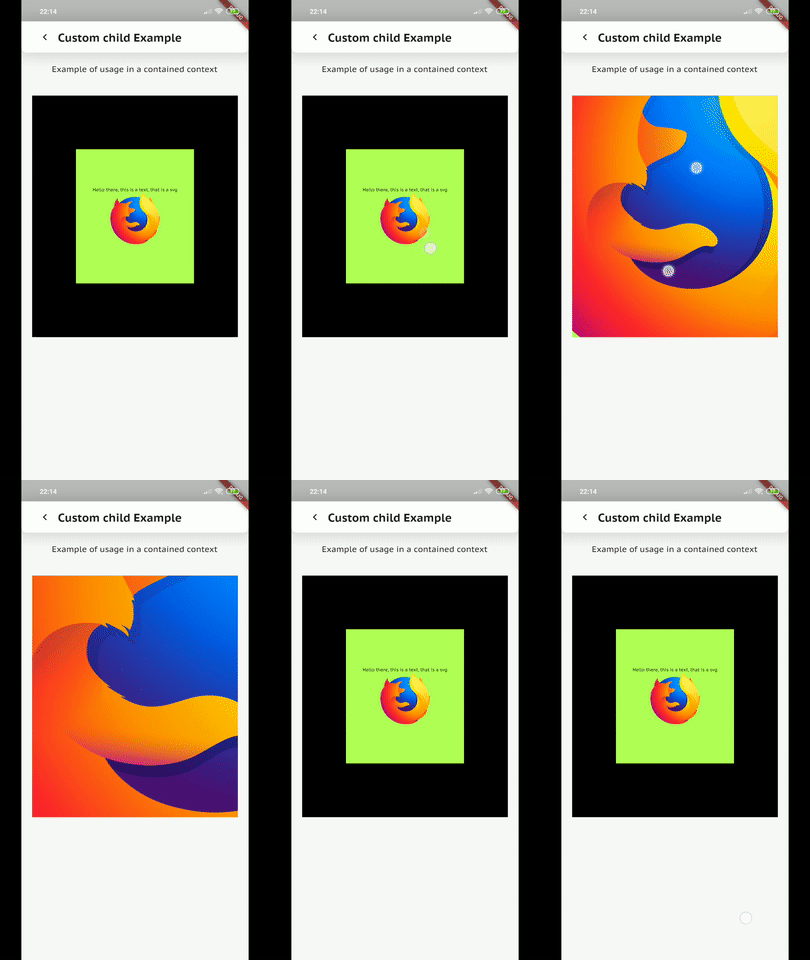 |
Support us
You can support us by becoming a patron on Patreon, any support is much appreciated.


Blue Fire ↗
分類
使用的依賴
依賴清單 3 項
- flutter
{"sdk":"flutter"} - test開發依賴
^1.16.0-nullsafety.17 - flutter_test開發依賴
{"sdk":"flutter"}
所在榜單
如何選擇適合專案的儲存庫?
先依使用情境篩選,再比較專案活躍情況,最後到原始儲存庫確認使用要求。
- 透過儲存庫名稱、作者或描述搜尋,再依技術分類縮小範圍。
- 綜合星標、分支與最近推送比較專案;星標反映社群關注,不保證品質。
- 使用前在 GitHub 確認 README、授權條款與 Issues。
來源與維護
“A repository is the most basic element of GitHub.”
GitHub Docs — About repositories ↗