

 v8.1.0
pluto_grid
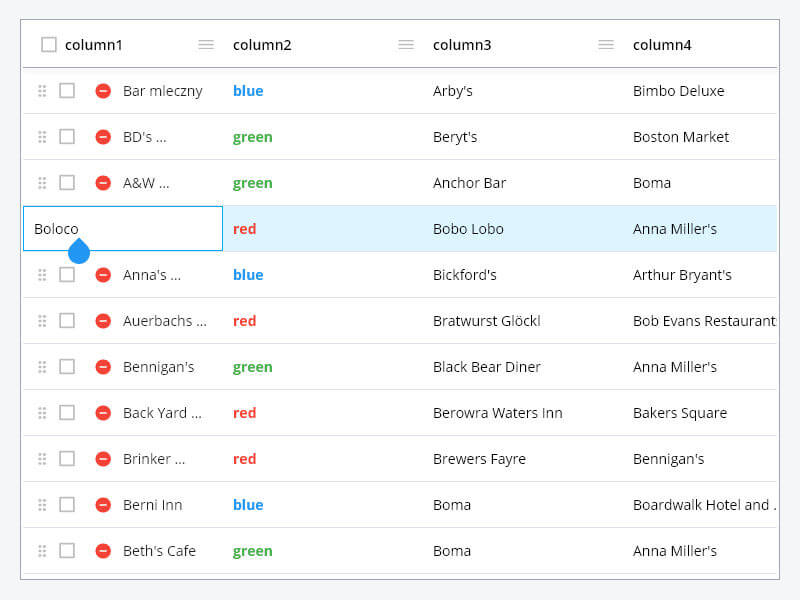
PlutoGrid 是一個可以在桌面和網頁上透過鍵盤控制的資料格子。當然,它在 Android 和 IOS 上也能良好運作。(DataGrid、DataTable、資料格子、資料表、固定)
1080喜歡 3.2萬近 30 天下載160Pub 分數
AndroidiOSWebmacOSWindowsLinux
PlutoGrid 是一個適用於 Flutter 的資料格子,可在桌面和 Web 上透過鍵盤進行控制。當然,它在 Android 和 IOS 上也能良好運作。

以下為英文專案原文快照,最新內容請造訪 GitHub。



PlutoGrid is a DataGrid that can be operated with the keyboard in various situations such as
moving cells.
It is developed with priority on the web and desktop.
Improvements such as UI on mobile are being considered.
If you comment on an issue, mobile improvements can be made quickly.
You can try out various functions and usage methods right away.
All features provide example code.
Check out how to install from the official distribution site.
The documentation has more details.
Please note the changes when changing the version of PlutoGrid you are using.
Report any questions or errors.
PlutoGridExport
This package can export the metadata of PlutoGrid as CSV or PDF.
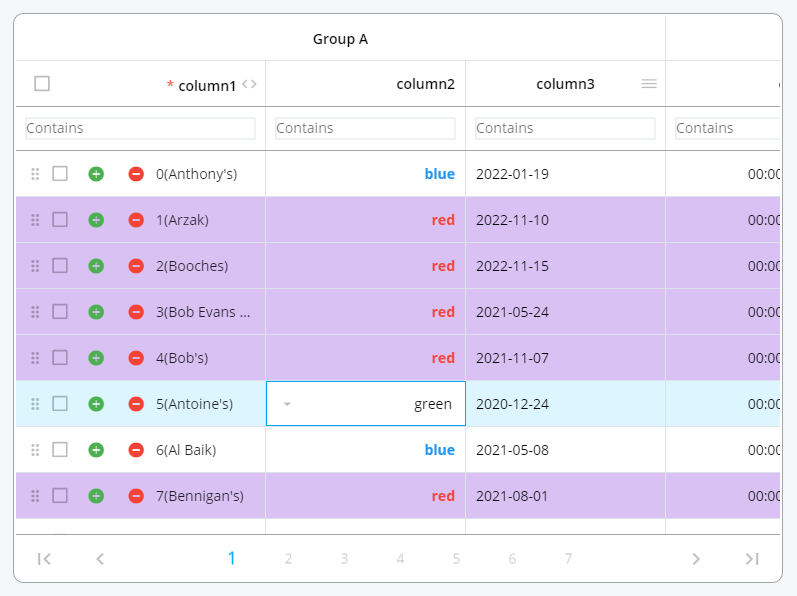
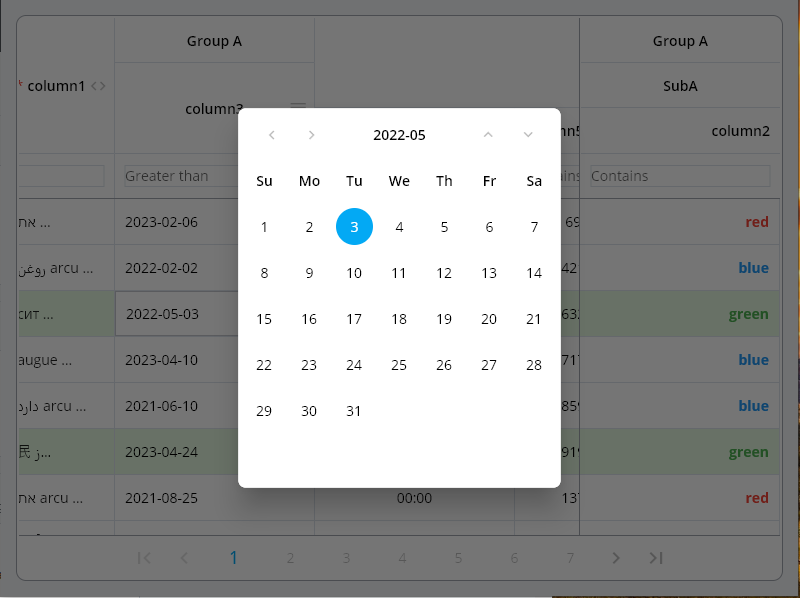
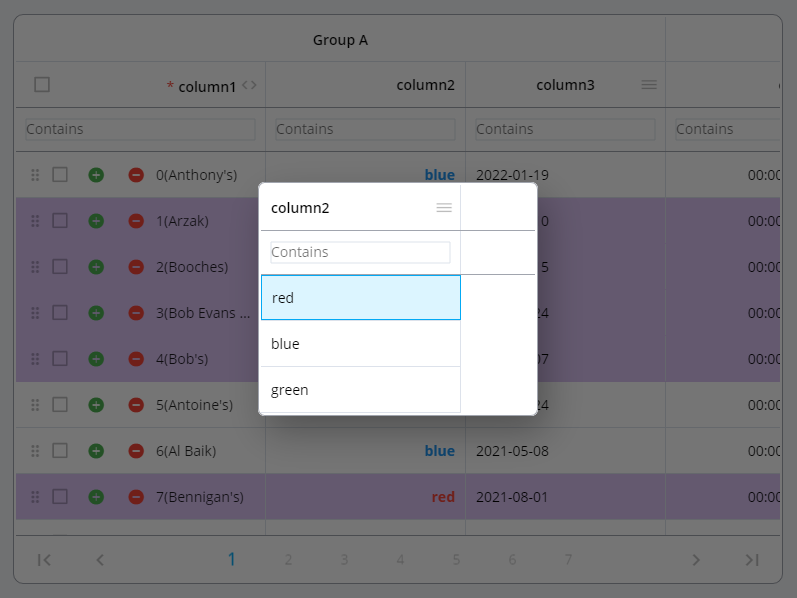
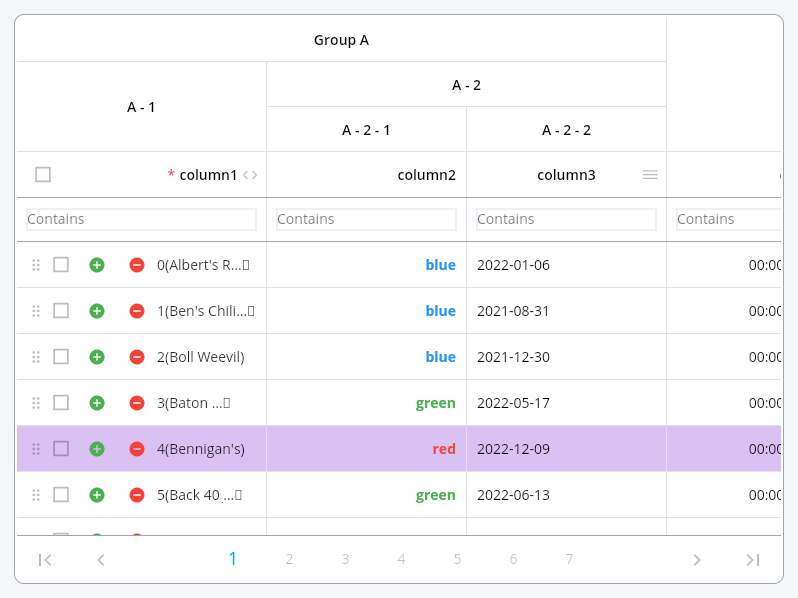
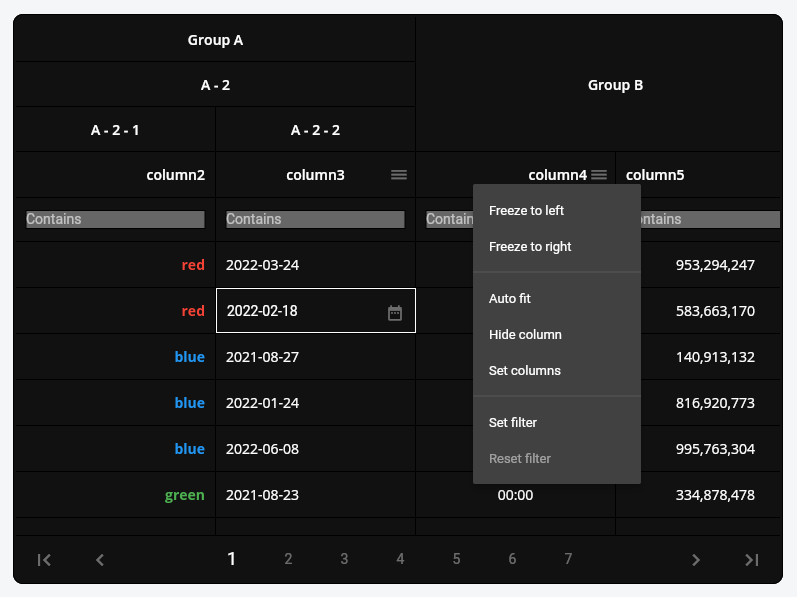
Generate the data to be used in the grid.
List<PlutoColumn> columns = [

  /// Text Column definition
  PlutoColumn(
    title: 'text column',
    field: 'text_field',
    type: PlutoColumnType.text(),
  ),

  /// Number Column definition
  PlutoColumn(
    title: 'number column',
    field: 'number_field',
    type: PlutoColumnType.number(),
  ),

  /// Select Column definition
  PlutoColumn(
    title: 'select column',
    field: 'select_field',
    type: PlutoColumnType.select(['item1', 'item2', 'item3']),
  ),

  /// Datetime Column definition
  PlutoColumn(
    title: 'date column',
    field: 'date_field',
    type: PlutoColumnType.date(),
  ),

  /// Time Column definition
  PlutoColumn(
    title: 'time column',
    field: 'time_field',
    type: PlutoColumnType.time(),
  ),
];

List<PlutoRow> rows = [
  PlutoRow(
    cells: {
      'text_field': PlutoCell(value: 'Text cell value1'),
      'number_field': PlutoCell(value: 2020),
      'select_field': PlutoCell(value: 'item1'),
      'date_field': PlutoCell(value: '2020-08-06'),
      'time_field': PlutoCell(value: '12:30'),
    },
  ),
  PlutoRow(
    cells: {
      'text_field': PlutoCell(value: 'Text cell value2'),
      'number_field': PlutoCell(value: 2021),
      'select_field': PlutoCell(value: 'item2'),
      'date_field': PlutoCell(value: '2020-08-07'),
      'time_field': PlutoCell(value: '18:45'),
    },
  ),
  PlutoRow(
    cells: {
      'text_field': PlutoCell(value: 'Text cell value3'),
      'number_field': PlutoCell(value: 2022),
      'select_field': PlutoCell(value: 'item3'),
      'date_field': PlutoCell(value: '2020-08-08'),
      'time_field': PlutoCell(value: '23:59'),
    },
  ),
];
Create a grid with the data created above.
  @override
Widget build(BuildContext context) {
  return Scaffold(
    appBar: AppBar(
      title: const Text('PlutoGrid Demo'),
    ),
    body: Container(
      padding: const EdgeInsets.all(30),
      child: PlutoGrid(
          columns: columns,
          rows: rows,
          onChanged: (PlutoGridOnChangedEvent event) {
            print(event);
          },
          onLoaded: (PlutoGridOnLoadedEvent event) {
            print(event);
          }
      ),
    ),
  );
}
| Flutter | PlutoGrid |
|---|---|
| 3.38.0 or higher | 8.1.0 or higher |
| 3.19.0 or higher | 8.0.0 or higher |
| 3.10.0 or higher | 7.0.0 or higher |
| 3.7.0 or higher | 6.0.0 or higher |
| 3.3.0 or higher | 5.0.6 or higher |
| 3.0.0 or higher | 3.0.0-0.pre or higher |
| 2.5.0 or higher | 2.5.0 or higher |
For other versions, contact the issue
develop packages that make it easy to develop admin pages or CMS with Flutter.


依賴清單 8 項
{"sdk":"flutter"}^0.20.2^0.28.0^1.19.1{"sdk":"flutter"}^5.6.1^2.10.4^6.0.0先依使用情境篩選,再比較專案活躍情況,最後到原始儲存庫確認使用要求。
“A repository is the most basic element of GitHub.”
GitHub Docs — About repositories ↗