
塊掉落
跨平台下落方塊益智遊戲,支援響應式控制、多種主題、分數追蹤、暫存功能和方塊預覽。基於 Flutter 建構。

- 星標
- 88
- 分支
- 12
- 最近推送(UTC)
- 2026年11月7日
- 專案狀態
- 未封存
原始 README
以下為英文專案原文快照,最新內容請造訪 GitHub。
Block Drop
A modern Tetris clone built with Flutter. Drop, rotate, and clear lines in this classic puzzle game.


Features
- Classic Tetris gameplay with all 7 tetromino pieces
- Smooth piece rotation and movement
- Line clearing with score tracking
- Hold piece functionality
- Next piece preview
- Responsive controls for mobile and desktop
- Cross-platform support (iOS, Android, Web, Windows, macOS, Linux)
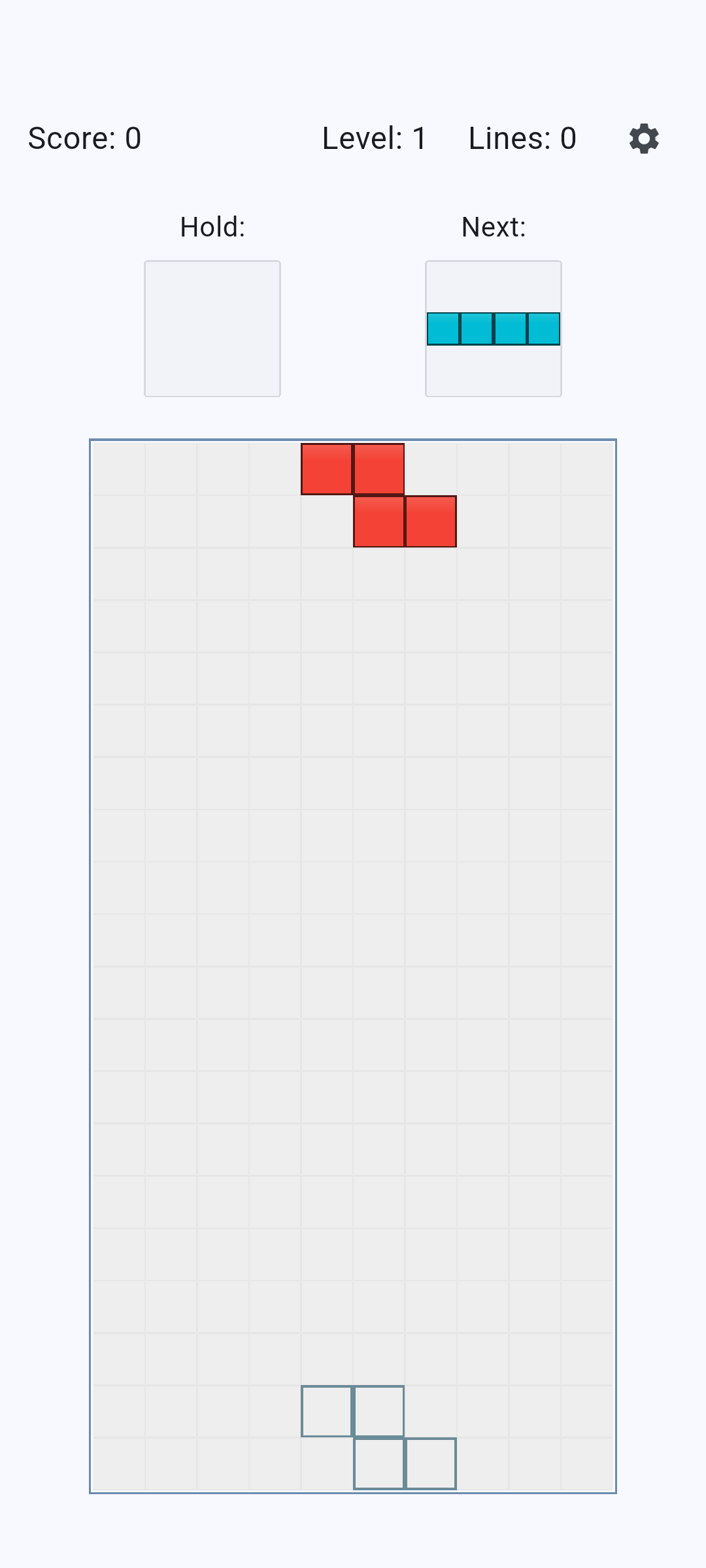
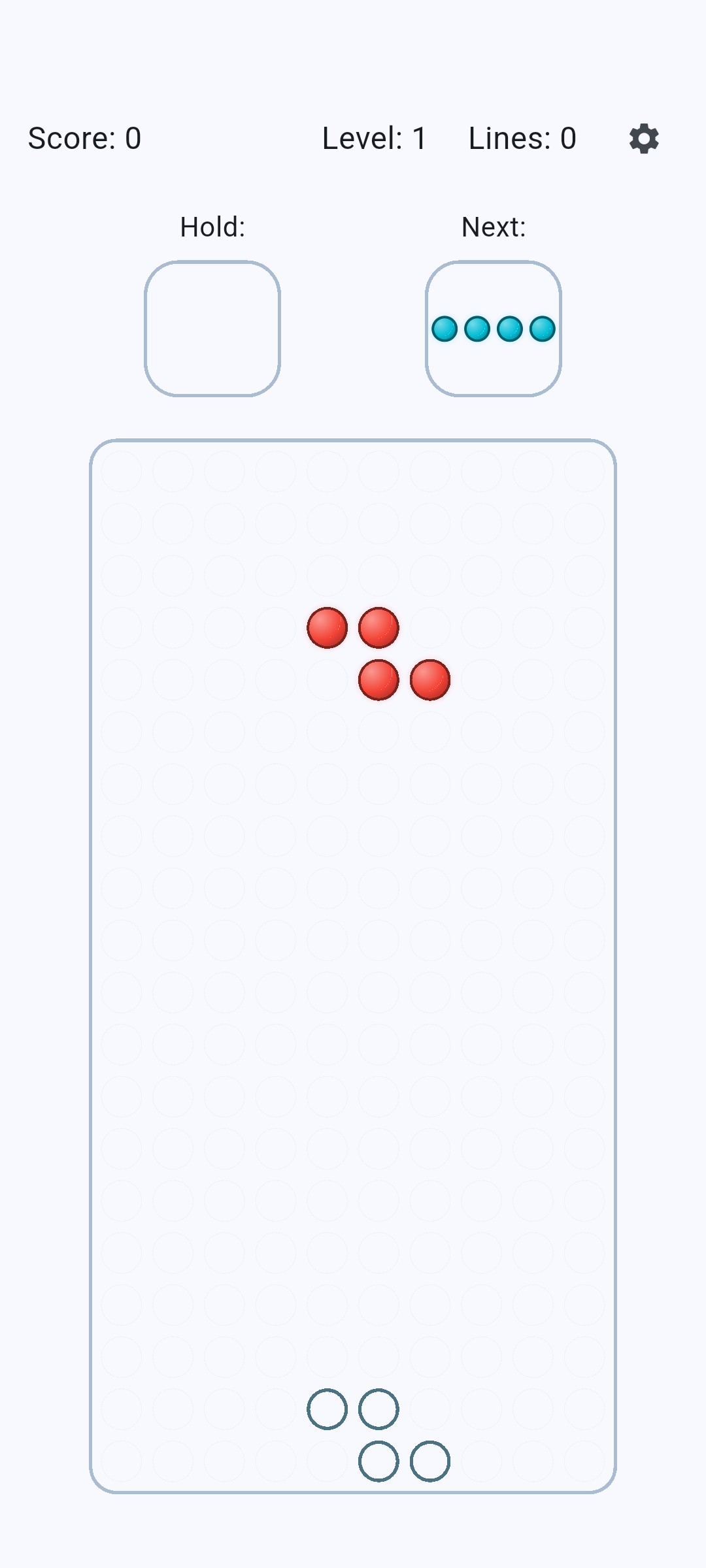
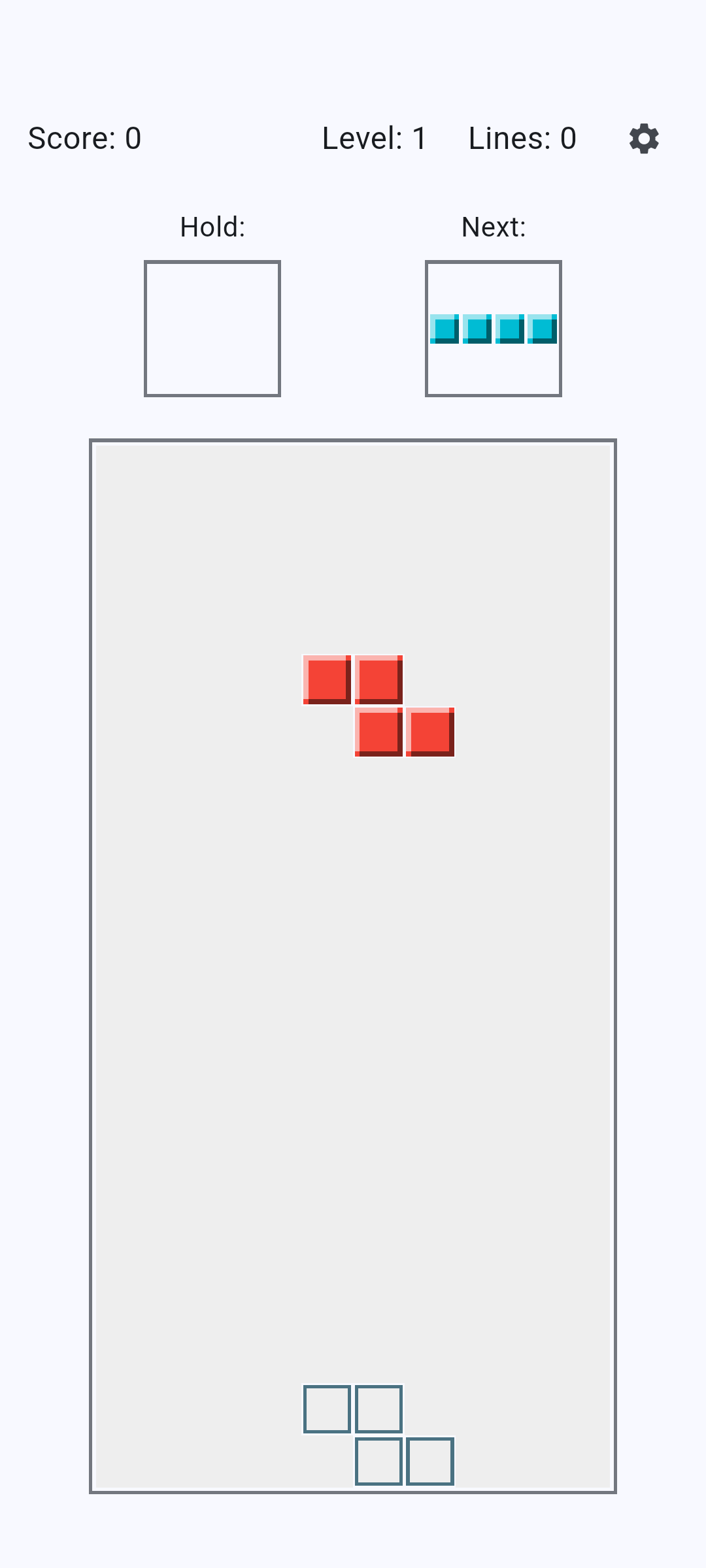
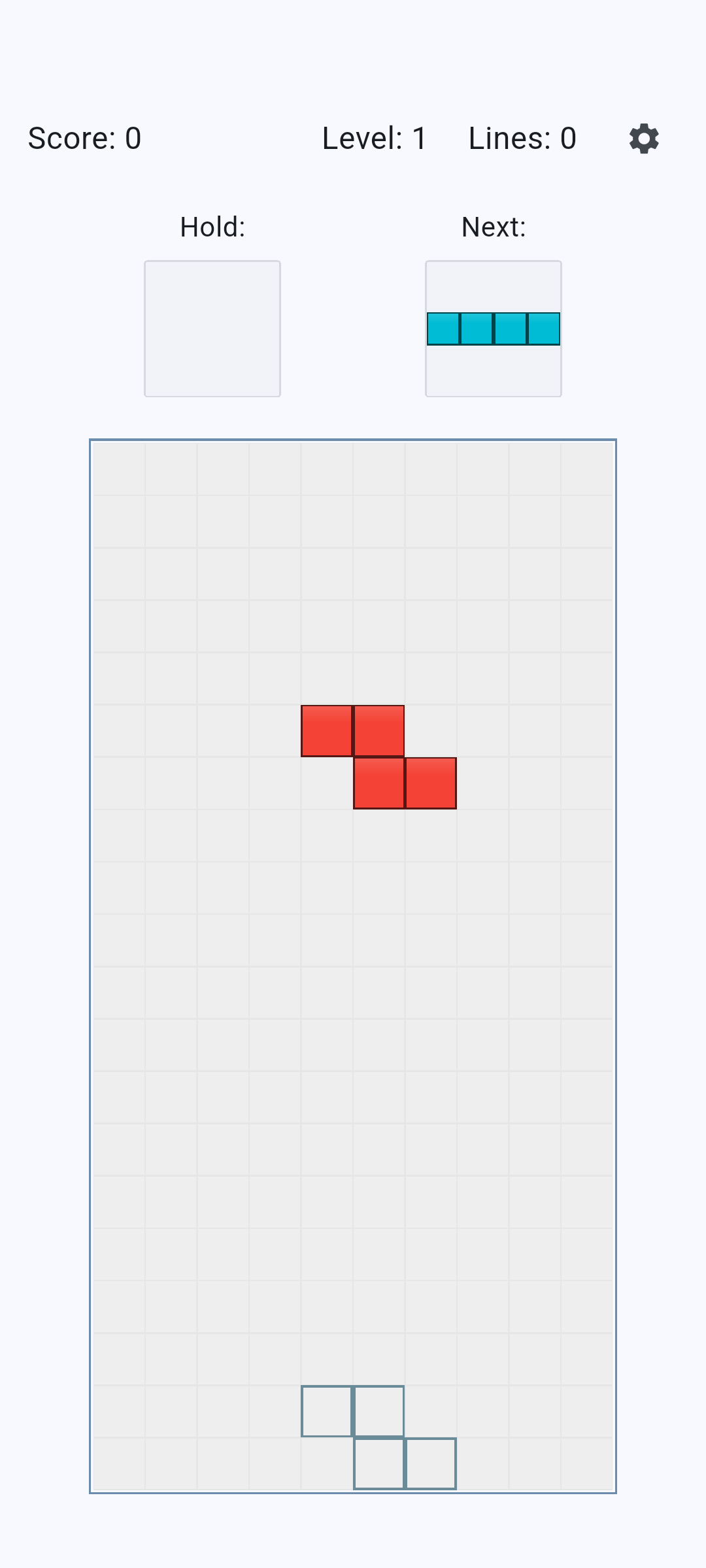
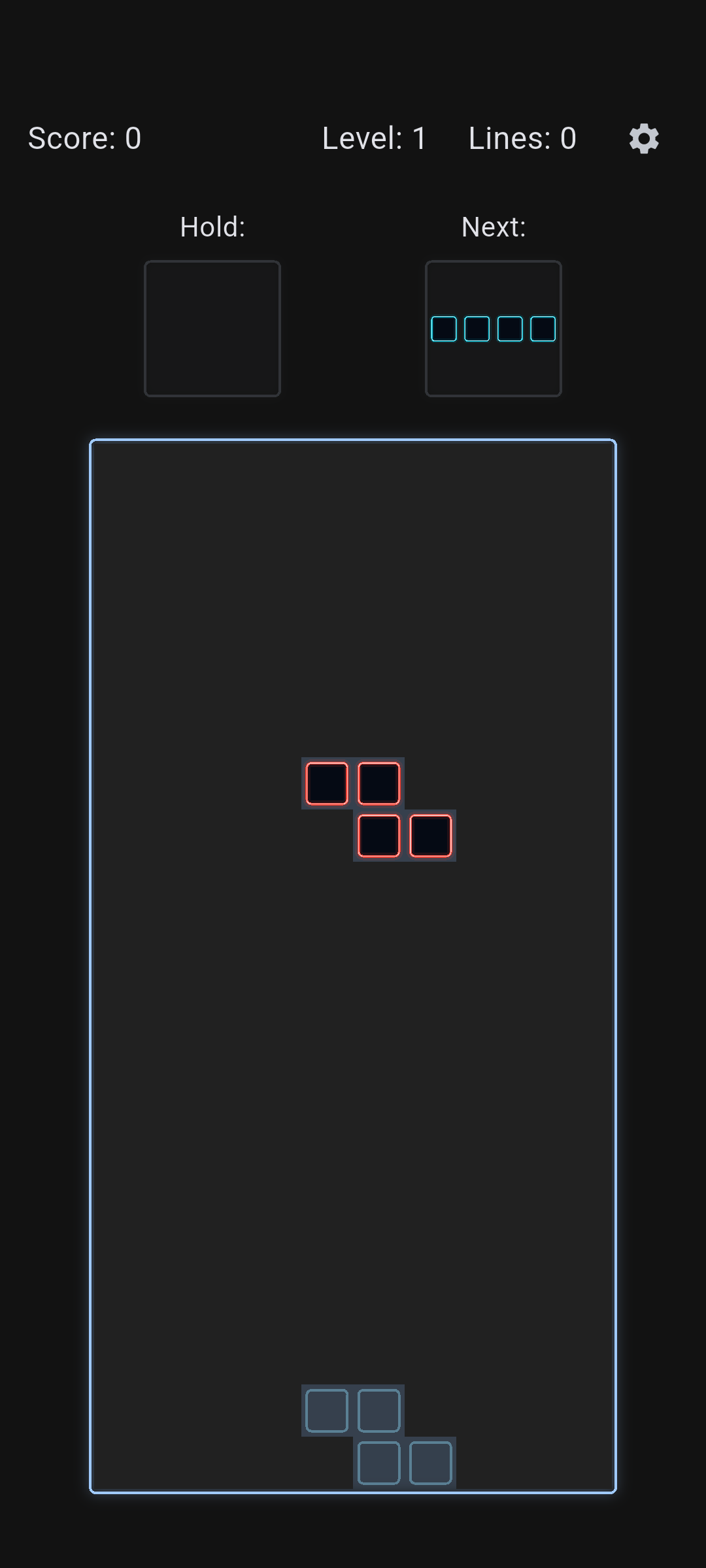
Screenshots
Light theme
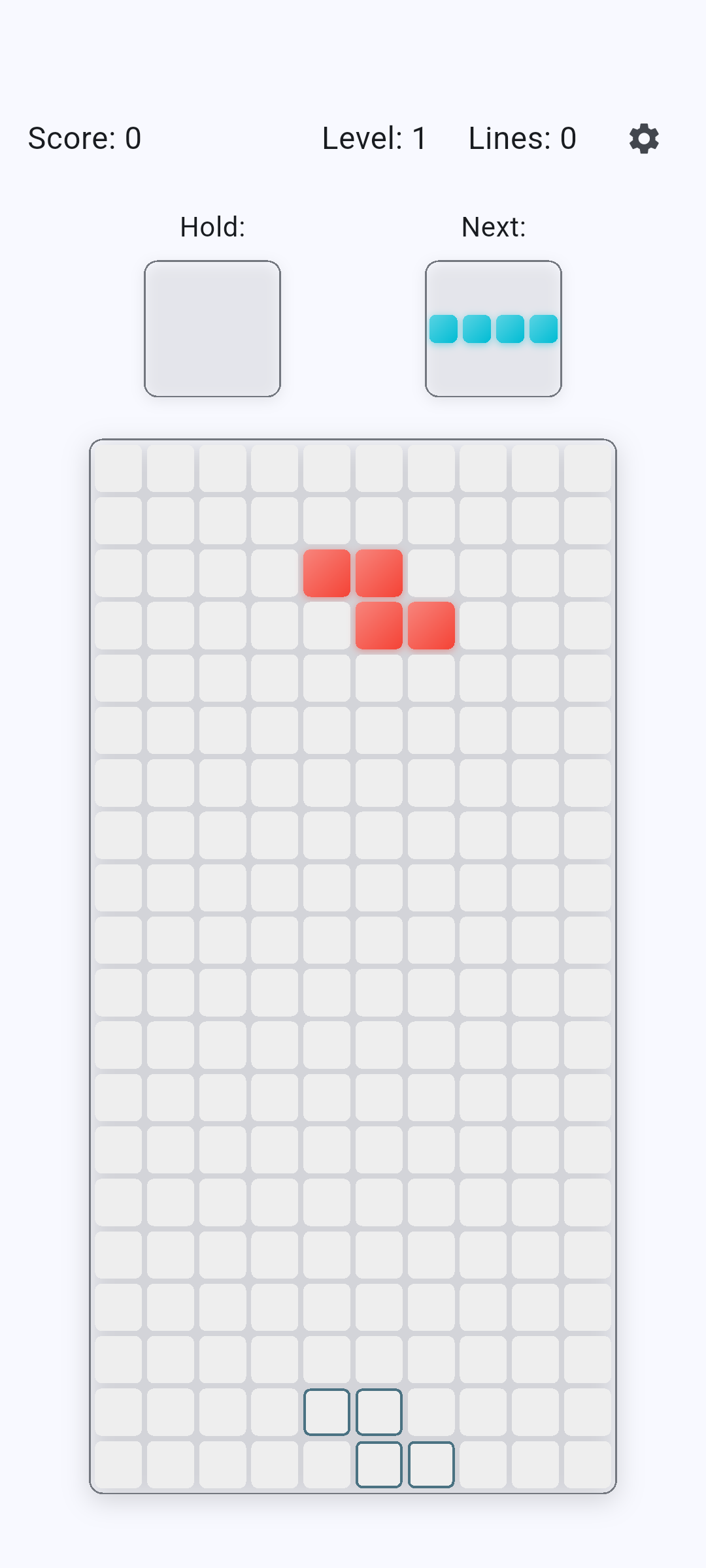
Dark theme
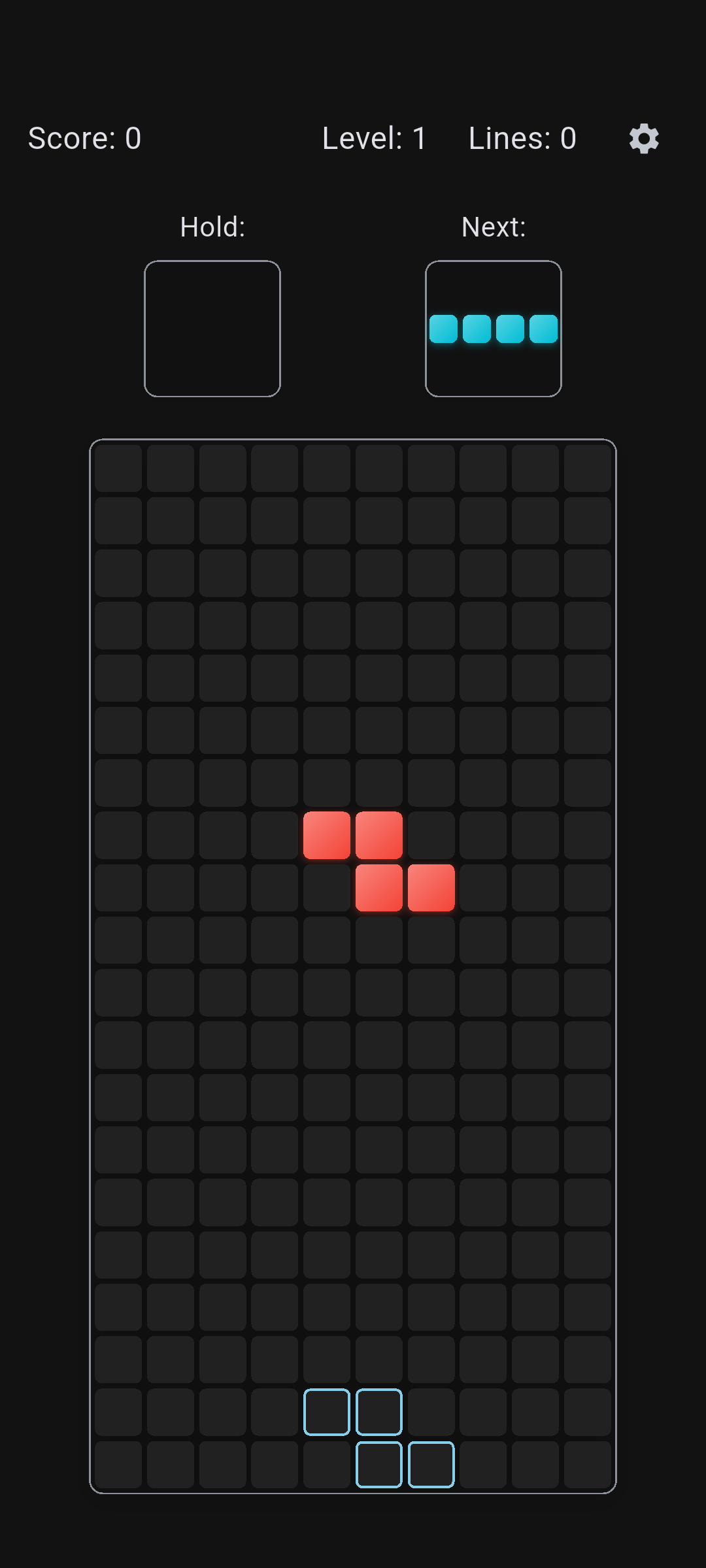
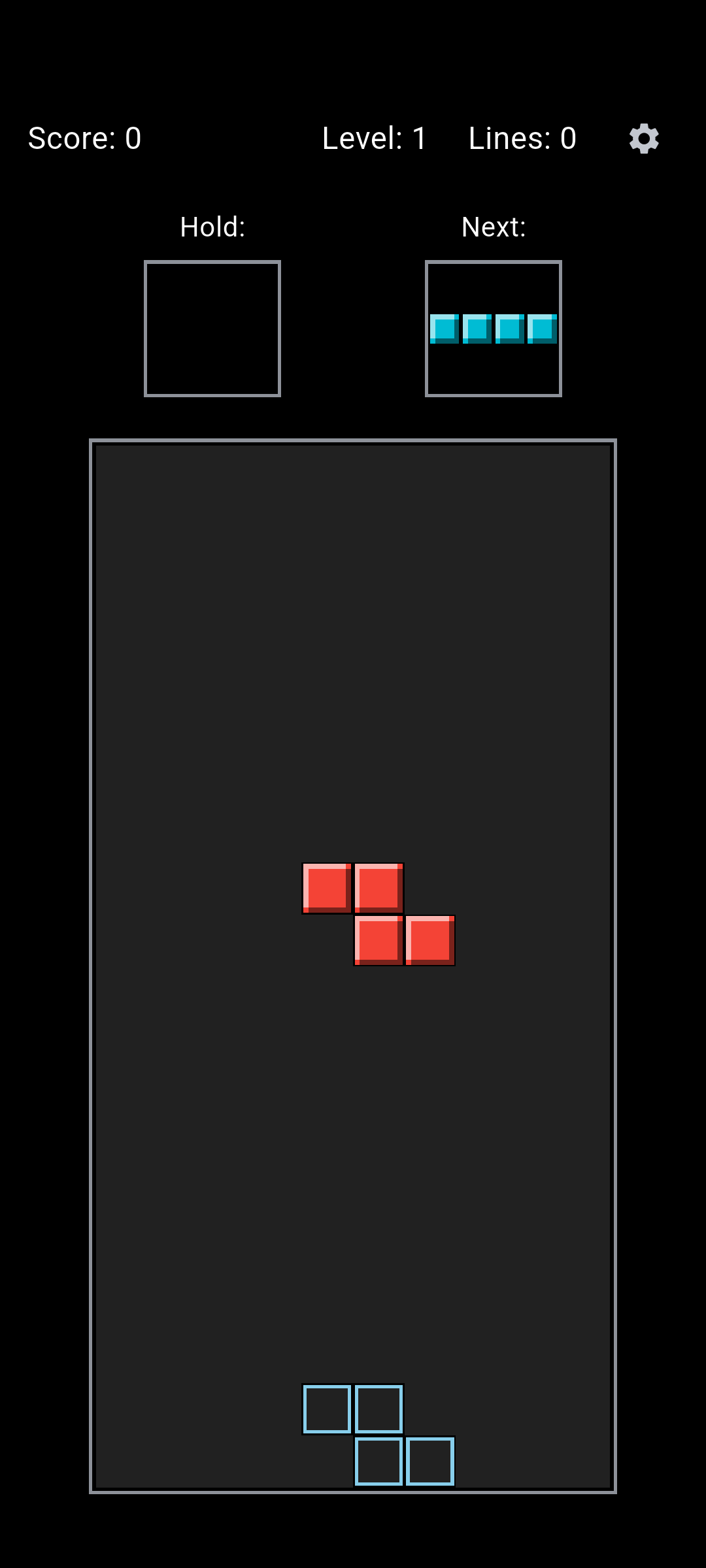

Black (AMOLED) theme


How to Play
- Move Left/Right: Use arrow keys or swipe gestures
- Rotate: Up arrow key or tap to rotate pieces
- Soft Drop: Down arrow key or swipe down
- Hard Drop: Space bar (desktop) or double tap (mobile)
- Hold Piece: Hold key or dedicated hold button
Getting Started
Prerequisites
Installation
-
Clone the repository:
git clone https://github.com/brandonp2412/BlockDrop block_drop cd block_drop -
Install dependencies:
flutter pub get -
Run the app:
flutter run
Building for Release
Android
flutter build apk --release
iOS
flutter build ios --release
Web
flutter build web --release
Desktop
flutter build windows --release  # Windows
flutter build macos --release    # macOS
flutter build linux --release
License
This project is licensed under the MIT License - see the LICENSE file for details.
Acknowledgments
- Inspired by the classic Tetris game
- Built with Flutter framework
- Icons and assets created specifically for Block Drop

GitHub 作者
Brandon Dick ↗
語言DartC++PythonCMakeKotlinShellPowerShellRubySwiftJavaCHTMLObjective-C
分類
使用的依賴
依賴清單 14 項
- flutter
{"sdk":"flutter"} - flutter_localizations
{"sdk":"flutter"} - talker_flutter
5.1.20 - cupertino_icons
^1.0.8 - shared_preferences
^2.3.0 - audioplayers
^6.0.0 - intl
^0.20.2 - url_launcher
^6.3.2 - flutter_test開發依賴
{"sdk":"flutter"} - integration_test開發依賴
{"sdk":"flutter"} - patrol開發依賴
^4.9.0 - flutter_lints開發依賴
^6.0.0 - flutter_launcher_icons開發依賴
^0.14.4 - mocktail開發依賴
^1.0.0
App 分類
如何選擇適合專案的儲存庫?
先依使用情境篩選,再比較專案活躍情況,最後到原始儲存庫確認使用要求。
- 透過儲存庫名稱、作者或描述搜尋,再依技術分類縮小範圍。
- 綜合星標、分支與最近推送比較專案;星標反映社群關注,不保證品質。
- 使用前在 GitHub 確認 README、授權條款與 Issues。
來源與維護
“A repository is the most basic element of GitHub.”
GitHub Docs — About repositories ↗