
v0.0.4
animated_visibility
使用 AnimatedVisibility 實現出現和消失的動畫
44喜歡 3170近 30 天下載150Pub 分數
AndroidiOSWebmacOSWindowsLinux
Flutter - 使用 AnimatedVisibility 小部件透過預先建構的效果來動畫顯示和隱藏。
以下為英文專案原文快照,最新內容請造訪 GitHub。
Animate appearance and disappearance using pre-built effects with the AnimatedVisibility widget.
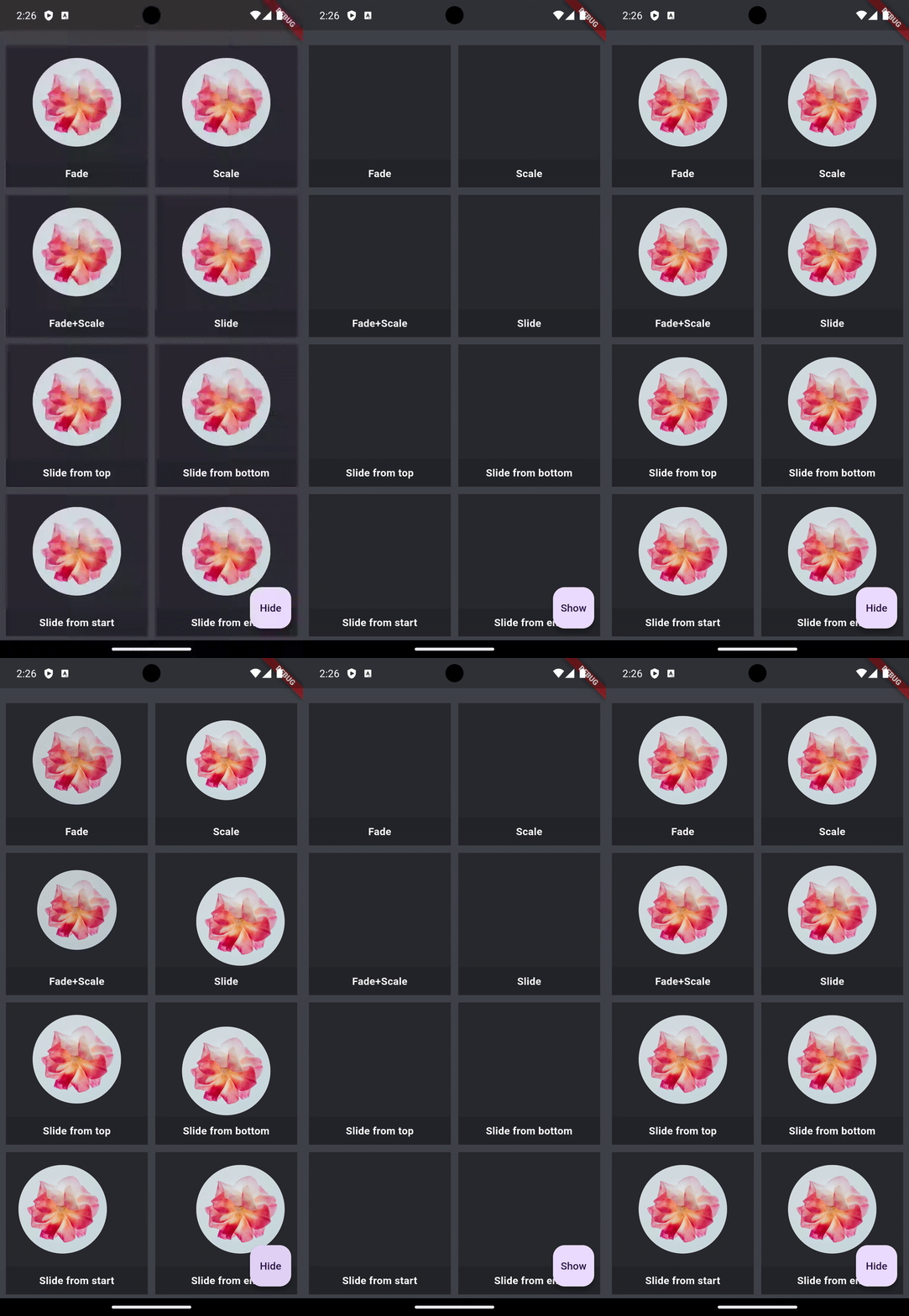
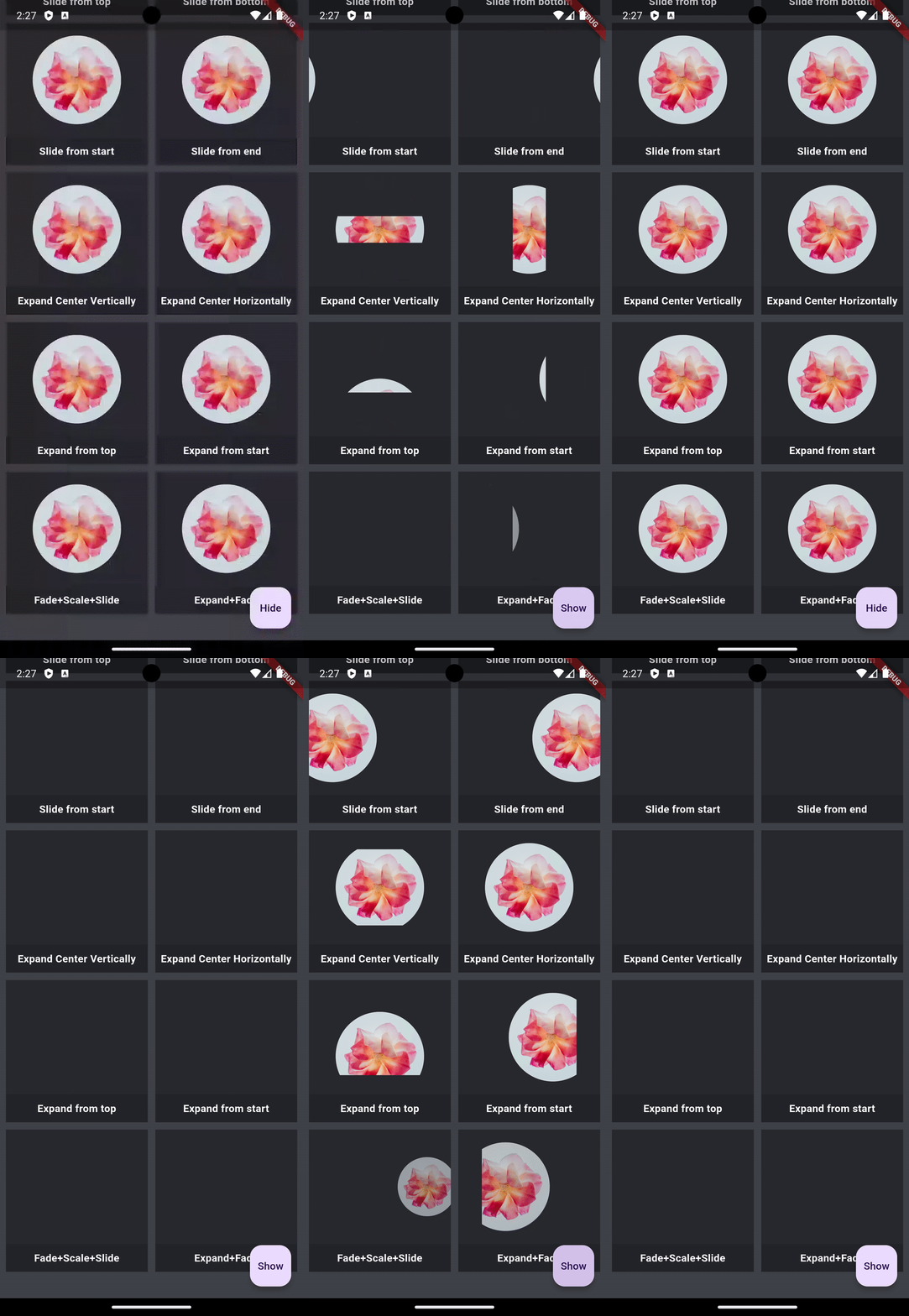
In the pubspec.yaml of your flutter project, add the following dependency:
dependencies:
  animated_visibility: <latest_version>
In your library add the following import:
import 'package:animated_visibility/animated_visibility.dart';
      AnimatedVisibility(
        visible: _isShow,
        enter: fadeIn() + scaleIn(),
        exit: fadeOut() + slideOutHorizontally(),
        child: <content to show/hide>,
      );
Sample app demonstrates how simple the usage of the library actually is.
For bugs, questions and discussions please use the Github Issues.
animated_visibility is owned and maintained by the Canopas team. You can follow them on X at @canopassoftware for project updates and releases.

依賴清單 3 項
{"sdk":"flutter"}{"sdk":"flutter"}^2.0.0先依使用情境篩選,再比較專案活躍情況,最後到原始儲存庫確認使用要求。
“A repository is the most basic element of GitHub.”
GitHub Docs — About repositories ↗