
flutter_chess_board
適用於 Flutter 的國際象棋棋盤小部件。

- 星標
- 199
- 分支
- 69
- 最近推送(UTC)
- 2023年2月13日
- 專案狀態
- 未封存
原始 README
以下為英文專案原文快照,最新內容請造訪 GitHub。
flutter_chess_board
A full-fledged Chessboard widget for Flutter. Includes the Chessboard widget, stores game state, and includes a controller to check and manipulate game state.
Full support for formats like PGN, FEN as well as ASCII. Supports multiple colors and displaying arrows on the board. Easy access to making / undoing moves on the board.
Note: v1.0+ is a major refactor and the earlier architecture which used scoped_model internally
is no longer in use. The ChessBoardController now stores the state of the game as well as contains
options to change and check state. Arrows on the board are now supported.
Setting Up
Add a ChessBoard widget and attach a ChessBoardController to it.
Let's also set the board color and specify the board orientation (default is towards white).
import 'package:flutter/material.dart';
import 'package:flutter_chess_board/flutter_chess_board.dart';

class HomePage extends StatefulWidget {
  const HomePage({Key? key}) : super(key: key);

  @override
  _HomePageState createState() => _HomePageState();
}

class _HomePageState extends State<HomePage> {
  ChessBoardController controller = ChessBoardController();

  @override
  Widget build(BuildContext context) {
    return Scaffold(
      appBar: AppBar(
        title: const Text('Chess Demo'),
      ),
      body: Center(
        child: ChessBoard(
          controller: controller,
          boardColor: BoardColor.orange,
          boardOrientation: PlayerColor.white,
        ),
      ),
    );
  }
}
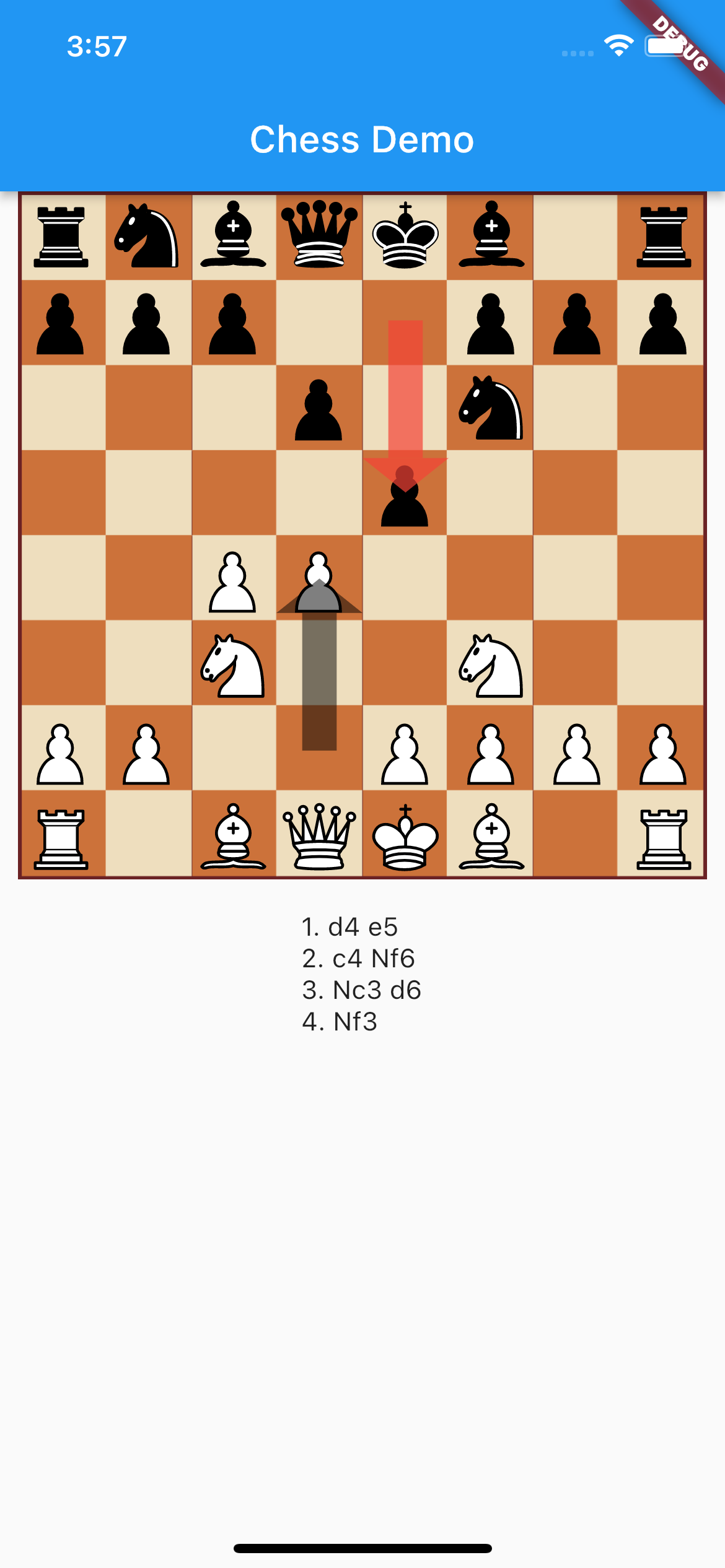
Let's try to display arrows on the board and also display moves of the current game:
import 'package:flutter/material.dart';
import 'package:flutter_chess_board/flutter_chess_board.dart';

class HomePage extends StatefulWidget {
  const HomePage({Key? key}) : super(key: key);

  @override
  _HomePageState createState() => _HomePageState();
}

class _HomePageState extends State<HomePage> {
  ChessBoardController controller = ChessBoardController();

  @override
  Widget build(BuildContext context) {
    return Scaffold(
      appBar: AppBar(
        title: const Text('Chess Demo'),
      ),
      body: Column(
        children: [
          Expanded(
            child: Center(
              child: ChessBoard(
                controller: controller,
                boardColor: BoardColor.orange,
                arrows: [
                  BoardArrow(
                    from: 'd2',
                    to: 'd4',
                    color: Colors.red.withOpacity(0.5),
                  ),
                ],
                boardOrientation: PlayerColor.white,
              ),
            ),
          ),
          Expanded(
            child: ValueListenableBuilder<Chess>(
              valueListenable: controller,
              builder: (context, game, _) {
                return Text(
                  controller.getSan().fold(
                        '',
                        (previousValue, element) =>
                            previousValue + '\n' + (element ?? ''),
                      ),
                );
              },
            ),
          ),
        ],
      ),
    );
  }
}
This gives us:
Watch for game changes
You can listen to game state changes (move, half moves, etc) using either a listener or a ValueListenableBuilder:
  ChessBoardController controller = ChessBoardController();

  @override
  void initState() {
    super.initState();
    controller.addListener(() {
      // Do something here
    });
  }
  ValueListenableBuilder<Chess>(
    valueListenable: controller,
    builder: (context, game, _) {
      // Build on new game state
    },
  ),
Checking Game States
The ChessBoardController holds the game itself and you can do various kinds of things using it:
Load New Game
controller.loadPgn('demo PGN')
controller.loadFen('demo FEN')
Make Move:
controller.makeMove(from: 'd2', to: 'd4')
Undo Move:
controller.undoMove()
Check states:
controller.isCheckMate()
controller.isDraw()
controller.isStaleMate()
controller.isThreefoldRepetition
...and more...
Move Count
controller.getMoveCount()
controller.getHalfMoveCount()
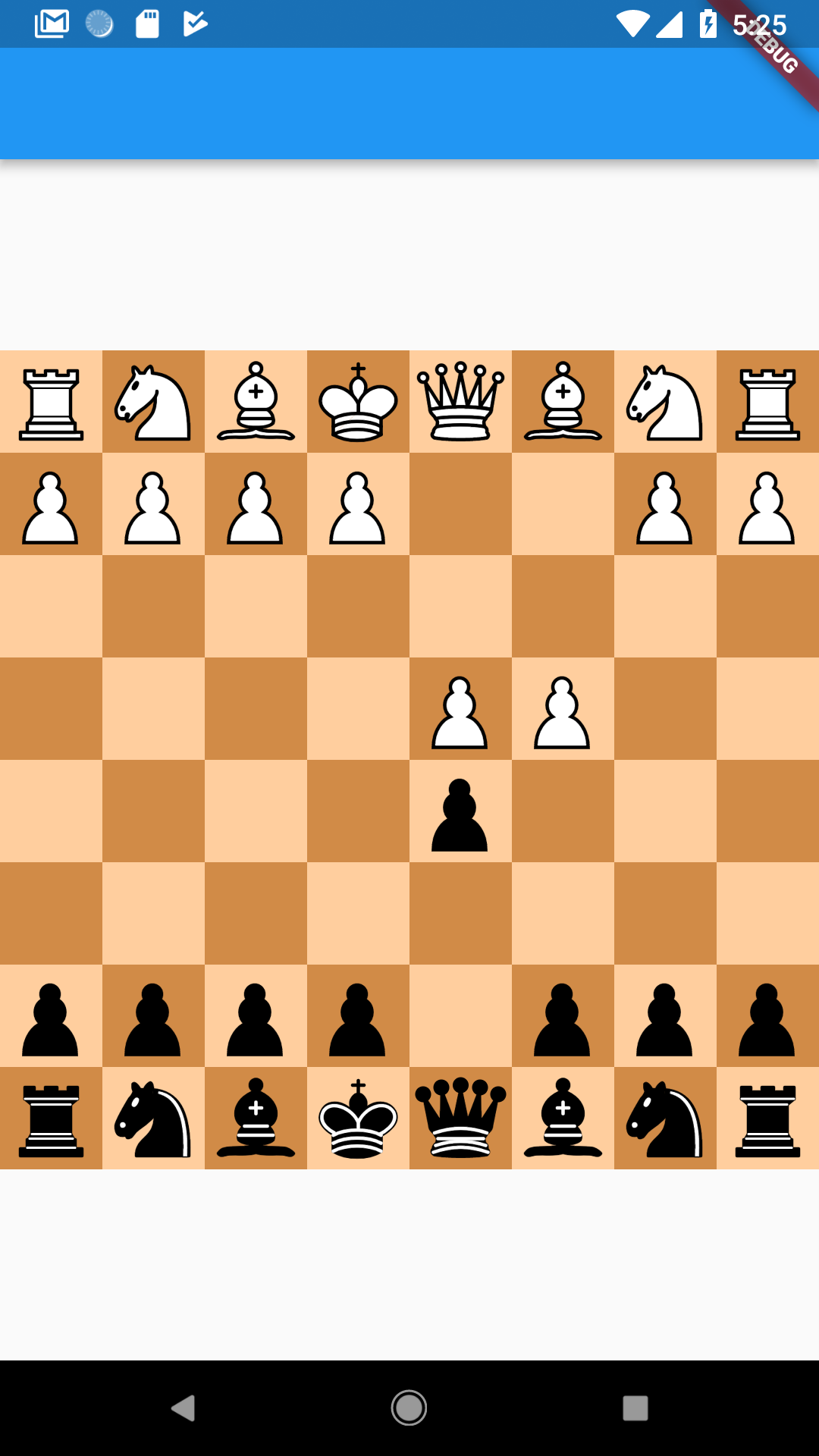
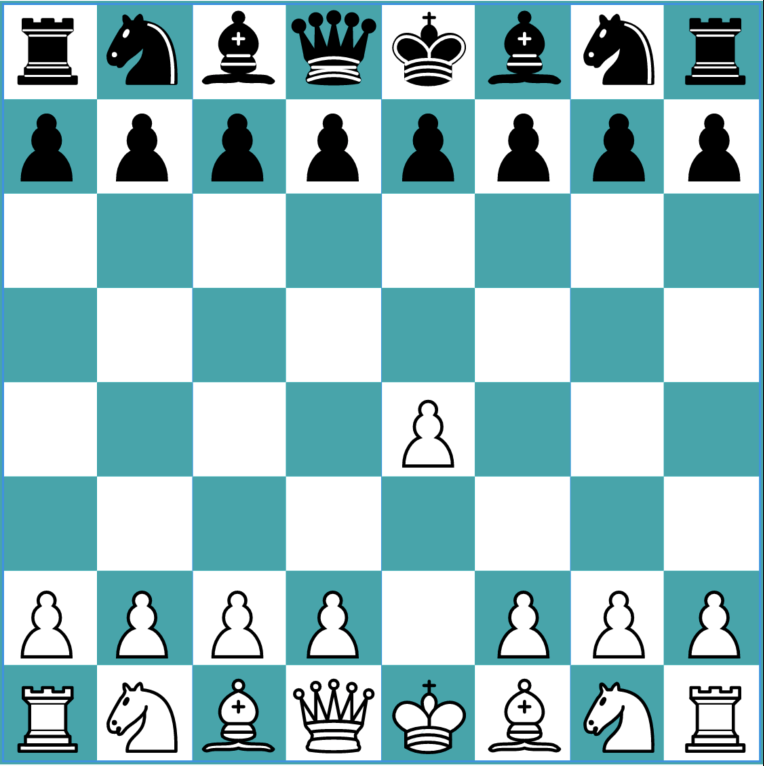
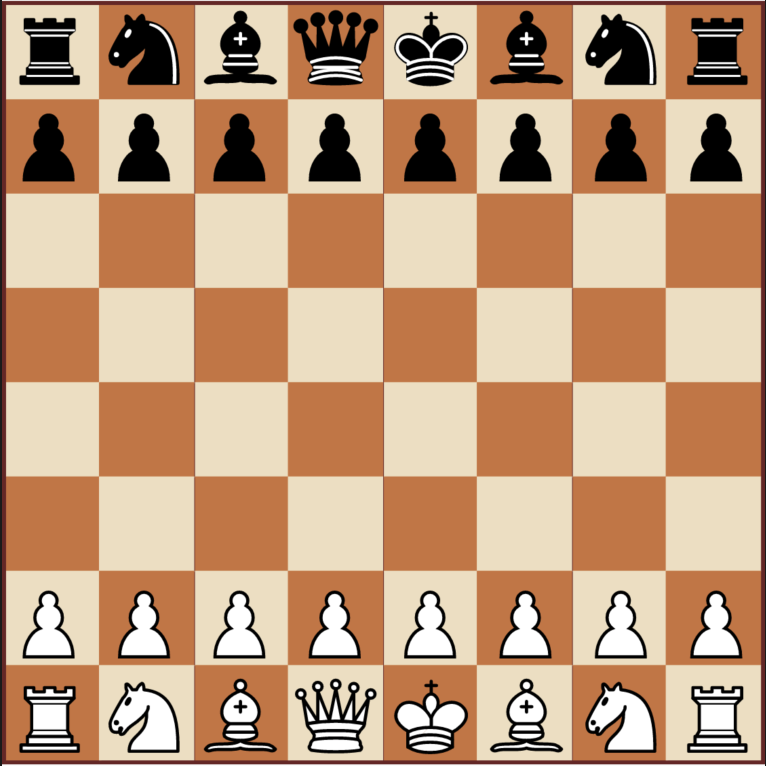
Other Board Types
Import the package
To use this package, add chess_board as a dependency in your pubspec.yaml

Deven Joshi ↗
分類
使用的依賴
依賴清單 4 項
- chess
^0.7.0 - chess_vectors_flutter
^1.0.12 - flutter
{"sdk":"flutter"} - flutter_test開發依賴
{"sdk":"flutter"}
如何選擇適合專案的儲存庫?
先依使用情境篩選,再比較專案活躍情況,最後到原始儲存庫確認使用要求。
- 透過儲存庫名稱、作者或描述搜尋,再依技術分類縮小範圍。
- 綜合星標、分支與最近推送比較專案;星標反映社群關注,不保證品質。
- 使用前在 GitHub 確認 README、授權條款與 Issues。
來源與維護
“A repository is the most basic element of GitHub.”
GitHub Docs — About repositories ↗