

 v1.3.2
password_strength_checker
產生安全密碼,檢查洩露密碼,取得強度的視覺反饋,或在需要最低密碼強度時進行表單驗證。
55喜歡 1.1萬近 30 天下載150Pub 分數
AndroidiOSWebmacOSWindowsLinux
產生安全密碼,檢查密碼是否已洩露,取得密碼強度的視覺反饋,或在表單驗證中要求最低密碼強度。

以下為英文專案原文快照,最新內容請造訪 GitHub。






Generate secure passwords, check for exposed passwords, get visual feedback for password strength or get form validation with a minimum password strength required.
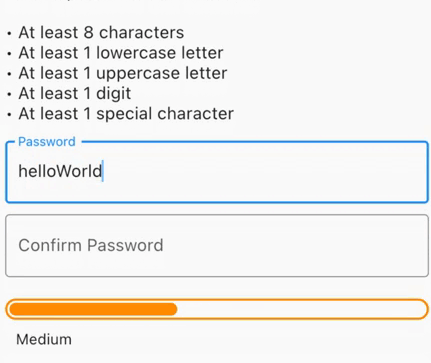
Check the strength of the password in a visual way, with an animation when the strength changes according to the settings given by the user.
Use it also inside a Form to get form validation!
commonDictionary, a map with 10,000 leaked passwords!PasswordStrengthChecker to have a visual feedback.PasswordStrengthFormChecker to have a built-in TextFormField inside the widget and get form validation using a minimumStrengthRequired.PasswordGenerator class to generate a secure random password based on the input configurations (PasswordGeneratorConfiguration).PasswordStrength default enum (see Custom Strength).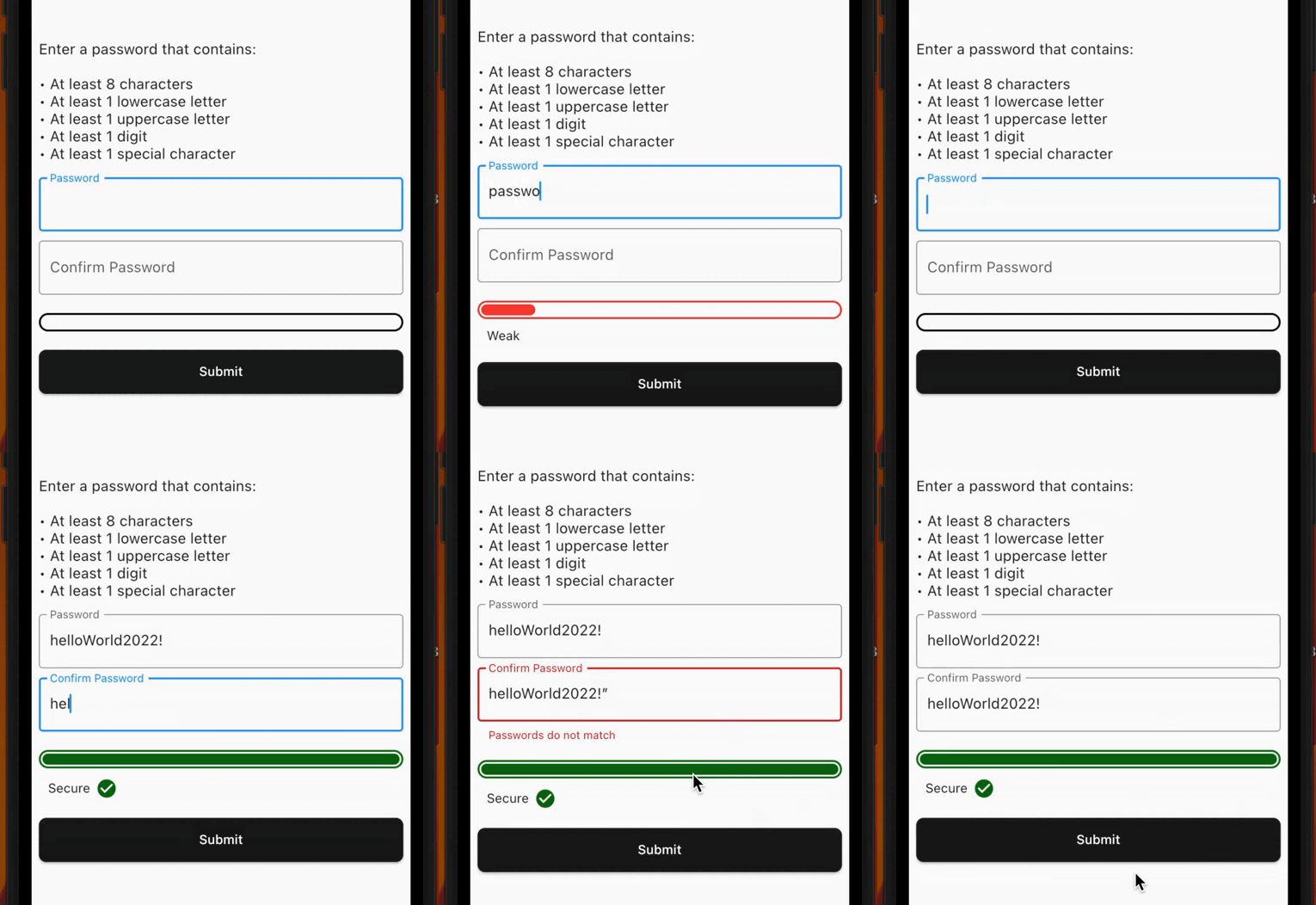
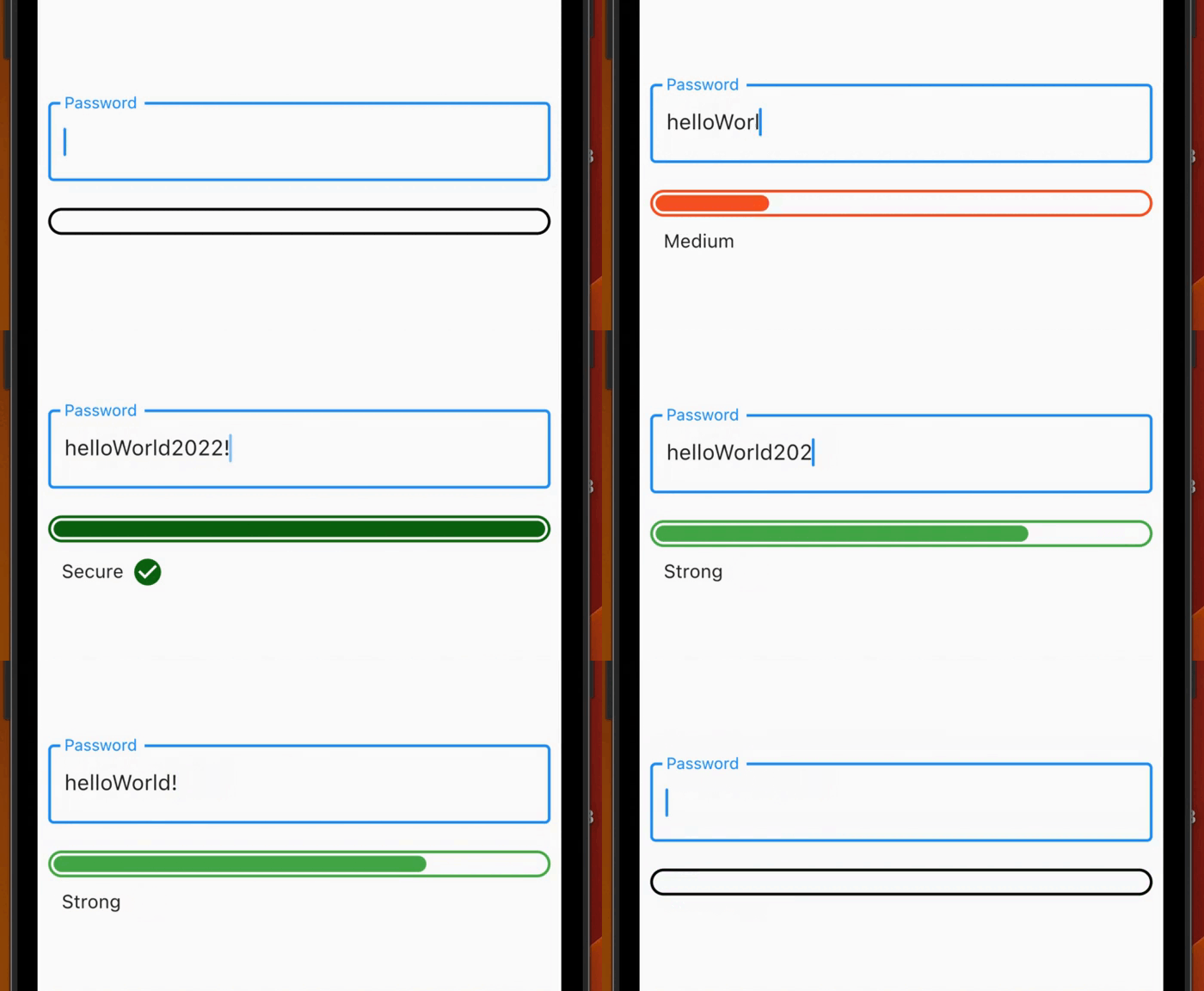

You can use the PasswordStrengthChecker to only have a visual feedback, for example:
final passNotifier = ValueNotifier<PasswordStrength?>(null);
// ...
PasswordStrengthChecker(
  strength: passNotifier,
),
See the full example here.
You can use the PasswordStrengthFormChecker to have a built-in TextFormField inside the widget and get form validation using a minimumStrengthRequired. For example:
PasswordStrengthFormChecker(
  minimumStrengthRequired: PasswordStrength.secure,
  onChanged: (password, notifier) {
    notifier.value = PasswordStrength.calculate(text: password);
  },
),
See the full example here.
You can use the PasswordGeneratorclass to generate a secure random password based on the configurations. For example:
final config = PasswordGeneratorConfiguration(
  length: 32,
  minUppercase: 8,
  minSpecialChars: 8,
  // ...
);

final passwordGenerator = PasswordGenerator.fromConfig(
  configuration: config,
);

final password = passwordGenerator.generate();
See the full example here.
You can use the default PasswordStrength enum to set the strength of the password, or you can create your own enum that implements PasswordStrengthItem and use it. For example:
enum CustomPassStrength implements PasswordStrengthItem {
  weak,
  medium,
  strong;

  @override
  Color get statusColor => switch (this) {
      CustomPassStrength.weak => Colors.red,
      CustomPassStrength.medium => Colors.orange,
      CustomPassStrength.strong => Colors.green,
    };

  @override
  Widget? get statusWidget => switch (this) {
      CustomPassStrength.weak => const Text('Weak'),
      CustomPassStrength.medium => const Text('Medium'),
      CustomPassStrength.strong => const Text('Strong'),
    };

  @override
  double get widthPerc => switch (this) {
      CustomPassStrength.weak => 0.15,
      CustomPassStrength.medium => 0.4,
      CustomPassStrength.strong => 0.75,
    };

  static CustomPassStrength? calculate({required String text}) {
    // Implement your custom logic here
    if (text.isEmpty) {
      return null;
    }
    // Use the [commonDictionary] to see if a password
    // is in 10,000 common exposed password list.
    if (commonDictionary[text] == true) {
      return CustomPassStrength.weak;
    }
    if (text.length < 6) {
      return CustomPassStrength.weak;
    } else if (text.length < 10) {
      return CustomPassStrength.medium;
    } else {
      return CustomPassStrength.strong;
    }
  }
}
The project is open source and you can contribute to it here -> repository link
Made with ❤️ from dariowskii
依賴清單 3 項
{"sdk":"flutter"}{"sdk":"flutter"}^6.0.0先依使用情境篩選,再比較專案活躍情況,最後到原始儲存庫確認使用要求。
“A repository is the most basic element of GitHub.”
GitHub Docs — About repositories ↗