

 v1.0.5
flutter_dialpad
一個可加入任何 Flutter 應用程式的電話撥號器小部件,以啟用撥打電話號碼的功能。此功能可與 VoIP 應用程式結合使用,以實現撥打電話。
37喜歡 218近 30 天下載125Pub 分數
AndroidiOSWeb
適用於您的 Flutter 應用程式的電話撥號盤

以下為英文專案原文快照,最新內容請造訪 GitHub。
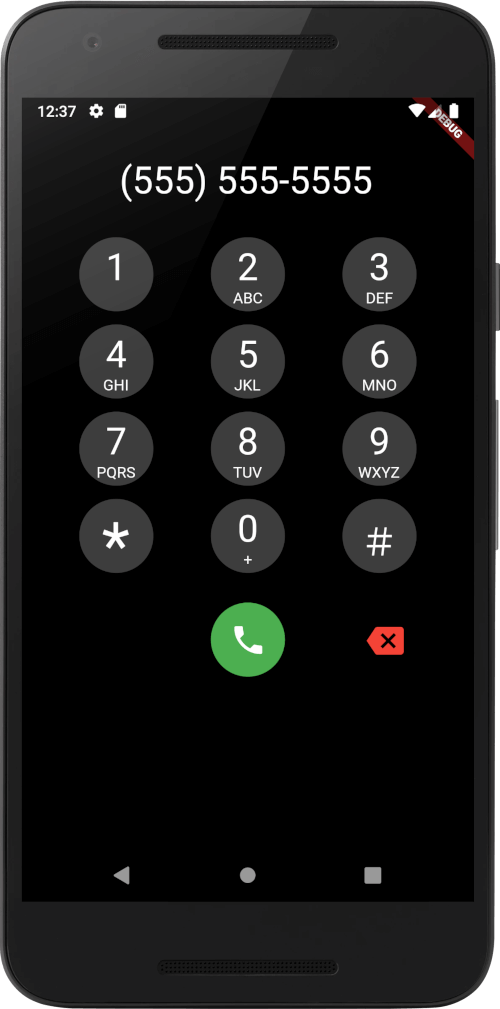
A phone dialer widget that can be added to any Flutter Application to enable the ability to dial a number. This could be combined with a VoIP application to enable placing calls.
This is a purely Dart widget with no dependency on Android or iOS except for the flutter_dtmf package it uses for DTMF tone generation on pressing a button. You can turn it off by setting enableDtmf: false
@override
  Widget build(BuildContext context) {
    return Scaffold(
      backgroundColor: Colors.black,
      body: SafeArea(
        child:
            DialPad(
                // temporarily disabled
                // enableDtmf: true,
                outputMask: "(000) 000-0000",
                backspaceButtonIconColor: Colors.red,
                makeCall: (number){
                    print(number);
                }
            )
        ),
    );
  }
Support has been added for custom UIs, using Dialpad.ios for iOS style keypad or DialPad.metro metro theme. Additional customization is available with many different options.
A few considerations:
ScalingTypeDialPad supports dynamic scaling of UI. Using either a ScalingType.fixed approach will use preset text & icon sizes. If you are using flutter_web_frame with some window constraints, you may wish to use ScalingType.height. For most cases ScalingType.min should suffice.
ScalingSizeScaling Size provides an easy way to specify the scalar multiplier for the scaling calculation. Instead of using a predefined value of e.g. 0.001, the ScalingSize.small is now used. Customization for buttons allows making the dial button large with a small backspace button.
If you wish to add your own Scalable button, feel free to create a widget with Scalable to make use of the rescale function.
Scaled UI elements may become extremely small, using minScalingSize and maxScalingSize you can clamp the scaling to a percentage of the original size. This is useful for ensuring the UI is still usable.
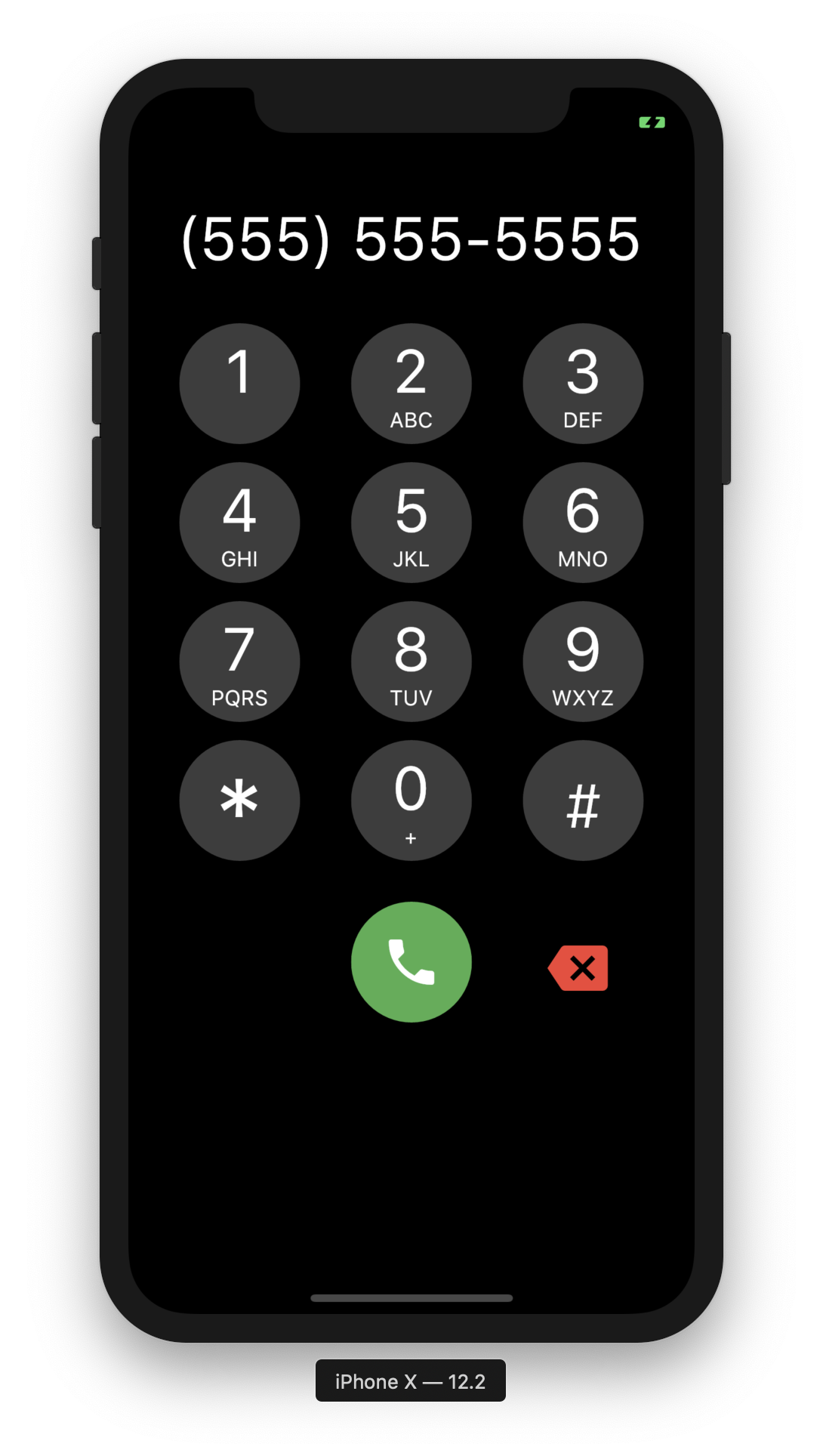 |
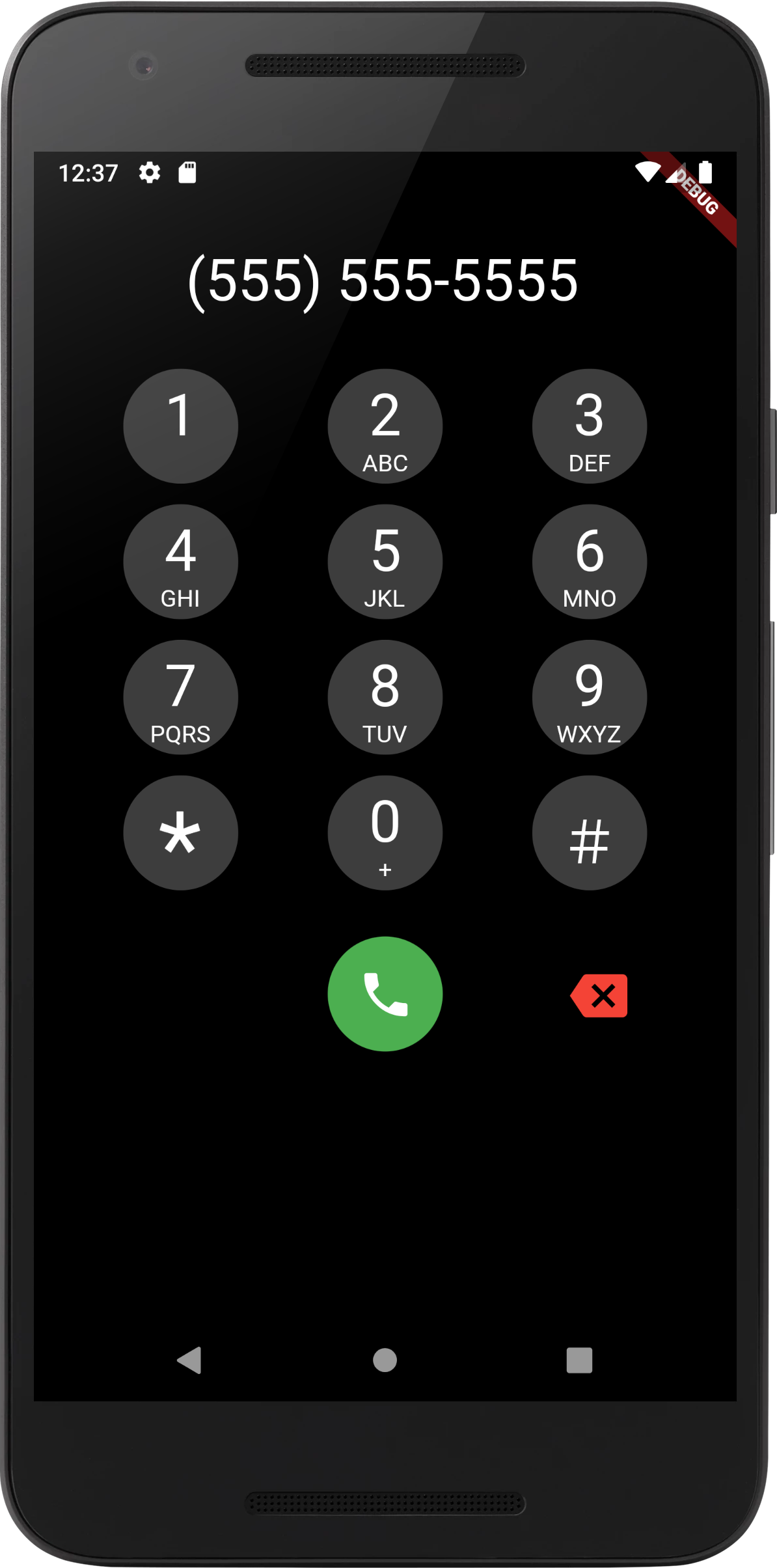 |
|---|---|
| iOS Screenshot | Android Screenshot |
[Done] Add DTMF Tones
依賴清單 4 項
{"sdk":"flutter"}^3.0.0{"git":{"url":"https://github.com/cybex-dev/flutter_masked_text","ref":"156f63b77d23148d9f1544230e3201ab6172f470"}}{"sdk":"flutter"}先依使用情境篩選,再比較專案活躍情況,最後到原始儲存庫確認使用要求。
“A repository is the most basic element of GitHub.”
GitHub Docs — About repositories ↗