


 v5.3.1
flutter_smart_dialog
一個優雅的 Flutter 對話框解決方案,輕鬆實現 Toast、Loading 和自訂對話框,讓對話框的使用更簡單!
645喜歡 1.8萬近 30 天下載160Pub 分數
AndroidiOSWebmacOSWindowsLinux
一種更優雅的 Flutter Dialog 解決方案 | 一種更優雅的 Flutter Dialog 解決方案 | https://xdd666t.github.io/flutter_use/web/index.html#/smartDialog

以下為英文專案原文快照,最新內容請造訪 GitHub。



Feature and Usage(Must read!):super detailed guide
功能和用法(必看!): 超详细指南
Language: English | 中文
Migrate doc:3.x migrate 4.0 | 3.x 迁移 4.0
Flutter 2:Please use flutter_smart_dialog: 4.2.5
An elegant Flutter Dialog solution.
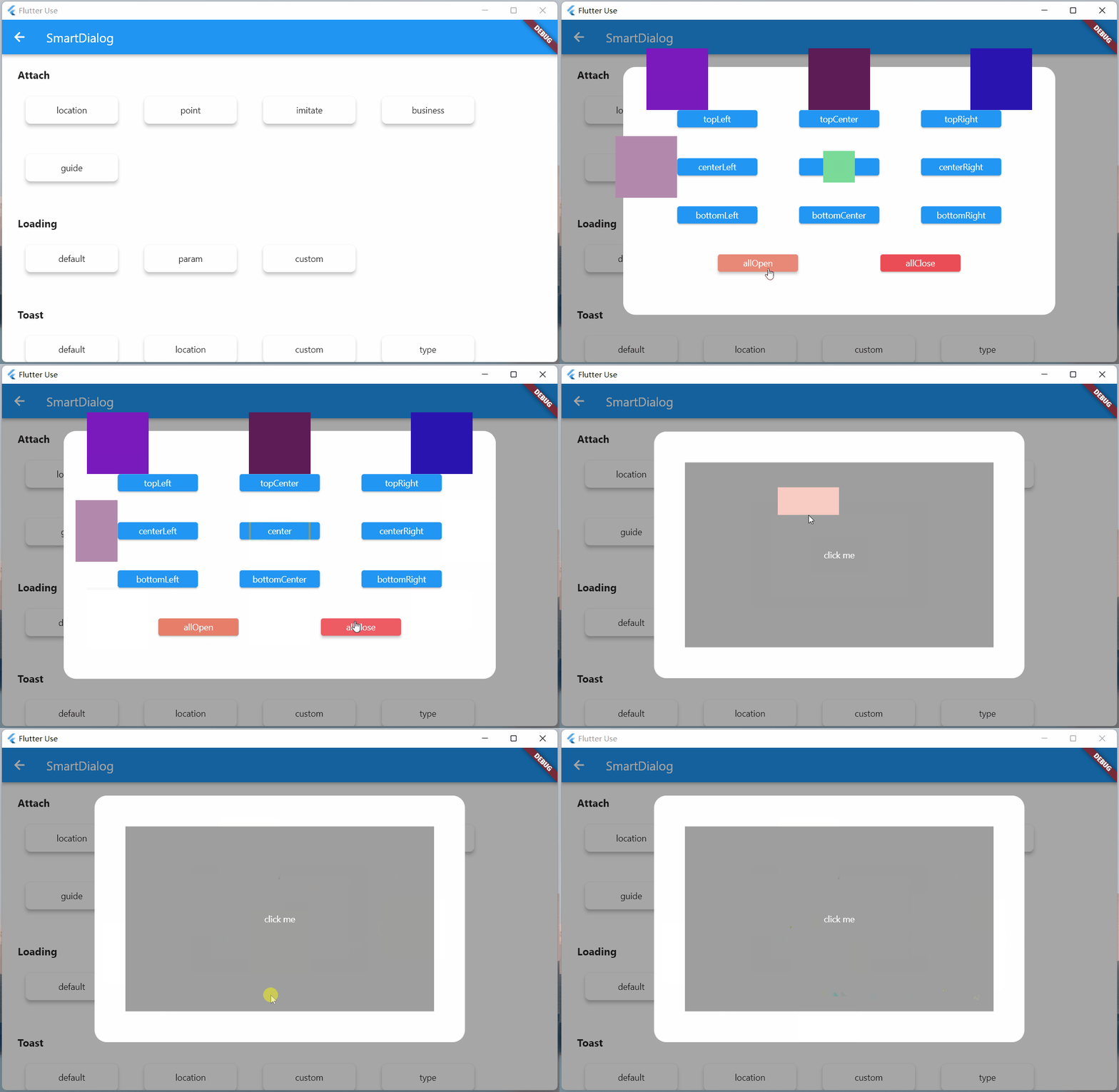
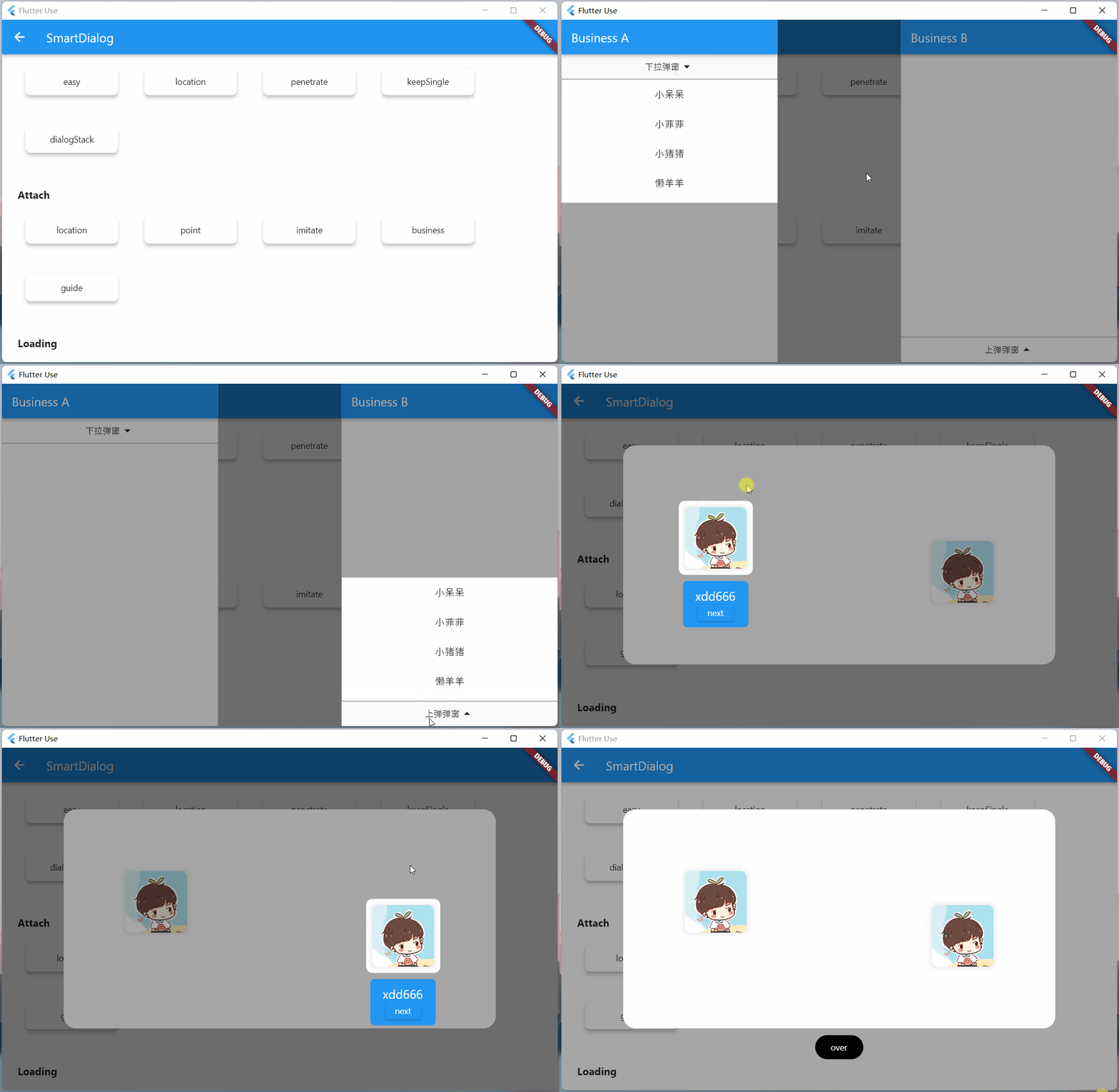
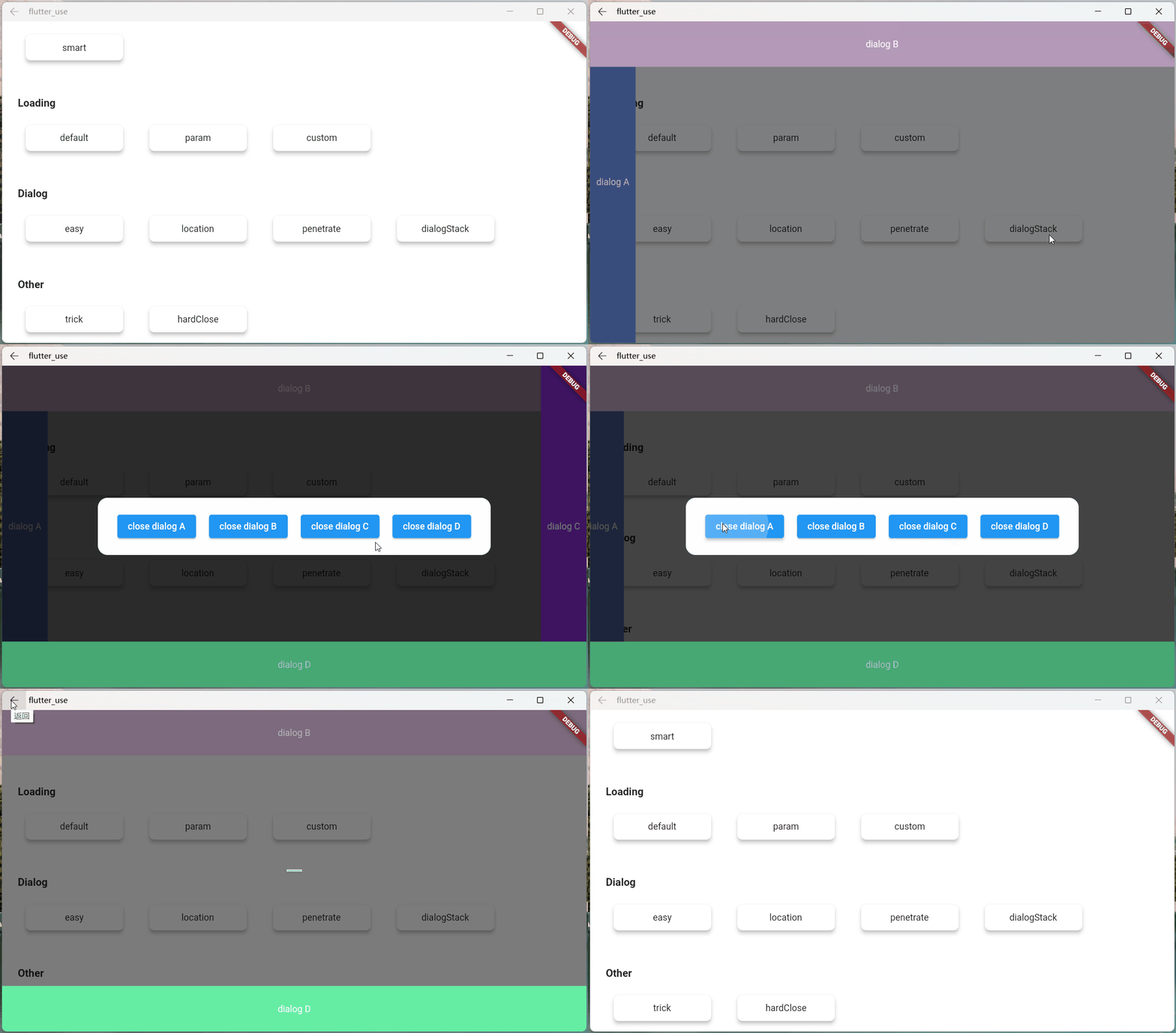
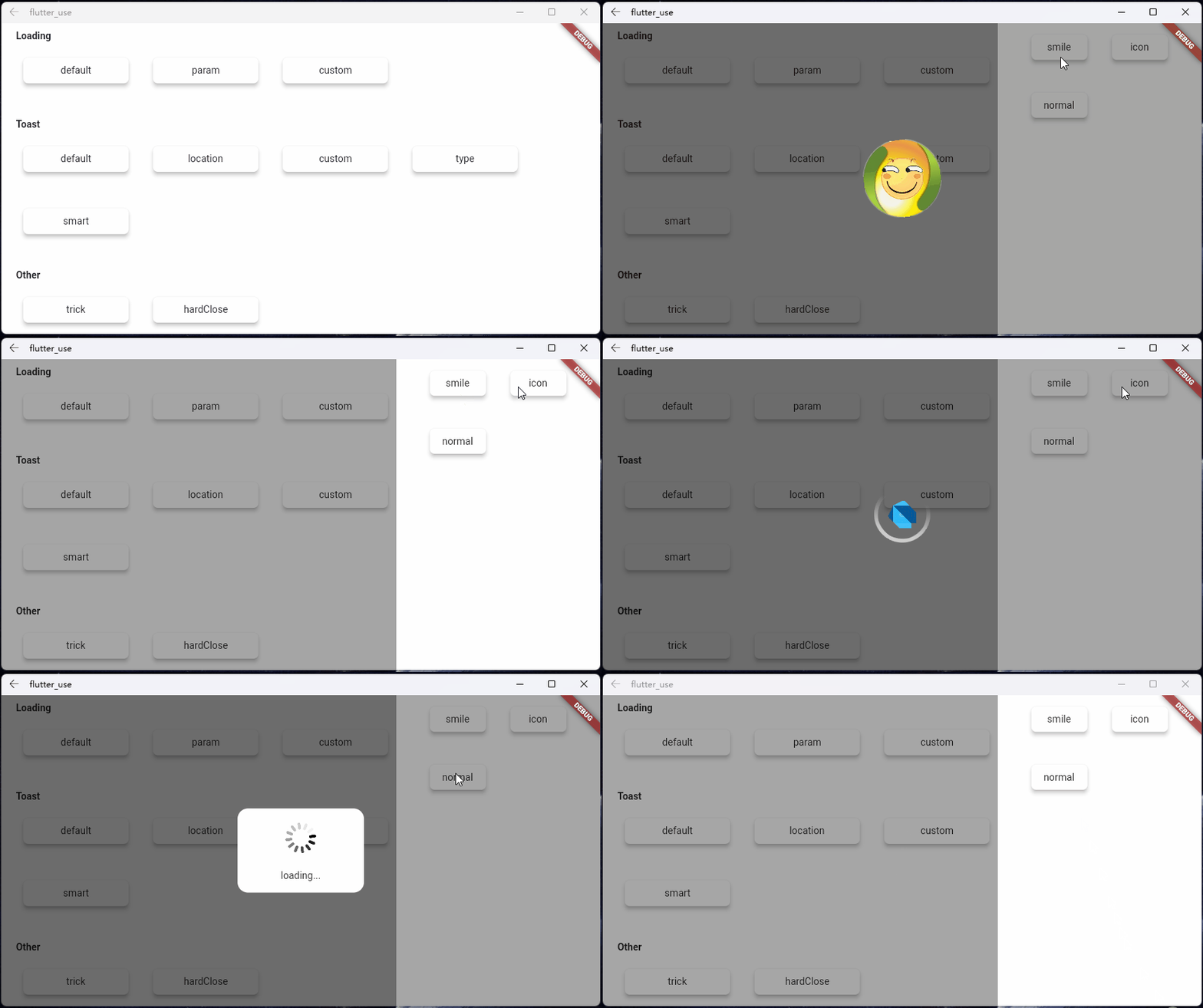
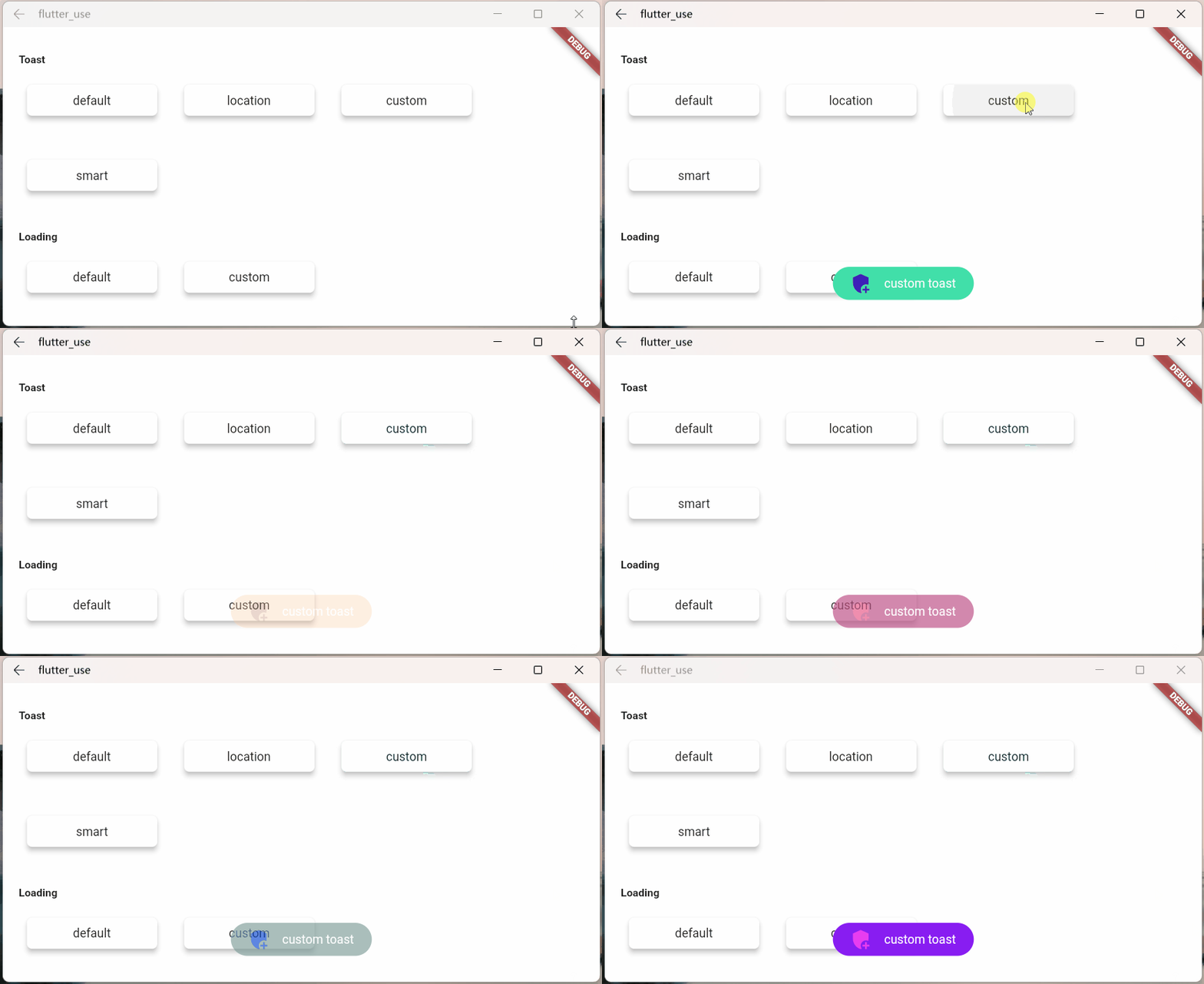
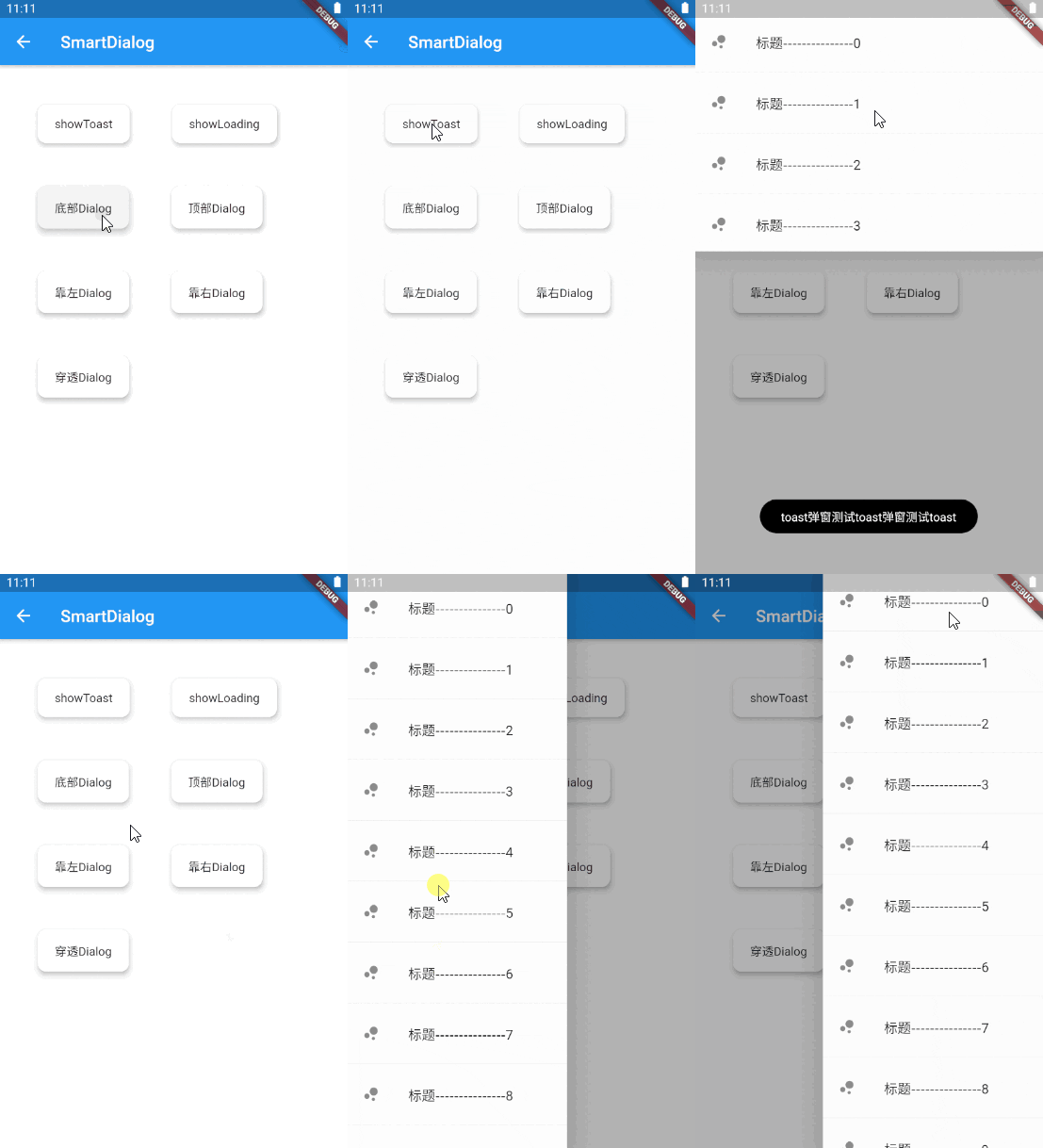
Do not need BuildContext
Can penetrate dark background, click on the page behind dialog
Support dialog stack,close the specified dialog
Support positioning widget, display the specified location dialog
Support highlight feature,dissolve the specified location mask
Easily implement toast,loading,attach dialog,custome dialog,custome notify
initialization
void main() => runApp(MyApp());

class MyApp extends StatelessWidget {
  @override
  Widget build(BuildContext context) {
    return MaterialApp(
      home: HomePage,
      // here
      navigatorObservers: [FlutterSmartDialog.observer],
      // here
      builder: FlutterSmartDialog.init(),
    );
  }
}
Advanced initialization: configure global custom Loading and Toast
SmartDialog's showLoading and showToast provide a default style. Of course, custom param are definitely supported.
SmartDialog.showLoading(builder: (_) => CustomLoadingWidget);SmartDialog.showLoading();Let me show you the following
void main() => runApp(MyApp());

class MyApp extends StatelessWidget {
  @override
  Widget build(BuildContext context) {
    return MaterialApp(
      home: HomePage,
      // here
      navigatorObservers: [FlutterSmartDialog.observer],
      // here
      builder: FlutterSmartDialog.init(
        //custom default toast widget
        toastBuilder: (String msg) => CustomToastWidget(msg: msg),
        //custom default loading widget
        loadingBuilder: (String msg) => CustomLoadingWidget(msg: msg),
        //custom default notify widget
        notifyStyle: FlutterSmartNotifyStyle(
          successBuilder: (String msg) => CustomSuccessWidget(msg: msg),
          failureBuilder: (String msg) => CustomFailureWidget(msg: msg),
          warningBuilder: (String msg) => CustomWarningWidget(msg: msg),
          alertBuilder: (String msg) => CustomAlertWidget(msg: msg),
          errorBuilder: (String msg) => CustomErrorWidget(msg: msg),
        ),
      ),
    );
  }
}
SmartDialog.config
  ..custom = SmartConfigCustom(
    maskColor: Colors.black.withOpacity(0.35),
    useAnimation: true,
  )
  ..attach = SmartConfigAttach(
    animationType: SmartAnimationType.scale,
    usePenetrate: false,
  )
  ..loading = SmartConfigLoading(
    clickMaskDismiss: false,
    leastLoadingTime: const Duration(milliseconds: 0),
  )
  ..toast = SmartConfigToast(
    intervalTime: const Duration(milliseconds: 100),
    displayTime: const Duration(milliseconds: 2000),
  );
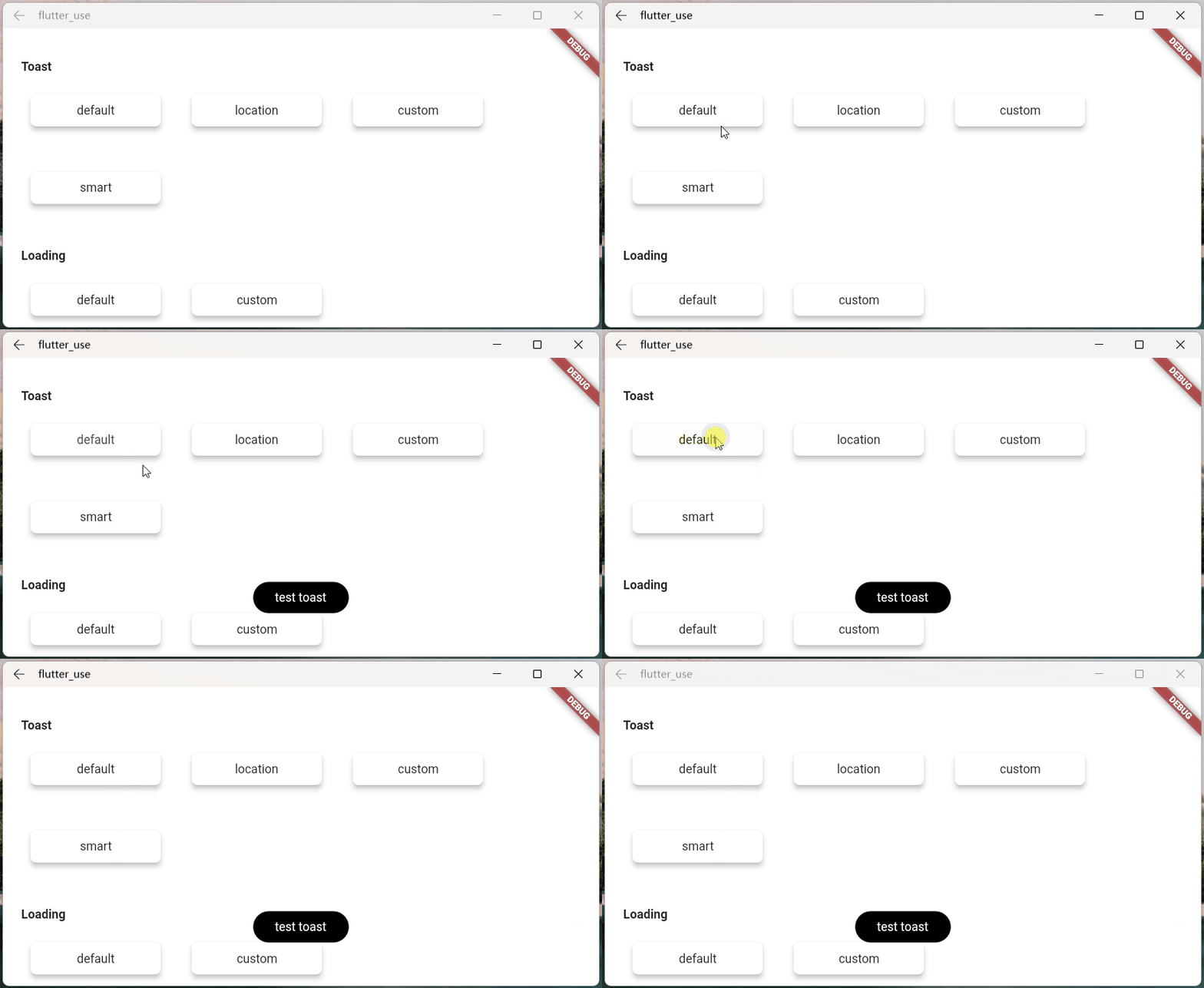
SmartDialog.showToast('test toast');
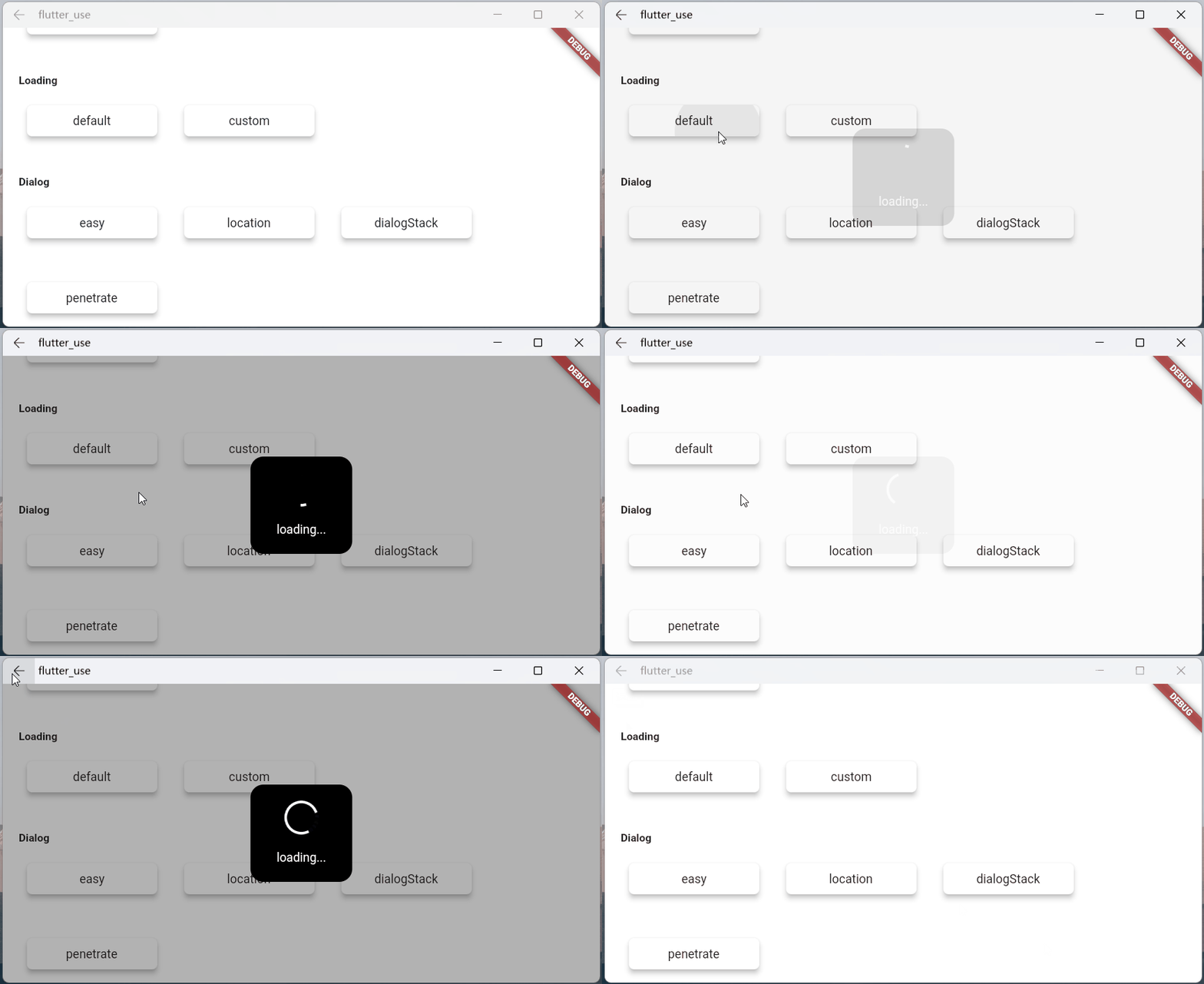
SmartDialog.showLoading();
await Future.delayed(Duration(seconds: 2));
SmartDialog.dismiss();
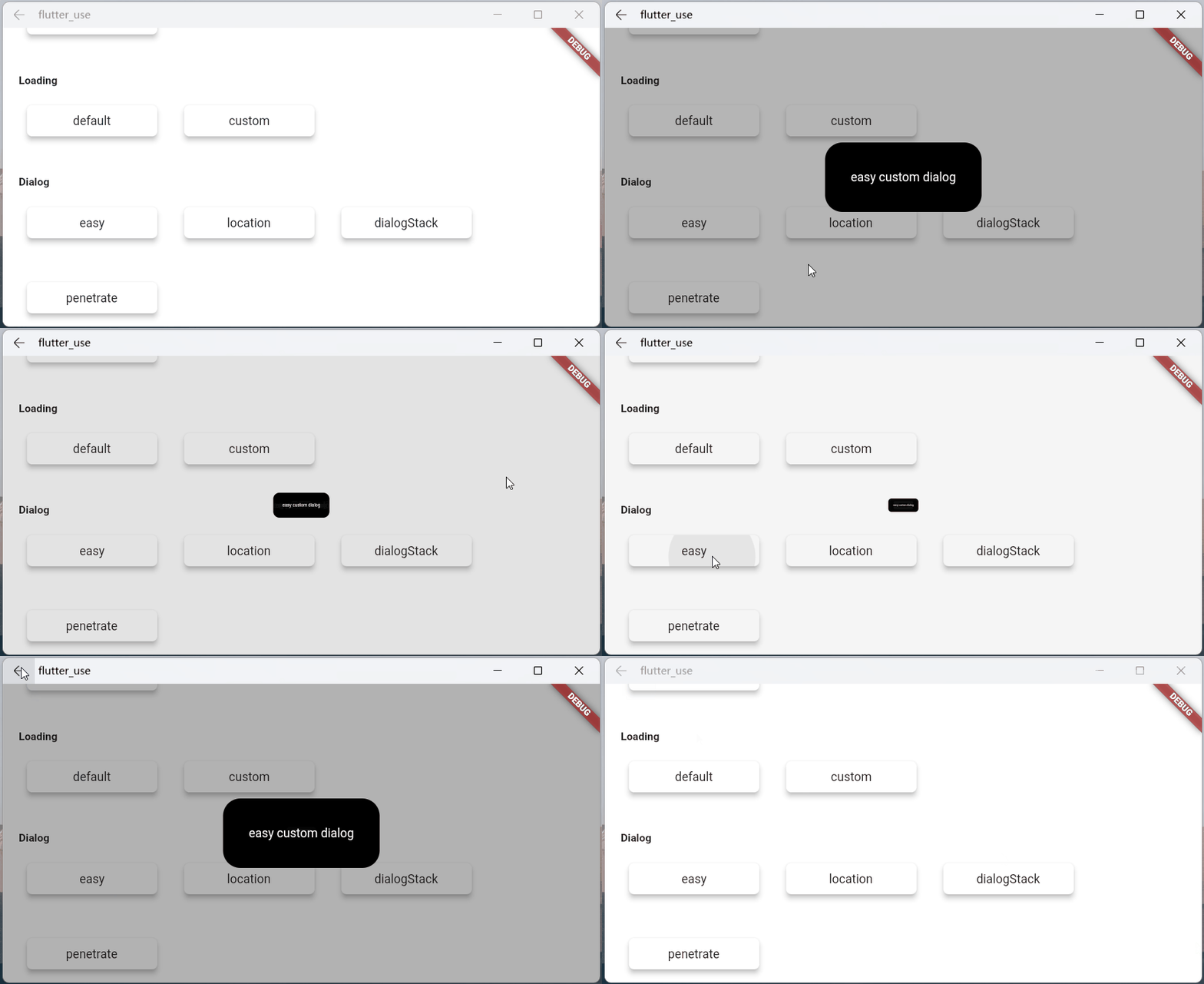
SmartDialog.show(builder: (context) {
  return Container(
    height: 80,
    width: 180,
    decoration: BoxDecoration(
      color: Colors.black,
      borderRadius: BorderRadius.circular(10),
    ),
    alignment: Alignment.center,
    child:
    Text('easy custom dialog', style: TextStyle(color: Colors.white)),
  );
});
依賴清單 5 項
{"sdk":"flutter"}^1.0.1^1.0.0{"sdk":"flutter"}^6.0.0先依使用情境篩選,再比較專案活躍情況,最後到原始儲存庫確認使用要求。
“A repository is the most basic element of GitHub.”
GitHub Docs — About repositories ↗