


v3.1.3
hexcolor
為您的 Dart 和 Flutter 項目帶來 HexColor,將 Material 顏色轉換為十六進制顏色
335喜歡 3.5萬近 30 天下載150Pub 分數
AndroidiOSWebmacOSWindowsLinux
一個將十六進制顏色引入 Dart 的 Flutter 插件 hexcolorPlugin

以下為英文專案原文快照,最新內容請造訪 GitHub。

hex color plugin allows you to add hex color codes to your flutter projects
sample usage
import 'package:hexcolor/hexcolor.dart';
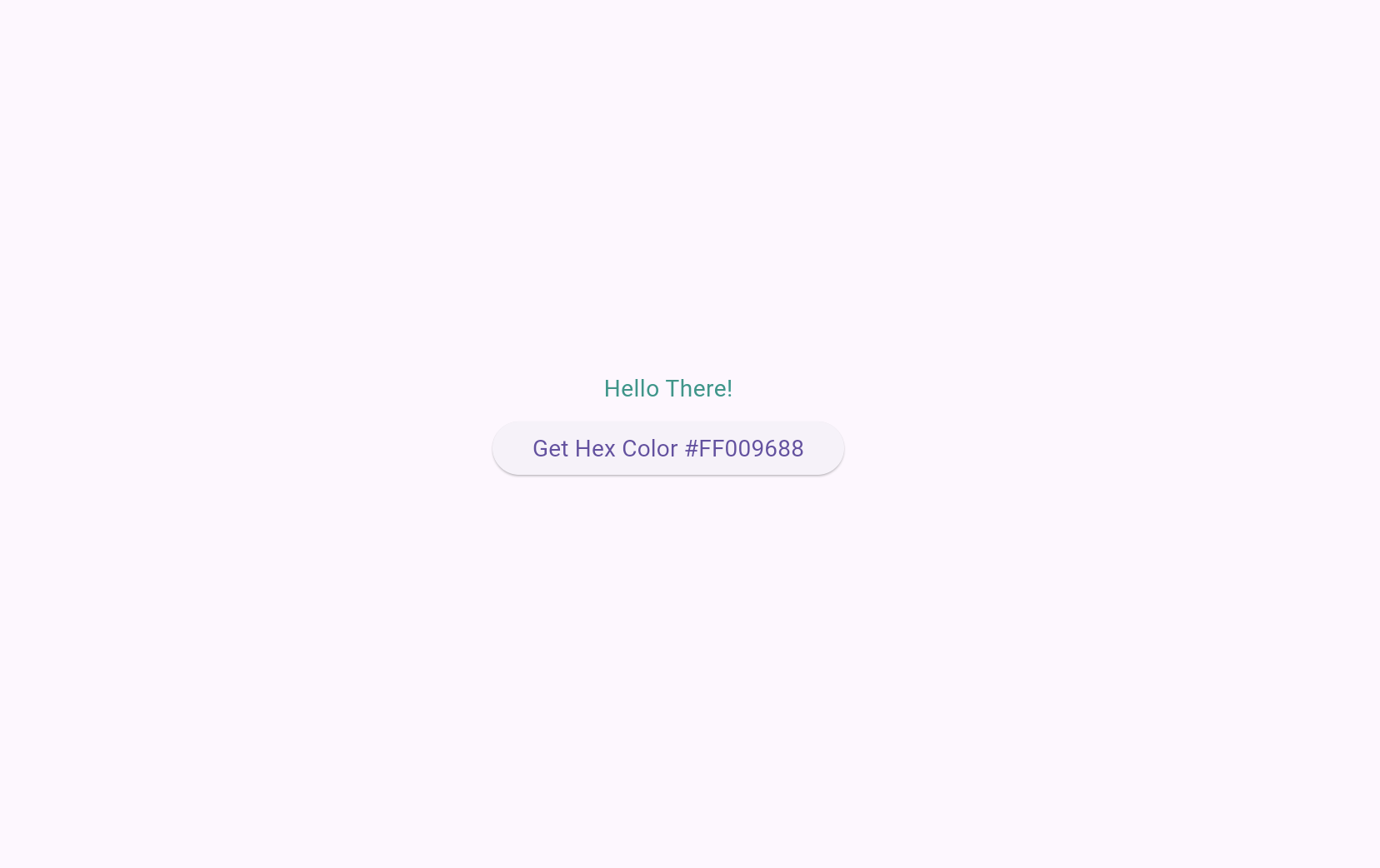
  Text("Hello There!", style: TextStyle(color: HexColor("#009688"))),
        ElevatedButton(
          onPressed: () {
            setState(() {
              colorCode = Colors.teal.toHex();
            });
          },
          child: Text('Get Hex Color $colorCode'),
        ),
HexColor("#yourhex")

先依使用情境篩選,再比較專案活躍情況,最後到原始儲存庫確認使用要求。
“A repository is the most basic element of GitHub.”
GitHub Docs — About repositories ↗