
v6.1.0
android_intent_plus
用於啟動 Android Intents 的 Flutter 外掛程式。不支援 iOS。
495喜歡 45.8萬近 30 天下載150Pub 分數
Android
適用於 Android 的最小且強大的 IDE/程式碼編輯器

用於啟動 Android Intents 的 Flutter 外掛程式。不支援 iOS。
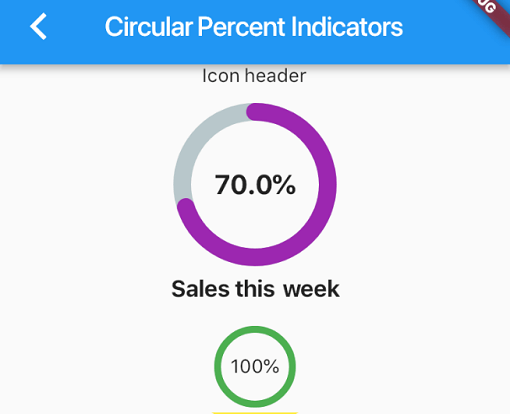 v4.2.5
一個允許您根據百分比顯示進度元件的程式庫,可以是圓形或線性,您也可以根據需求進行自訂。
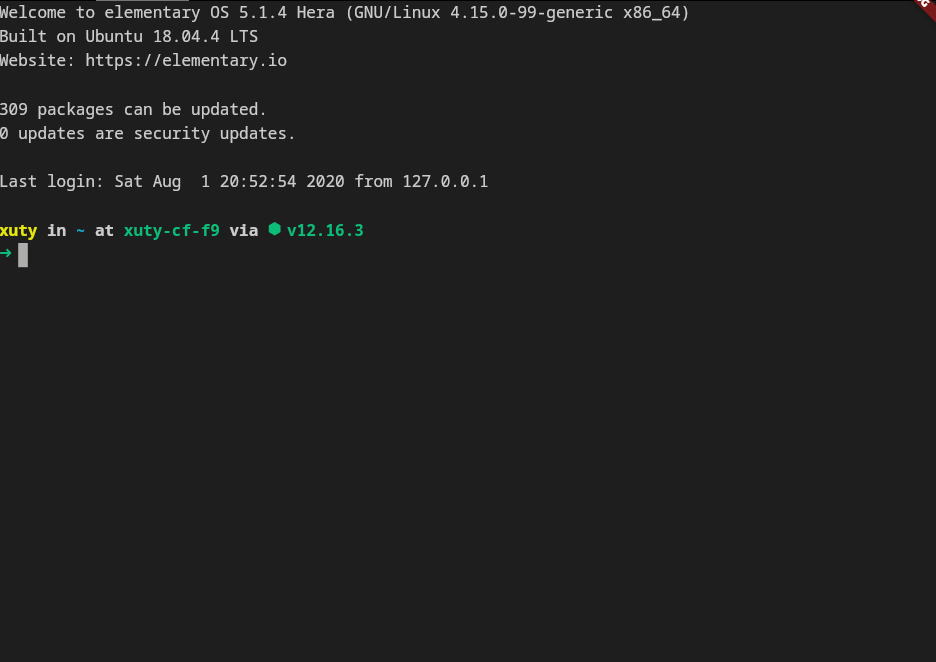 v4.0.0
xterm.dart 是一個適用於 Flutter 應用程式的快速且功能齊全的終端模擬器,支援行動與桌面平台。
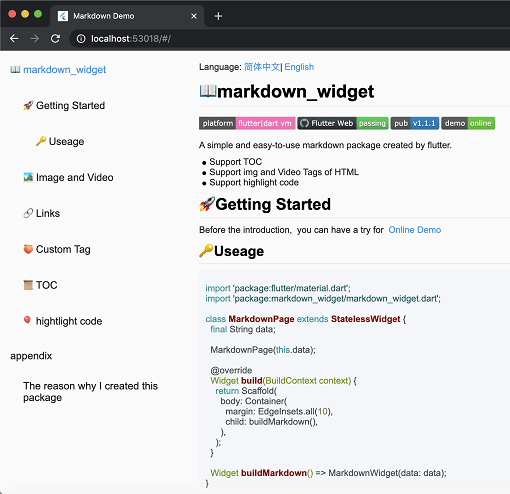 v2.3.2+8
一個新的 markdown 套件。支援目錄(TOC)功能、程式碼強調,並支援所有平台。
用於 2D 和 3D 應用的向量數學庫。
一個 Flutter 外掛程式,可在 Android 和 iOS 上提供 PDFView 小部件。
一個功能強大的程式碼編輯器套件,支援AI自動完成、LSP支援、語法強調與進階編輯功能。
一個以 Dart 寫成的可攜式 Markdown 庫,可用來將 Markdown 解析為 HTML。
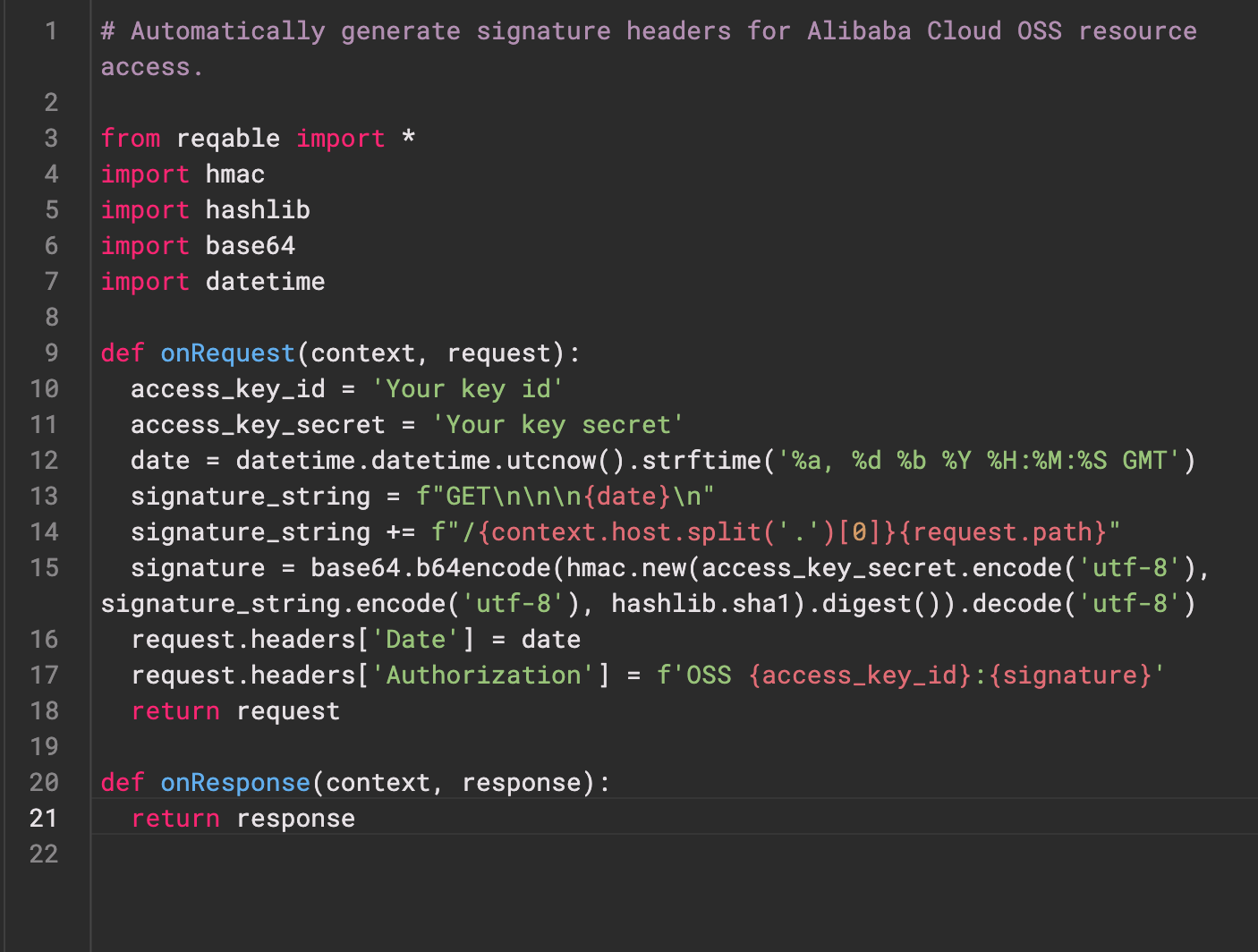 v0.0.3
Re-Highlight 是一個功能強大的文字語法高亮庫。
 v0.3.2
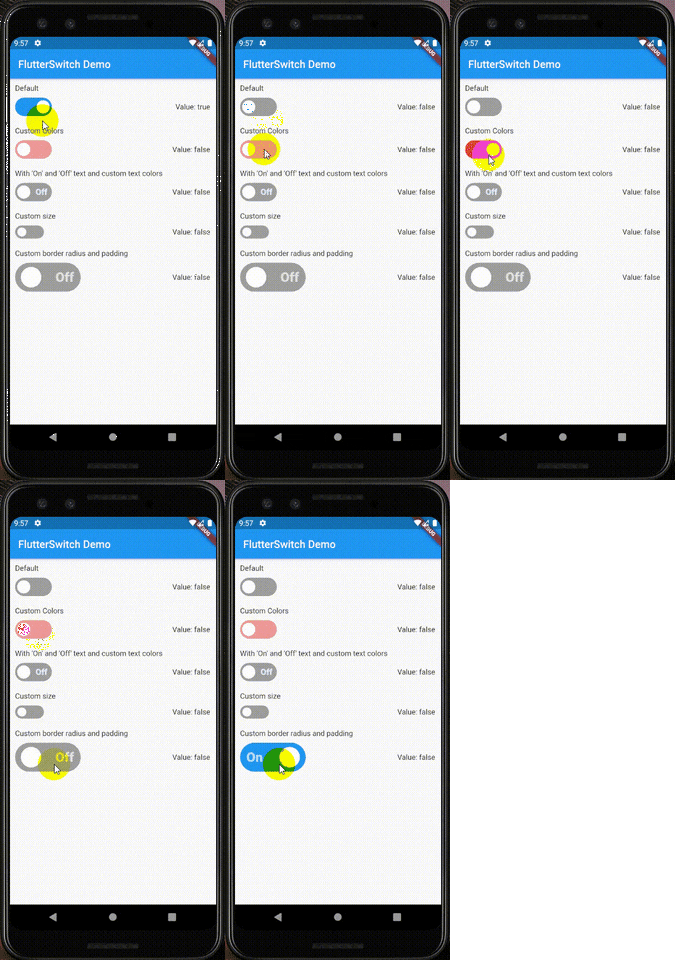
一個可自訂的開關小部件,可具有自訂的高度和寬度、邊框、邊框圓角、顏色、切換大小、切換內部的自訂文字和圖示。
用於透過 Web 服務驗證使用者的 Flutter 插件。
在 Android、iOS 和 macOS 上建立和解壓 ZIP 檔案。遞迴壓縮目錄中的所有檔案或給定的檔案清單。
依賴清單 39 項
^6.0.0^9.2.1^10.14.0^2.9.0^4.1.0^0.4.1^2.1.0^12.2.0{"sdk":"flutter"}^6.3.1^9.1.1^1.1.0^2.1.1{"git":{"url":"https://github.com/pichillilorenzo/flutter_inappwebview.git","ref":"master","path":"flutter_inappwebview"}}^0.2.0^0.14.4{"sdk":"flutter"}^0.20.2^1.4.5^0.4.1^11.1.0^2.3.0^5.1.0^11.0.0^0.15.6^1.2.2{"git":"https://github.com/heckmon/Llama-Flutter.git"}^7.3.1^2.3.2+8^1.17.0^1.9.0^4.2.5^0.0.3^2.5.5^6.3.2^2.2.0^4.0.0^6.0.0{"sdk":"flutter"}以下為英文專案原文快照,最新內容請造訪 GitHub。
Roxum IDE is a mobile-first code editor and mini IDE for Android, built with Flutter. It combines editing, terminal workflows, Git/GitHub tooling, AI assistance, runtime downloads, and deep customization in one app.
| https://raw.githubusercontent.com/heckmon/android-arm64-shared-libraries/refs/heads/main/scrnshots/home.jpg | https://raw.githubusercontent.com/heckmon/android-arm64-shared-libraries/refs/heads/main/scrnshots/ag.jpg | https://raw.githubusercontent.com/heckmon/android-arm64-shared-libraries/refs/heads/main/scrnshots/ag_diff.jpg | https://raw.githubusercontent.com/heckmon/android-arm64-shared-libraries/refs/heads/main/scrnshots/rt-roxum.jpg |
| https://lh3.googleusercontent.com/o8_GNH3SBQnbnrJWduWE9xbW-RF8NBO3iphBx1mEc_gVYbSkyAGZyy5zEcMTGupt_1oCQipOpZMwbjlhJgbjyEs | https://raw.githubusercontent.com/heckmon/android-arm64-shared-libraries/refs/heads/main/scrnshots/ext.jpg | https://raw.githubusercontent.com/heckmon/android-arm64-shared-libraries/refs/heads/main/scrnshots/diag.jpg | https://raw.githubusercontent.com/heckmon/android-arm64-shared-libraries/refs/heads/main/scrnshots/accnt.jpg |
| https://raw.githubusercontent.com/heckmon/android-arm64-shared-libraries/refs/heads/main/scrnshots/explorer.jpg | https://raw.githubusercontent.com/heckmon/android-arm64-shared-libraries/refs/heads/main/scrnshots/lsp.jpg | https://raw.githubusercontent.com/heckmon/android-arm64-shared-libraries/refs/heads/main/scrnshots/ai_cmpl.jpg | https://raw.githubusercontent.com/heckmon/android-arm64-shared-libraries/refs/heads/main/scrnshots/themes.jpg |
| https://raw.githubusercontent.com/heckmon/android-arm64-shared-libraries/refs/heads/main/scrnshots/git_diff.jpg | https://raw.githubusercontent.com/heckmon/android-arm64-shared-libraries/refs/heads/main/scrnshots/gguf.jpg | https://raw.githubusercontent.com/heckmon/android-arm64-shared-libraries/refs/heads/main/scrnshots/termenu.jpg | https://raw.githubusercontent.com/heckmon/android-arm64-shared-libraries/refs/heads/main/scrnshots/term.jpg |
This section is intended for users from countries like China where the Play Store isn't accessible. Otherwise, it is recommended to download the full-featured APK from the Play Store as mentioned above.
Clone this repo, then:
Make sure that git-lfs is installed in your system and accessible via the path. Don't skip this step; the compilers and interpreters are stored in the GitHub large file storage.
aab bundle.[!NOTE]
To include all compilers, interpreters and extensions in the build, we build it as a standalone
aabfile, which is bigger compared to the APK downloaded from the Play Store. The Play Store build is smaller because these external dependencies are downloaded on demand when the user requests the particular compiler/interpreter/extension.
cd android && ./gradlew :app:bundleRelease
This will generate the output file in build/app/outputs/bundle/release/app-release.aab
To install aab in your device, it needs to be converted to apk first. For that, download the latest bundletool from the official repo: https://github.com/google/bundletool/releases
Then build the APK:
java -jar path/to/bundletool.jar build-apks --bundle=your_app/build/app/outputs/bundle/release/app-release.aab --output=output.apks --mode=universal
This will generate a file called output.apks in the current directory
Make sure that you are connected to an emulator or physical device via adb.
java -jar /path/to/bundletool.jar install-apks --apks=output.apks
Special Thanks ♥️