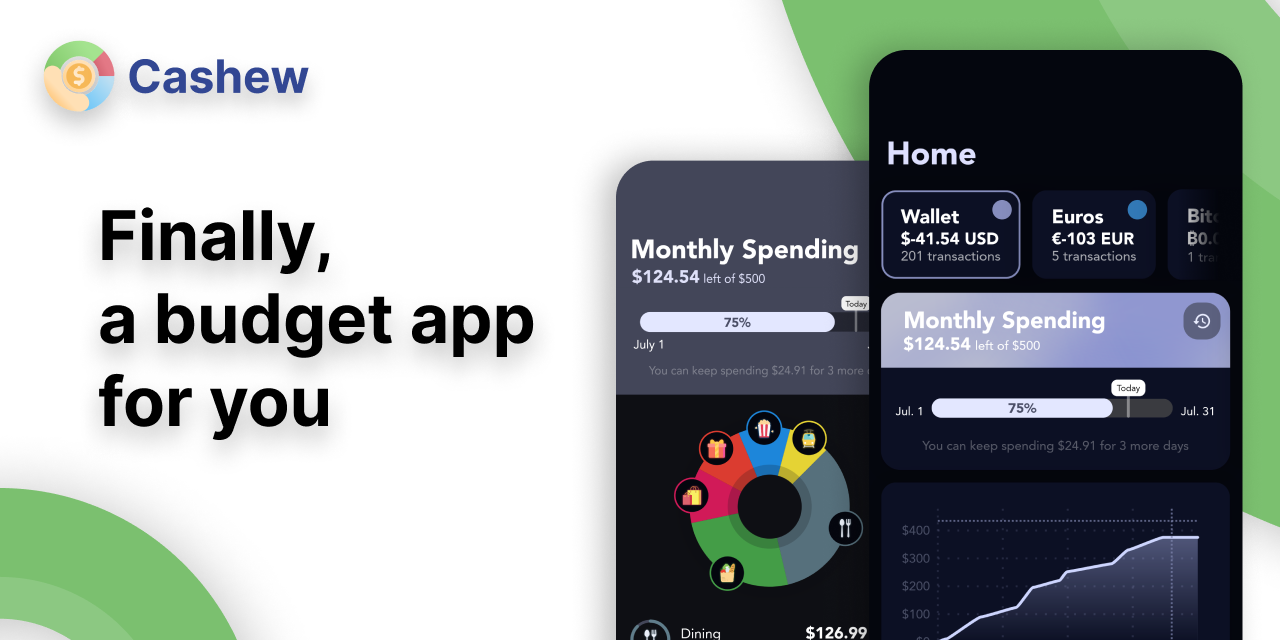
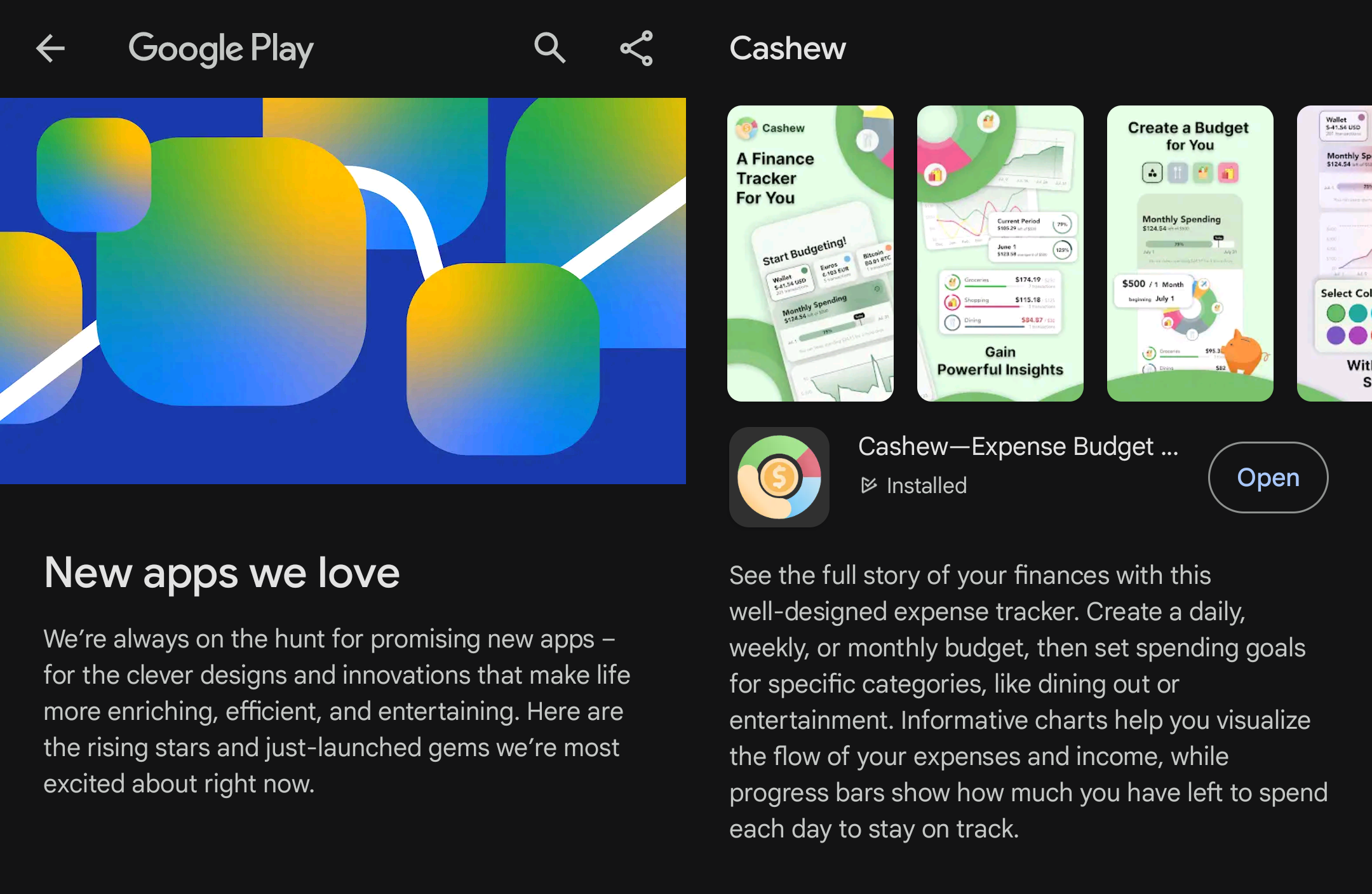
Cashew is a full-fledged, feature-rich application designed to empower users in managing their finances effectively. Built using Flutter - with Drift's SQL package, and Firebase - this app offers a seamless and intuitive user experience across various devices. Development started in September 2021.
Features
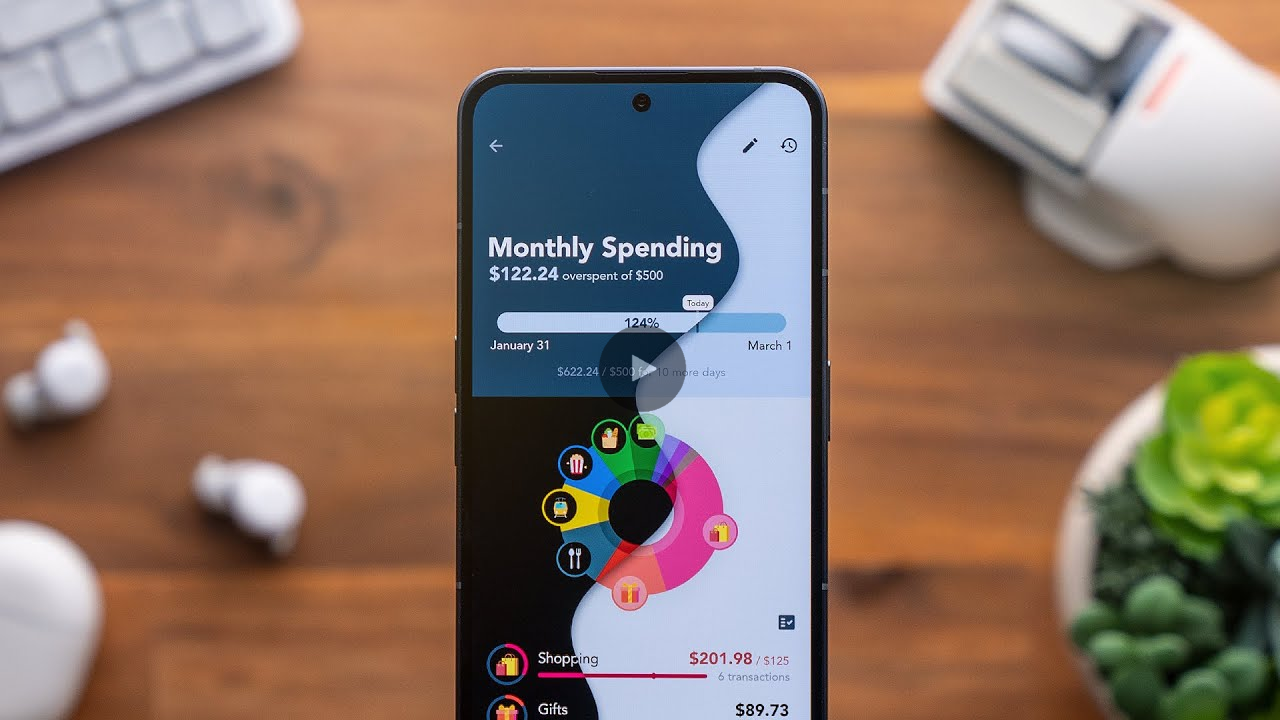
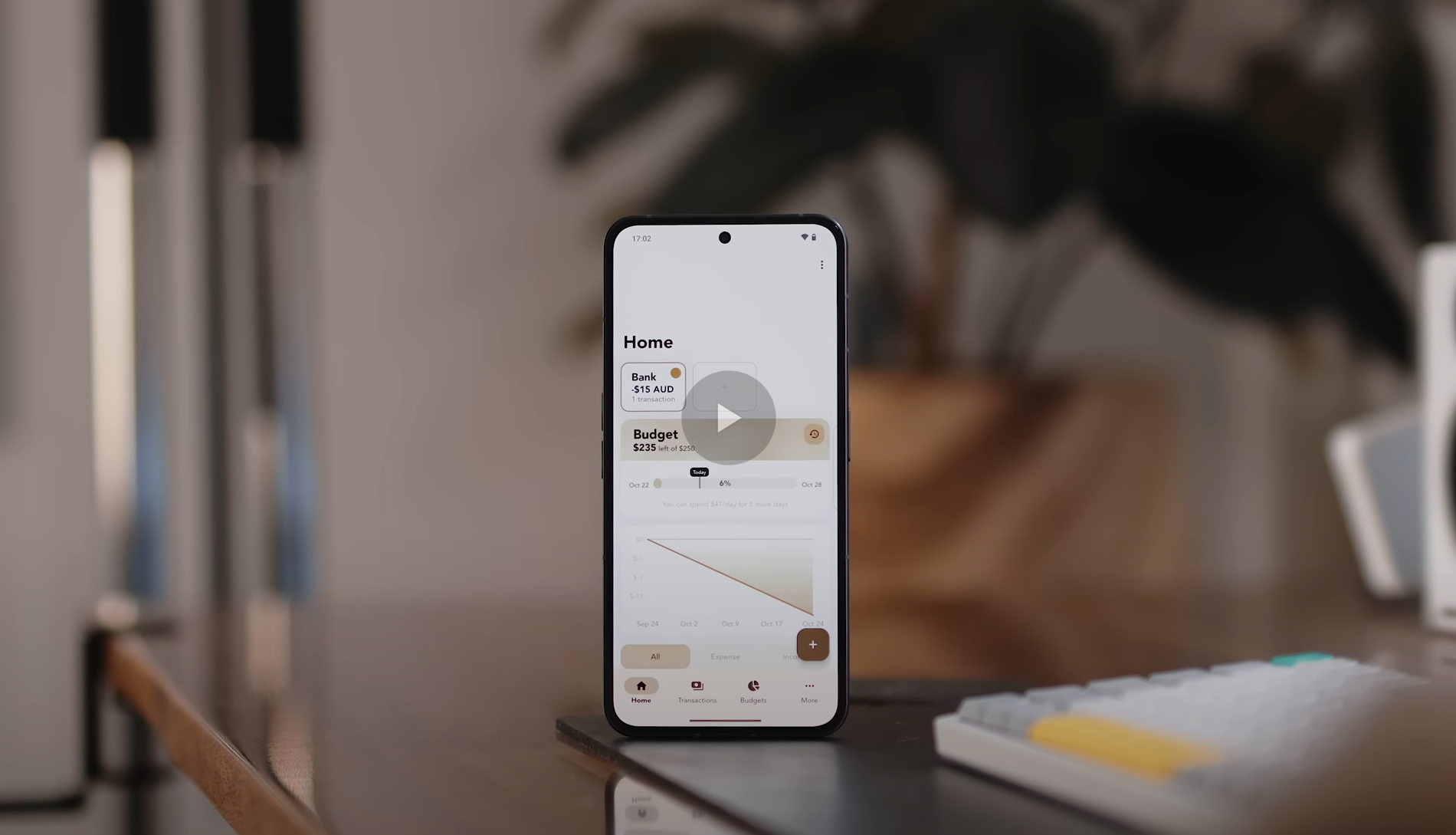
Cashew was featured on YouTube on 'The Best Free and Open Source Apps in 2024!' (and in the thumbnail!)
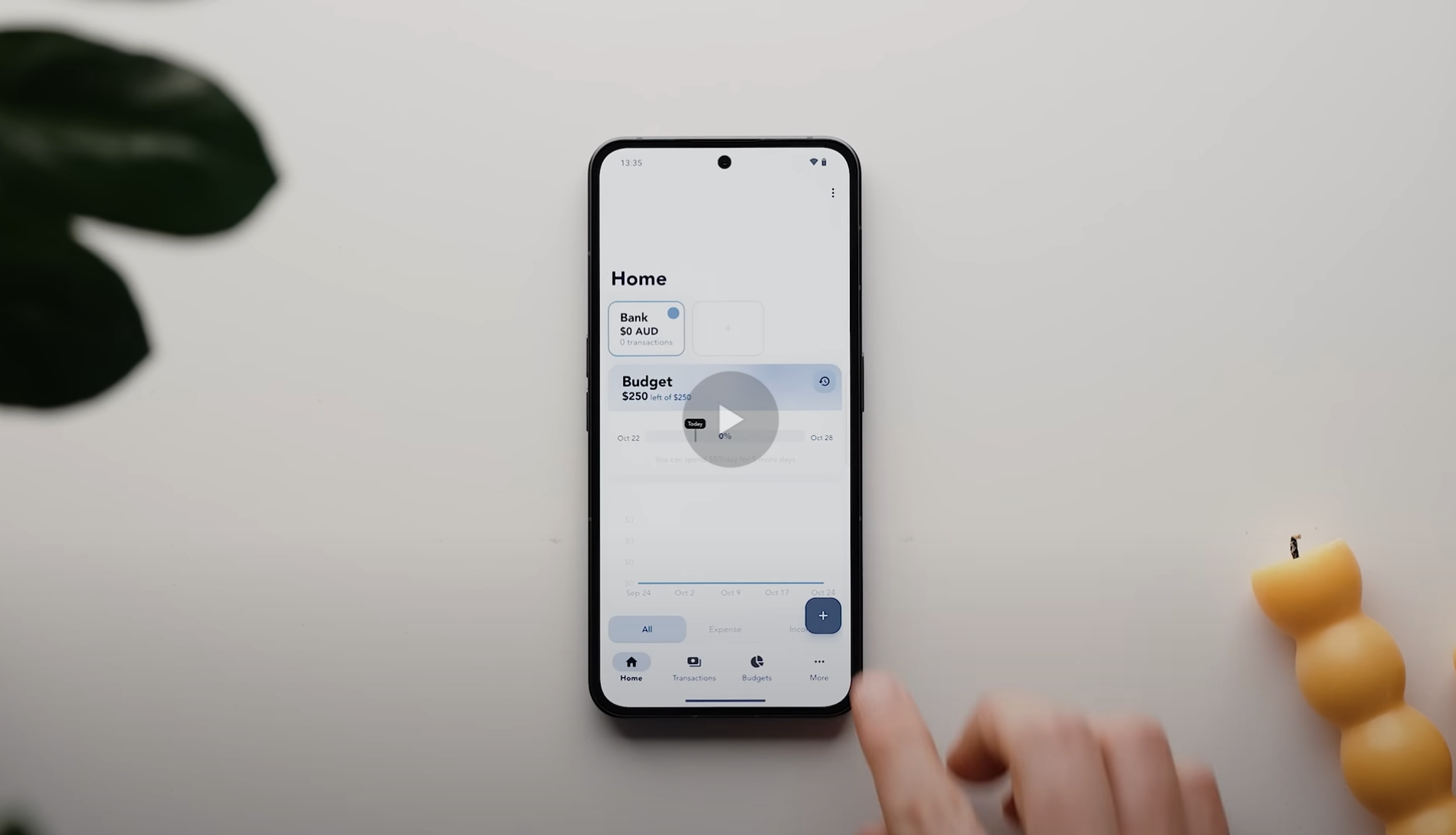
Cashew was featured on YouTube on 'The Best Apps of 2023!'
Cashew was featured on YouTube on 'Top Android Apps! (November 2023)'
Changes and progress about development is all heavily documented in GitHub commits and in the changelog
Key Features
💸 Budget Management
Custom Budgets and Time Periods: Set up personalized budgets with flexible time periods, such as monthly, weekly, daily, or any custom time period that suits your financial planning needs. A custom time period is useful if you plan on setting a one-time travel budget!
Added Budgets: Selectively add transactions to specific budgets, allowing you to focus on specific expense categories.
Category Spending Limits per Budget: Set limits for each category within a budget, ensuring responsible spending.
Past Budget History Viewing: Analyze your spending habits over time by accessing past budget history, enabling comparison and tracking of financial progress.
Goals: Create spending and saving goals and put transactions towards different purchases or savings. Track your progress towards achieving your financial goals.
💰 Transaction Management
Support for Different Transaction Types: Categorize transactions effectively based on types such as upcoming, subscription, repeating, debts (borrowed), and credit (lent). Each type behaves in certain ways in the interface. Pay your upcoming transactions when you're ready, or mark your lent out transactions as collected.
Custom Categories: Create personalized categories to organize transactions according to your unique spending habits. Search through multiple icons and select the default option as expenses or income when adding transactions.
Custom Titles: Automatically assign transactions with the same name to specific categories, saving time and ensuring consistency. These titles are stored in memory and popup when you add another transaction with a similar name.
Search and Filters: Easily search and filter transactions based on various criteria such as date, category, amount, or custom tags, enabling quick access to information.
Easy Editing: Long-press and swipe to select multiple budgets, edit accordingly as needed or delete multiple at once.
💱 Financial Flexibility
Multiple Currencies and Accounts: Manage finances across different currencies and accounts with up-to-date conversion rates for accurate calculations and effortless currency conversions. The interface shows the original amount added and the converted amount to the selected account.
Switch Accounts and Currencies with Ease: On the homepage, easily select a different account and currency and everything will be converted automatically in an instant.
🔒 Enhanced Security and Accessibility
Biometric Lock: Secure budget data using biometric authentication, adding an extra layer of privacy.
Google Login: Conveniently log in to the app using your Google account, ensuring a streamlined and hassle-free authentication process.
🎨 User Experience and Design
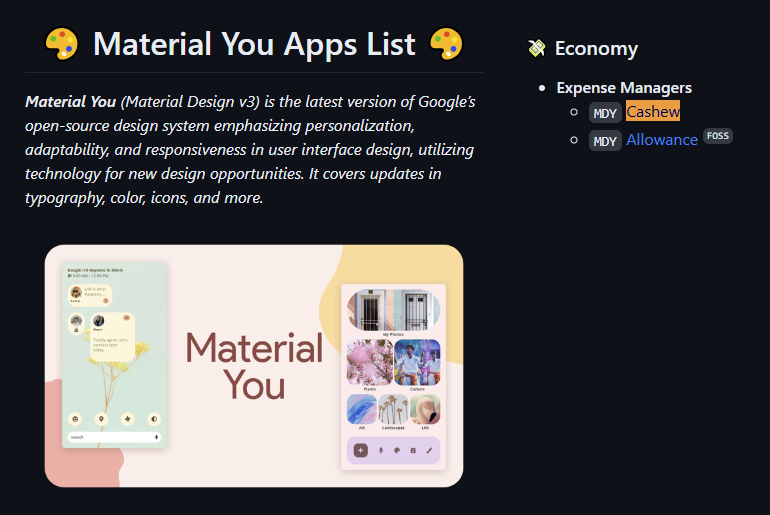
Material You Design: Enjoy a visually appealing and modern interface, following the principles of Material You design for a delightful user experience.
Custom Accent Color: Personalize the app by selecting a custom accent color that suits your style, or follow that of the system.
Light and Dark Mode: Seamlessly switch between light and dark themes to optimize visibility and reduce eye strain.
Customizable Home Screen: Tailor the home screen layout and widgets to display the financial information that matters most to you, providing a personalized and efficient dashboard.
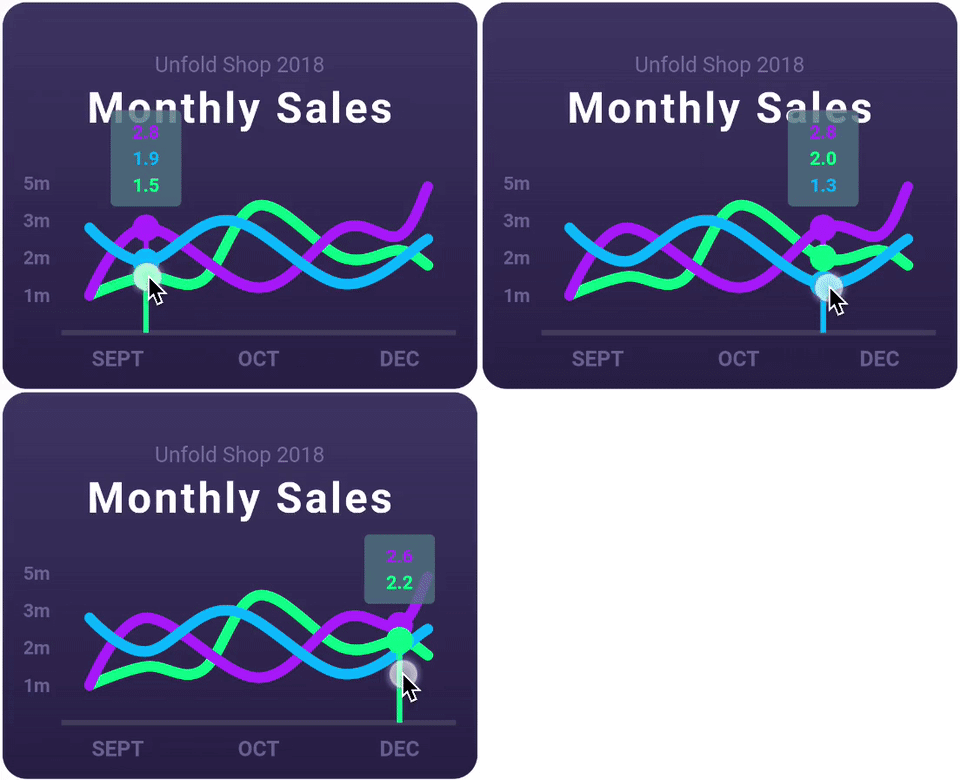
Detailed Graph Visuals: Gain valuable insights into spending patterns through detailed and interactive graphs, visualizing financial data at a glance.
Beautiful Adaptive UI: A responsive user interface that adapts flawlessly to both web and mobile platforms, providing an immersive and consistent user experience across devices.
☁ Backup and Syncing
Cross-Device Sync: Keep budget data synchronized across all devices, ensuring access to financial information wherever you go.
Google Drive Backup: Safeguard budget data by utilizing Google Drive's backup functionality, allowing easy restoration of data if needed.
💿 Smart Automation
Notifications: Stay informed about important financial events and receive timely reminders for budget goals, transactions, and upcoming due dates.
Import CSV Files: Seamlessly import financial data by uploading CSV files, facilitating a smooth transition from other applications or platforms.
Import Google Sheets: Seamlessly import Google Sheets tables, quickly importing many transactions from a spreadsheet.
App Links: Automatically create transactions with pre-filled data using app linking (documentation below)
Automation
See the Automation section on the FAQ website for information on how to add transactions automatically: https://cashewapp.web.app/faq.html#automation
Bundled Packages
This repository contains, bundled in, modified versions of the discontinued packages listed below. They can be found in the folder /budget/packages
The translations are available here: https://docs.google.com/spreadsheets/d/1QQqt28cmrby6JqxLm-oxUXCuM3alniLJ6IRhcPJDOtk/edit?usp=sharing. If you would like to help translate, please reach out on email: dapperappdeveloper@gmail.com
To Update Translations
Run budget\assets\translations\generate-translations.py
Restart the application
Developer Notes
Pull Requests and Contributions
Unfortunately, I am currently not accepting contributions due to licensing and credits. Since this application turns some profits, I want to avoid any muddy water when it comes to compensation for contributions. You are free to submit an issue and I can consider it!
Android Release
To build an app-bundle Android release, run flutter build appbundle --release
Note: required Android SDK.
iOS Release
To build an IPA iOS release, run flutter build ipa
Note: requires MacOS.
Firebase Deployment
To deploy to firebase, run firebase deploy
Note: required Firebase.
GitHub release
Create a tag for the current version specified in pubspec.yaml
Run dart run drift_dev schema steps drift_schemas/ lib\database\schema_versions.dart
Implement migration strategy
Edit await stepByStep(...) function in tables.dart and add the migration strategy for the new version migration
Get Platform
Use getPlatform() from functions.dart
Since Platform is not supported on web, we must create a wrapper and always use this to determine the current platform
Push Route
If we want to navigate to a new page, stick to pushRoute(context, page) function from functions.dart
It handles the platform routing and PageRouteBuilder
Wallets vs. Accounts
Wallets have been been renamed to Accounts on the front-end but internally, the name Wallet is still used.
Objectives vs. Goals
Objectives have been been renamed to Goals on the front-end but internally, the name Objectives is still used.
Long Term Loans
Long term loans create a goal. However, the goals total is not used. Instead the total of the goal is calculated by totalling the proper polarity of transactions of the opposite type. For example, if it was a loan of 100$ lent out, the initial transaction would be 100$ of negative polarity (expense) and that would be the total of the goal. When a payment is made, it is made in the opposite (positive) polarity (income) and added to the total 'paid back'. We can easily find how much is remaining by taking the difference (or the addition including polarities).