

 v0.5.0
loading_overlay
一個淡入淡出的模態進度指示器小部件。將其包圍在另一個小部件周圍,以在異步呼叫期間阻止對小部件的存取。
192喜歡 2萬近 30 天下載150Pub 分數
AndroidiOSWebmacOSWindowsLinux
一個簡單的模態進度 HUD(頭戴顯示,或進度指示器)用於 Flutter

以下為英文專案原文快照,最新內容請造訪 GitHub。
A simple widget wrapper to enable modal progress HUD (a modal progress indicator, HUD = Heads Up Display).
Started as a fork of modal_progress_hud Inspired by this article.
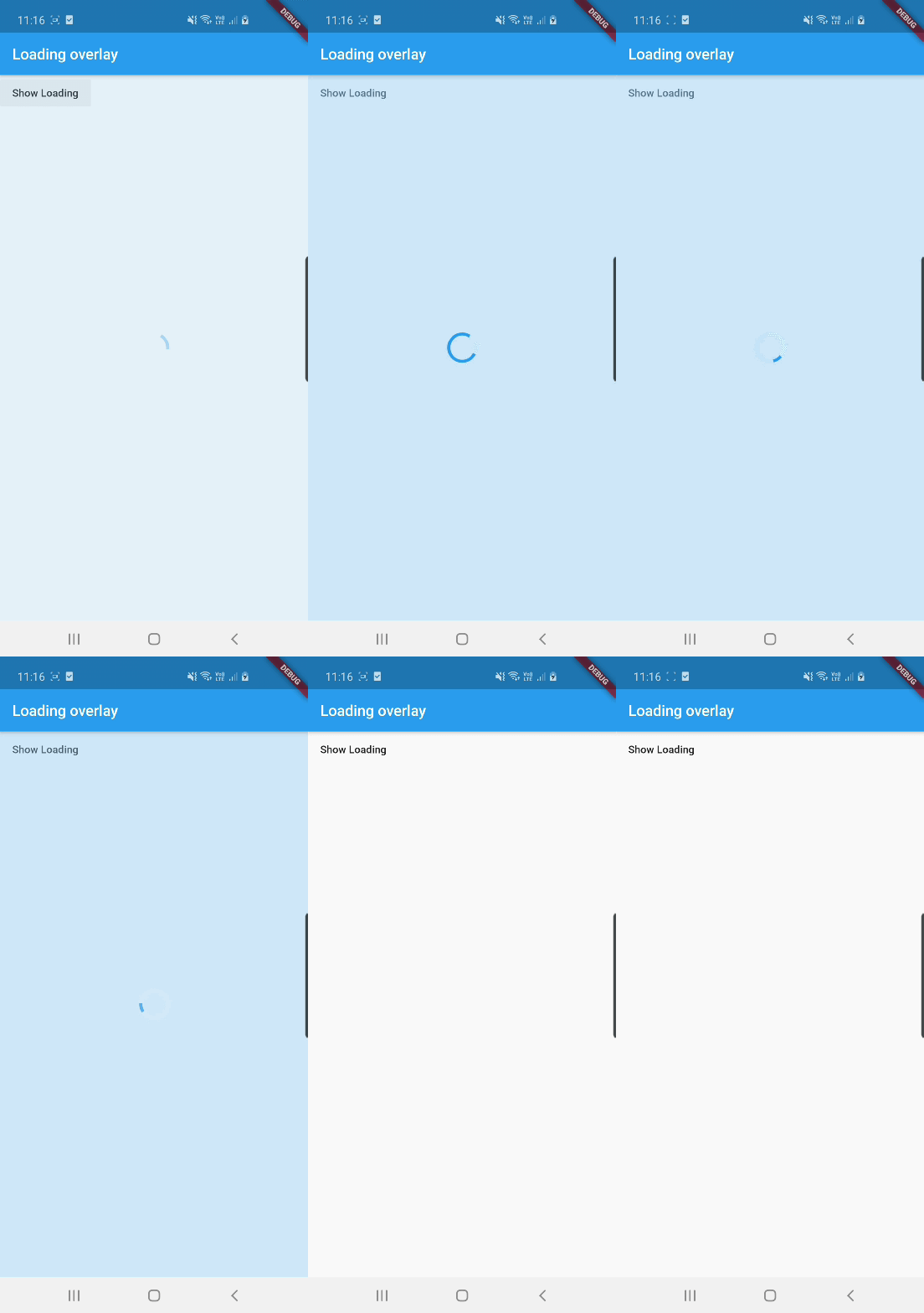
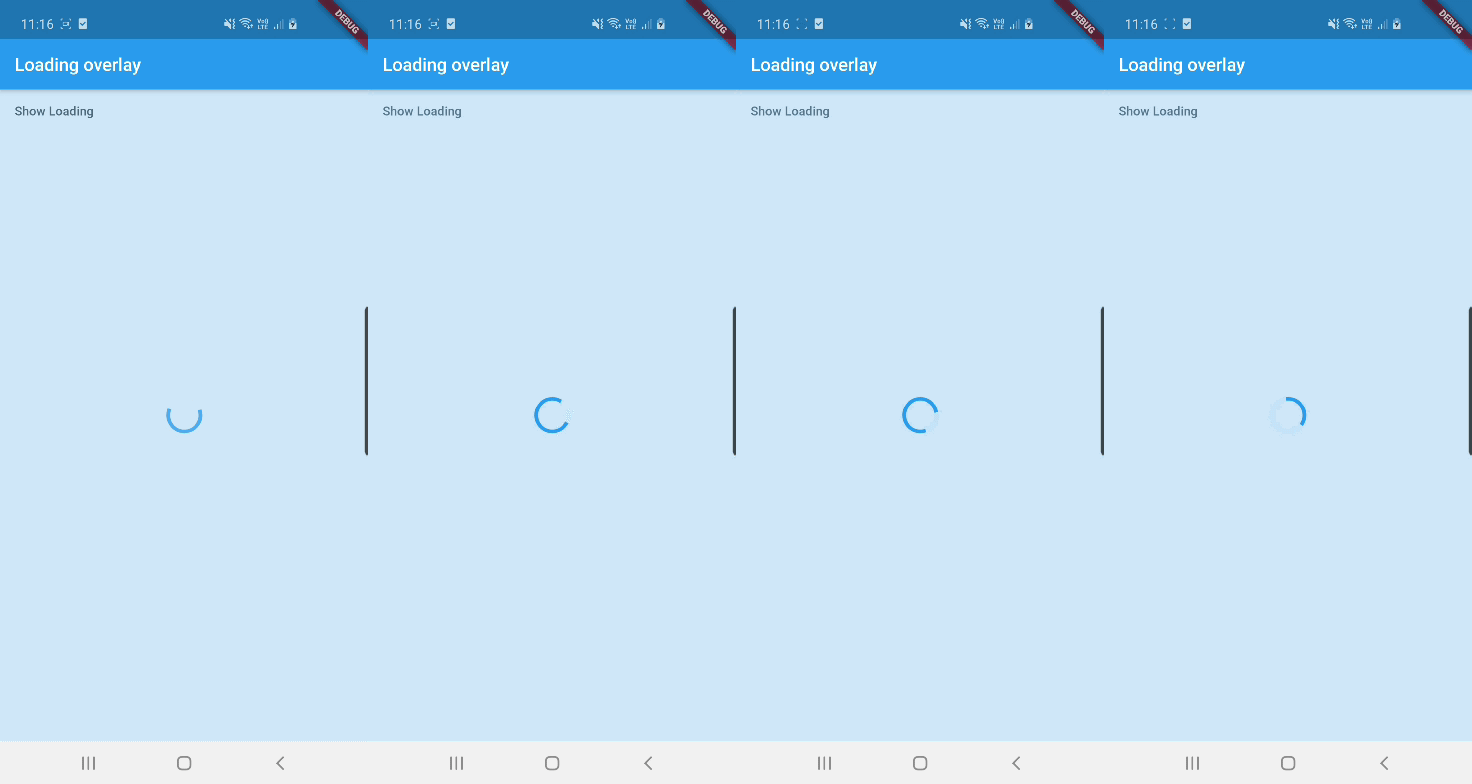
See example for details
Add the package to your pubspec.yml file.
dependencies:
  loading_overlay: ^0.4.0
Next, import the library into your widget.
import 'package:loading_overlay/loading_overlay.dart';
Now, all you have to do is simply wrap your widget as a child of LoadingOverlay, typically a form, together with a boolean that is maintained in local state.
...
bool _isSaving_ = false
...

@override
Widget build(BuildContext context) {
  return Scaffold(
     body: LoadingOverlay(
      color: Colors.black.withOpacity(0.5),
      child: Container(
       Form(...)
      ),
      isLoading: _isSaving_
      ),
  );
}
Alternatively, show the overlay until a Future completes (non-breaking new feature):
// Start an async operation
final saveFuture = _saveFormAsync();

return LoadingOverlay.withFuture(
  future: saveFuture,
  color: Colors.black.withOpacity(0.5),
  child: Form(...),
);
The current parameters are customizable in the constructor
LoadingOverlay({
  required bool isLoading,
  required Widget child,
  Widget progressIndicator = const CircularProgressIndicator(),
  Color? color,
});

// New: show overlay until a Future completes
LoadingOverlay.withFuture({
  required Future<void> future,
  required Widget child,
  Widget progressIndicator = const CircularProgressIndicator(),
  Color? color,
});
Update: See this article on Medium about async form validation
See the example application source for a complete sample app using the modal progress HUD. Included in the example is a method for using a form's validators while making async calls (see flutter/issues/9688 for details).
Please file issues to send feedback or report a bug. Thank you!
依賴清單 3 項
{"sdk":"flutter"}{"sdk":"flutter"}^6.0.0先依使用情境篩選,再比較專案活躍情況,最後到原始儲存庫確認使用要求。
“A repository is the most basic element of GitHub.”
GitHub Docs — About repositories ↗