
 v5.0.0
in_app_update
使用官方 Android API 在 Android 上啟用應用內更新。
1310喜歡 37.5萬近 30 天下載160Pub 分數
Android
Flutter 插件:使用官方 Android API 在 Android 上啟用應用內更新。
以下為英文專案原文快照,最新內容請造訪 GitHub。

Maintained by Jonas Bark
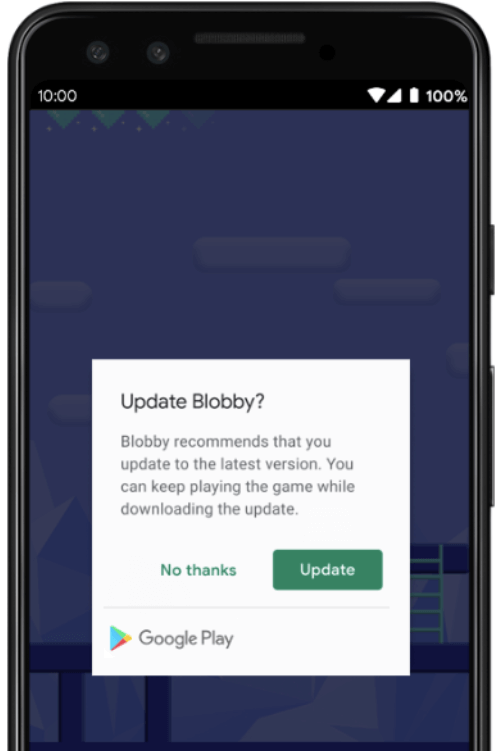
Enables In App Updates on Android using the official Android APIs.
https://developer.android.com/guide/app-bundle/in-app-updates
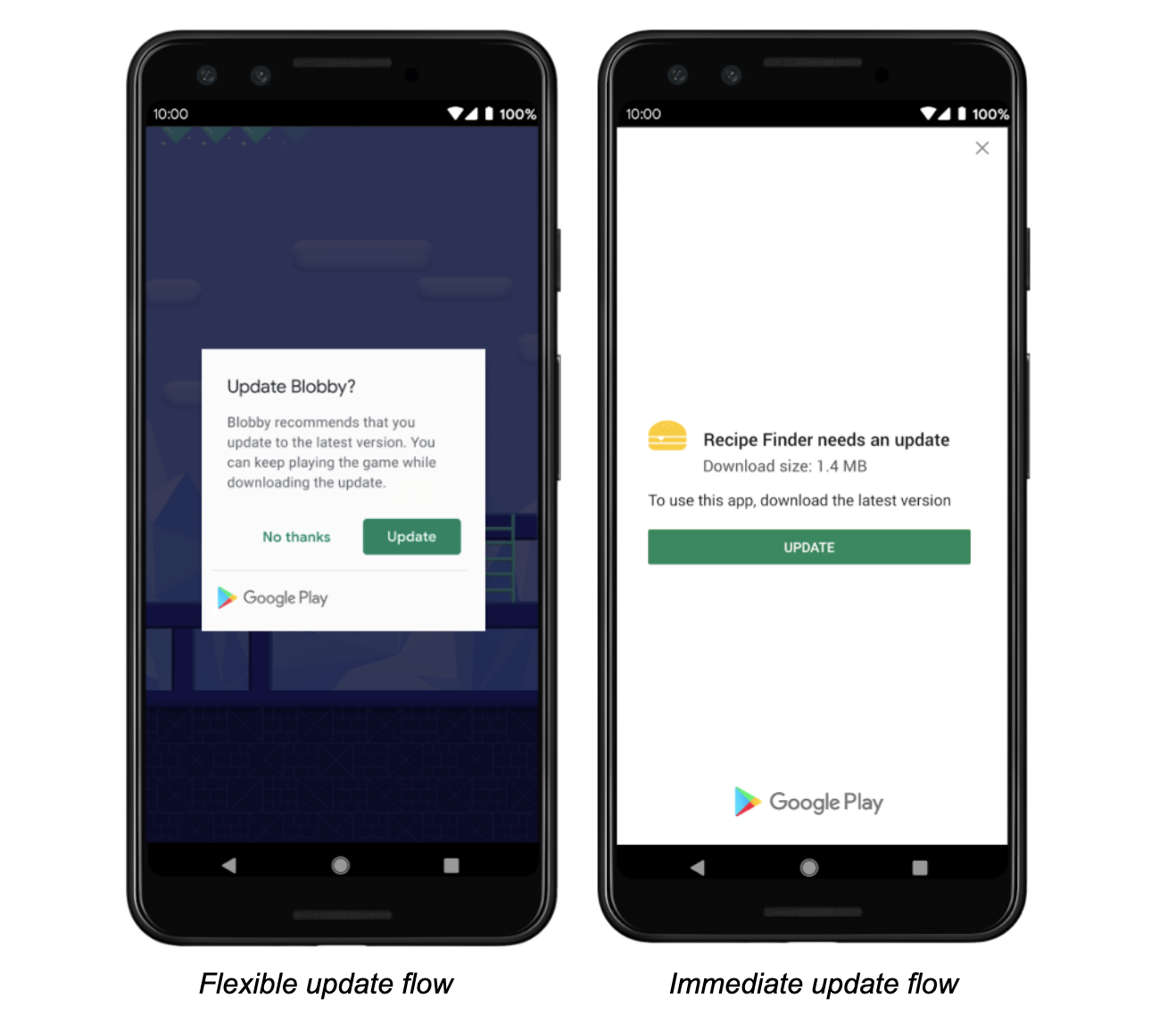
The following methods are exposed:
Future<AppUpdateInfo> checkForUpdate(): Checks if there's an update availableFuture<void> performImmediateUpdate(): Performs an immediate update (full-screen)Future<void> startFlexibleUpdate(): Starts a flexible update (background download)Future<void> completeFlexibleUpdate(): Actually installs an available flexible updatePlease have a look in the example app on how to use it!
This plugin integrates the official Android APIs to perform in app updated that were released in 2019: https://developer.android.com/guide/app-bundle/in-app-updates
iOS does not offer such a functionality. You might want to look into e.g. https://pub.dev/packages/upgrader. If you call the methods above on a iOS device you'll run into a not-implemented exception.
Be aware that this plugin cannot be tested locally. It must be installed via Google Play to work. Please check the official documentation about In App Updates from Google:
https://developer.android.com/guide/playcore/in-app-updates/test
In App Updates are only available from API Versions >= 21, as mentioned here.

依賴清單 2 項
{"sdk":"flutter"}{"sdk":"flutter"}先依使用情境篩選,再比較專案活躍情況,最後到原始儲存庫確認使用要求。
“A repository is the most basic element of GitHub.”
GitHub Docs — About repositories ↗