

 v4.0.0
inspector
一個用於檢查小部件的 Flutter 套件。適用於快速除錯或 QA 測試。
87喜歡 51.2萬近 30 天下載150Pub 分數
AndroidiOSWebmacOSWindowsLinux
一個用於檢查 widget 的 Flutter 套件。
以下為英文專案原文快照,最新內容請造訪 GitHub。




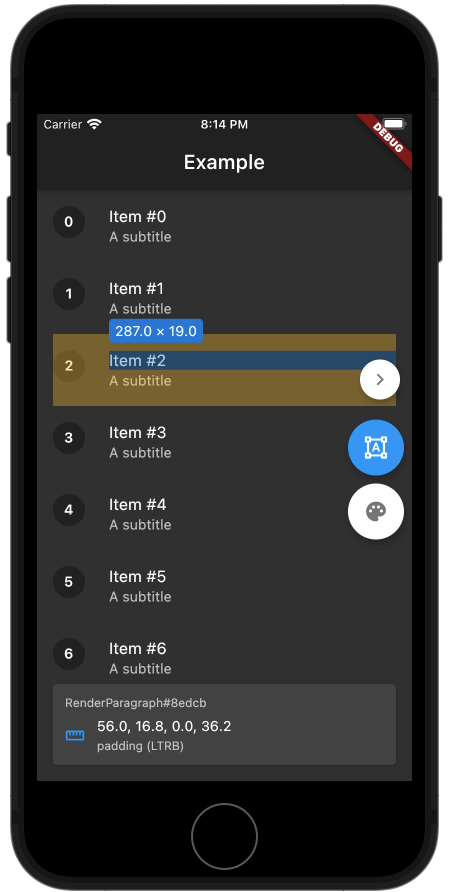
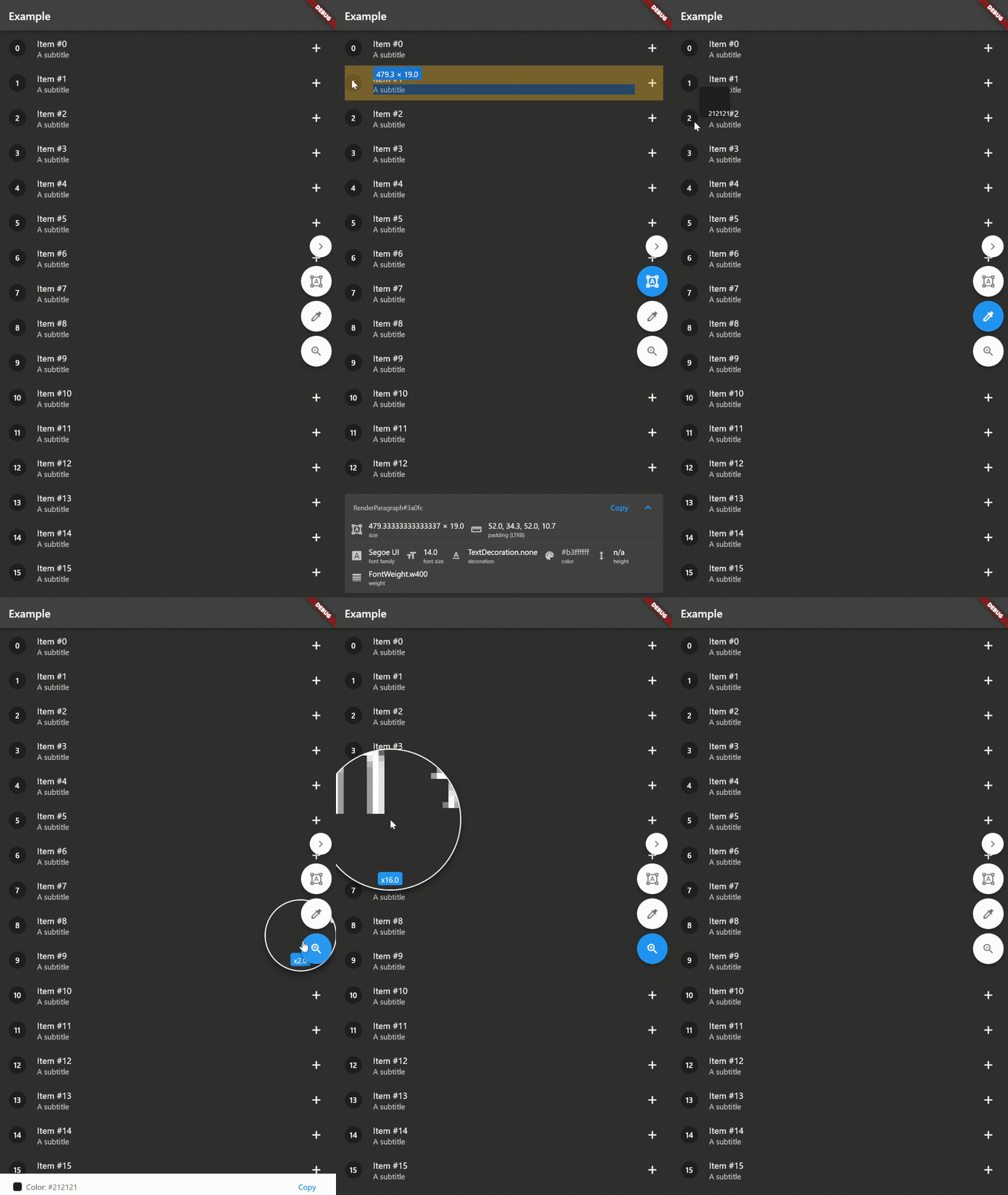
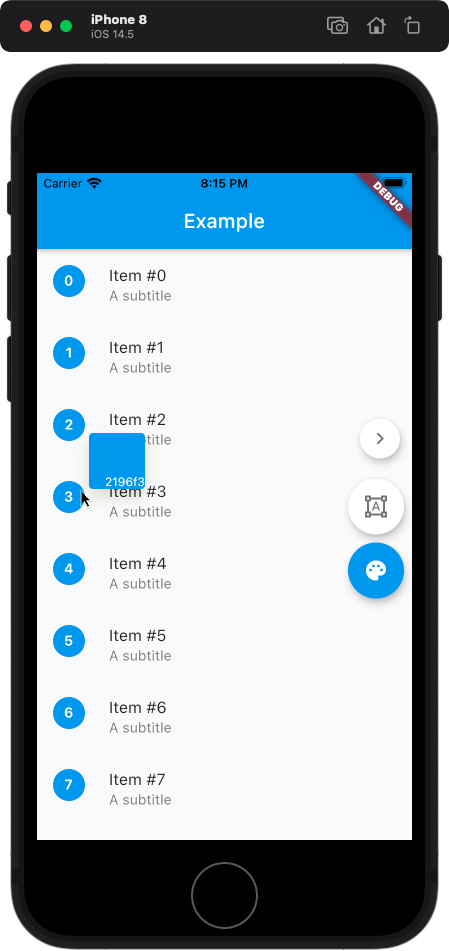
A Flutter package for inspecting widgets. Also comes with an eyedropper and a magnifying glass. Useful for debugging widgets and for QA testing.
Supports keyboard shortcuts if you're using a physical keyboard.
Check out the example web app!
Inspired by inspx.
Warning, the development of this package is still in progress and some things may break your app.
BorderRadius inspectionTextStyle inspectionAdd the dependency:
$ flutter pub add inspector
Import the package:
import 'package:inspector/inspector.dart';
Wrap MaterialApp.builder or WidgetsApp.builder with Inspector:
MaterialApp(
  home: ExampleApp(),
  builder: (context, child) => Inspector(child: child!), // Wrap [child] with [Inspector]
),
Optionally, you can pass isEnabled to the Inspector to disable it. By default, the inspector is disabled when kReleaseMode == true.
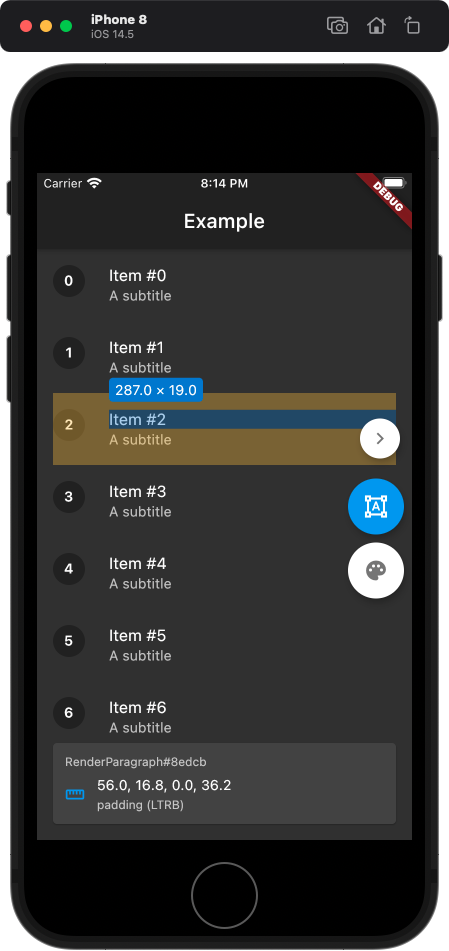
If the inspector is enabled, then a panel appears on the right side of the screen, with buttons to toggle size inspection and the color picker.
It's quite straightforward to use, just tap on the widget that you want to measure or tap on the pixel to get its color.
You can also use keyboard shortcuts - Shift will toggle the color picker, Z will toggle the zoom, and Alt or Cmd will toggle the widget inspector.
Feel free to contact me at:
E-mail: kk.erzhan@gmail.com

依賴清單 3 項
{"sdk":"flutter"}{"sdk":"flutter"}^1.0.4先依使用情境篩選,再比較專案活躍情況,最後到原始儲存庫確認使用要求。
“A repository is the most basic element of GitHub.”
GitHub Docs — About repositories ↗