
v1.19.0
meta
用於表達開發人員意圖的註解,這些意圖無法透過靜態分析來推斷來源碼。
479喜歡 1530萬近 30 天下載150Pub 分數
AndroidiOSWebmacOSWindowsLinux
Lichess 手機應用程式

用於表達開發人員意圖的註解,這些意圖無法透過靜態分析來推斷來源碼。
Firebase Core 的 Flutter 插件,支援連接到多個 Firebase 應用程式。
Firebase Crashlytics 的 Flutter 插件。它會將未捕獲的錯誤報告至 Firebase 控制台。
適用於 Firebase 云訊息傳遞的 Flutter 插件,一種跨平台訊息解決方案,可讓您在 Android 和 iOS 上可靠地傳遞訊息。
 v1.2.0
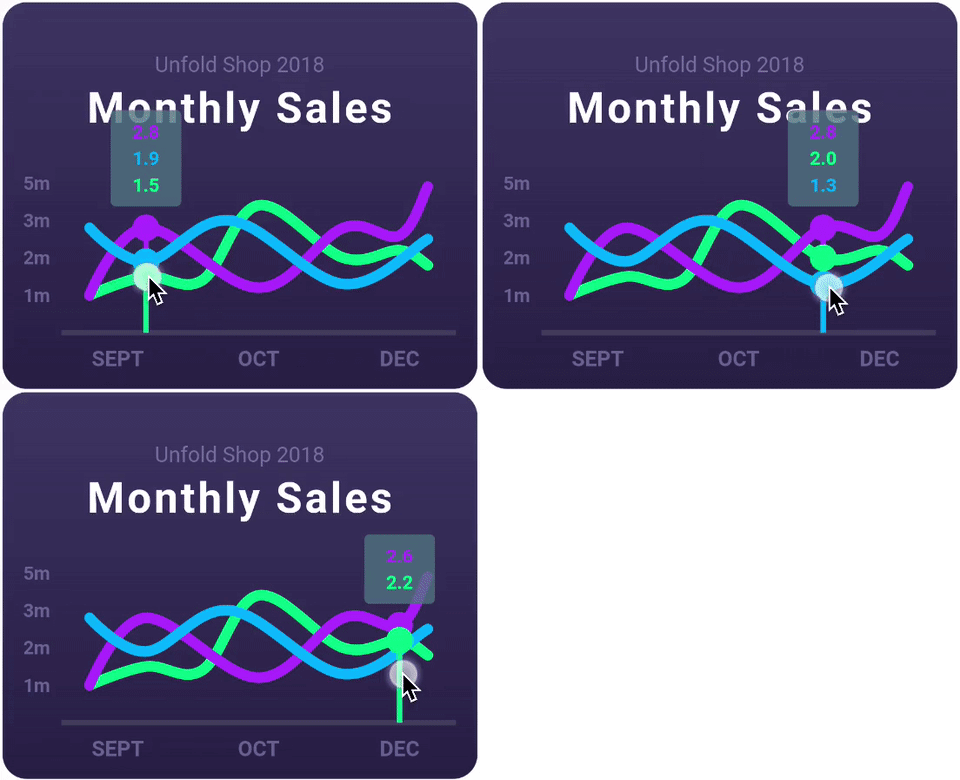
一個高度可自訂的 Flutter 圖表庫,支援折線圖、長條圖、餅圖、散點圖和雷達圖。
一個反應式快取與資料繫結框架。Riverpod 讓處理非同步程式碼變得輕鬆自在。
 v2.0.0
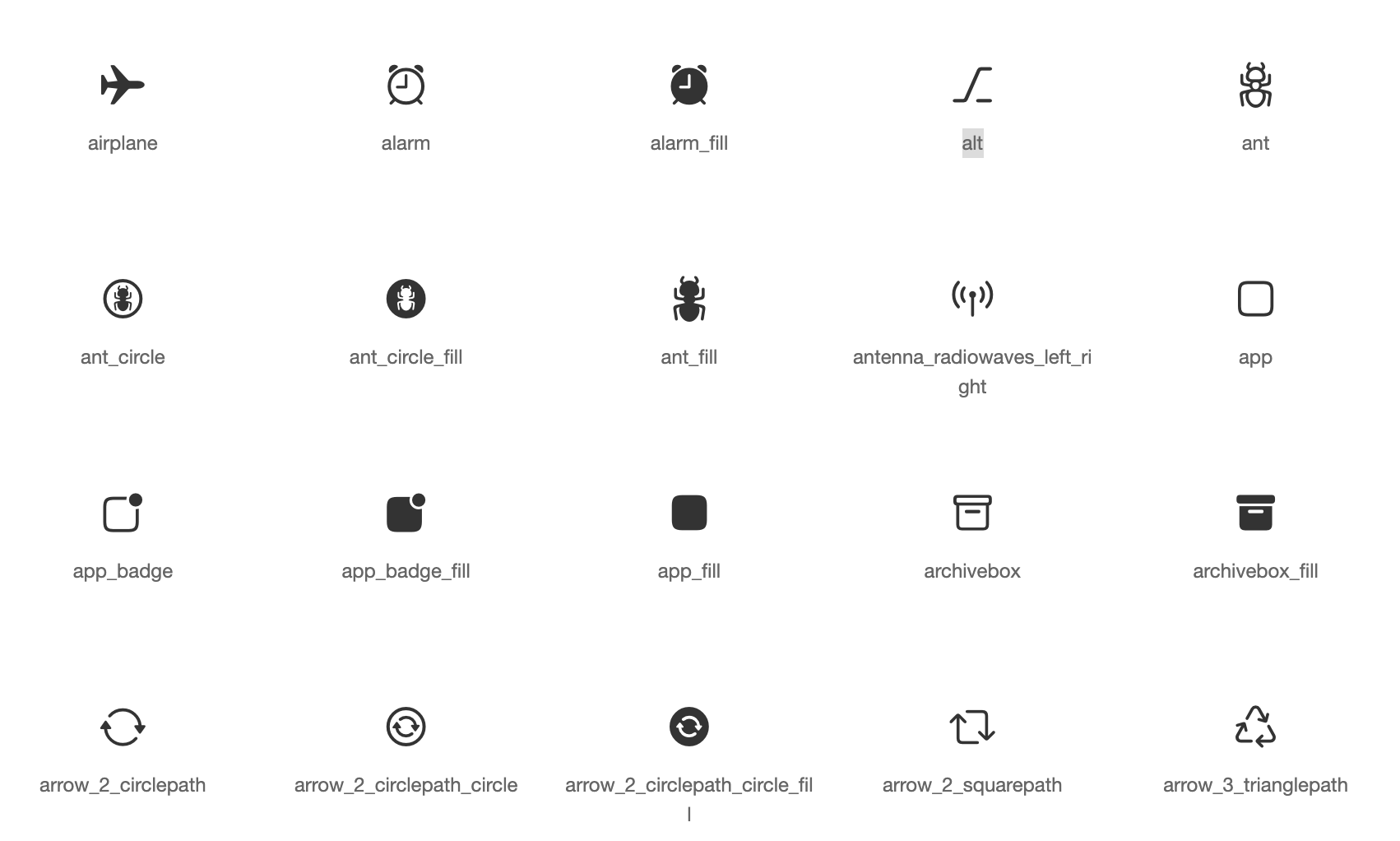
基於蘋果風格圖標的Cupertino元件預設圖示資源
用於從 Android 和 iOS 圖像庫中選擇圖片,以及使用相機拍攝新照片的 Flutter 插件。
 v1.1.1
用於在主螢幕上建立捷徑的 Flutter 外掛程式,也稱為 iOS 上的快速動作和 Android 上的應用程式捷徑。
 v5.2.2
一組以 Flutter 動畫呈現的載入指示器。深受 @tobiasahlin 的 SpinKit 啟發。
Flutter 插件用於 SQLite,一個自我包含、高可靠性、嵌入式 SQL 資料庫引擎。
基於 ffi 的 sqflite 實現,適用於桌面和單元測試。
^7.2.1^9.0.0^2.13.1^3.0.0^10.2.0^1.1.2^1.19.1^7.3.1^1.9.0^3.0.7^3.0.2^1.0.9^1.0.0^0.13.1^1.1.0^13.2.0^1.9.0^11.2.0^13.1.0^4.13.0^5.2.7^16.5.0^1.2.0{"sdk":"flutter"}^12.0.2^0.7.0^2.0.8^22.3.0{"sdk":"flutter"}^1.0.12^2.4.8^3.4.2^11.0.0^4.0.3^5.2.2^3.1.0^0.9.3^1.6.0^1.2.3^0.20.3^4.12.0^3.0.0{"git":{"url":"https://github.com/lichess-org/dart-lc0.git","ref":"04284fa88176930a0e2ffd475979fa289710169e"}}^1.3.0^0.13.0^4.2960.0^1.0.1^1.19.0{"git":{"url":"https://github.com/lichess-org/dart-multistockfish.git","ref":"896c3884921ae1d775fcd3088ddcd1559fb87308","path":"pkgs/multistockfish"}}^10.2.1^1.9.1^2.1.6^0.4.0^2.2.0^4.1.0^1.1.0^0.2.0^13.3.0^2.5.5^0.5.0^0.2.0^2.4.3^2.4.2+1^2.1.1^6.3.2^0.4.0+2^1.7.0^3.0.3^2.15.1^1.3.3{"sdk":"flutter"}^4.0.1^6.14.1^2.14.0^1.0.5^2.1.4^1.6.0以下為英文專案原文快照,最新內容請造訪 GitHub。
Second iteration of the Lichess mobile app.
Contributions to this project are welcome!
If you want to contribute, please read the contributing guide.
If you are new to this project, you can read the documentation to get started. The CLAUDE.md is also a good resource to understand the codebase.
tl;dr: Install Flutter, clone the repo, run in order:
flutter pub getdart run build_runner watchflutter analyze --watchand you're ready to code!
See the dev environment docs for detailed instructions.
To run the app, you can use the following command:
# if not already done, run the code generation
dart run build_runner build

# run the app on all available devices
flutter run -d all
To run the tests, you can use the following command:
# if not already done, run the code generation
dart run build_runner build

flutter test
Do not edit the files in translation/ folder (except translation/source/mobile.xml), nor the app_en.arb file: these files are generated.
For more information, see Internationalisation.
Only for members of lichess team.