

 v2.0.0
blobs
創造美麗的斑點 - 固定/隨機斑點生成、動畫、svgs 等
363喜歡 2250近 30 天下載140Pub 分數
AndroidiOSWebmacOSWindowsLinux
為 Flutter 應用生成 Blob 形狀

以下為英文專案原文快照,最新內容請造訪 GitHub。

Generate blob in any size
Control the randomness and complexity
Animate the blob
Set ID for a fixed blob
Shuffle between the fixed blobs
Loop animation
Blob clipper
Get SVG path
Debug, Child widget, controller and few more
Blobs App
There are four widgets,
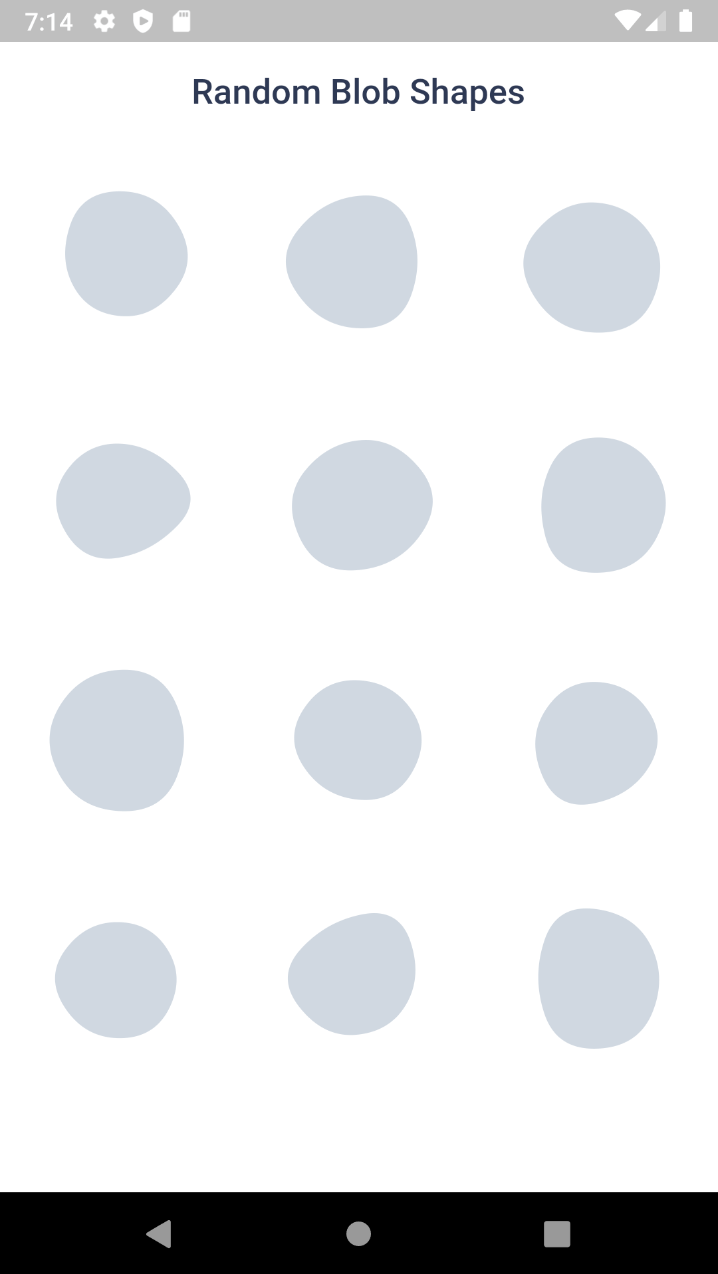
Blob.random() - Generate random blobs
Blob.animatedRandom() - Generate blobs and animate the shape change
Blob.fromID() - Use one or more ID's for fixed blobs
Blob.animatedFromID() - Animate the shape change

Size of the blob (mandatory).
Blob.random(size:200),
edgesCount is the nodes count. More the value, more the complexity. Minimum is 3 and max is 300. But for cool shapes you can stick between 3-20. Default is 7
minGrowth is the minimum size of the blob. Smaller the value, more the randomness. Value should be an interger between 2-9. Default is 4.
Blob.random(
 size:200,
 edgesCount:5,
 minGrowth:4,
),
You can use BlobController, if you want to change the shape programatically. As o now it has only one method called change(). When you call this, the shape will be changed and returns some useful info of the blob (BlobData).
BlobController blobCtrl = BlobController();
Blob.random(
 size:200,
 edgesCount:5,
 minGrowth:4,
 controller: blobCtrl,
),
BlobData blobData = blobCtrl.change();
In most scenarios you wanted a same blob to be rendered every time. This can be achieved using ID. It is just a plain string contains the shape data.
You can get the ID from the blobData from the controller's change() method. Or you can also generate blobs and get ID from https://blobs.app/
ID looks like 5-6-43178
id option accepts one or multiple id's. If it has only one id, then it will be a fixed blob.
Blob.fromID(
 size:200,
 id:['X-Y-ZZZZ'],
 controller: blobCtrl,
),
If you provide multiple id's, then it will show each one in order on changing.
Blob.fromID(
 size:200,
 id:['X-Y-ZZZZ','X-Y-ZZZZ','X-Y-ZZZZ'],
 controller: blobCtrl
),
You can change the color, add gradient, make outlined using BlobStyles()
Blob.random(
 size:200,
 styles:  BlobStyles(
   color:  Colors.green,
   fillType:  BlobFillType.stroke,
   gradient:  LinearGradient(),
   strokeWidth:3,
 ),
),
Gradient can be Linear or Radial. LinearGradient will look like this,
LinearGradient(colors: [Colors.red, Colors.green])
.createShader(Rect.fromLTRB(0, 0, 300, 300))


You can use child property to display a child which looks like the blob as background.
Blob.random(
 size:200,
 child:  Text('I am a child!'),
),

Whenever the blobs are changing, this widget will animate the shape change.
Blob.animatedRandom(
 size:200,
 edgesCount:5,
 minGrowth:4,
 duration:  Duration(milliseconds:500),
),
duration is optional. Default is 500 milliseconds.

When you want to change the shapes automatically you can set loop property to true.
Blob.animatedRandom(
 size:200,
 edgesCount:5,
 minGrowth:4,
 loop:  true,
),
If you use loop in Blob.fromAnimatedID() widget, it will change shapes within the provided blobs.
Blob.animatedFromID(
 size:200,
 id:['X-Y-ZZZZ','X-Y-ZZZZ','X-Y-ZZZZ'],
 loop:  true,
),

When you set debug to true, it will show you circles and lines that connect the blob points.
Blob.random(
 size:200,
 debug:  true,
),

Sometime you might want to clip the widget by blob shape. In such cases you can use BlobClipper(). You can either provide id or edgesCount and minGrowth options.
Container(
 child:  ClipPath(
  clipper: BlobClipper(<OPTIONS>),
  child: Image.network("https://bit.ly/2nirIxg"),
 ),
)

Blobs shape are created by BlobGenerator(). Both widgets and clipper uses this internally to create the shape and then it is painted to canvas. This will return BlobData.
BlobData blobData =  BlobGenerator(
 edgesCount:  7,
 minGrowth:  4,
 size:  Size(30, 30),
 id:  null,
).generate();
It is the raw data, which contains the path definitions, coordinates and other basic info about the blob.
BlobData(
 dots,
 innerRad,
 svgPath,
 coords,
 id,
 edgesCount,
 minGrowth,
 size,
 originalSize,
)
BlobData contains svgPath info. It is just a path string which will look like this,
M326.0,251.5Q282.0,303.0,226.5,315.0Q171.0,327.0,118.5,296.0Q66.0,265.0,90.0,211.5Q114.0,158.0,145.0,126.0Q176.0,94.0,228.5,96.0Q281.0,98.0,325.5,149.0Q370.0,200.0,326.0,251.5Z
from this you can easily create SVG like
<svg viewBox="0 0 400 400" xmlns="http://www.w3.org/2000/svg">
 <path fill="#474787" d="M326.0,251.5Q282.0,303.0,226.5,315.0Q171.0,327.0,118.5,296.0Q66.0,265.0,90.0,211.5Q114.0,158.0,145.0,126.0Q176.0,94.0,228.5,96.0Q281.0,98.0,325.5,149.0Q370.0,200.0,326.0,251.5Z" />
</svg>
We can create cool visual elements with blobs. Here's a few things that came to my mind.


This project is licensed under MIT.
Any kind of contributions are welcome :)
For any issues and suggestions please create a issue card in Github repository
依賴清單 3 項
{"sdk":"flutter"}{"sdk":"flutter"}^1.11.0先依使用情境篩選,再比較專案活躍情況,最後到原始儲存庫確認使用要求。
“A repository is the most basic element of GitHub.”
GitHub Docs — About repositories ↗