
llmbox
GPTBox - OpenAI API 的第三方客戶端。

- 星標
- 389
- 分支
- 33
- 最近推送(UTC)
- 2026年10月22日
- 專案狀態
- 未封存
原始 README
以下為英文專案原文快照,最新內容請造訪 GitHub。
English | 简体中文
LLMBox
A cross-platform LLM client.


😣 Attention
This app is now under development, some features may be missing / not available. Please refrain from using it in production environments or for critical data.
🪄 Features
- Many providers (OpenAI, Anthropic, Gemini, OpenRouter, … and any OpenAI-compatible endpoint), keys kept in the system keychain.
- Tools
- Memory: files the model keeps across chats, editable in the settings.
- Read web pages and APIs. Video
- Search and read your other chats.
- MCP servers.
- Text / Image chat, text files as attachments.
- Localization. (English, 简体中文, Deutsch, 繁體中文, Indonesian, Français, Dutch, Türkçe, Español, Русский язык, Українська, Português, 日本語)
- Share chat as image.
- Url Scheme, eg:
lollipopkit.com://llmbox/new?msg=hello - Encrypted sync with WebDAV / iCloud.
- Mobile & Desktop supports.
- Render code block / latex formula.
- Performance far exceeds traditional Web.
🏙️ Screenshots
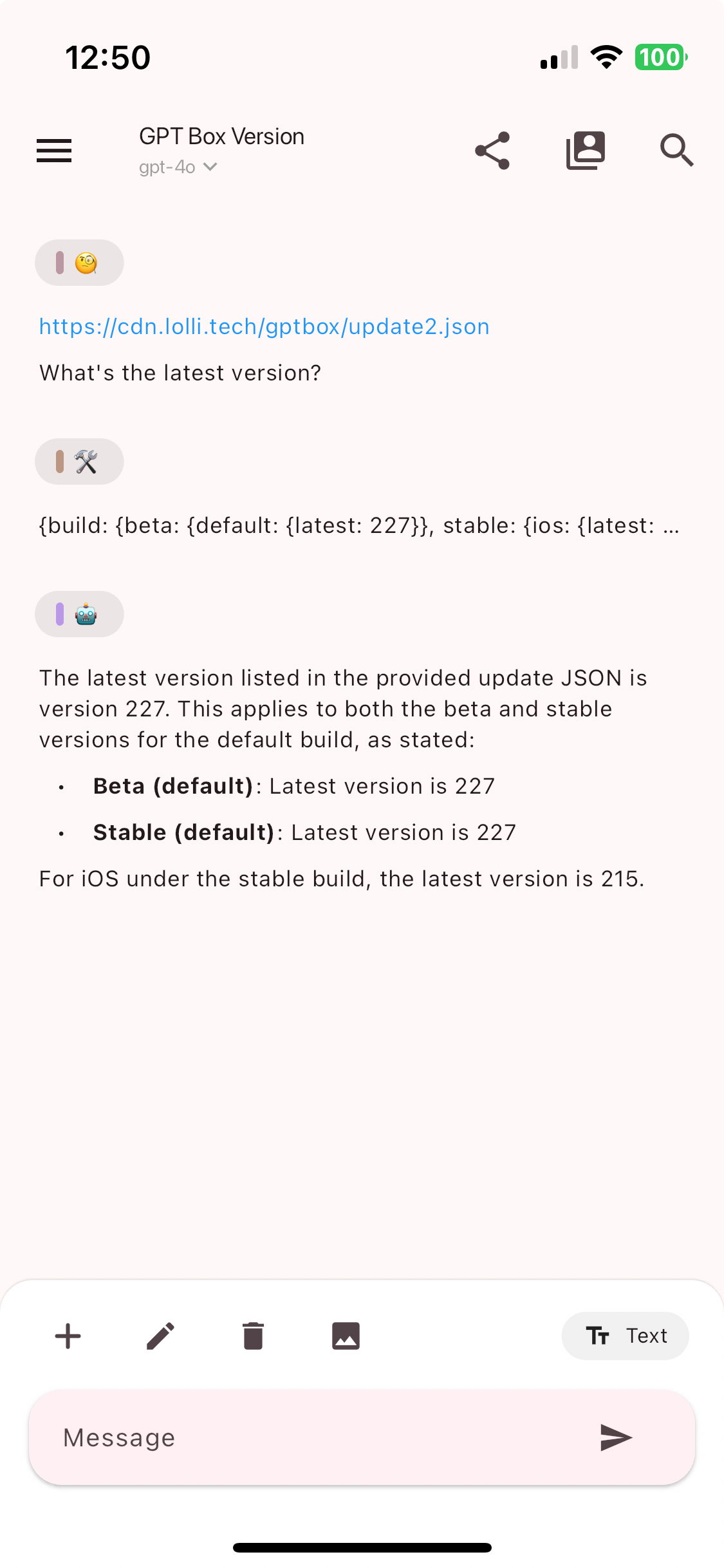 |
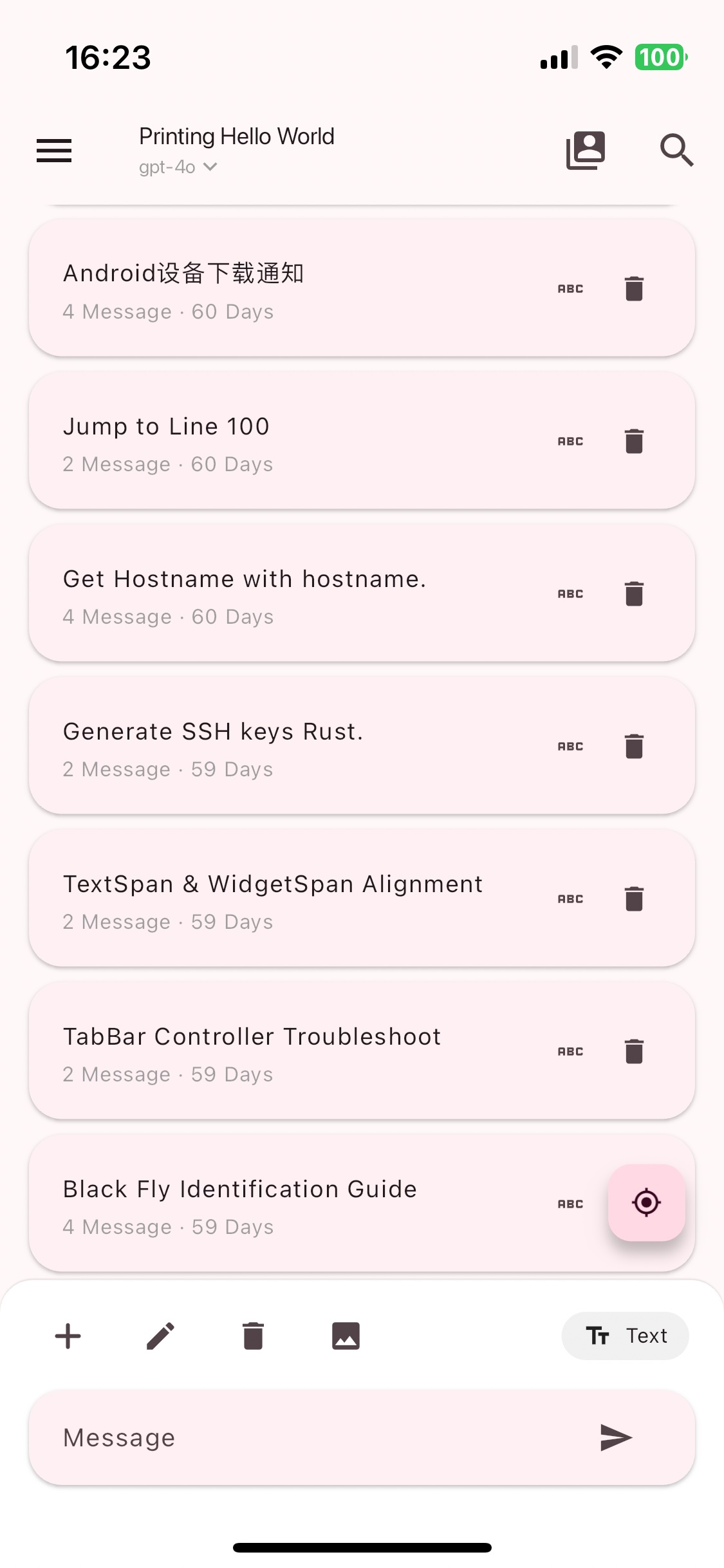 |
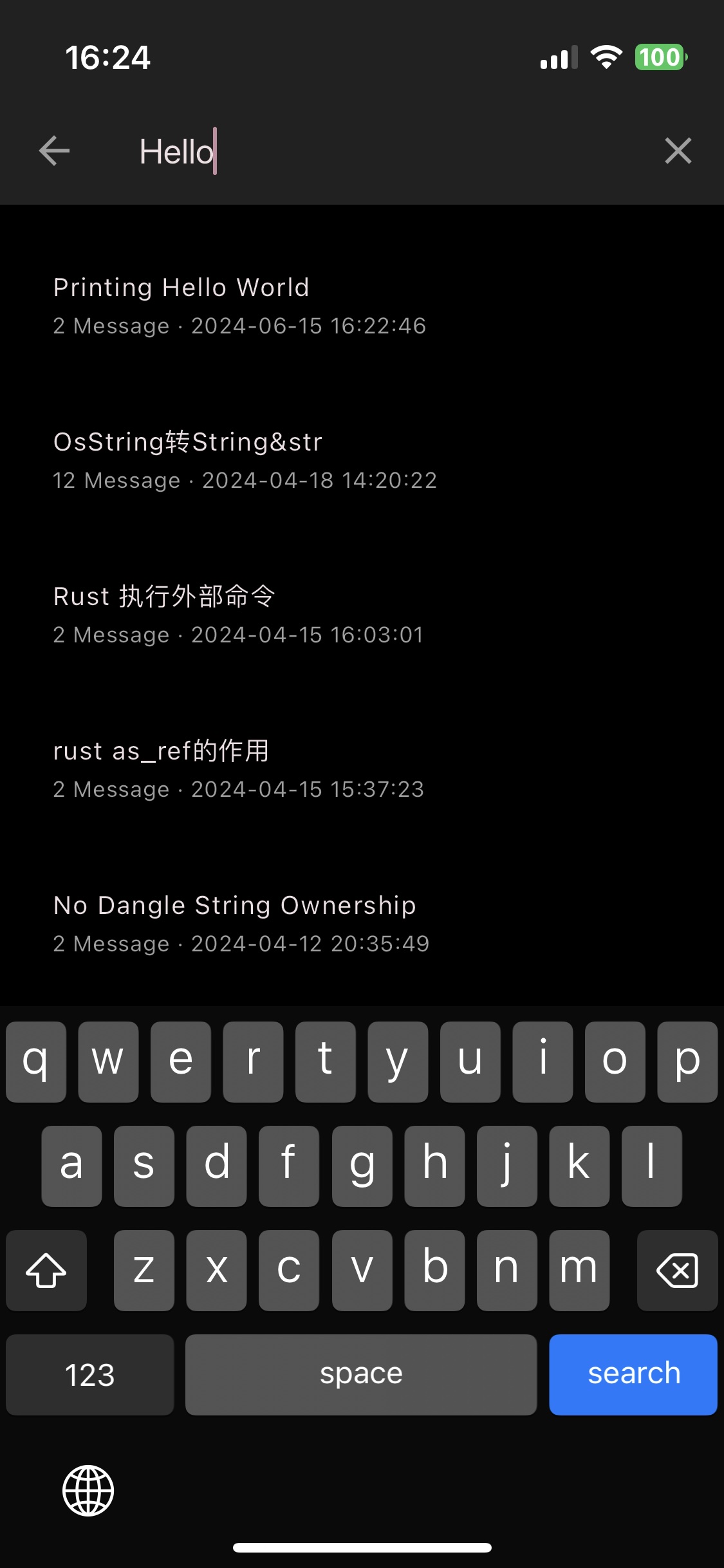 |
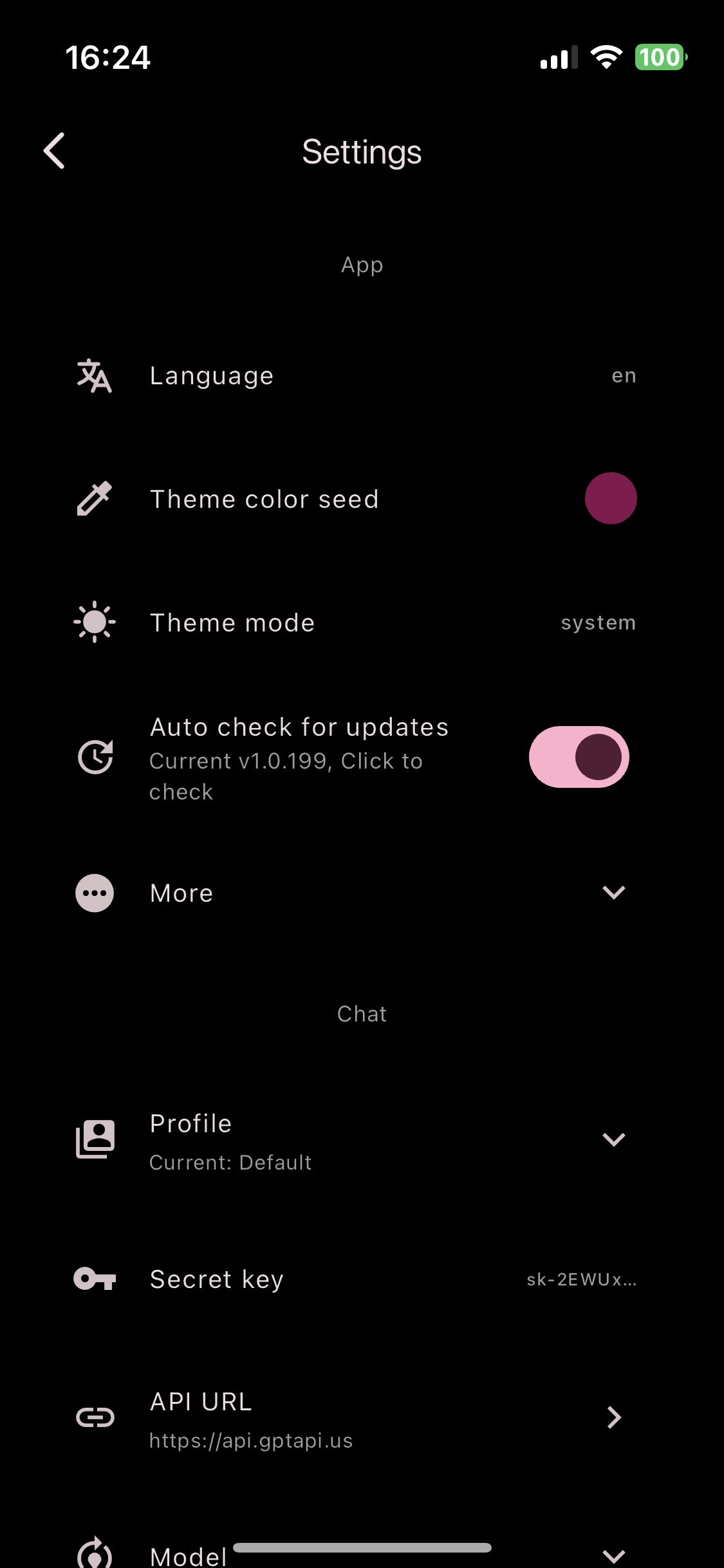 |
⬇️ Use
| Platform | From |
|---|---|
| iOS | AppStore |
| macOS | Github (LLMBox-<version>-arm64.dmg for Apple silicon, -amd64.dmg for Intel) |
| Android | Github / CDN |
| Linux & Windows | Github / CDN |
Only download from the source you trust
🆘 Help


Before you open an issue, please read the following:
- Paste the entire log (Settings → About → Logs) in the issue template.
- Make sure whether the issue is caused by this app.
- Welcome all valid and positive feedback, subjective feedback (such as you think other UI is better) may not be accepted.
After you read the above, you can:
- If you have any question or feature request, please open a discussion.
- If app has any bug, please open an issue.
🧱 Contribution
- Any positive contribution is welcome.
💡 My other apps
- Server Box - Server status & tools.
- More - Tools & etc.
📝 License
GPL v3 lollipopkit

GitHub 作者
lollipopkit🏳️⚧️ ↗
語言DartC++ShellCMakeSwiftCKotlinObjective-C
分類
使用的依賴
依賴清單 19 項
- flutter
{"sdk":"flutter"} - flutter_localizations
{"sdk":"flutter"} - intl
any - app_links
^7.0.0 - icons_plus
{"git":{"url":"https://github.com/lollipopkit/icons_plus","ref":"main"}} - logging
^1.3.0 - screenshot
^3.0.0 - sqlite3
^3.6.0 - webdav_client_plus
^2.0.0 - fl_pi_llm
{"path":"packages/fl_pi_llm/fl_pi_llm"} - fl_pi_llm_ui
{"path":"packages/fl_pi_llm/fl_pi_llm_ui"} - fl_lib
{"path":"packages/fl_lib"} - fl_tty
{"path":"packages/fl_tty"} - animations
^3.0.0 - material_ui
^1.5.0 - flutter_test開發依賴
{"sdk":"flutter"} - flutter_lints開發依賴
^6.0.0 - flutter_native_splash開發依賴
^2.4.0 - fl_build開發依賴
{"git":{"url":"https://github.com/lppcg/fl_build.git","ref":"0449e5e66d9631fb6ced8c4d080d51648327887b"}}
所在榜單
如何選擇適合專案的儲存庫?
先依使用情境篩選,再比較專案活躍情況,最後到原始儲存庫確認使用要求。
- 透過儲存庫名稱、作者或描述搜尋,再依技術分類縮小範圍。
- 綜合星標、分支與最近推送比較專案;星標反映社群關注,不保證品質。
- 使用前在 GitHub 確認 README、授權條款與 Issues。
來源與維護
“A repository is the most basic element of GitHub.”
GitHub Docs — About repositories ↗