

 v4.0.2
image_pixels
讓您擴展圖像的背景顏色,或建立任何依賴於圖像寬度/高度或像素顏色的組件。
102喜歡 3750近 30 天下載150Pub 分數
AndroidiOSWebmacOSWindowsLinux
Flutter 套件:讓您擴展影像的背景顏色,或建立任何依賴於影像寬度/高度和像素顏色的組件。

以下為英文專案原文快照,最新內容請造訪 GitHub。







This package allows you to build a widget that depends on, or uses the values of:
Try running the Example.
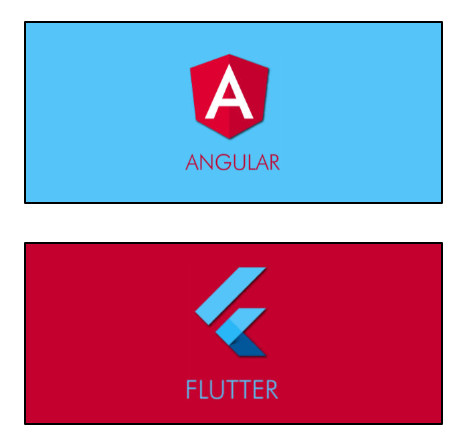
The ImagePixels.container() constructor adds a background-color that is the same color
as the
image pixel at the colorAlignment position.
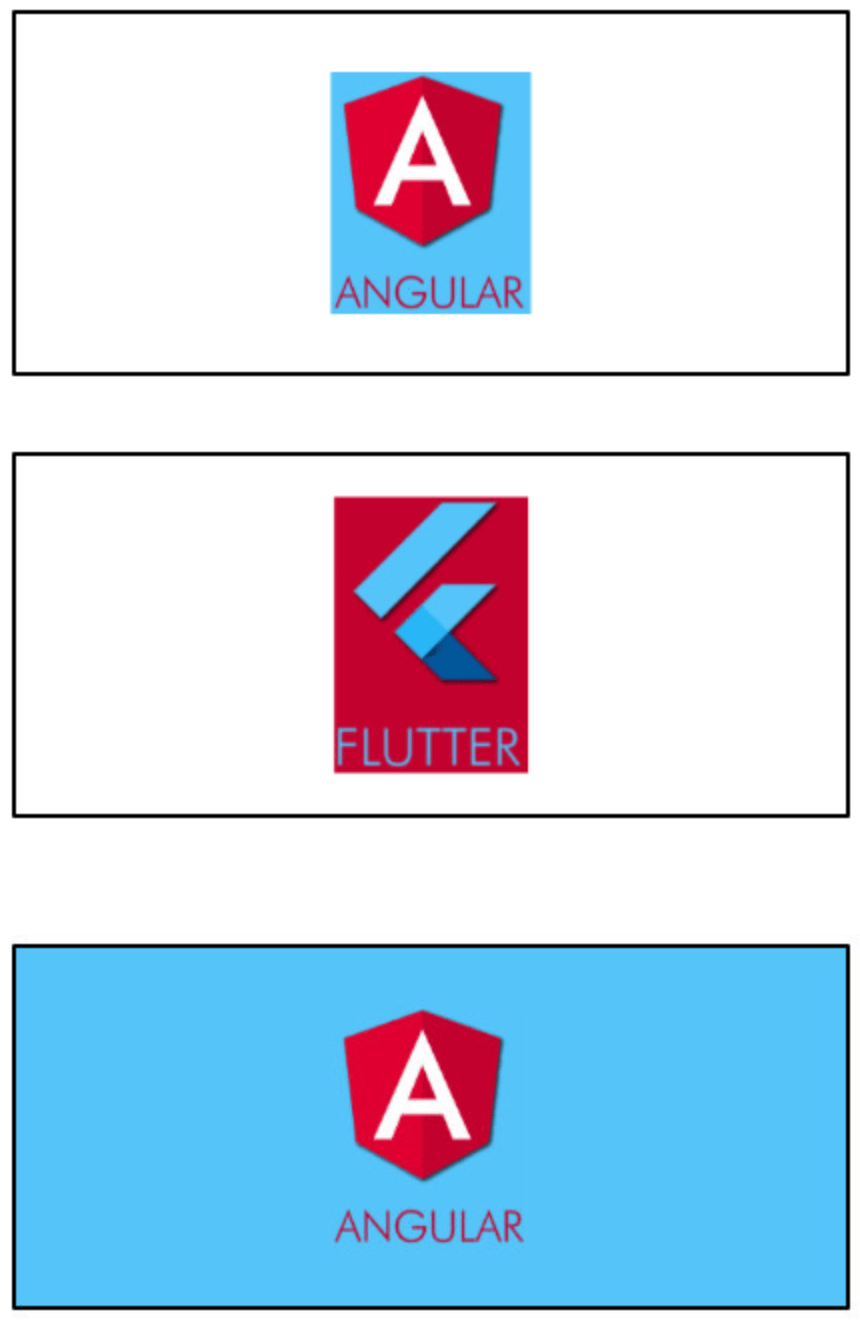
For example, suppose you put an image inside a Container, like this:
Container(
    width: 250,
    height: 100,
    alignment: Alignment.center,
    child:
        Container(
            width: 40.0,
            height: 60.0,
            child: Image(image: myImageProvider),
        ),
);
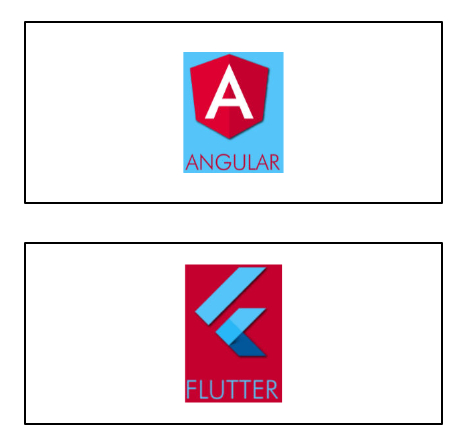
Now, if you wrap it with an ImagePixels.container:
ImagePixels.container(
    imageProvider: myImageProvider,
    colorAlignment: Alignment.topLeft,
    child:
        Container(
            width: 250,
            height: 100,
            alignment: Alignment.center,
            child:
                Container(
                    width: 40.0,
                    height: 60.0,
                    child: Image(image: myImageProvider),
                ),
        );
);
The ImagePixels constructor lets you define an image through an imageProvider, and
then use a builder to build a child widget that depends on the image dimensions and the
color of its pixels.
The default constructor lets you provide the imageProvider, the builder, as well as
a defaultColor to be used when reading pixels outside the image bounds or while the
image is still downloading.
For example, this will display the size of the image as a Text widget:
ImagePixels(
    imageProvider: imageProvider,
    defaultColor: Colors.grey,
    builder: (context, img) => Text("Img size is: ${img.width} × ${img.height}"),
    );
The builder function gives you access to an img parameter of type ImgDetails, with
the following information:
If the image is already available, img.hasImage is true, and img.width
and img.height indicate the image dimensions.
While the image is not yet available,
img.hasImage is false, and img.width and img.height are null.
The functions img.pixelColorAt() and img.pixelColorAtAlignment()
can be used in the builder body to read the color of the image pixels.
If the coordinates point to outside the image, or if the image is not yet available (is
still being downloaded or failed to download), then these functions will return
the defaultColor provided in the ImagePixels constructor.
The img.uiImage parameter contains the image as a ui.Image type. It will be null
while the image is still downloading.
The img.byteData parameter contains the image as a ByteData type. It will be null
while the image is still downloading.
Getting the tapped pixel color: By wrapping the child of the ImagePixel with
a GestureDetector you can obtain the x/y position where the user tapped the image.
From this information, you can then determine the color of the tapped pixel.
Try running
the
Example.
Modifying the image: The child of the ImagePixel can be a CustomPainter. Then,
you can use a canvas to paint whatever you want on top of the image, or else create
an entirely new image from the pixels of the original image.
glasberg.dev
github.com/marcglasberg
linkedin.com/in/marcglasberg/
twitter.com/glasbergmarcelo
stackoverflow.com/users/3411681/marcg
medium.com/@marcglasberg
My article in the official Flutter documentation:
The Flutter packages I've authored:
My Medium Articles:
依賴清單 2 項
{"sdk":"flutter"}{"sdk":"flutter"}先依使用情境篩選,再比較專案活躍情況,最後到原始儲存庫確認使用要求。
“A repository is the most basic element of GitHub.”
GitHub Docs — About repositories ↗