v7.1.0
cloud_firestore
適用於 Android 與 iOS 的 Cloud Firestore Flutter 插件,一個雲端主機的 NoSQL 資料庫,支援即時同步與離線功能。
3780喜歡 165萬近 30 天下載150Pub 分數
AndroidiOSWebmacOSWindows
一個使用 Firebase / Firestore 編寫的完整功能 Instagram 副本,基於 Flutter 開發

以下為英文專案原文快照,最新內容請造訪 GitHub。
A working Instagram clone written in Flutter using Firebase / Firestore
I built Fluttergram as a way to learn Flutter when it was still in Beta V1. At this time, Flutter was in its really early stages, and best practices were not yet established. As such, this repo does not reflect the current Flutter best practices and is not at a high code quality standard. That said, it still has merit in being a complete example of what can be done in Flutter.
Download the release APK to try out Fluttergram
I update Fluttergram with new features and bugs fixes, but the apk may be behind master. Take a look at the changelog to see the most recent additions to the apk.



$ git clone https://github.com/mdanics/fluttergram.git
$ cd fluttergram/
firebase initfunctions/lib/index.js to your firebase project's functions/index.jsgetFeed with firebase deploy --only functions In the output, you'll see the getFeed URL, copy that._getFeed function in feed.dart with your cloud function url from the previous step.If this does not work and you get the error Error: Error parsing triggers: Cannot find module './notificationHandler' Try following these steps. If you are still unable to get it to work please open a new issue.
You may need to create the neccessary index by running firebase functions:log and then clicking the link
If you are getting no errors, but an empty feed You must post photos or follow users with posts as the getFeed function only returns your own posts & posts from people you follow.
keytool -exportcert -list -v \
-alias androiddebugkey -keystore ~/.android/debug.keystore
google-services.json into /android/app/.Double check install instructions for both
適用於 Android 與 iOS 的 Cloud Firestore Flutter 插件,一個雲端主機的 NoSQL 資料庫,支援即時同步與離線功能。
Firebase Auth 的 Flutter 插件,支援使用密碼、電話號碼以及 Google、Facebook 和 Twitter 等身分提供者進行驗證。
Firebase Core 的 Flutter 插件,支援連接到多個 Firebase 應用程式。
適用於 Firebase 云訊息傳遞的 Flutter 插件,一種跨平台訊息解決方案,可讓您在 Android 和 iOS 上可靠地傳遞訊息。
適用於 Firebase Cloud Storage 的 Flutter 插件,這是一項功能強大、簡單且具成本效益的物件儲存服務,適用於 Android 與 iOS。
基於蘋果風格圖標的Cupertino元件預設圖示資源
用於 Google 登入的 Flutter 插件,一種透過 Google 帳戶登入的安全驗證系統。
用於從 Android 和 iOS 圖像庫中選擇圖片,以及使用相機拍攝新照片的 Flutter 插件。
用於載入和快取網路圖片的 Flutter 庫。也可以與佔位符和錯誤組件一起使用。
適用於 Flutter 的向量設計與執行時動畫。
Dart 圖像庫為伺服器和 Web 應用程式提供載入、操作和儲存各種影像檔案格式的影像功能。
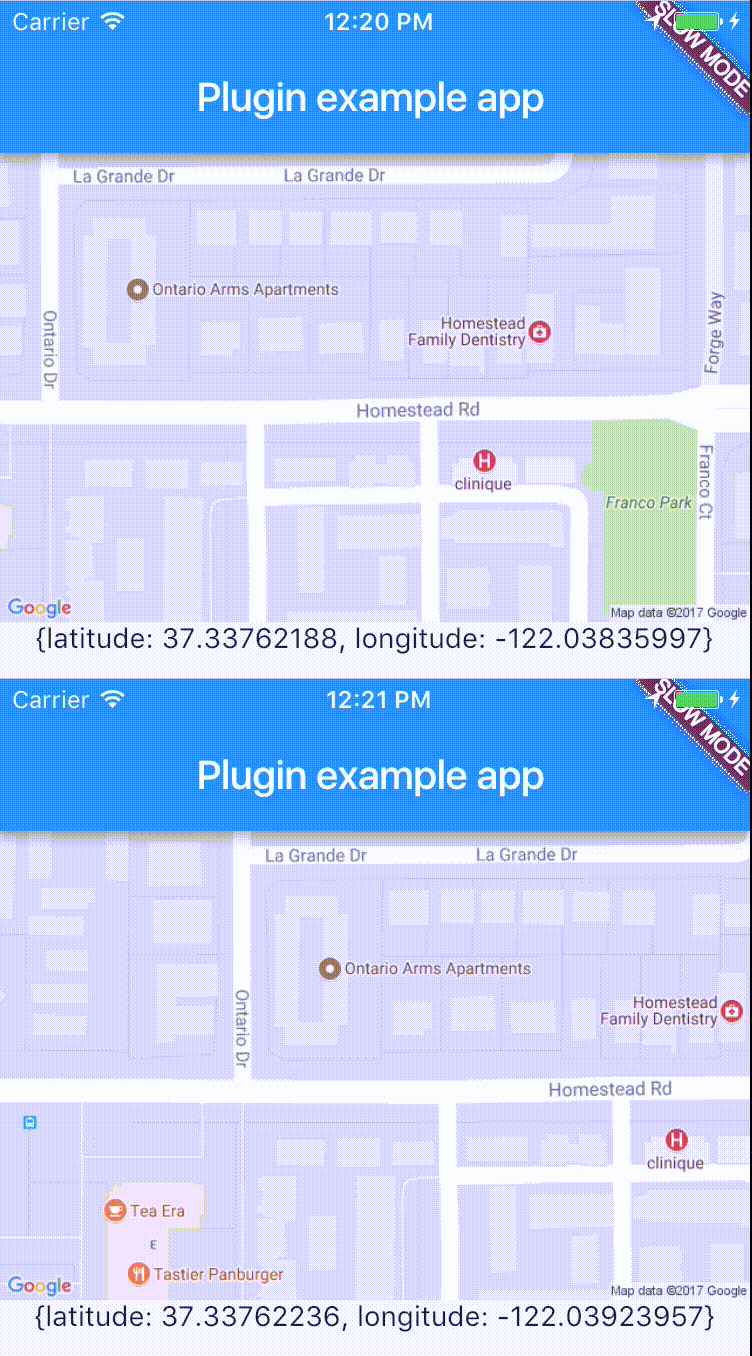
跨平台插件,可輕鬆即時存取裝置位置。
依賴清單 19 項
{"sdk":"flutter"}^1.0.1^1.0.1^0.7.2+1^8.0.0^1.0.1^5.0.0^3.0.1^3.0.1^8.5.0^2.4.0^0.13.0^2.0.4^2.0.0^9.0.0^4.1.1^0.2.1^2.0.6^1.0.2先依使用情境篩選,再比較專案活躍情況,最後到原始儲存庫確認使用要求。
“A repository is the most basic element of GitHub.”
GitHub Docs — About repositories ↗