
fluentui-system-icons
Fluent System Icons 是來自微軟的一組熟悉、親切且現代的圖示。

- 星標
- 1.1萬
- 分支
- 809
- 最近推送(UTC)
- 2026年9月18日
- 專案狀態
- 未封存
原始 README
以下為英文專案原文快照,最新內容請造訪 GitHub。
Fluent UI System Icons

Fluent UI System Icons are a collection of familiar, friendly and modern icons from Microsoft.
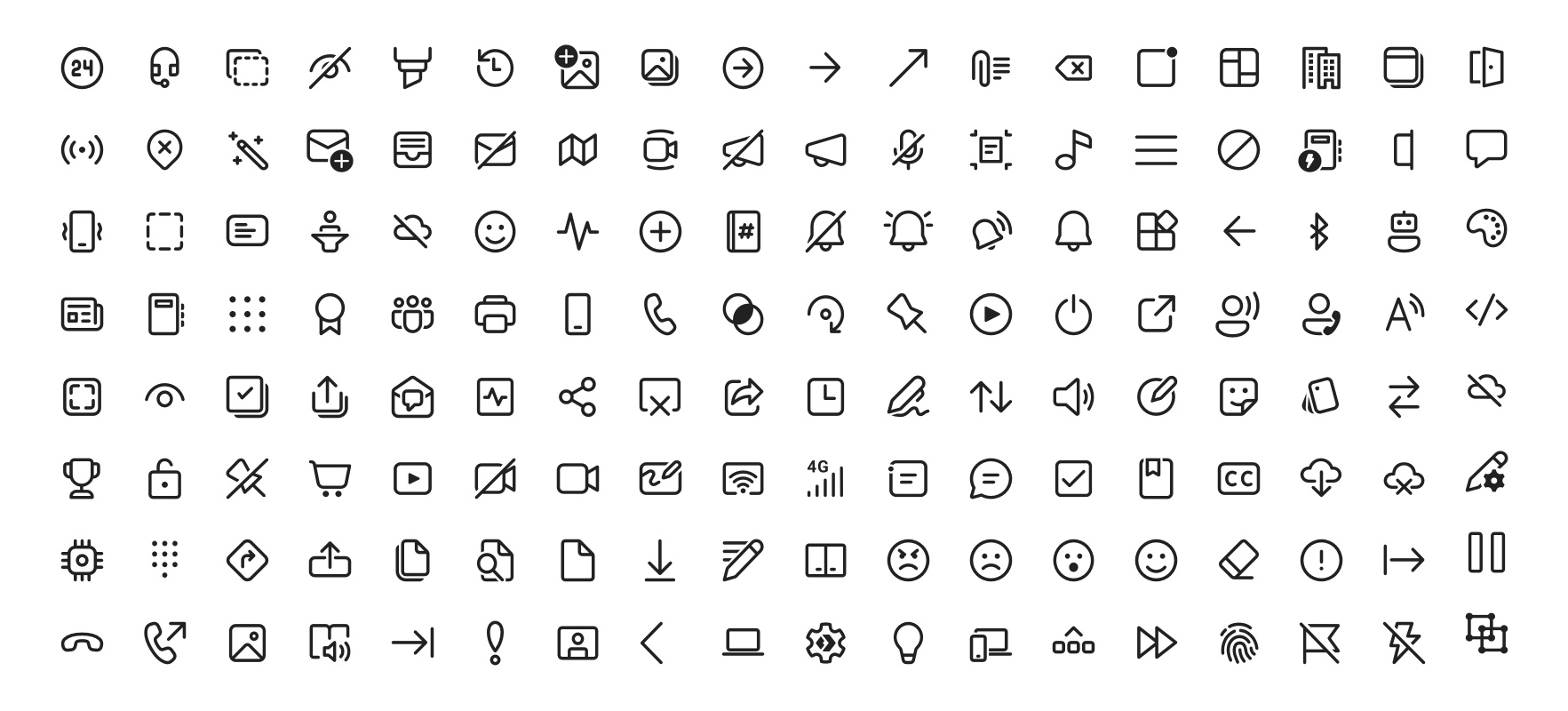
Icon List
Direction
Within the metadata.json file for an icon, a property named directionType is used to indicate the direction of the icon. This property can have one of the following values:
unique, meaning that the icon is unique and has a specific RTL and LTR versionmirror, meaning that the icon can be mirrored for RTL or LTR languages
The property singleton is also used to indicate the default direction that should be used for the icon.
Installation
Android
The library is published via Maven Central, please ensure that the mavenCentral() repository has been added to the root build.gradle file:
repositories {
    ...
    mavenCentral()
}
Include the following dependency in your project's build.gradle:
implementation 'com.microsoft.design:fluent-system-icons:1.1.341@aar'
For library docs, see android/README.md.
iOS and macOS
CocoaPods
use_frameworks!

pod "FluentIcons", "1.1.341"
Carthage
git "git@github.com:microsoft/fluentui-system-icons.git" "1.1.341"
For library docs, see ios/README.md.
Flutter
In the pubspec.yaml of your flutter project, add the following dependency:
dependencies:
  ...
  fluentui_system_icons: ^1.1.341
For library docs, see flutter/README.md.
Plain svg
Inline svg directly. See packages/svg-icons/README.md.
Contributing
Importer
The importer generates the Android and iOS libraries from the icons in the assets directory.
Install dependencies from the repository root (this is a single yarn workspace, so dependencies for every package are installed in one go):
corepack enable
yarn install
Jump into the directory:
cd importer
yarn clean
List all the available commands:
yarn run
Build Pipeline
Our build pipeline runs deploy:android and deploy:ios to create the libraries. The build definitions are located in .github/workflows/.
Demo apps
You can build and run the demo apps following the steps below.
Android
- Follow the Importer section above and run the command
yarn deploy:android - Open the android directory in Android Studio
- Select the
sample-showcasein the build configuration dropdown - Click run
Flutter
Prerequisite: Make sure you have flutter configured in Android Studio
- Open the flutter directory in Android Studio
- Select the
examplein the directory and open it in Android Studio - Click run
Contact
Please feel free to open a GitHub issue and assign to the following points of contact with questions or requests.
- Jason Custer(@jasoncuster) / Spencer Nelson(@spencer-nelson) / Joe Woodward(@thewoodpecker) - Design
- Nick Romano(@rickromano) - iOS
- Will Hou(@willhou) - Android
- Akashdeep Singh(@aakash1313) - Flutter
Code of Conduct
This project has adopted the Microsoft Open Source Code of Conduct. For more information see the Code of Conduct FAQ or contact opencode@microsoft.com with any additional questions or comments.

Microsoft ↗
分類
如何選擇適合專案的儲存庫?
先依使用情境篩選,再比較專案活躍情況,最後到原始儲存庫確認使用要求。
- 透過儲存庫名稱、作者或描述搜尋,再依技術分類縮小範圍。
- 綜合星標、分支與最近推送比較專案;星標反映社群關注,不保證品質。
- 使用前在 GitHub 確認 README、授權條款與 Issues。
來源與維護
“A repository is the most basic element of GitHub.”
GitHub Docs — About repositories ↗