
ScanMyFood
Food Scan AI 透過其智慧功能徹底改變營養管理:📸 扫描食品標籤或烹飪菜餚以實現即時分析,🤖 基於人工智慧的營養成分洞察,💬 根據掃描食品上下文進行即時 AI 聊天,🍽️ 個人化飲食建議,以及 📊 每日攝入量追蹤,輕鬆監控營養成分與卡路里

- 星標
- 40
- 分支
- 16
- 最近推送(UTC)
- 2026年8月13日
- 專案狀態
- 未封存
原始 README
以下為英文專案原文快照,最新內容請造訪 GitHub。

ScanMyFood
AI-Powered Nutrition Intelligence — Know what you eat, instantly.





📖 Overview
ScanMyFood is a comprehensive nutrition analysis platform designed to empower users with deep insights into their dietary habits. By combining high-fidelity mobile experience with state-of-the-art AI, we transform complex nutritional labels and meal images into actionable health data.
Built with Flutter and Spring Boot, leveraging Google Cloud's Vertex AI (Gemini 2.0 Flash), ScanMyFood provides real-time analysis, historical tracking, and personalized recommendations.
✨ Key Features
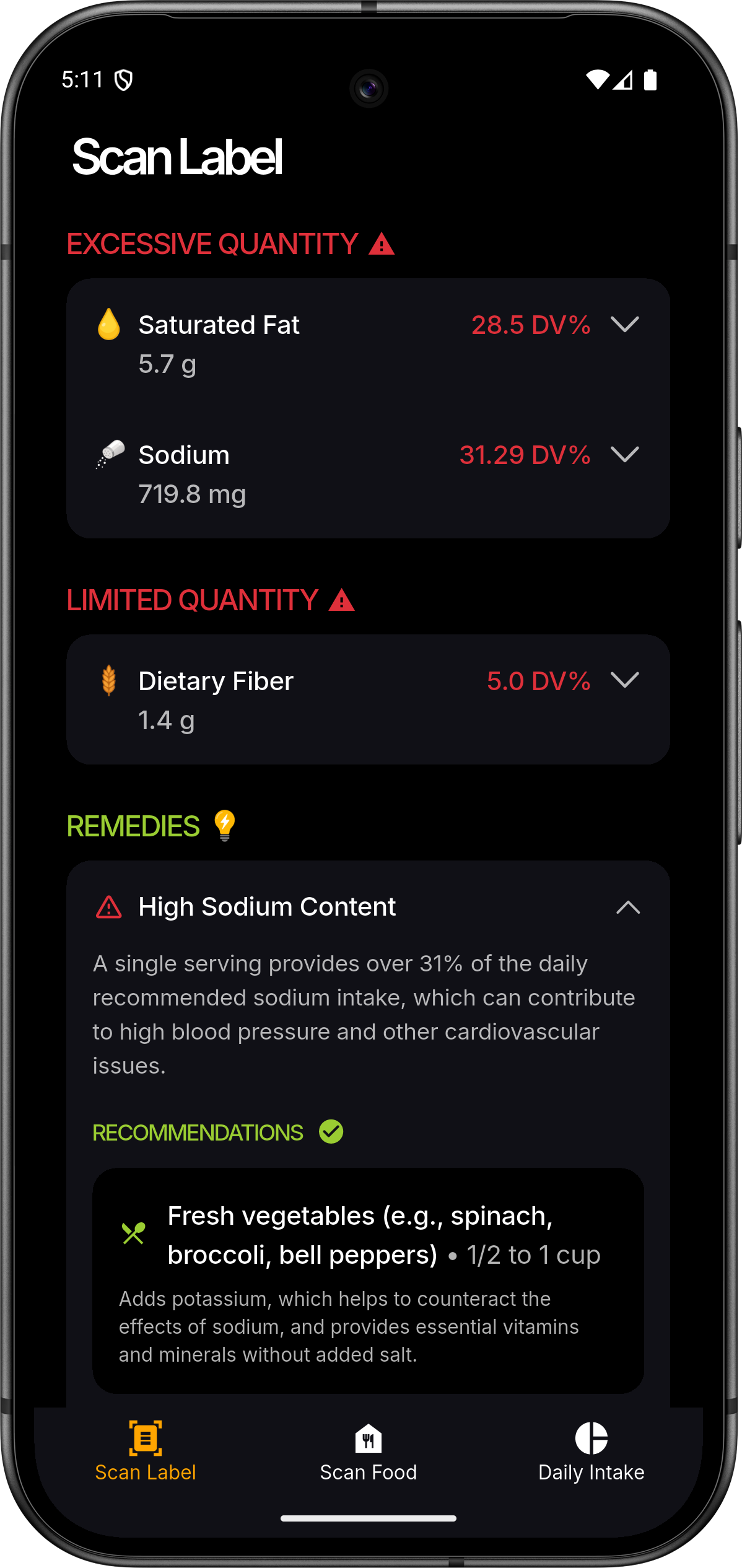
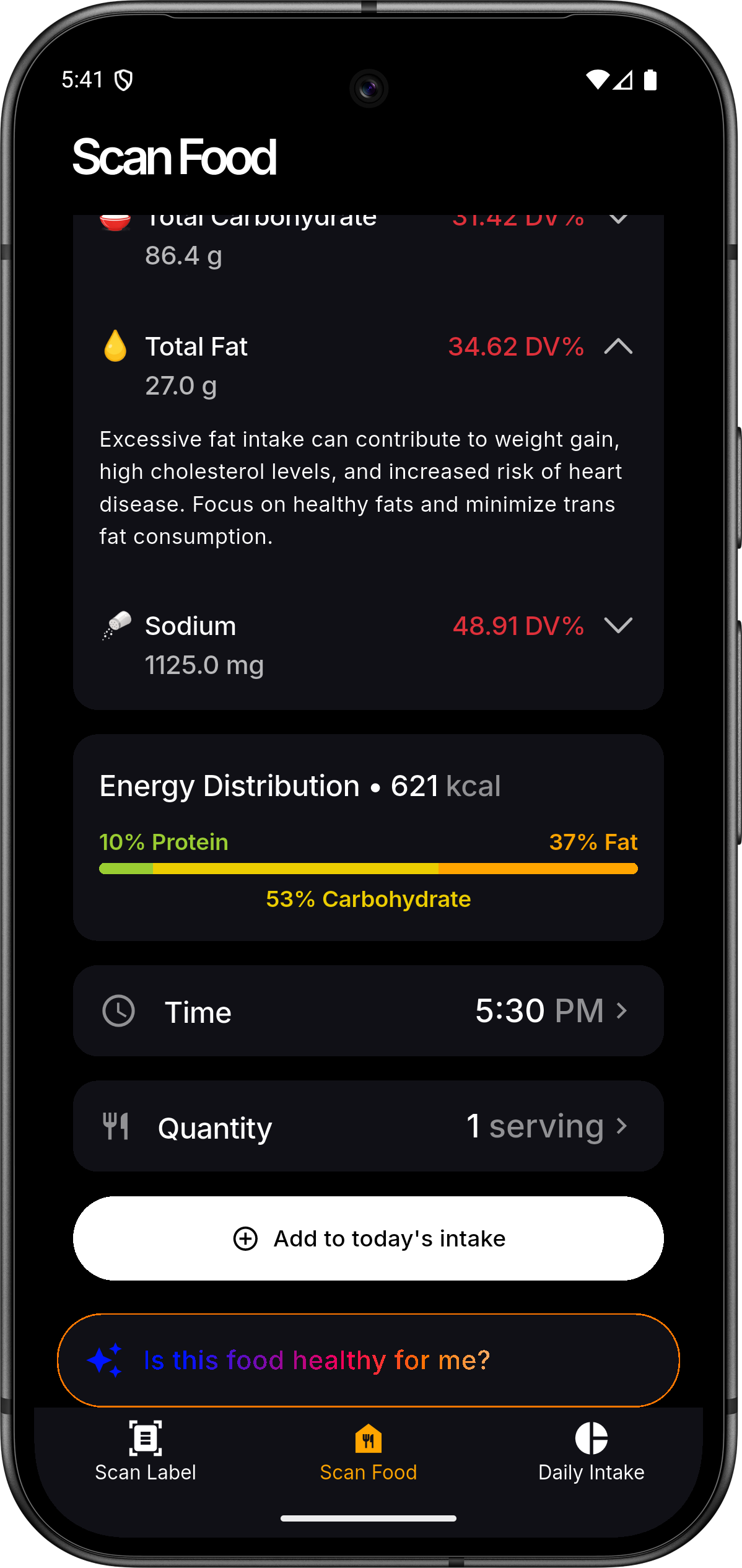
- 📸 Intelligent Scanning: Use your device's camera to capture product labels or entire meals.
- 🔍 AI Analysis: Powered by Gemini 2.0 Flash for accurate nutritional extraction and food identification.
- 📊 Personalized Dashboard: Track daily macro and micronutrient intake with beautiful visualizations.
- 📅 Nutrition History: Maintain a comprehensive log of your consumption patterns over time.
- 👤 Health Profiles: Tailor insights based on your specific health metrics and dietary preferences.
- 🔐 Secure Sync: Seamless Firebase authentication and cloud-synchronized data across devices.
- ⚡ Real-time Insights: Get instant feedback on whether a product fits your dietary goals.
📱 Screenshots
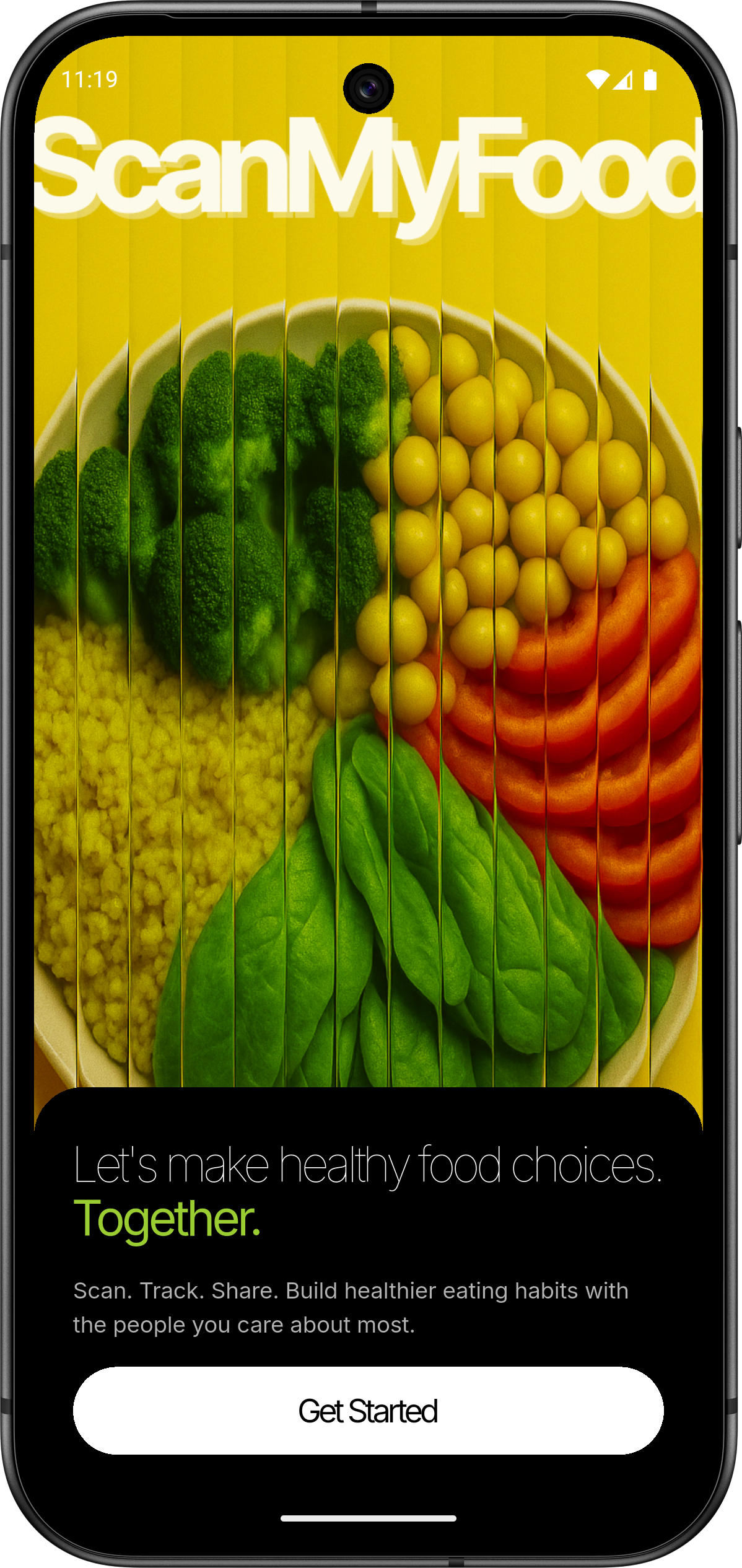 |
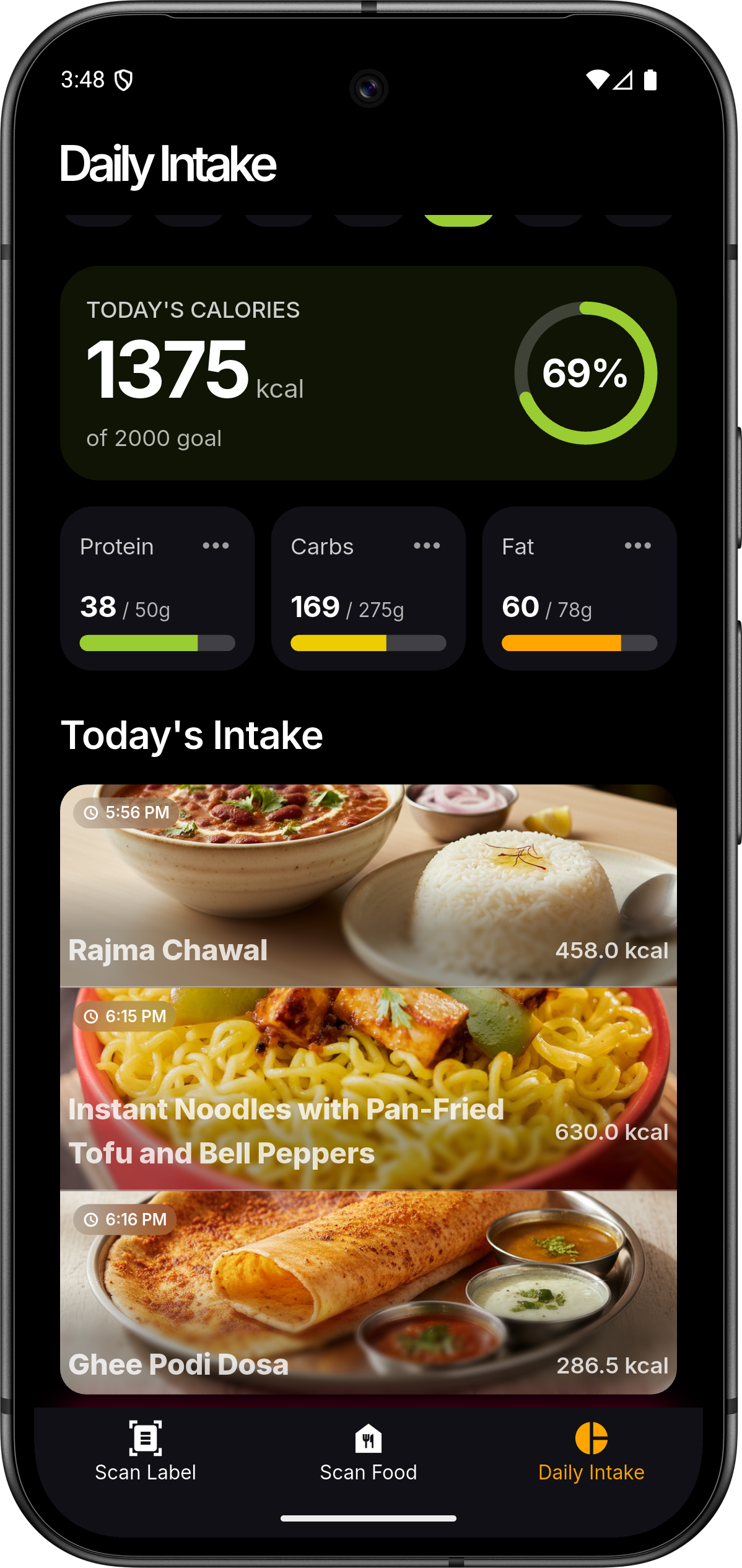 |
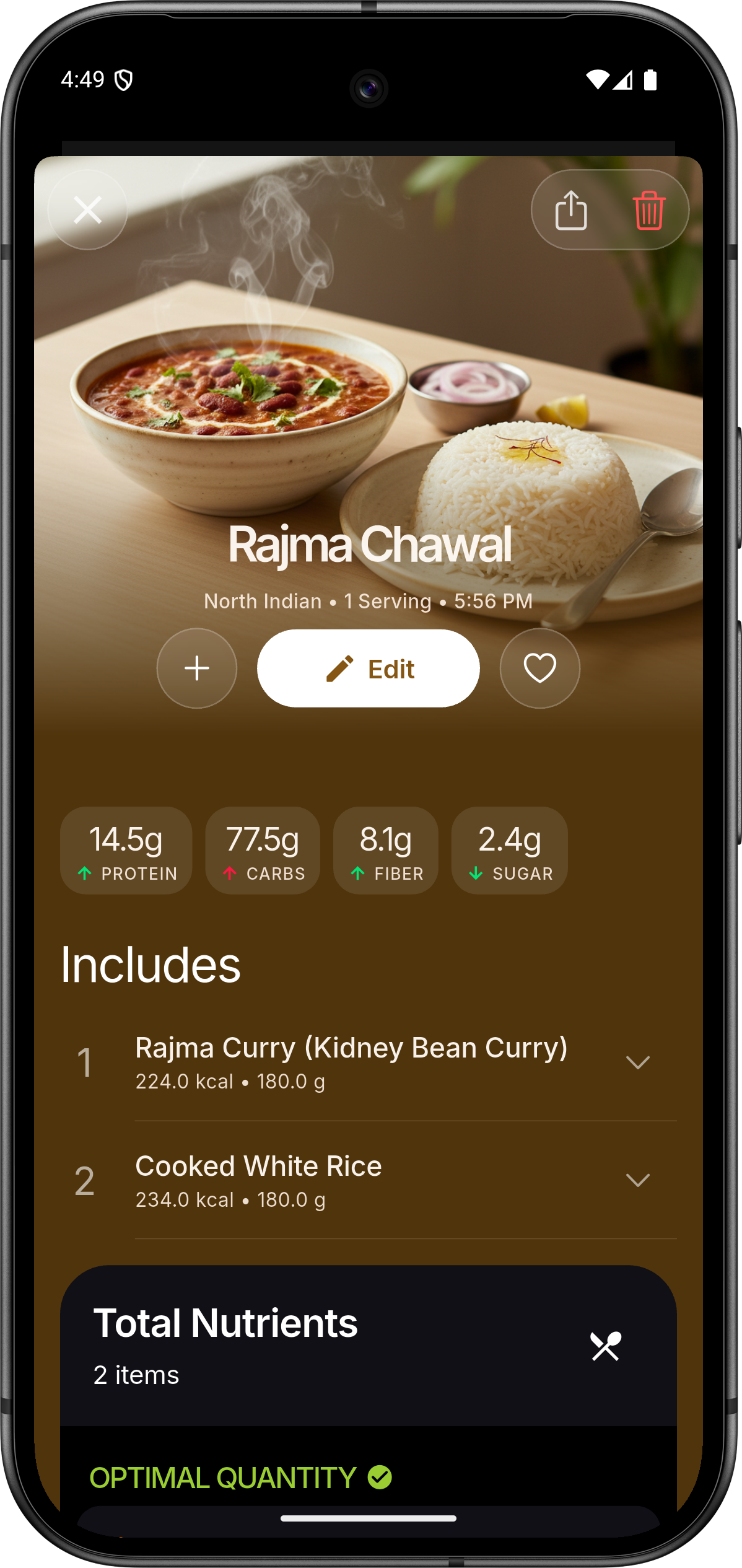 |
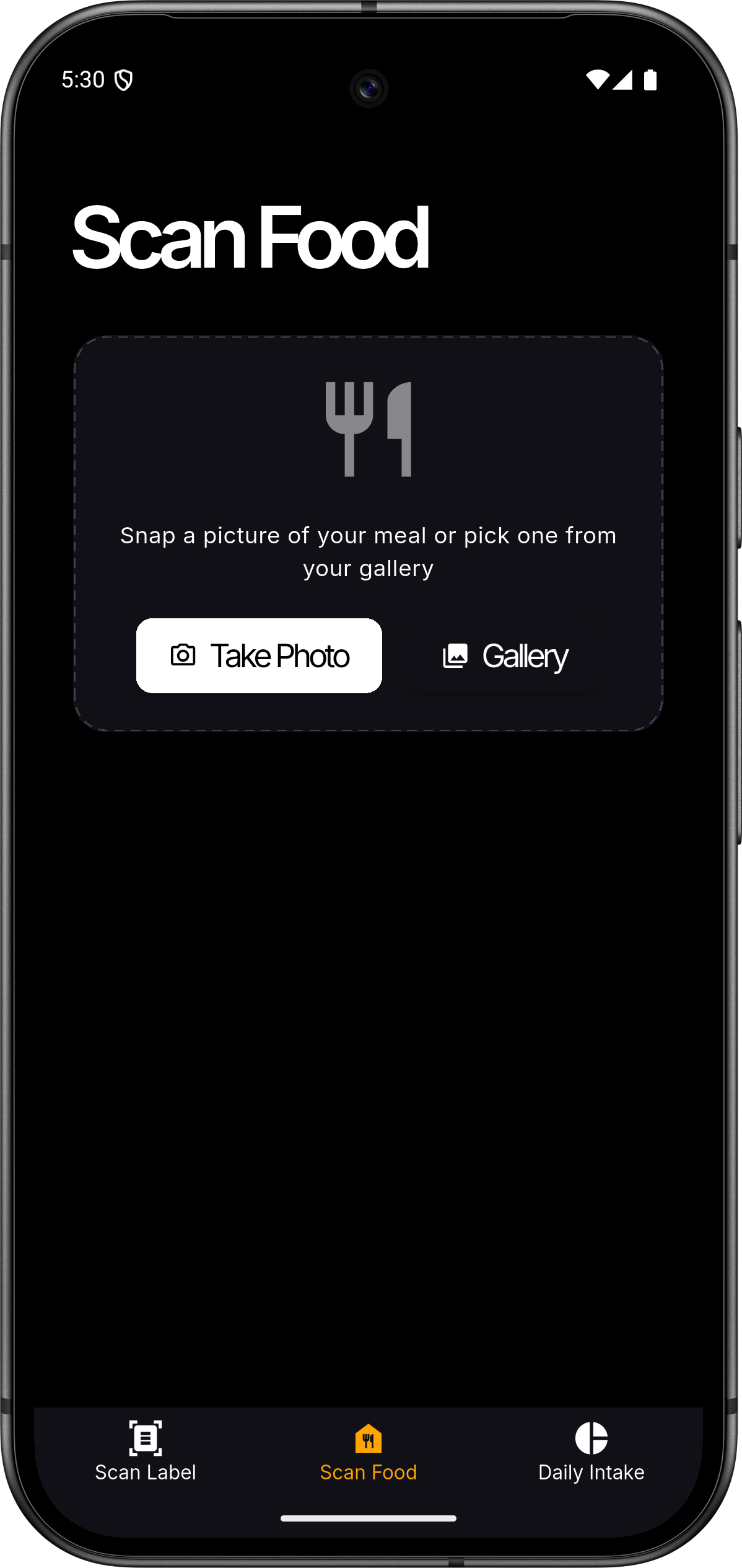 |
 |
 |
🏗️ Architecture
ScanMyFood follows a modern, decoupled architecture designed for scale and maintainability.
graph TD
    A[Flutter App] <--> B[Spring Boot API]
    A <--> C[Firebase Auth]
    B <--> D[(PostgreSQL)]
    B <--> E[Vertex AI Gemini]
    B <--> C
Project Map
├── flutter-app/       # Mobile Frontend (Flutter/Dart)
│   ├── lib/           # Core logic, ViewModels, and UI
│   └── assets/        # Branding, Icons, and Rive Animations
└── spring-backend/    # RESTful Backend (Spring Boot/Java)
    ├── src/main/java/ # Domain logic, Services, and Controllers
    └── resources/     # Configuration and Cloud Credentials
🛠️ Tech Stack
Frontend
- Framework: Flutter (MVVM Architecture)
- State Management: Provider
- Visuals: Rive (Animations), fl_chart (Data Viz)
- Authentication: Firebase Auth / Google Sign-In
Backend
- Framework: Spring Boot 3.5.0
- Database: PostgreSQL with Spring Data JPA & MyBatis
- AI Engine: Google Cloud Vertex AI (Gemini 2.0 Flash)
- Security: Firebase Admin SDK
🚀 Getting Started
Prerequisites
- Flutter SDK:
>=3.4.3 - JDK:
17+ - Database: PostgreSQL
14+ - Cloud: GCP Project with Vertex AI enabled & Firebase Project
1. Backend Setup
- Navigate to
spring-backend/. - Configure
application.propertieswith your PostgreSQL credentials. - Place your Google Cloud service account key as
firebase-service-account.jsoninsrc/main/resources/. - Run:
./mvnw spring-boot:run
2. Frontend Setup
- Navigate to
flutter-app/. - Add your
google-services.json(Android) orGoogleService-Info.plist(iOS). - Install dependencies:
flutter pub get - Run:
flutter run
🤝 Contributing
We welcome contributions! Please follow these steps:
- Fork the Project
- Create your Feature Branch (
git checkout -b feature/AmazingFeature) - Commit your Changes (
git commit -m 'Add some AmazingFeature') - Push to the Branch (
git push origin feature/AmazingFeature) - Open a Pull Request
📄 License
Distributed under the MIT License. See LICENSE for more information.
💖 Acknowledgments
- Google Vertex AI for the intelligence.
- Flutter and Spring Boot communities.
- Icons by Material Design and custom brand assets.
Made with ❤️ for a healthier world

Nikhilesh Meher ↗
分類
如何選擇適合專案的儲存庫?
先依使用情境篩選,再比較專案活躍情況,最後到原始儲存庫確認使用要求。
- 透過儲存庫名稱、作者或描述搜尋,再依技術分類縮小範圍。
- 綜合星標、分支與最近推送比較專案;星標反映社群關注,不保證品質。
- 使用前在 GitHub 確認 README、授權條款與 Issues。
來源與維護
“A repository is the most basic element of GitHub.”
GitHub Docs — About repositories ↗