
flutter-hexagon
orlikraf/flutter-hexagon open-source repository details.

- 星標
- 33
- 分支
- 19
- 最近推送(UTC)
- 2023年5月2日
- 專案狀態
- 未封存
原始 README
以下為英文專案原文快照,最新內容請造訪 GitHub。
Hexagon
A widget in a shape of hexagon. Inspired by fantastic hexagons analysis available on redblobgames.
Installation
Add this to your package's pubspec.yaml file:

dependencies:
  hexagon: ^0.2.0
Usage
import 'package:hexagon/hexagon.dart';

//...
Single widget
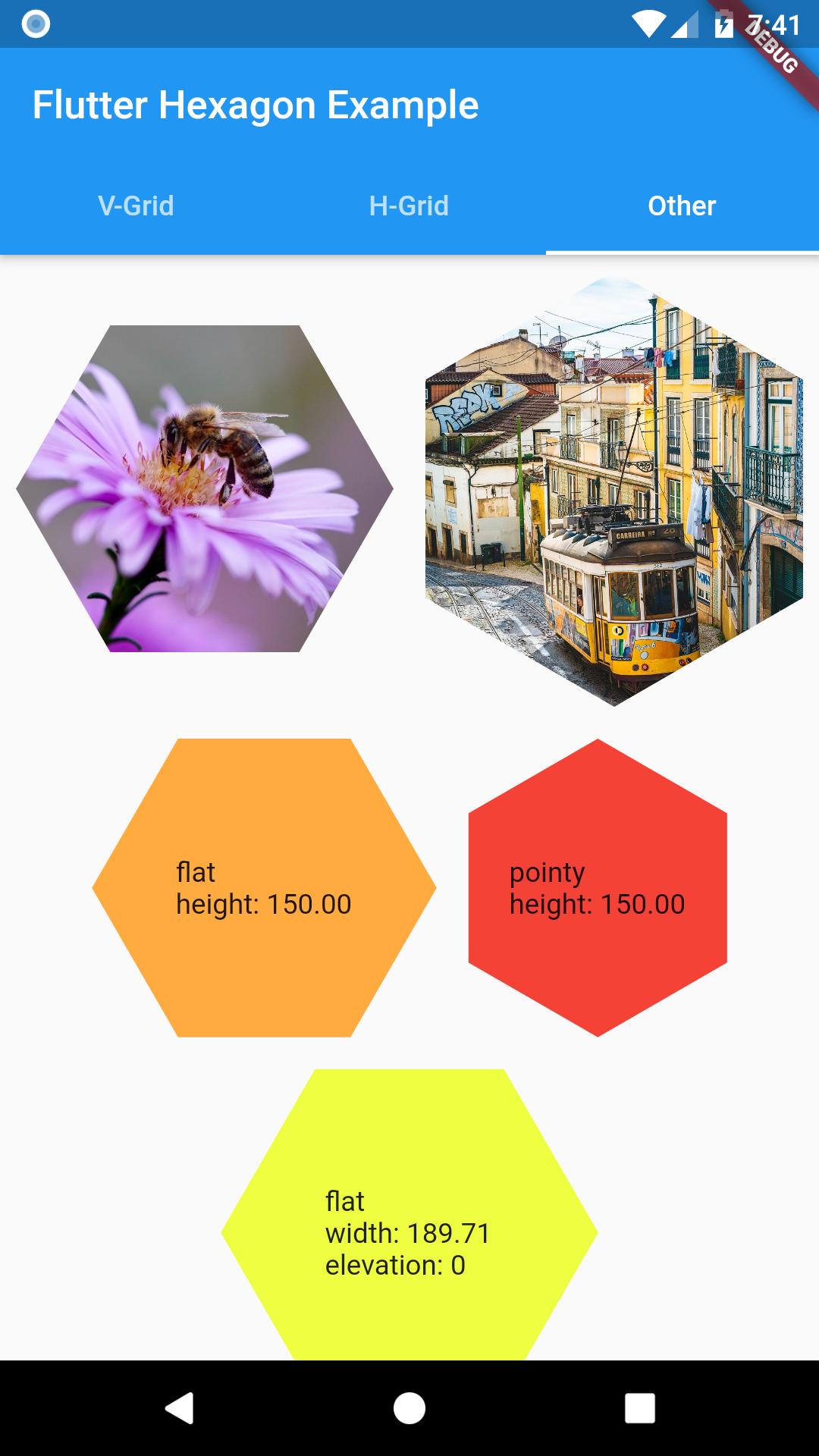
Width or height must be set when defining a HexagonWidget. The other dimension is calculated based on selected HexagonType. Use named constructors for flat or pointy for simple shaped hexagon. Elevation changes hexagon shadow size.
HexagonWidget.flat(
  width: w,
  color: Colors.limeAccent,
  padding: 4.0,
  child: Text('A flat tile'),
),
HexagonWidget.pointy(
  width: w,
  color: Colors.red,
  elevation: 8,
  child: Text('A pointy tile'),
),
Grids
Offset Grid
Check Coordinates Offset on redblobgames
Simple coordinate system similar to regular table.
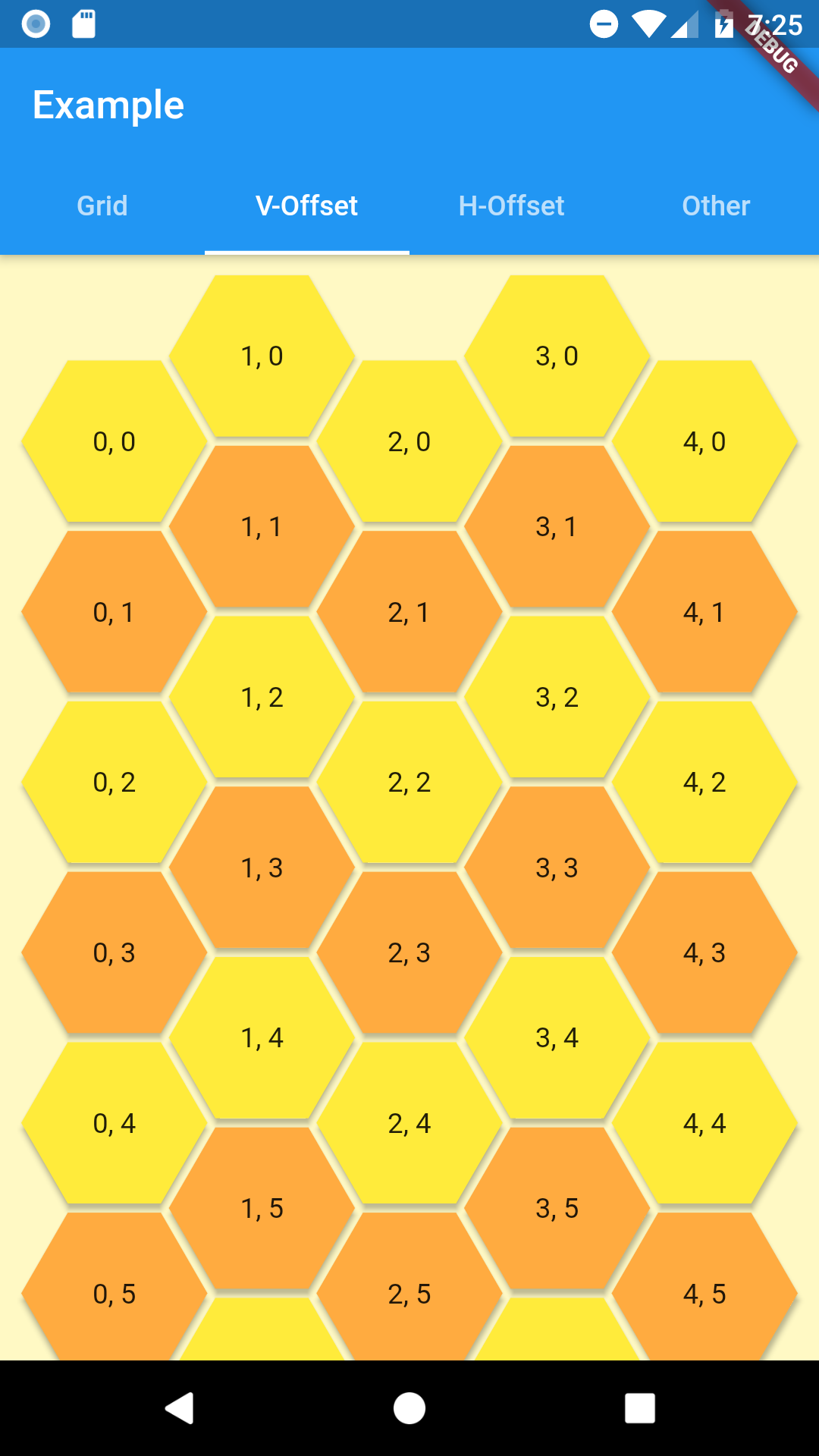
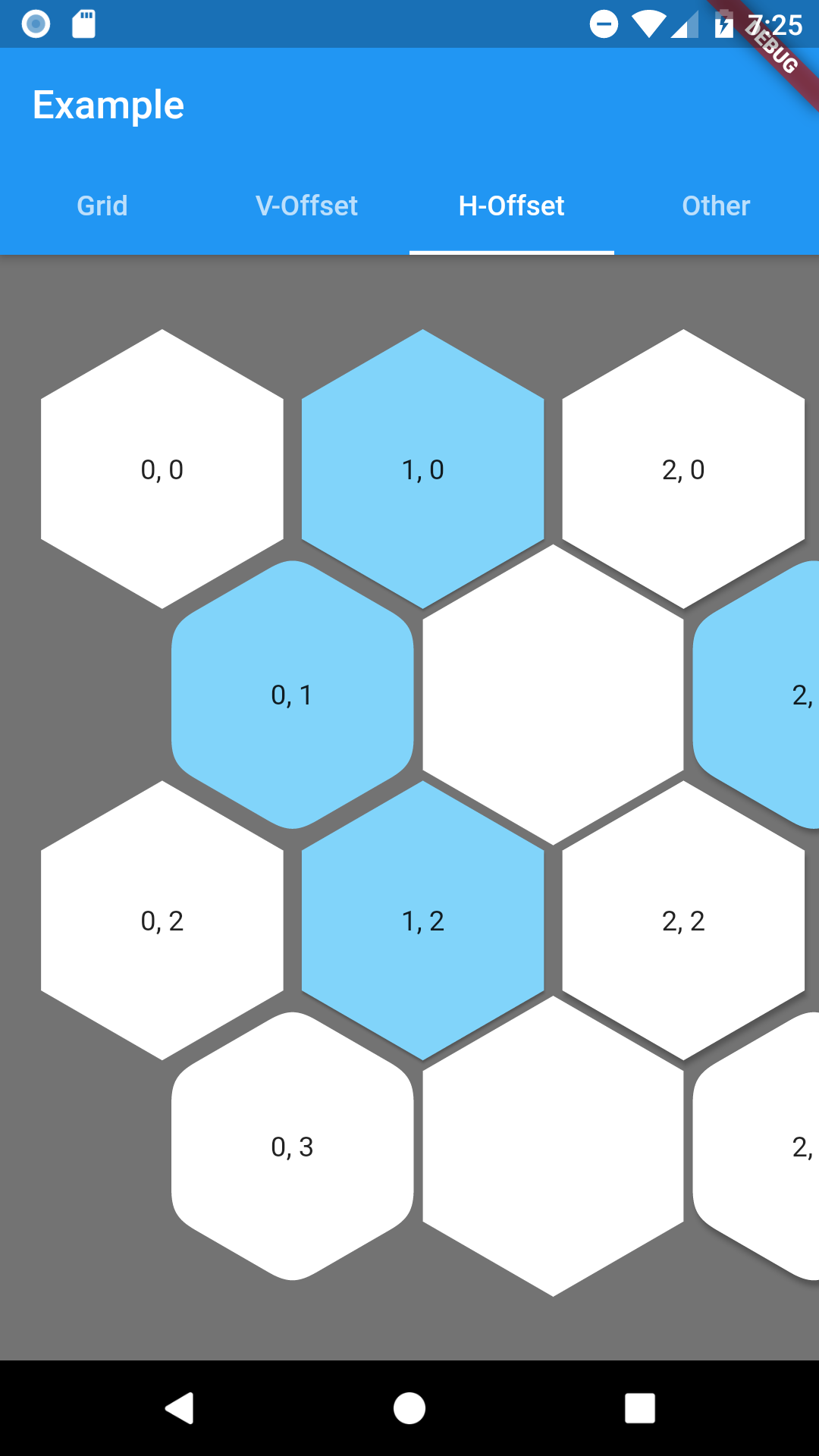
As hexagon columns or rows can begin with hex or an empty space this grid has 4 named constructors to represent all combinations with flat and pointy hexagons.
- oddPointy
- evenPointy
- oddFlat
- evenFlat
Every constructor requires columns and rows params.
At least one of grid constrains must be finite. The grid will fit given rows and columns in given space.
Column(
  crossAxisAlignment: CrossAxisAlignment.stretch,
  children: [
    HexagonOffsetGrid.oddPointy(
      columns: 5,
      rows: 10,
      buildTile: (col, row) => HexagonWidgetBuilder(
        color: row.isEven ? Colors.yellow : Colors.orangeAccent,
        elevation: 2,
      ),
      buildChild: (col, row) {
        return Text('$col, $row');
      },
    ),
  ],
),
To customize any HexagonWidget in grid use buildHexagon function and return a HexagonWidgetBuilder for tile of your choosing.
If you provide a buildChild function it will override any child provided in builder.
Hexagon Grid
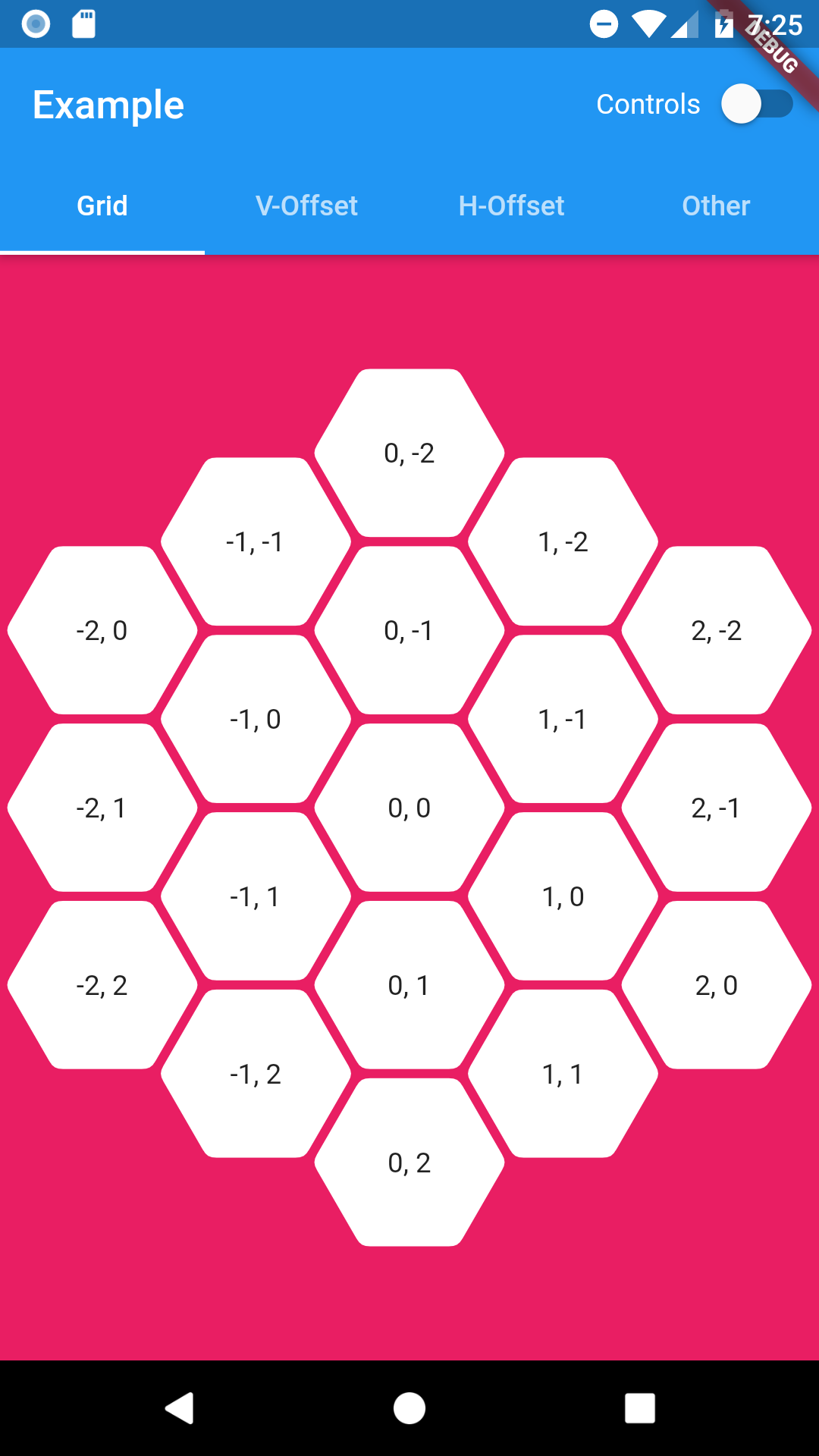
As it is expected this grid is in a shape of hexagon. Since offset coordinates wouldn't be intuitive in this case HexagonGrid uses cube and axial coordinates systems. You can read about them here: Cube coordinates, Axial coordinates.
Coordinates class combines both of them as they are easily convertible between each other.
Coordinates tileQR = Coordinates.axial(q, r);

Coordinates tileXYZ = Coordinates.cube(x, y, z);
HexagonGrid requires to be constrained by its parent or else you have to provide at lest one size dimension (width or height). Currently this widget will fit itself to fill given space or best match to given size.
Everything related to customize hexagon tiles is similar as in offset grid above.
Below example of using HexagonGrid with InteractiveViewer.
InteractiveViewer(
  minScale: 0.2,
  maxScale: 4.0,
  constrained: false,
  child: HexagonGrid.pointy(
    color: Colors.pink,
    depth: depth,
    width: 1920,
    buildTile: (coordinates) => HexagonWidgetBuilder(
      padding: 2.0,
      cornerRadius: 8.0,
      child: Text('${coordinates.q}, ${coordinates.r}'),
    ),
  ),
)
Road map
Margins between tiles in HexagonOffsetGrid(Added padding since0.0.5)Hexagonal shaped grid (using cube/axial coordinates system)(since0.1.0)null-safety(since0.2.0)- Solve content spacing in hexagon widget
- Check performance - any ideas how?

orlikraf ↗
使用的依賴
依賴清單 2 項
- flutter
{"sdk":"flutter"} - flutter_test開發依賴
{"sdk":"flutter"}
如何選擇適合專案的儲存庫?
先依使用情境篩選,再比較專案活躍情況,最後到原始儲存庫確認使用要求。
- 透過儲存庫名稱、作者或描述搜尋,再依技術分類縮小範圍。
- 綜合星標、分支與最近推送比較專案;星標反映社群關注,不保證品質。
- 使用前在 GitHub 確認 README、授權條款與 Issues。
來源與維護
“A repository is the most basic element of GitHub.”
GitHub Docs — About repositories ↗