

v1.0.5
xlive_switch
一個具有自訂UI和設計的開關小工具外掛,設計風格類似於Dribbble上Oleg Frolov的作品
47喜歡 28近 30 天下載25Pub 分數
平台暫無資料
Flutter Xlive Switch

以下為英文專案原文快照,最新內容請造訪 GitHub。
A Xlive Switcher plugin for Flutter
This plugin is based on Oleg Frolov's animation design which I found on Dribbble: https://dribbble.com/shots/5429846-Switcher-XLIV
Thanks Oleg Forlov for this beautiful design.

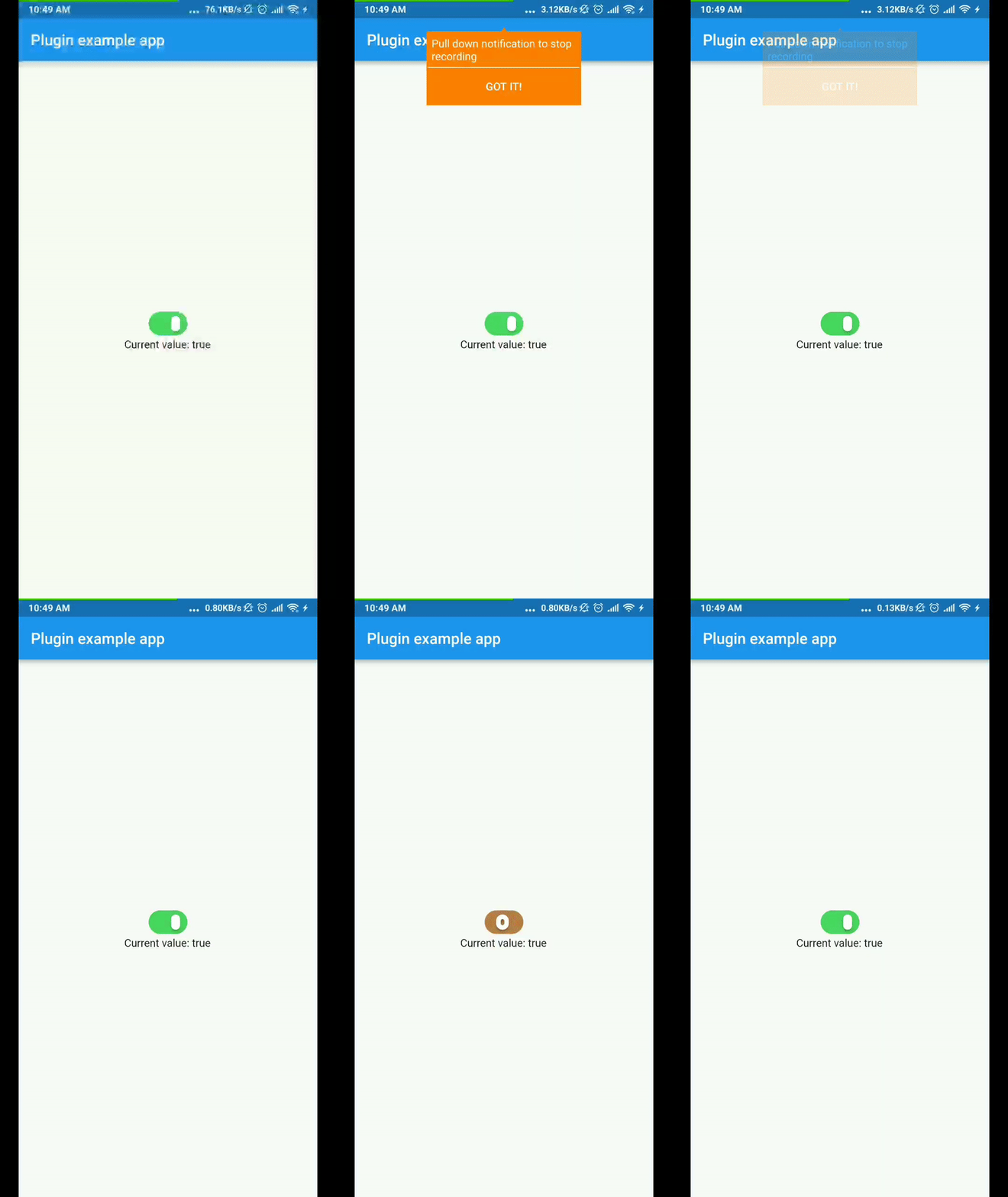
To use plugin, just import package import 'package:xlive_switch/xlive_switch.dart';
You can change the color of the switch follow by these attributes:
import 'package:flutter/material.dart';
import 'package:xlive_switch/xlive_switch.dart';

void main() => runApp(MyApp());

class MyApp extends StatefulWidget {
  @override
  _MyAppState createState() => _MyAppState();
}

class _MyAppState extends State<MyApp> {
  bool _value = true;

  @override
  void initState() {
    super.initState();
  }

  @override
  Widget build(BuildContext context) {
    return MaterialApp(
      home: Scaffold(
        appBar: AppBar(
          title: const Text('Plugin example app'),
        ),
        body: Center(
          child: Column(
            mainAxisAlignment: MainAxisAlignment.center,
            children: <Widget>[
              XlivSwitch(
                value: _value,
                onChanged: _changeValue,
              ),
              Text('Current value: $_value'),
            ],
          ),
        ),
      ),
    );
  }

  void _changeValue(bool value) {
    setState(() {
      _value = value;
    });
  }
}
依賴清單 1 項
{"sdk":"flutter"}先依使用情境篩選,再比較專案活躍情況,最後到原始儲存庫確認使用要求。
“A repository is the most basic element of GitHub.”
GitHub Docs — About repositories ↗