
gemini_todo_list
一個整合 Gemini API 的 Flutter 待辦事項應用程式,讓使用者能以自然語言新增任務,並透過整合式聊天獲得洞察。

- 星標
- 11
- 分支
- 2
- 最近推送(UTC)
- 2024年6月17日
- 專案狀態
- 未封存
原始 README
以下為英文專案原文快照,最新內容請造訪 GitHub。
todo_list
A Flutter To-Do list app that integrates the Gemini API to allow users to add tasks using natural language and gain insights through an integrated chat.
Features
- Login/Logup: User authentication using Firebase Auth
- Board management: Create, update, delete boards, invite other users to boards (using Firestore)
- Task management: Add tasks, update, delete tasks on boards, assign task to board members (using Firestore)
- Notification schedule: Notifications are schedule for task due date using Firebase Cloud Functions, Cloud Task, and Firebase Cloud. Notifications are sent to task assignees on due date and when invited on a board.
- Add tasks using natural language: Create a new task by simple input using natural language
- Gemini chat based insights: Possibility to get insights, recommendations, summaries about tasks through a chat interface
Screenshots
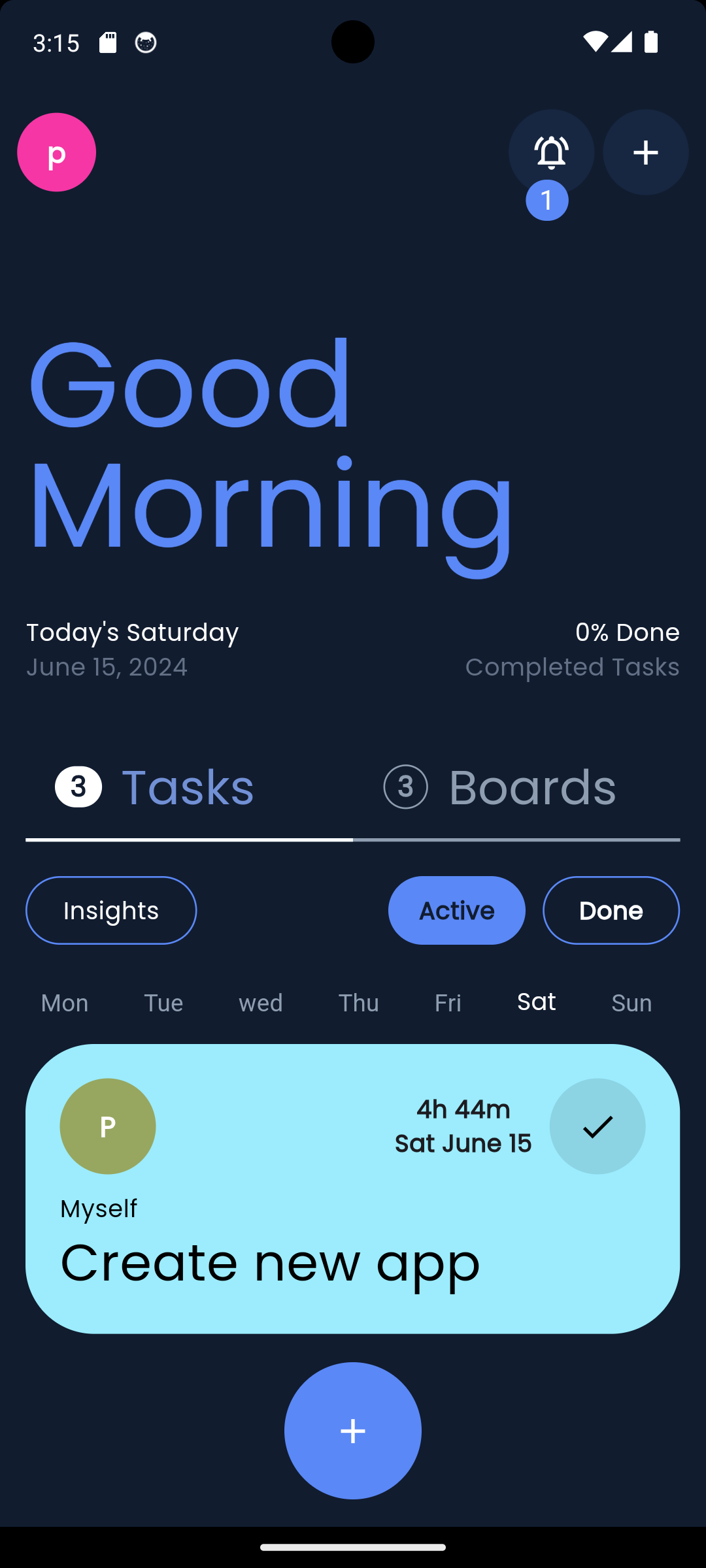
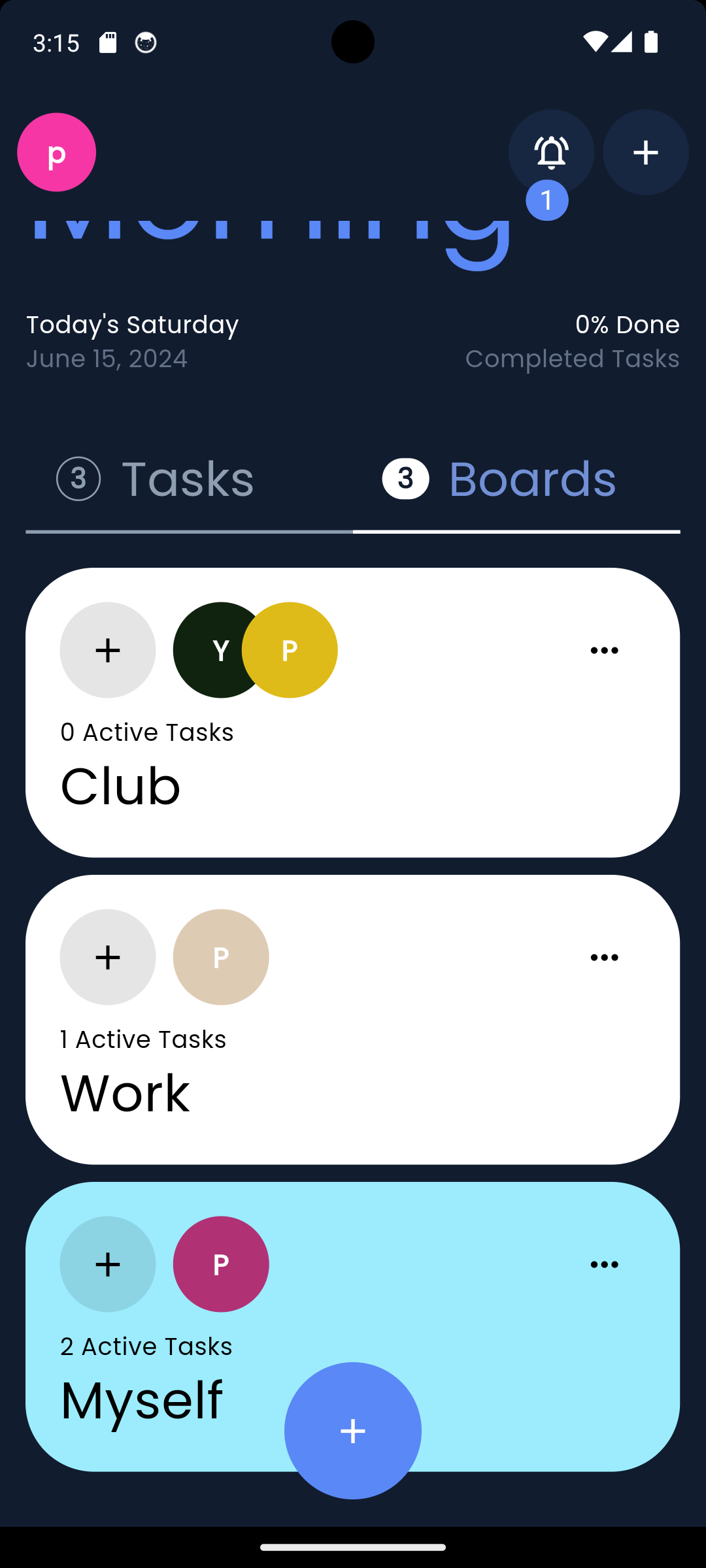
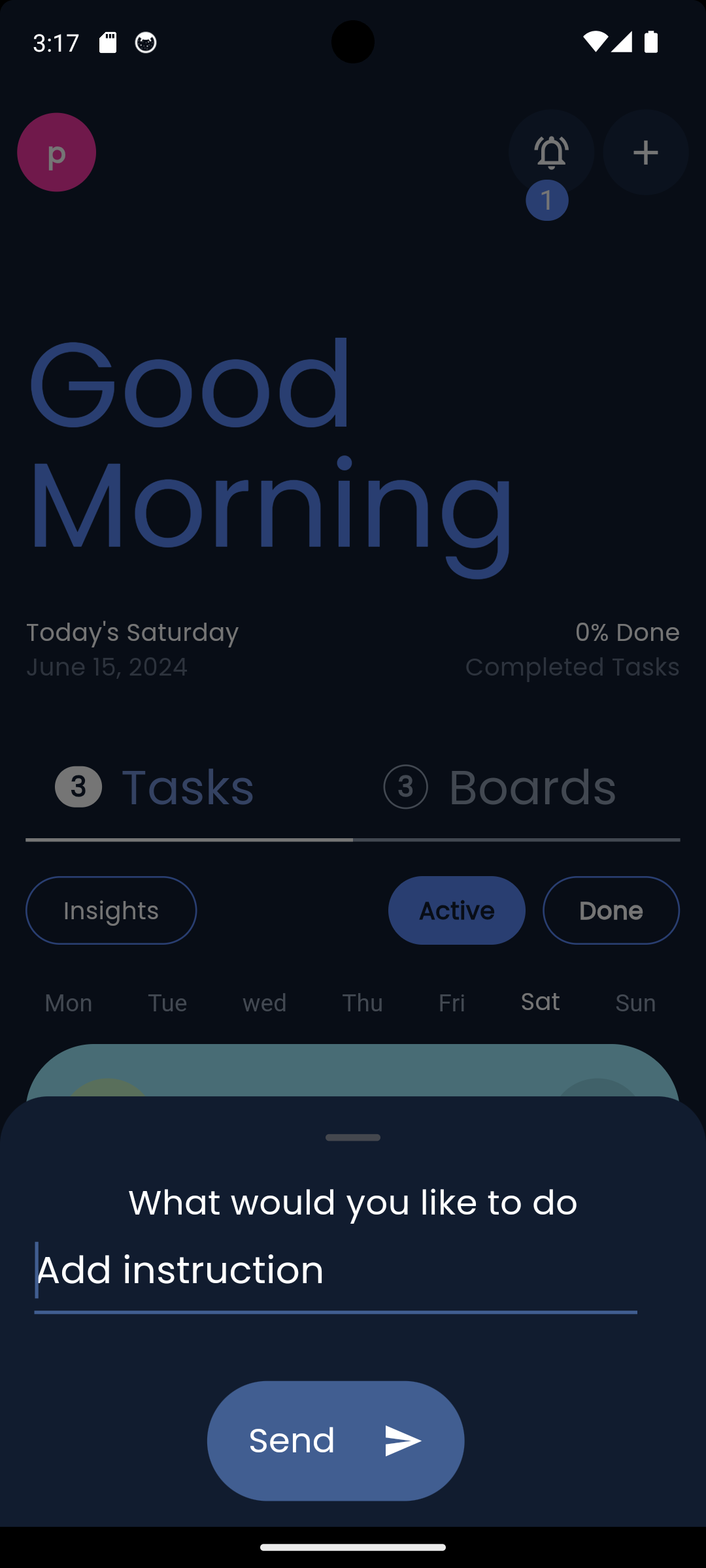
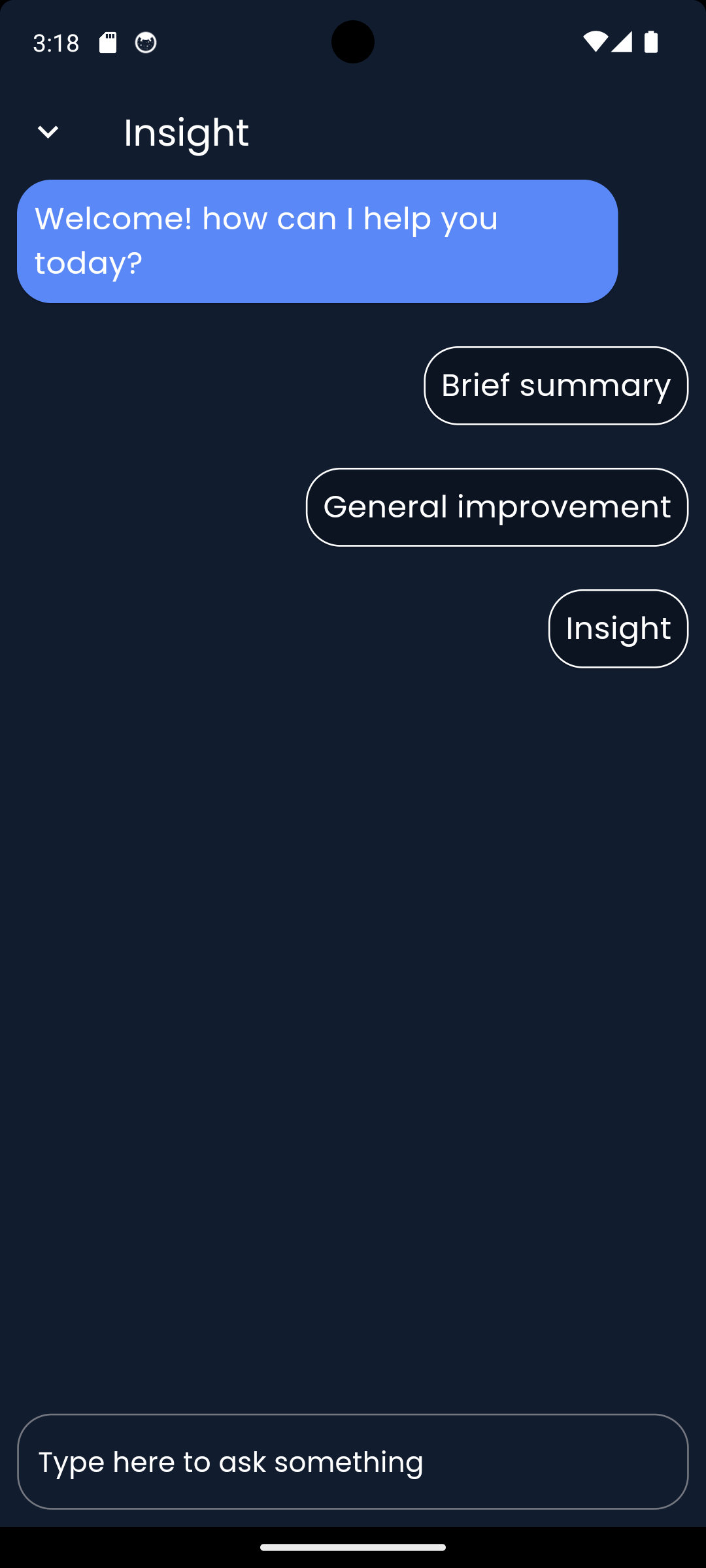
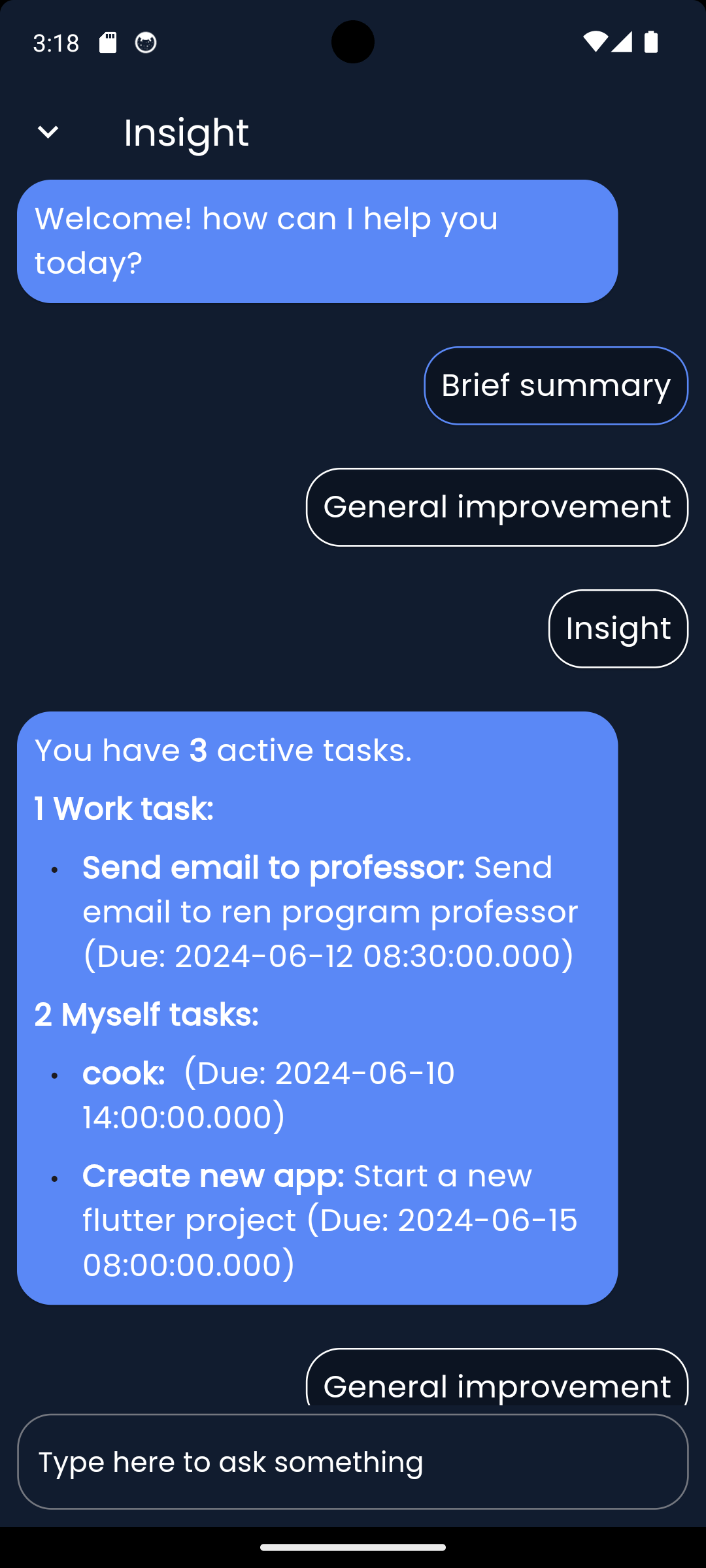
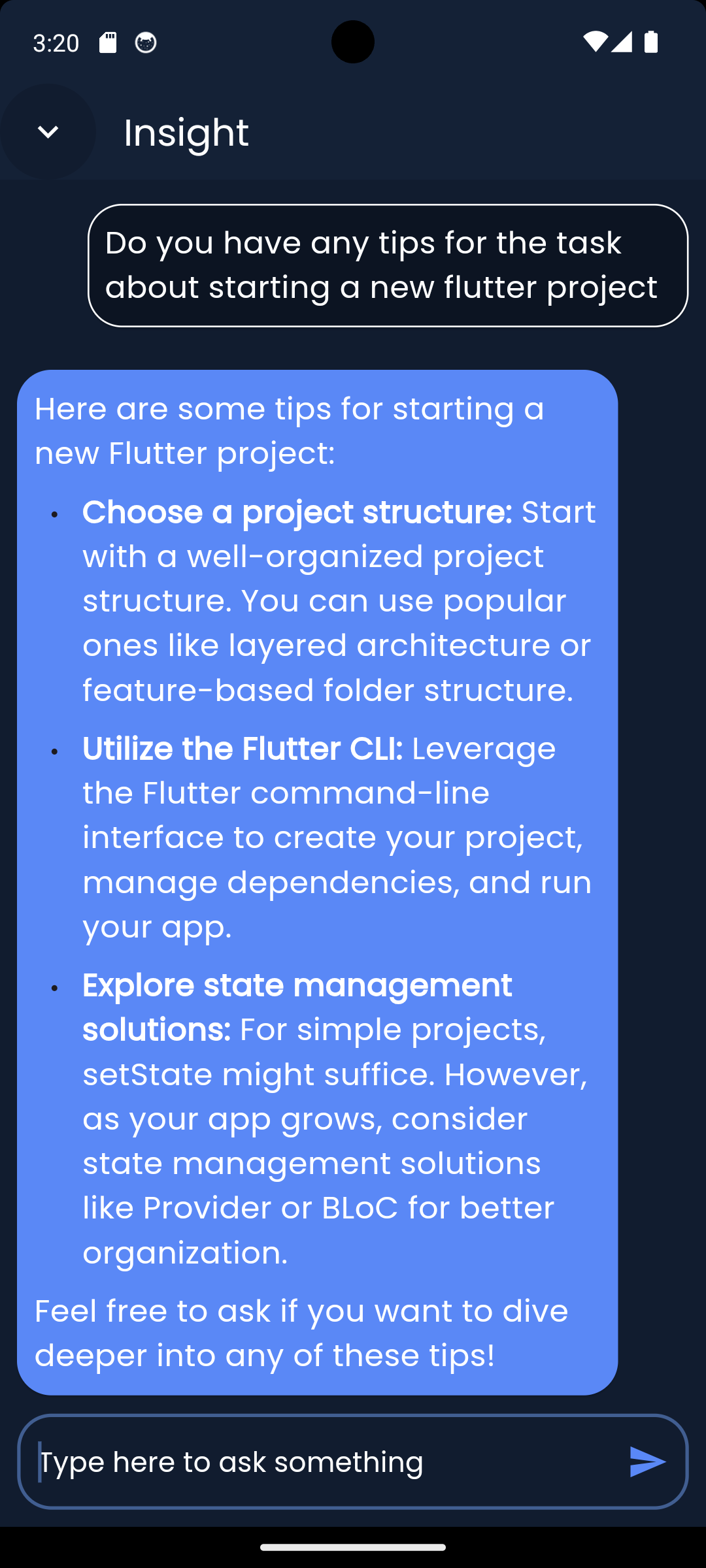

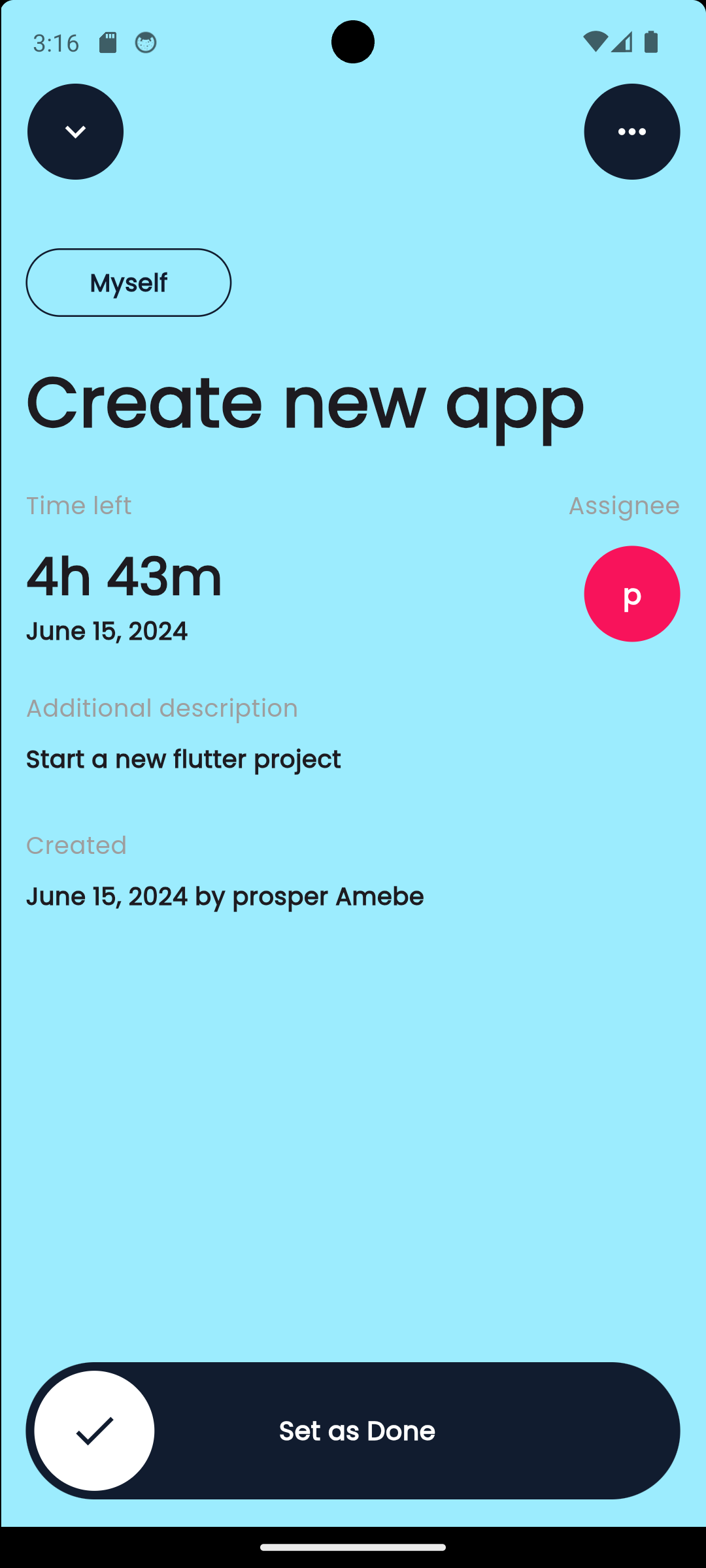
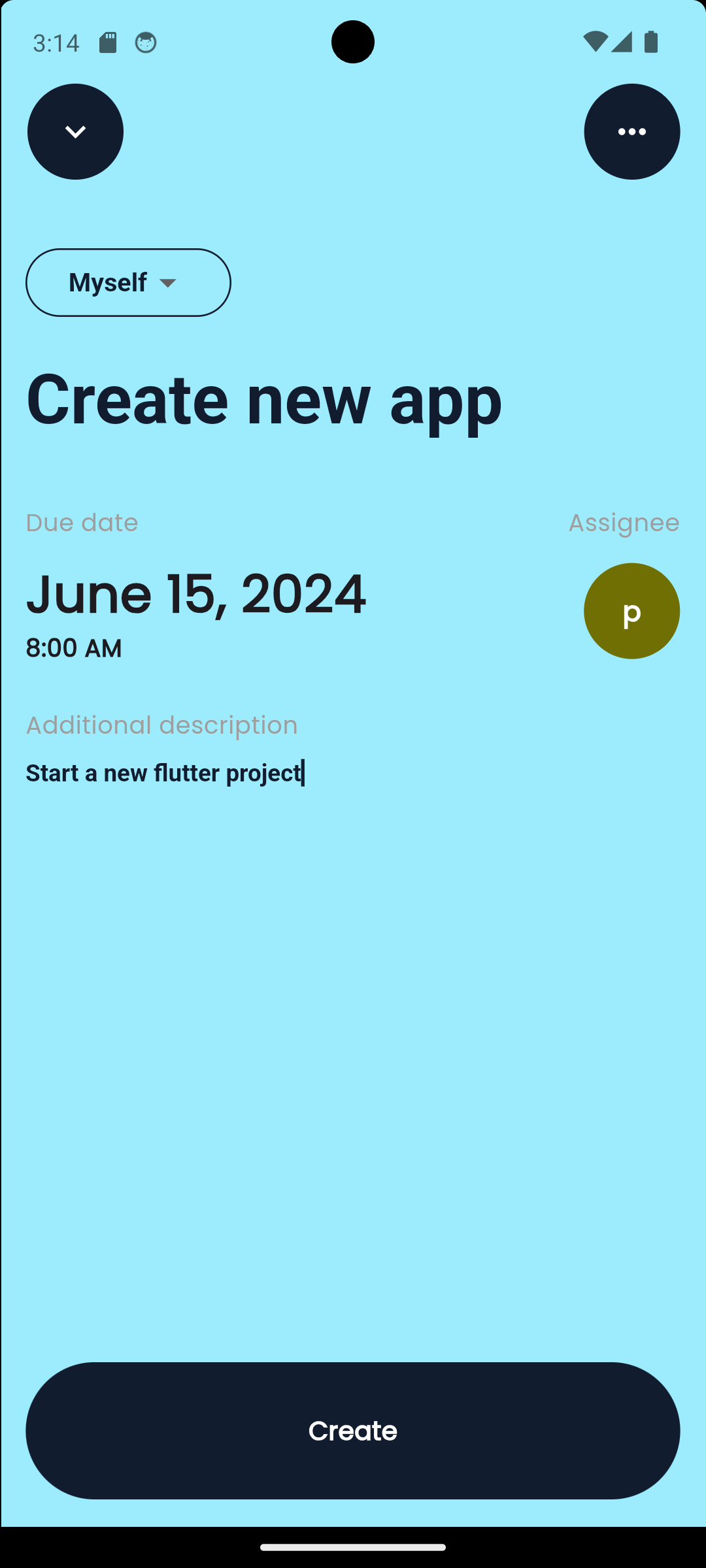
Video
https://github.com/prosmaw/gemini_todo_list/assets/81015893/49bc7efb-6e74-4c60-9bd6-68546b1d1d7e
Note: Quality of the video was reduced to be uploaded here check assets/video for a better quality
Getting Started
Installing
-
Clone the repo on your machine
-
Ensure you have Flutter installed on your system. If not, follow the instructions on the official Flutter website: https://flutter.dev/docs/get-started/install
-
Run
flutter pub getto install the dependecies -
Initialize firebase in the project. Follow instructions here: https://firebase.google.com/docs/flutter/setup?platform=android
-
Activate Firebase auth, Firestore in the firebase project to be able to login, store and get data
-
Create .env file at the root and add your Gemini API keys.
-
Activate Cloud Messaging, Firebase Cloud Function to try notifications
-
Run the application using
flutter runCloud function usage in the project
- Functions are already provided in the
functions/index.js - Run
firebase init functionsand follow instructions to initialize and the cloud function localy in you project. For more instructions: https://firebase.google.com/docs/functions/get-started?gen=2nd - Run
firebase deploy --only functionsto deploy the functions on Google Cloud - Follow instructions here to add cloud Task to your cloud Project (your Firebase project in Google Cloud): https://cloud.google.com/tasks/docs/add-task-queue
- Follow instructions here to add the app.yaml and necessary informations needed to use Cloud Task in the index.js file: https://cloud.google.com/tasks/docs/tutorial-gcf
- Functions are already provided in the
Authors
Contributors names and contact info
Yao Prosper Amebe
@prosperamebe
License
This project is licensed under the [NAME HERE] License - see the LICENSE.md file for details
Acknowledgments
Inspiration, code snippets, etc.

Yao Prosper Amebe ↗
分類
使用的依賴
依賴清單 18 項
- flutter
{"sdk":"flutter"} - cupertino_icons
^1.0.6 - flutter_svg
^2.0.10+1 - google_fonts
^6.2.1 - intl
^0.19.0 - get
^4.6.6 - firebase_core
^3.1.0 - cloud_firestore
^5.0.1 - firebase_auth
^5.1.0 - skeletonizer
^1.3.0 - firebase_messaging
^15.0.1 - flutter_local_notifications
^17.1.2 - google_generative_ai
^0.4.3 - flutter_dotenv
^5.1.0 - flutter_markdown
^0.7.2 - firebase_ui_auth
^1.15.0 - flutter_test開發依賴
{"sdk":"flutter"} - flutter_lints開發依賴
^3.0.0
如何選擇適合專案的儲存庫?
先依使用情境篩選,再比較專案活躍情況,最後到原始儲存庫確認使用要求。
- 透過儲存庫名稱、作者或描述搜尋,再依技術分類縮小範圍。
- 綜合星標、分支與最近推送比較專案;星標反映社群關注,不保證品質。
- 使用前在 GitHub 確認 README、授權條款與 Issues。
來源與維護
“A repository is the most basic element of GitHub.”
GitHub Docs — About repositories ↗