
EShopee-Flutter-電商應用
這是一個使用 FlutterFire(Flutter+Firebase)開發的電子商務應用程式。我試著將任何電子商務應用的基本功能都整合到這個應用中(儲存庫中包含插圖)。它使用 Flutter 框架作為應用的前端和後端,並使用 Firebase 作為伺服器來維護應用的資料庫和儲存需求。它使用 Firebase 認證、Firebase Cloud Firestore 和 Firebase 儲存空間。請嘗試安裝部分提供的 APK 檔案!!!
- 星標
- 295
- 分支
- 108
- 最近推送(UTC)
- 2023年4月22日
- 專案狀態
- 未封存
原始 README
以下為英文專案原文快照,最新內容請造訪 GitHub。

EShopee: Flutter eCommerce App


Status
🚧 EShopee App 🚀 Migrating to V2 (Flutter 2.0) 🚧
About | Features | Illustrations | Installation | Resources | Author
:dart: About
This is an eCommerce Application developed using FlutterFire (Flutter+Firebase). I have tried to collect all the basic features of any eCommerce App into this application (illustrations included in repository). It uses Flutter Framework for App Frontend and Backend, and Firebase as server maintaining Databases and Storage requirments of the app. It uses Firebase Authentification, Firebase Cloud Firestore, Firebase Storage. Try out the APK given in Installation section!!!
NOTE: Its tries to stimulate a mock buy-sell cycle as their is no any Payment Gateway added in this app.
 |
 |
 |
|---|---|---|
| Source Code | Demo Video | Download APK |
:sparkles: Features
:heavy_check_mark: User Authentification and related services
:heavy_check_mark: Add your Products
:heavy_check_mark: View products added by other users
:heavy_check_mark: View products of Different Cateogories
:heavy_check_mark: Maintain Cart
:heavy_check_mark: Mark products as your favourites
:heavy_check_mark: Manage your Addresses
:heavy_check_mark: Review the products you buy
:checkered_flag: Illustrations
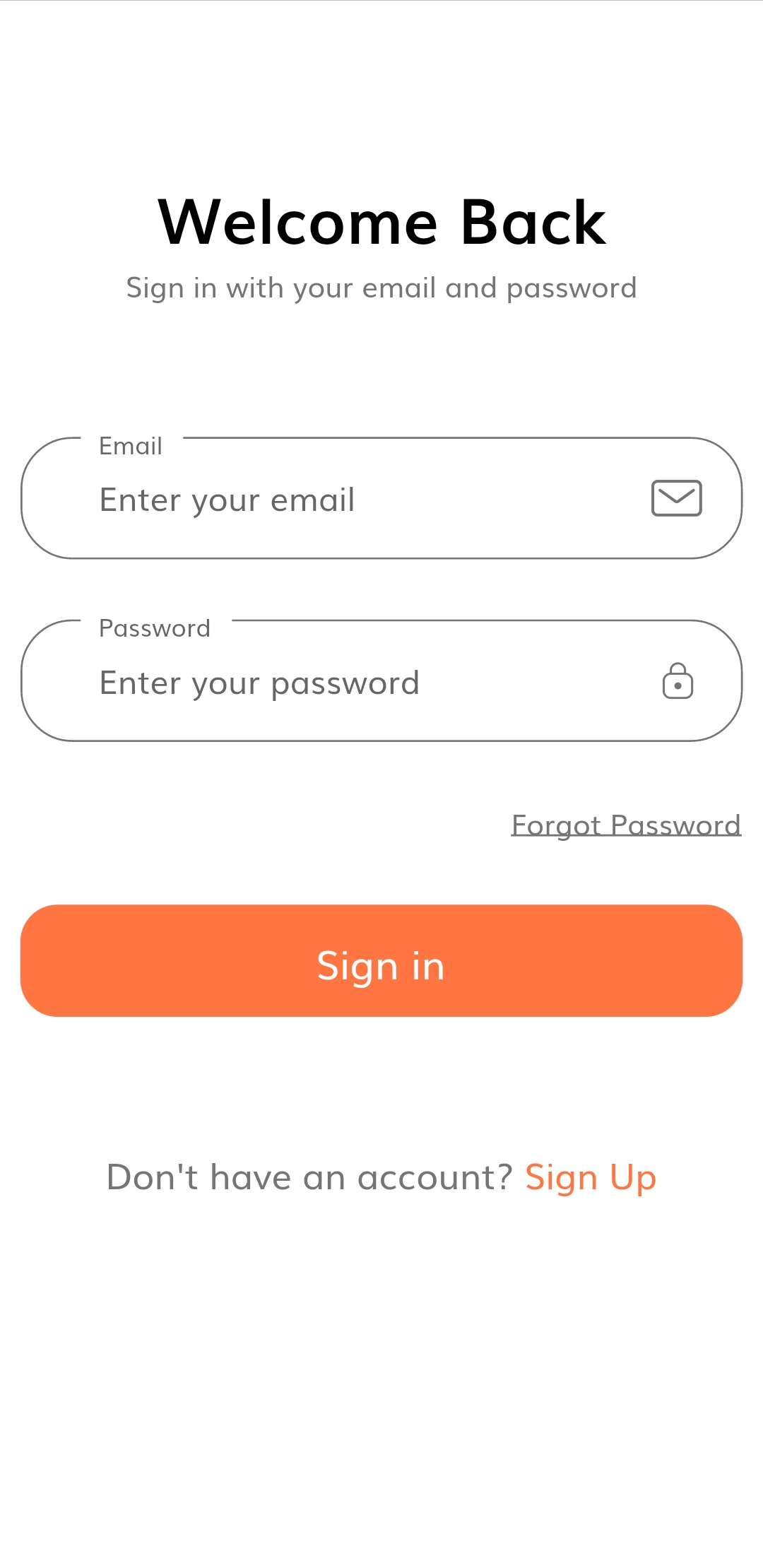
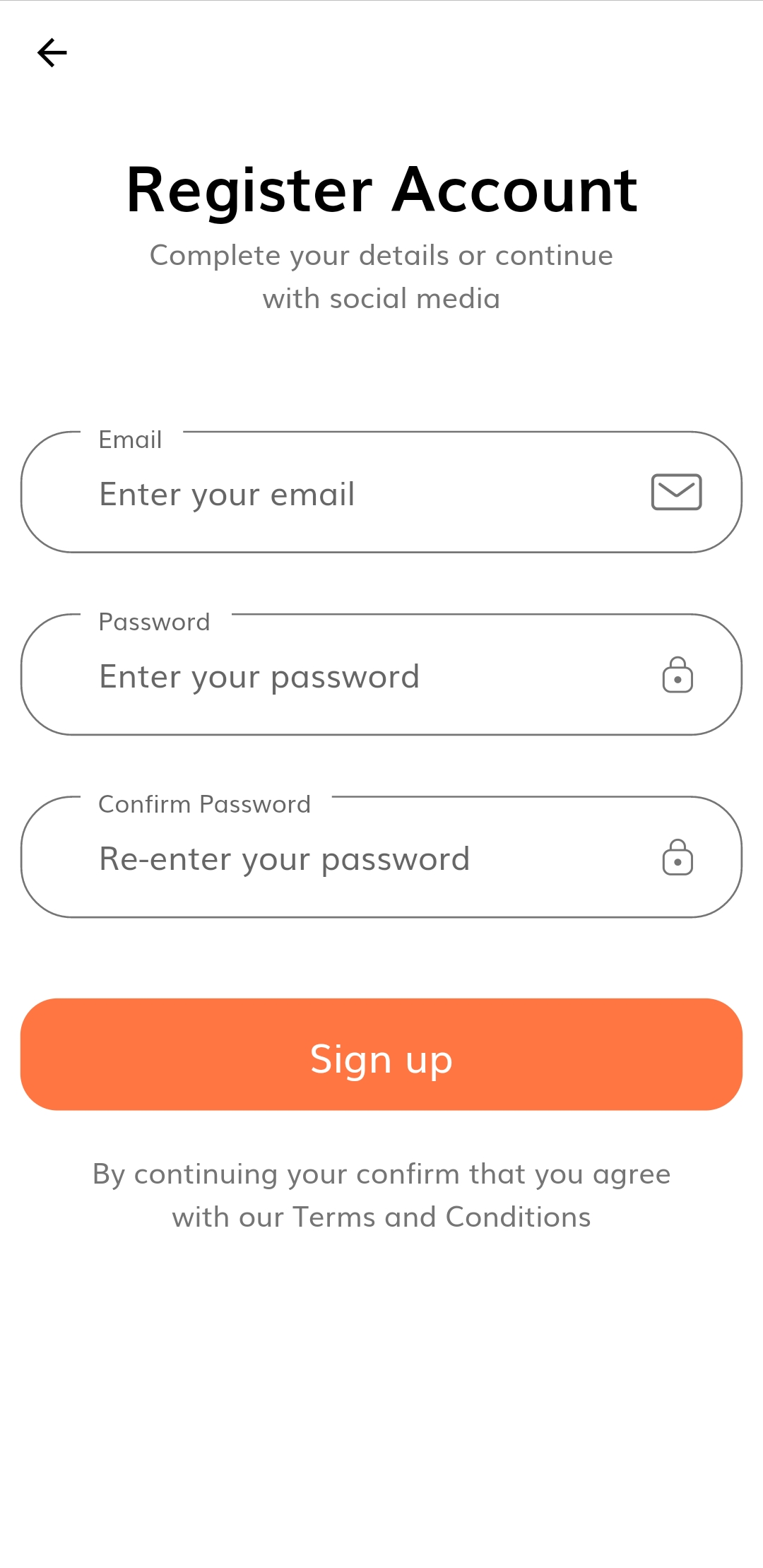
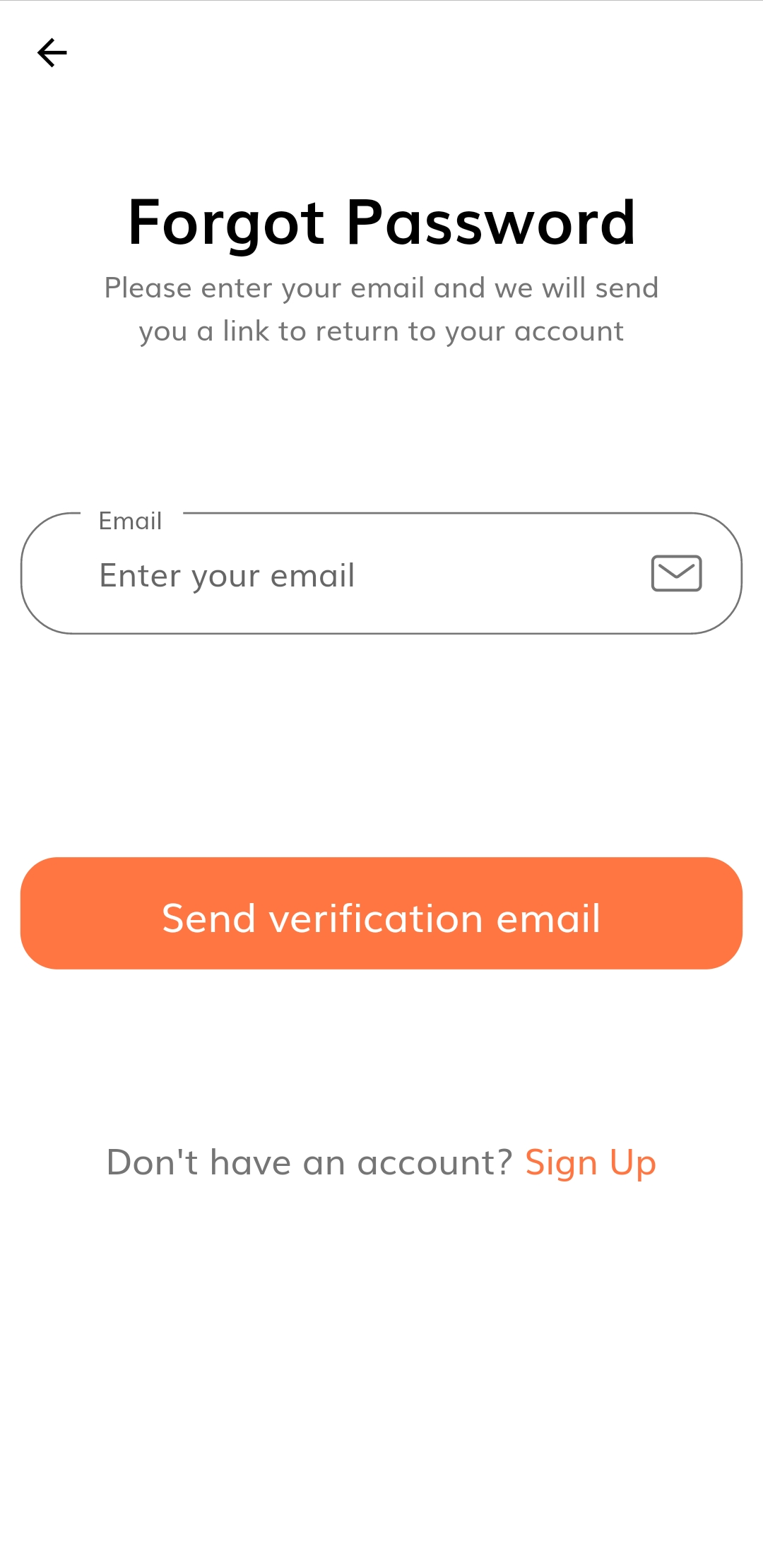
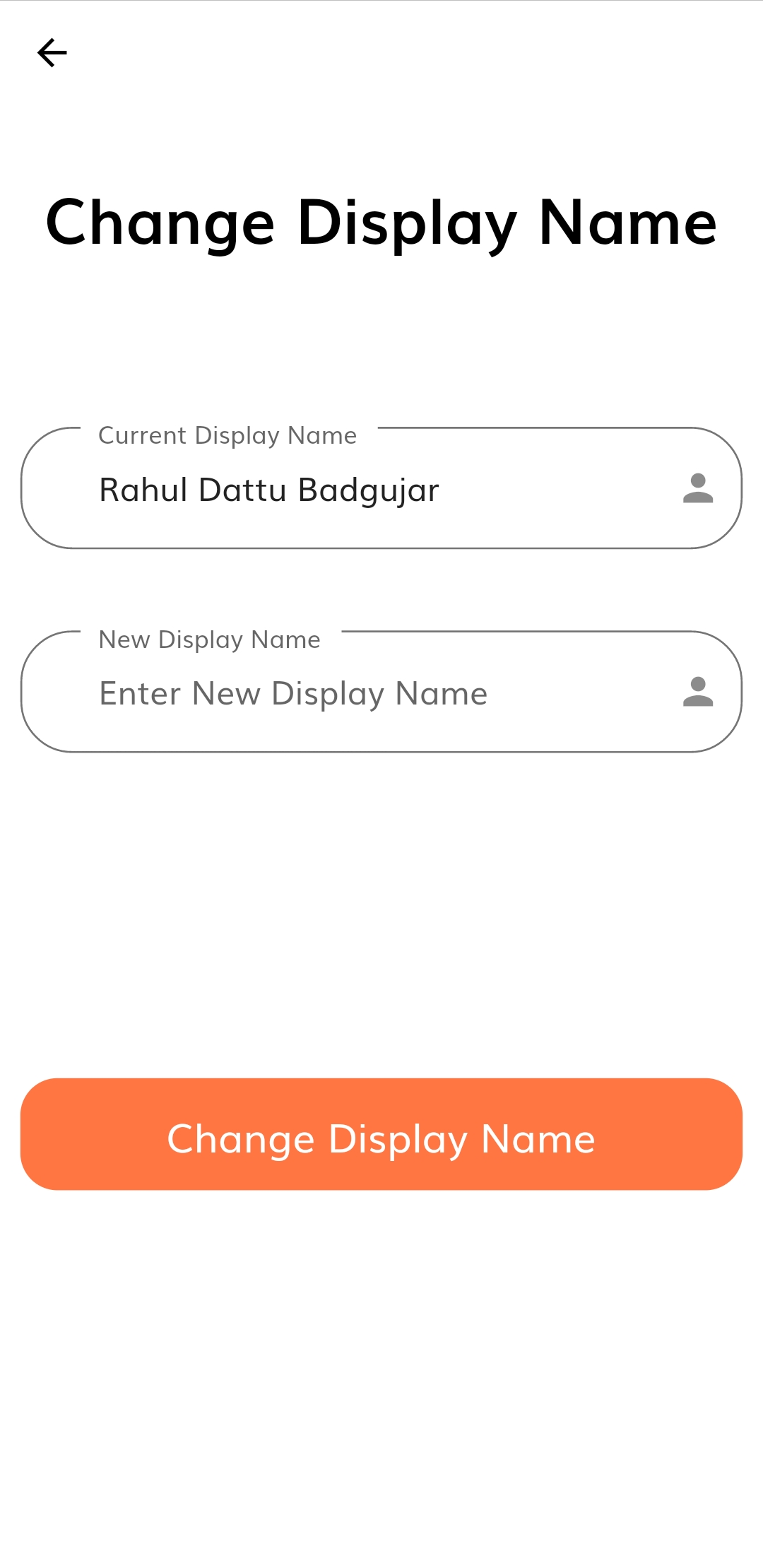
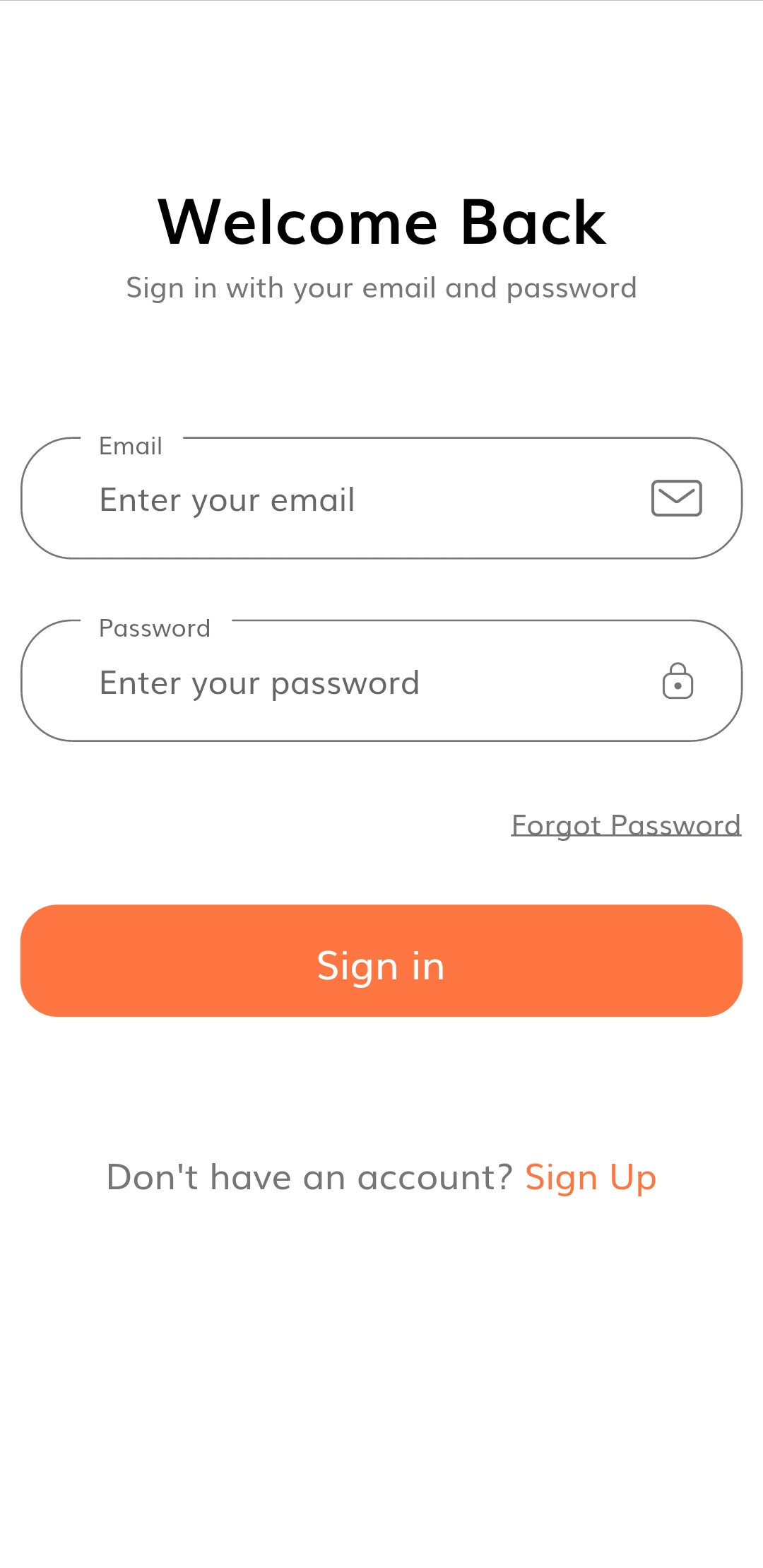
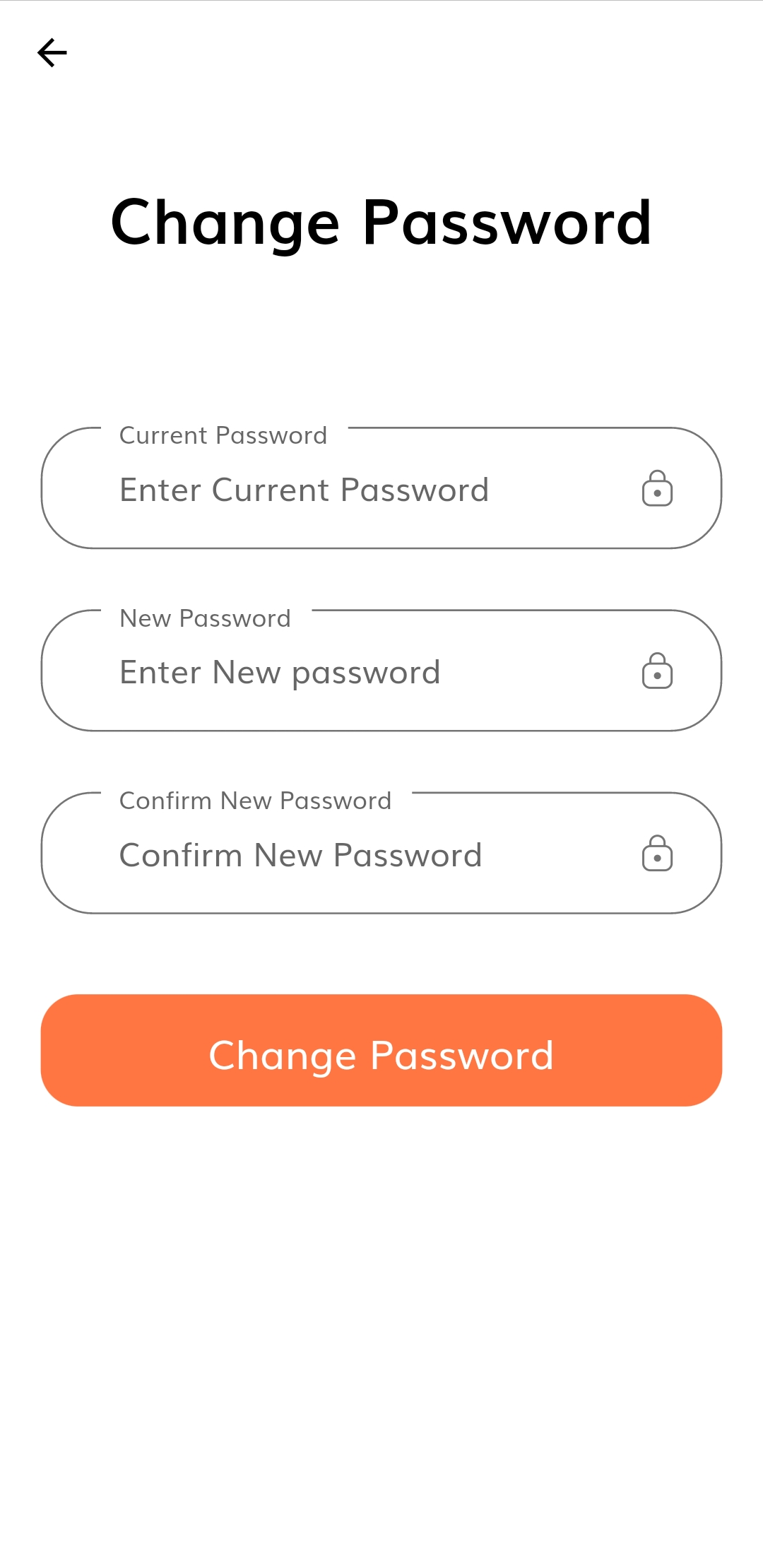
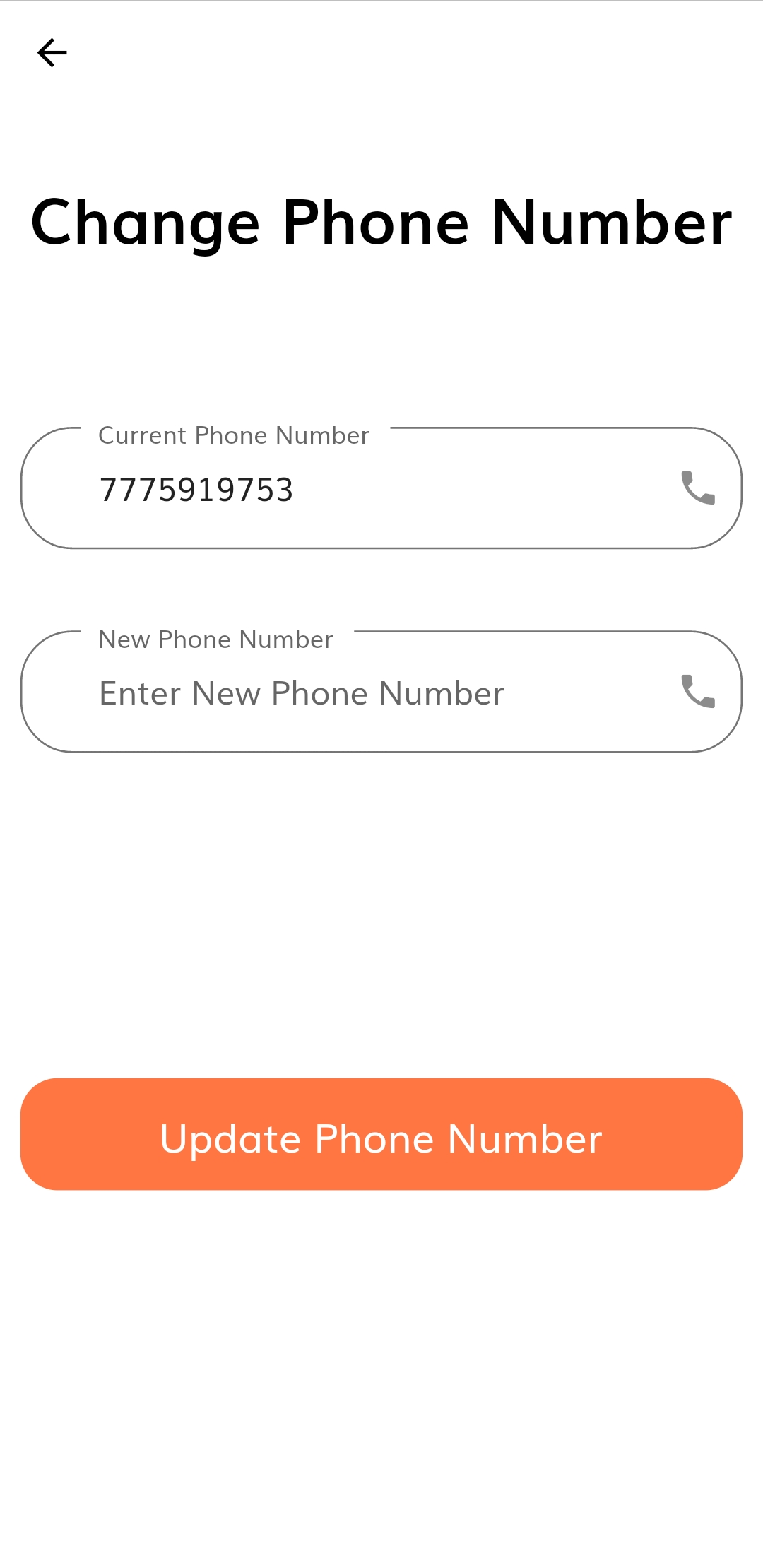
Here are some Illustration of App Screens
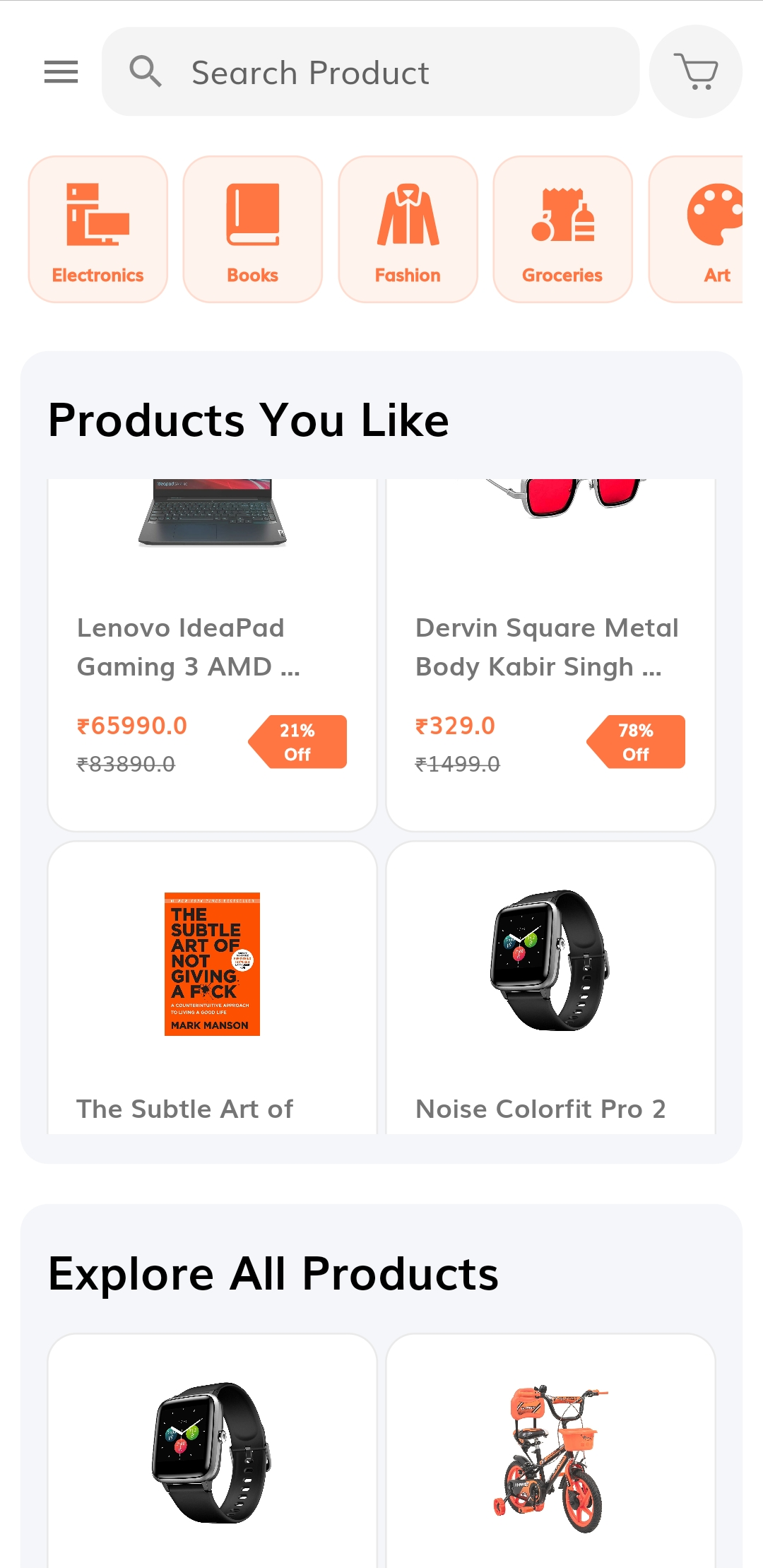 |
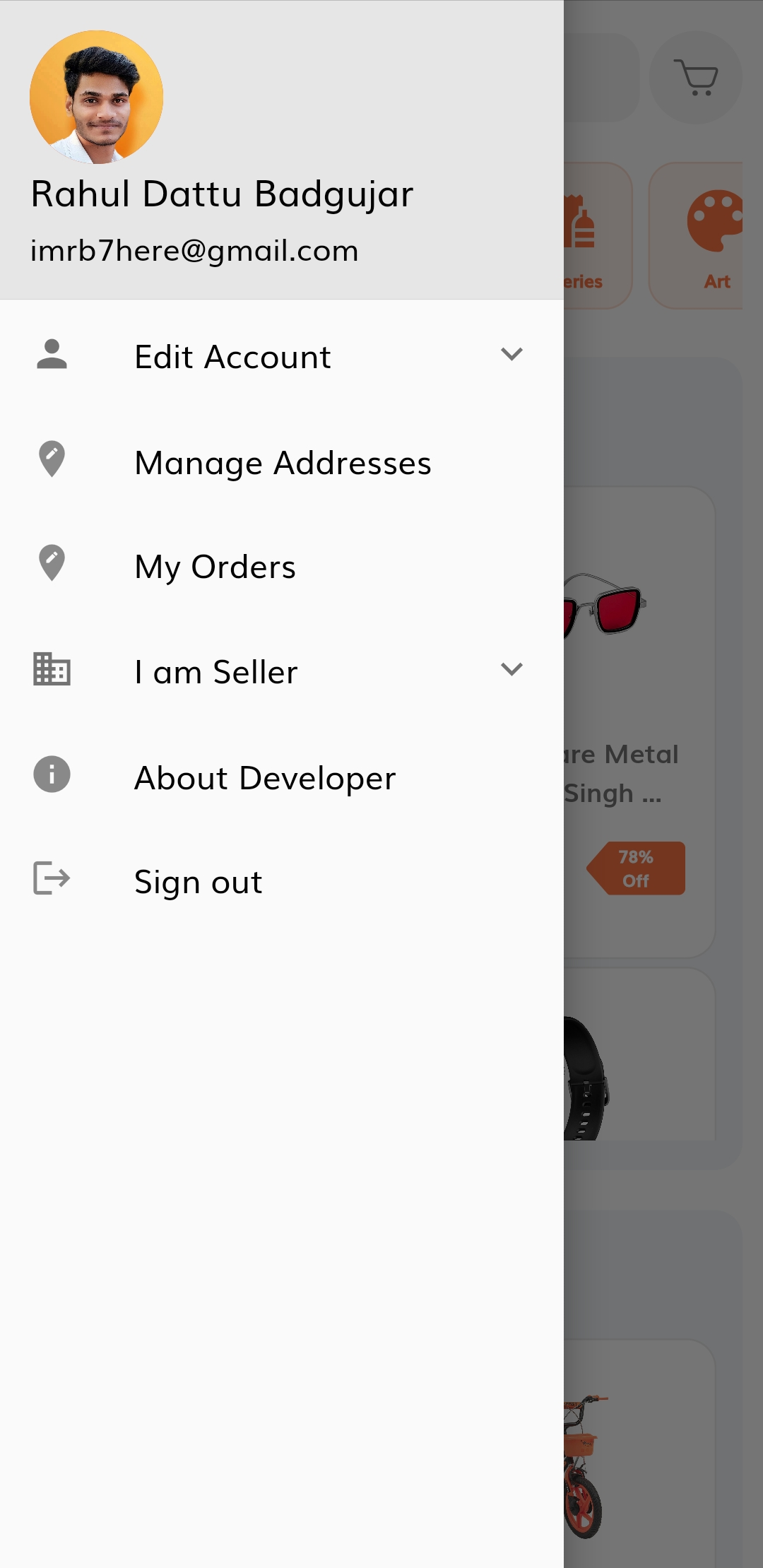 |
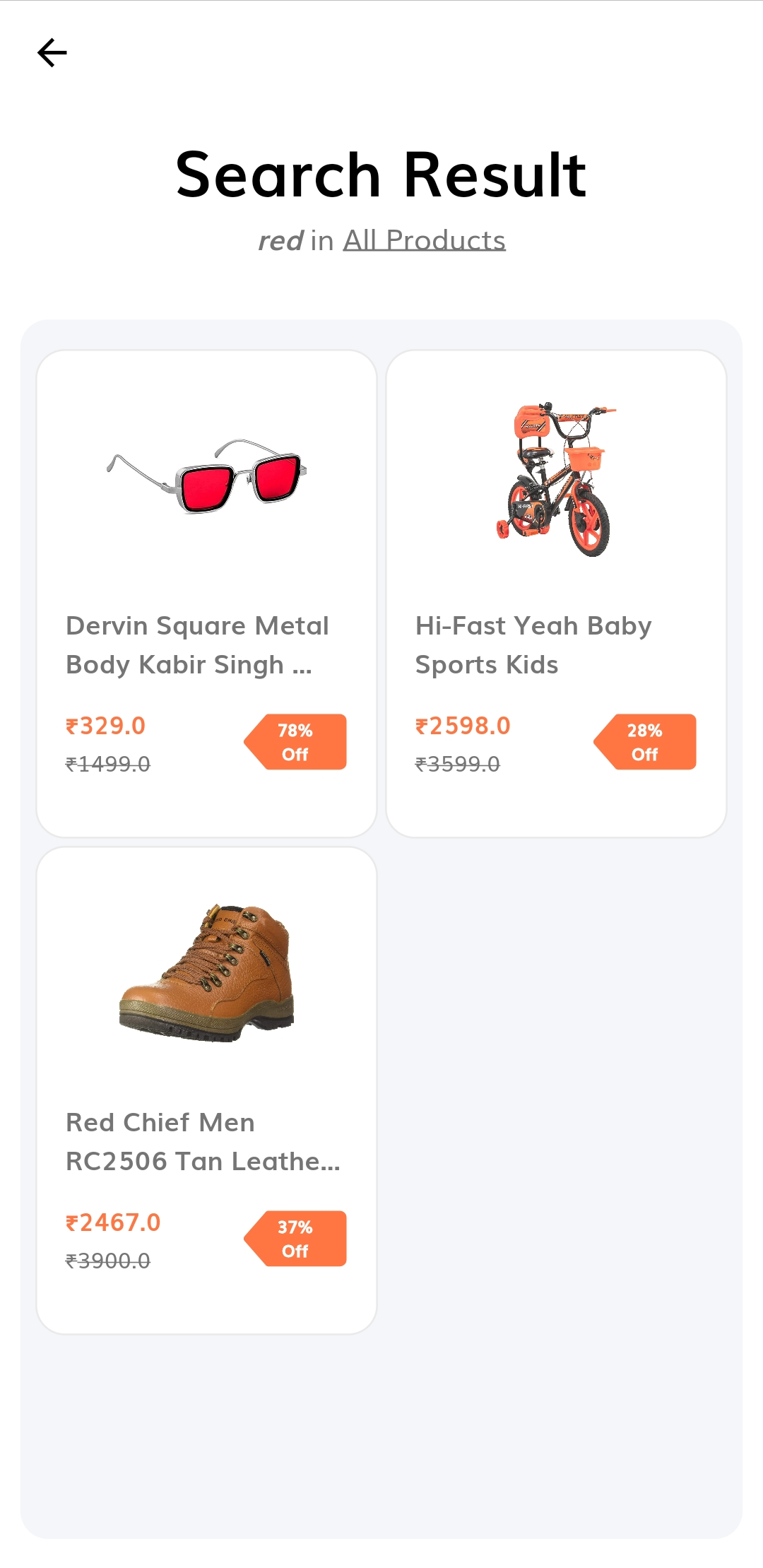 |
|---|---|---|
| Home Screen | Home Screen Drawer | Search Result |
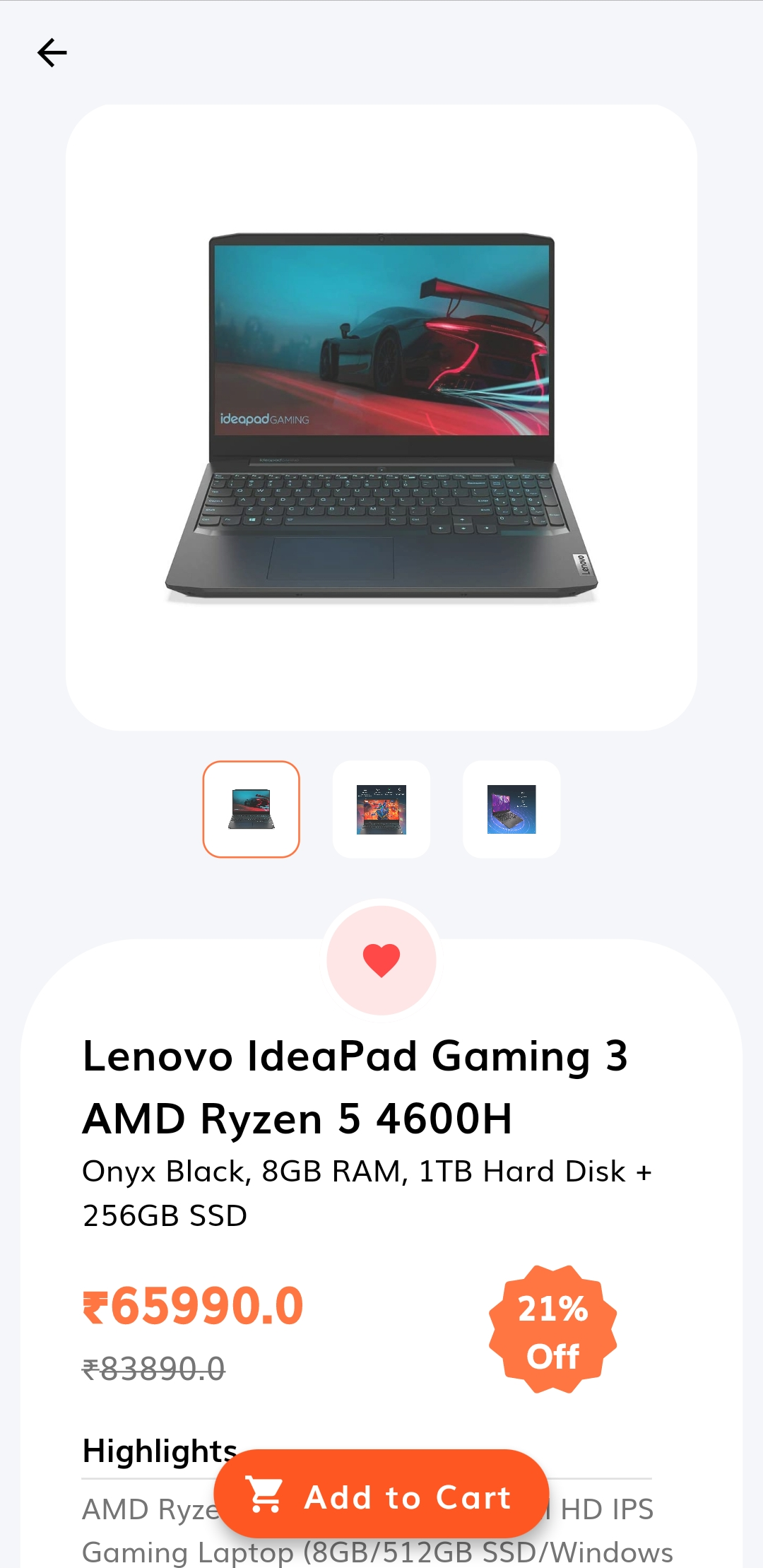 |
 |
 |
|---|---|---|
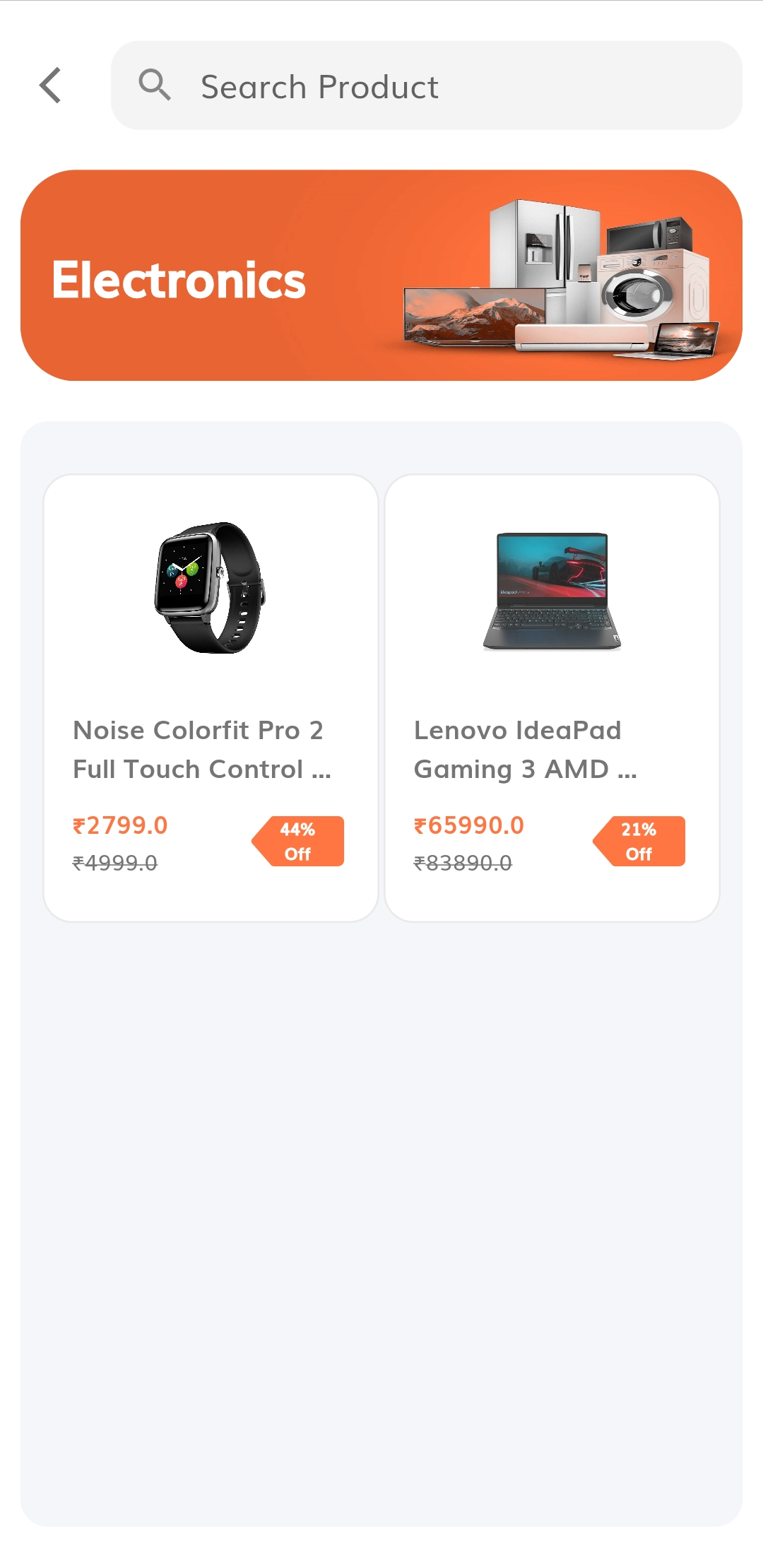
| Product Details Screen - 1 | Product Details Screen - 2 | Category Products Screen |
 |
 |
 |
|---|---|---|
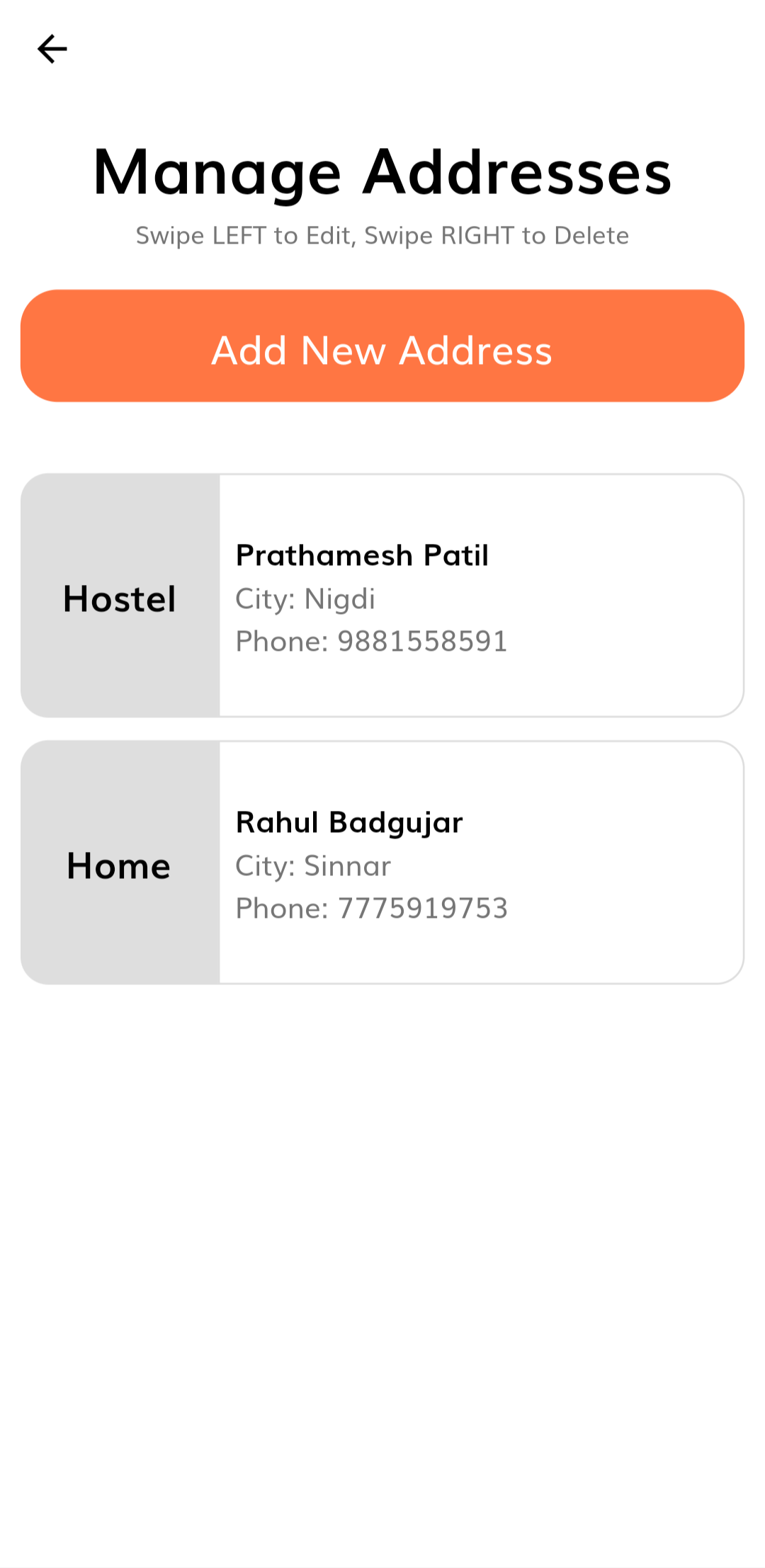
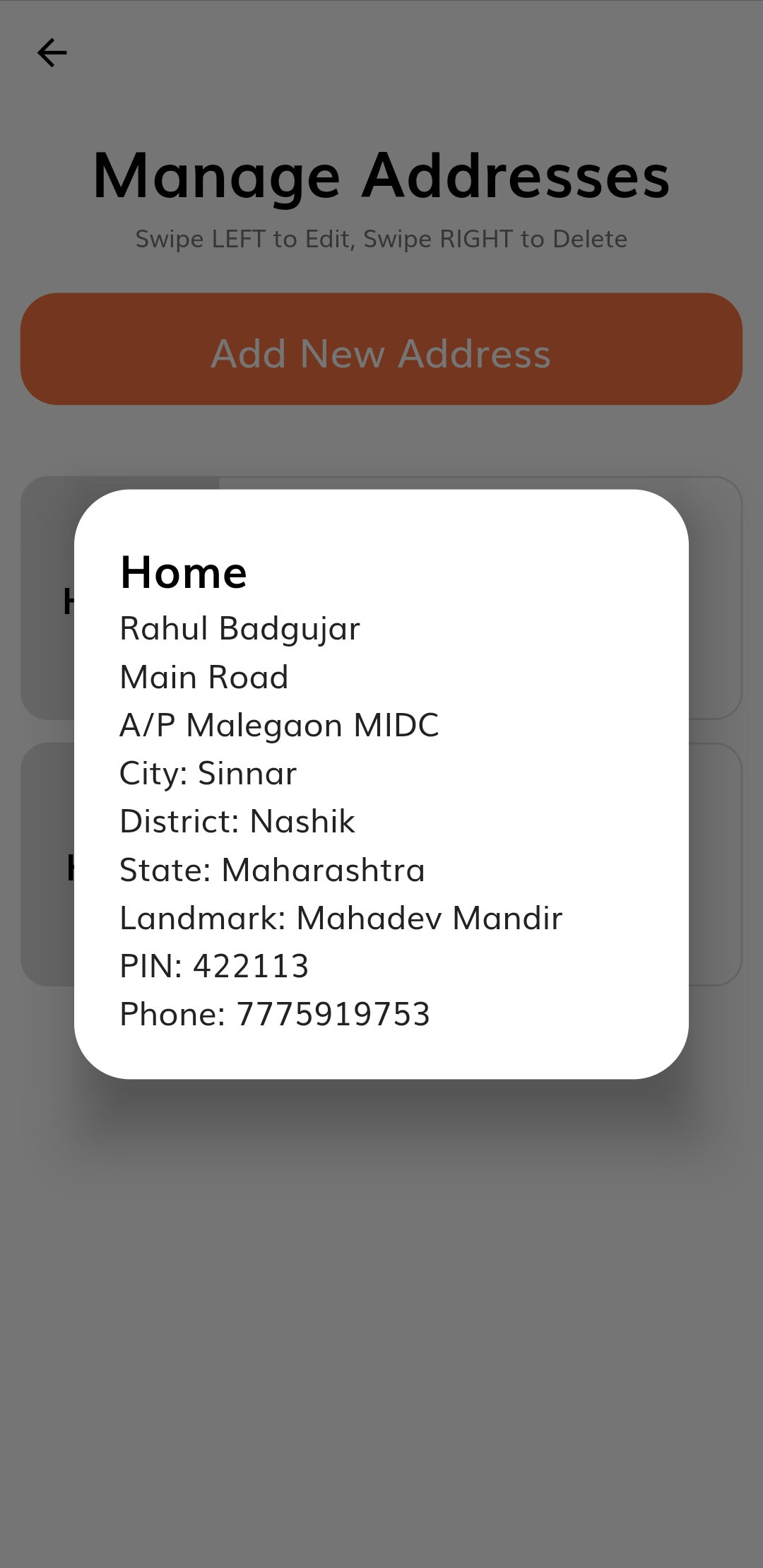
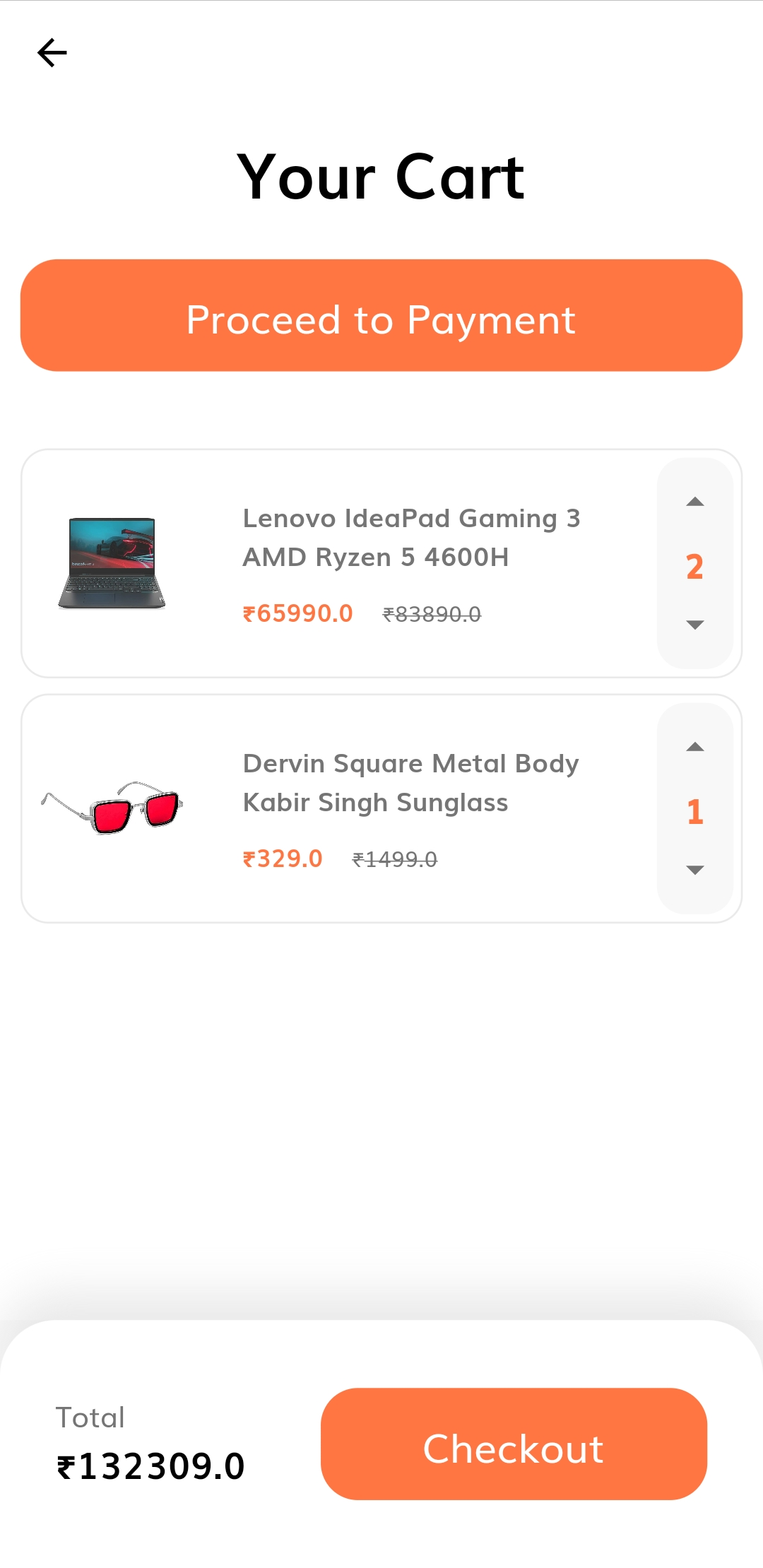
| Manage Addresses Screen | Address Dialog | Cart Screen |
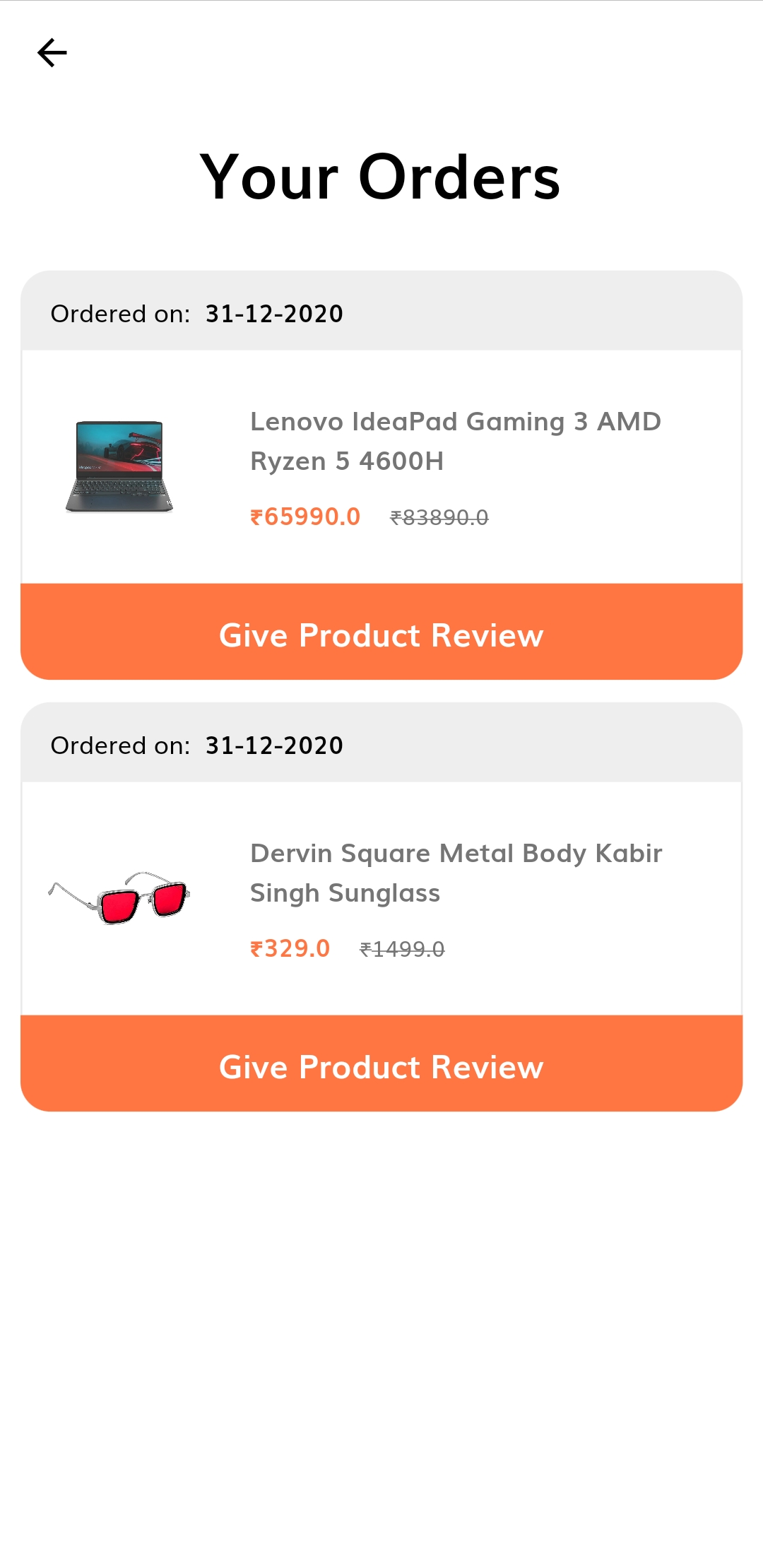 |
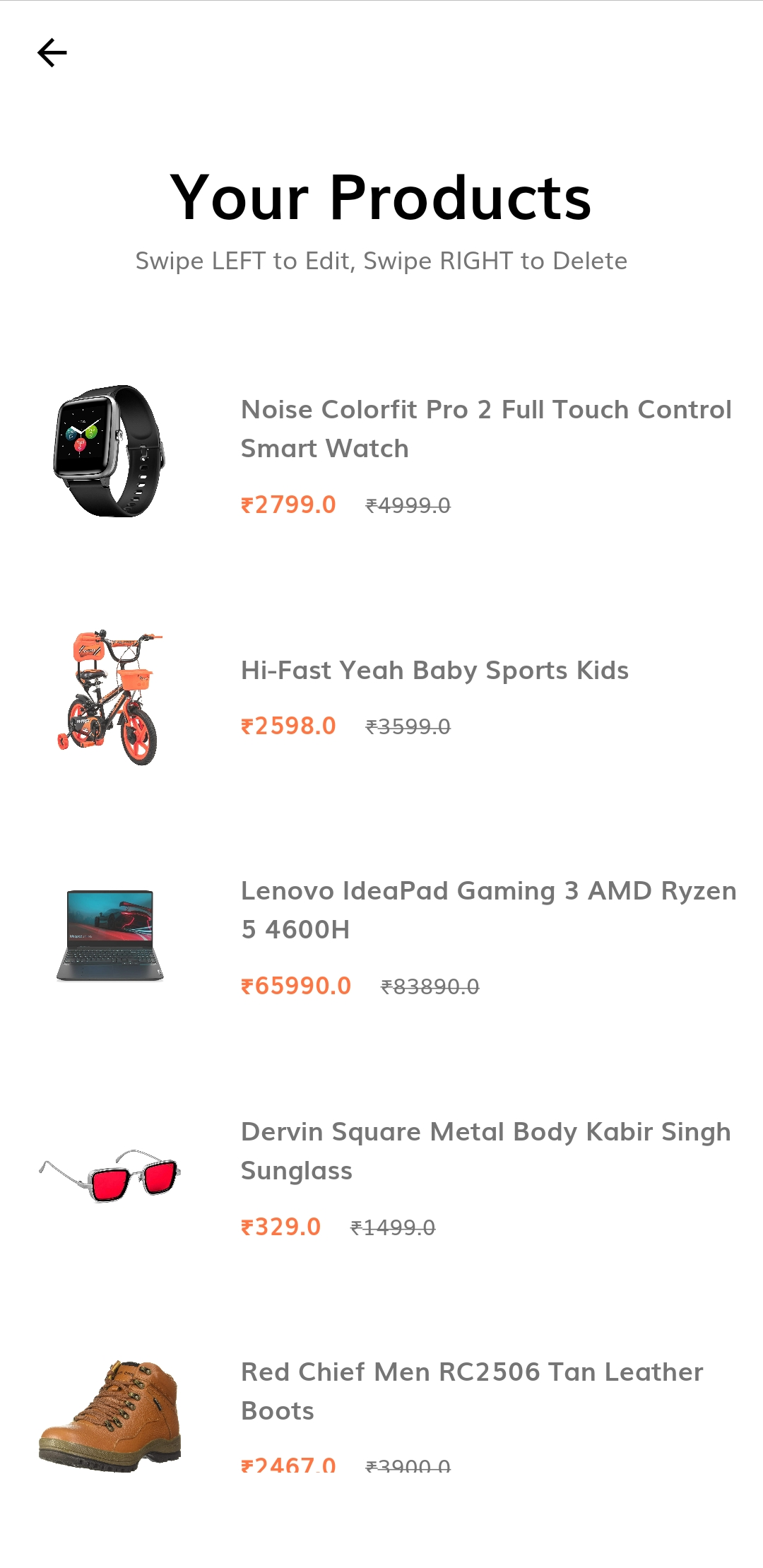 |
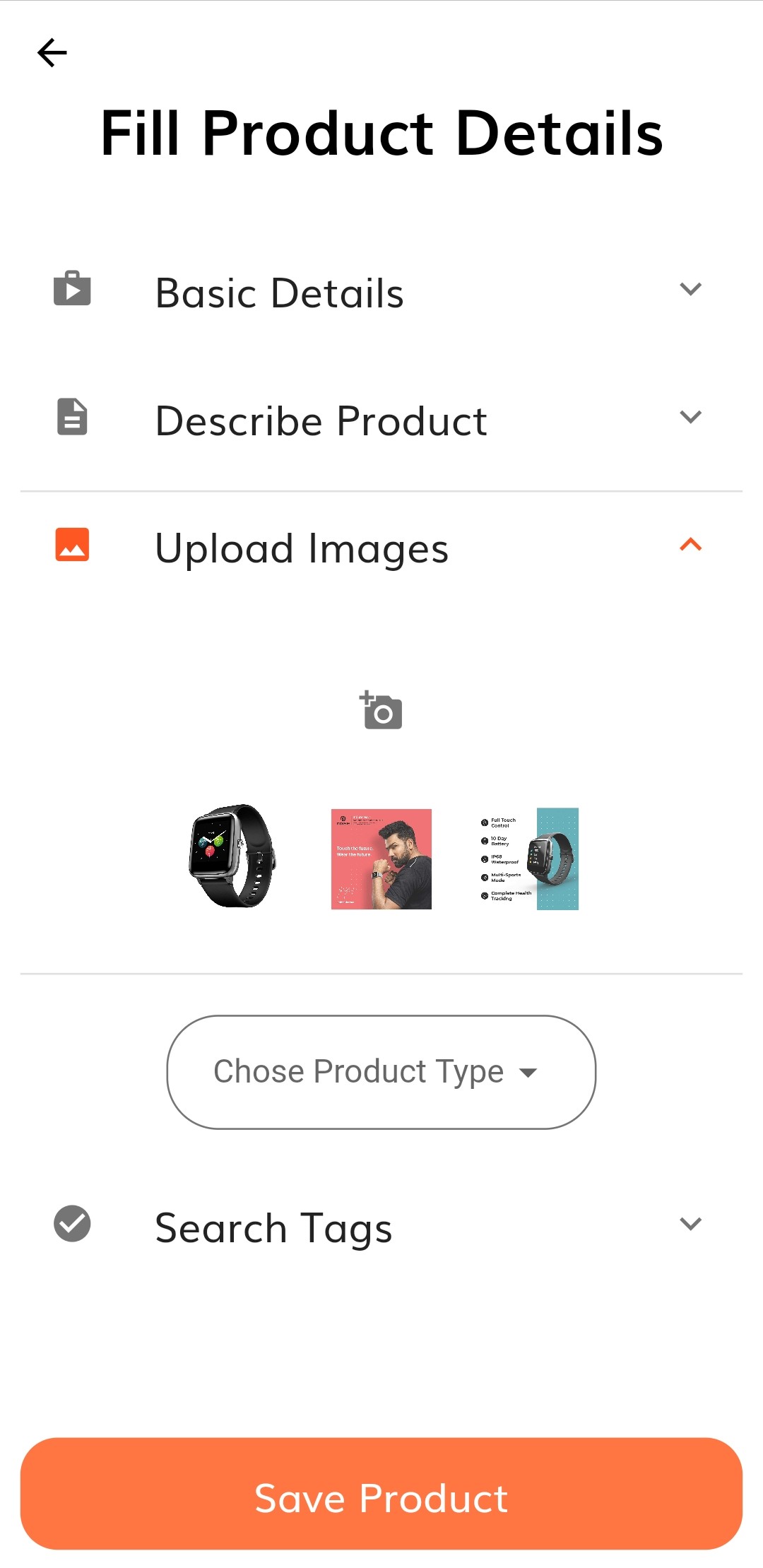 |
|---|---|---|
| My Orders Screen | My Products Screen | Add or Edit Product Screen |
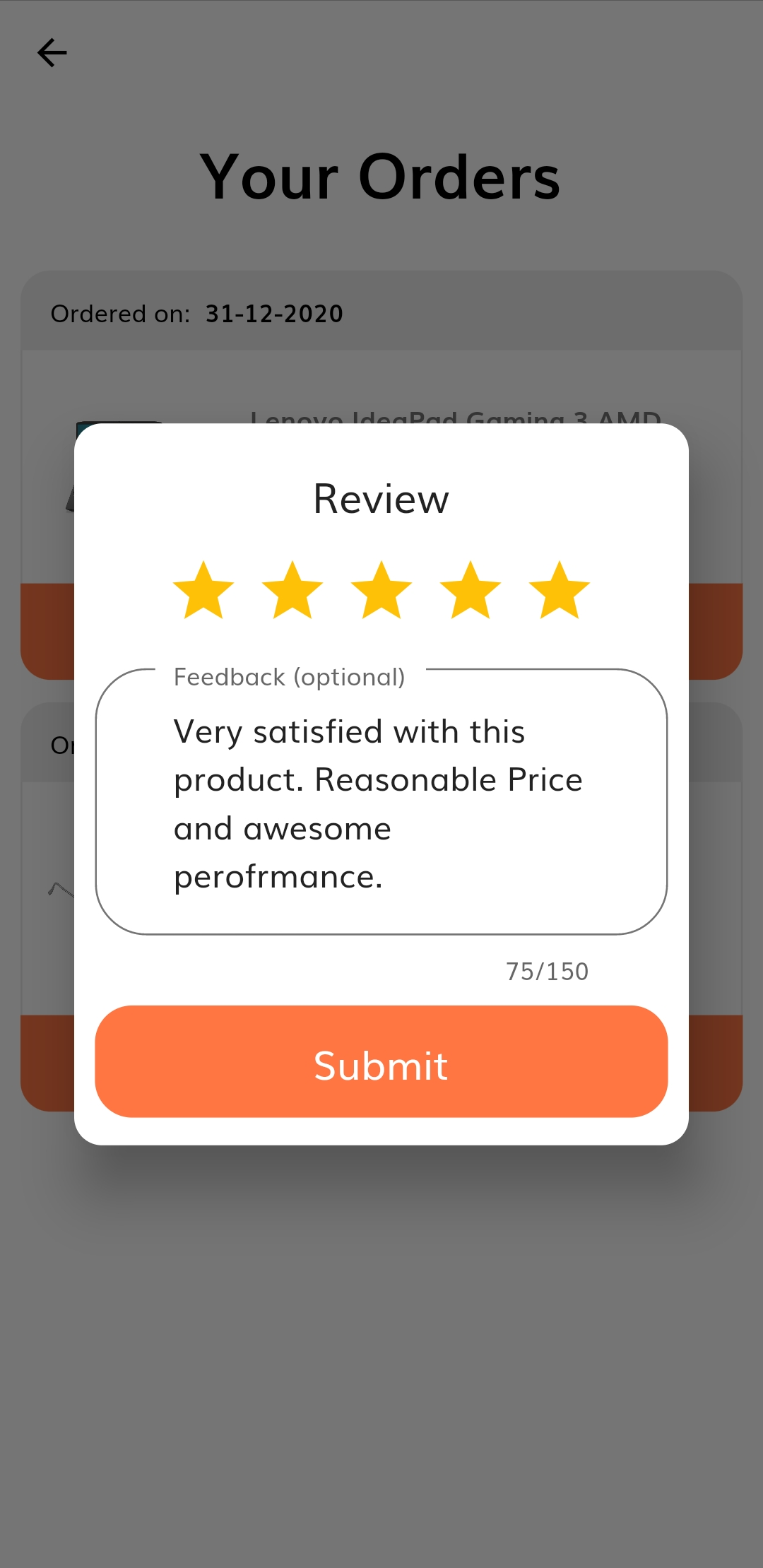 |
 |
 |
|---|---|---|
| Product Review Dialog | Sign In Screen | Sign Up Screen |
 |
 |
 |
|---|---|---|
| Forgot Password Screen | Change Display Name Screen | Change Display Picture Screen |
 |
 |
 |
|---|---|---|
| Change Email Screen | Change Password Screen | Change Phone Screen |
And all rest at more screens
:rocket: Resources
The following Resources were used in this project:

Rahul Badgujar ↗
分類
使用的依賴
依賴清單 21 項
- flutter
{"sdk":"flutter"} - cloud_firestore
^0.14.4 - cupertino_icons
^1.0.0 - enum_to_string
^1.0.14 - firebase_auth
^0.18.4+1 - firebase_core
^0.5.3 - firebase_storage
^5.2.0 - flutter_launcher_icons
^0.8.1 - flutter_rating_bar
^3.2.0+1 - flutter_svg
^0.19.2+1 - flutter_tags
^0.4.9+1 - future_progress_dialog
^0.1.1 - image_picker
^0.6.7+15 - intl
^0.16.1 - logger
^0.9.4 - permission_handler
^5.0.1+1 - provider
^4.3.2+3 - string_validator
^0.1.4 - swipedetector
^1.2.0 - url_launcher
^5.7.10 - flutter_test開發依賴
{"sdk":"flutter"}
所在榜單
如何選擇適合專案的儲存庫?
先依使用情境篩選,再比較專案活躍情況,最後到原始儲存庫確認使用要求。
- 透過儲存庫名稱、作者或描述搜尋,再依技術分類縮小範圍。
- 綜合星標、分支與最近推送比較專案;星標反映社群關注,不保證品質。
- 使用前在 GitHub 確認 README、授權條款與 Issues。
來源與維護
“A repository is the most basic element of GitHub.”
GitHub Docs — About repositories ↗