


v0.0.4
flutter_material_symbols
一個提供一組 Material Symbols 圖標集的 Flutter 套件。
29喜歡 730近 30 天下載60Pub 分數
AndroidiOSWebmacOSWindowsLinux
一個提供一組 Material Symbols 圖標集的 Flutter 套件。

以下為英文專案原文快照,最新內容請造訪 GitHub。
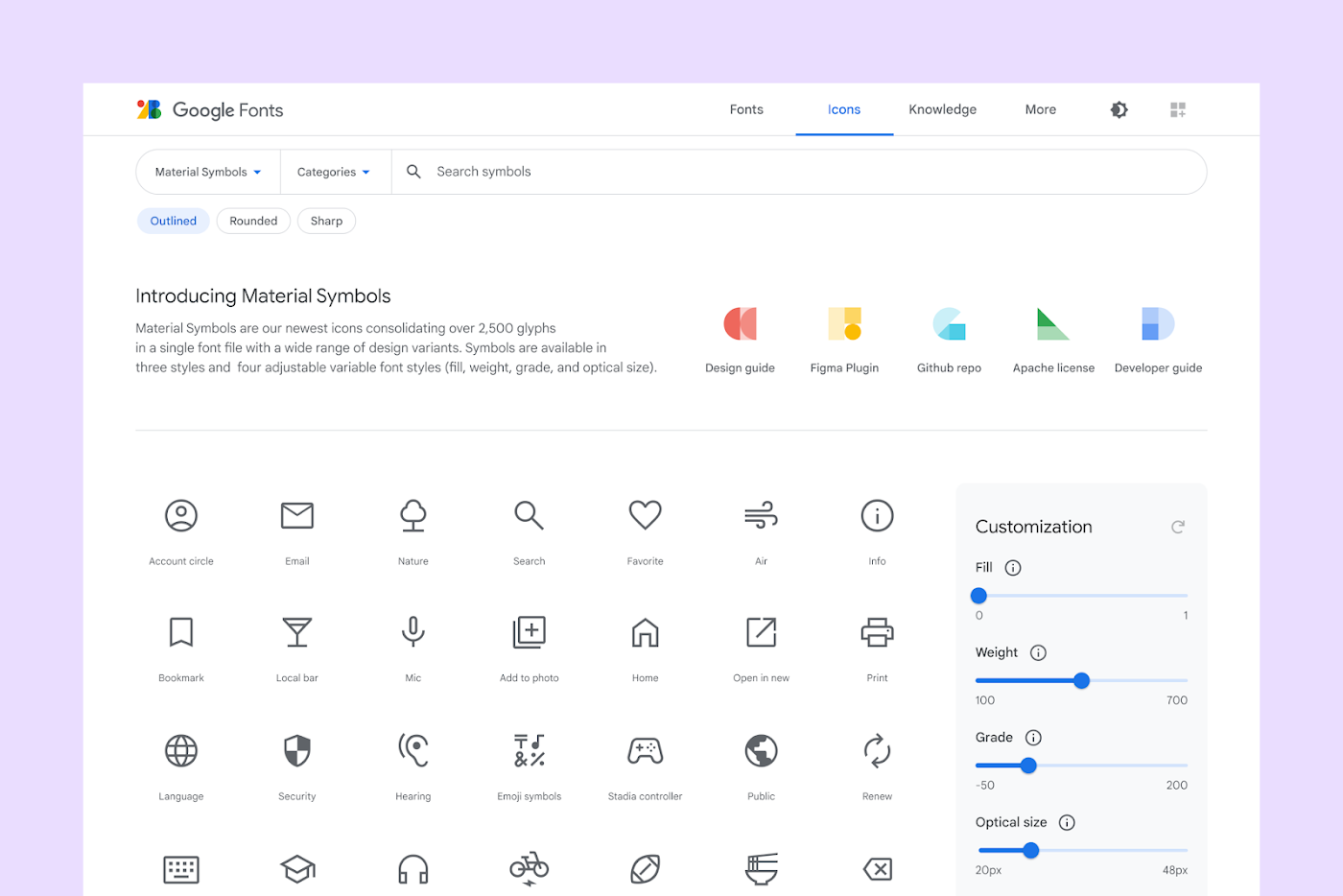 Image Source: material.io

This Flutter package aims to add all icons from Material Symbols introduced by Google along with the Material 3.
Read Google's official announcement here.
To use this package, add flutter_material_symbols as a dependency in your pubspec.yaml file.
Using the command line:
flutter pub add flutter_material_symbols
Or, if you prefer to add directly to your pubspec.yaml file:
dependencies:
  flutter_material_symbols: ^0.0.1
Import the package:
import 'package:flutter_material_symbols/flutter_material_symbols.dart';
Use the MaterialSymbols class to access the icons:
Icon(MaterialSymbols.favorite),
IconButton(
  icon: Icon(MaterialSymbols.add),
  onPressed: () {},
)
This package also supports filled, outlined, and sharp icons, which can be used by adding the filled, outlined, or sharp suffix to the icon name:
 Image Source: material.io
Icon(MaterialSymbols.favorite_filled),
Icon(MaterialSymbols.favorite_outlined),
Icon(MaterialSymbols.favorite_sharp),
If you find any bugs or misplaced icons, please open an issue here.
This package is licensed under the MIT License
依賴清單 3 項
{"sdk":"flutter"}{"sdk":"flutter"}^2.0.0先依使用情境篩選,再比較專案活躍情況,最後到原始儲存庫確認使用要求。
“A repository is the most basic element of GitHub.”
GitHub Docs — About repositories ↗