
 v0.0.3
re_highlight
Re-Highlight 是一個功能強大的文字語法高亮庫。
24喜歡 6.7萬近 30 天下載140Pub 分數
AndroidiOSWebmacOSWindowsLinux
Re-Highlight 是一種強大的語法高亮工具,適用於任何文字。

{"sdk":"flutter"}^1.8.2^1.17.1{"sdk":"flutter"}^2.0.0以下為英文專案原文快照,最新內容請造訪 GitHub。
Re-Highlight is a powerful syntax highlighter, which is a sub-module of the Reqable project. Re-Highlight can highlight a text by simply defining a syntax file. And Re-Highlight has built-in syntax highlighting rules for dozens of programming languages, it is easy to make your text syntax highlighting in just a few lines of code.
The implementation code of Re-Highlight is all written in the Dart, translated from the highlightjs project. The implementation idea and inspiration of Re-Highlight come from the highlight.dart project. We are grateful for these great open-source projects. Due to some issues with the highlight.dart project and its discontinuation, this project was born.
👏👏👏 Re-Highlight has been synchronized with the latest version v11.9.0 of highlightjs and has passed all test cases.
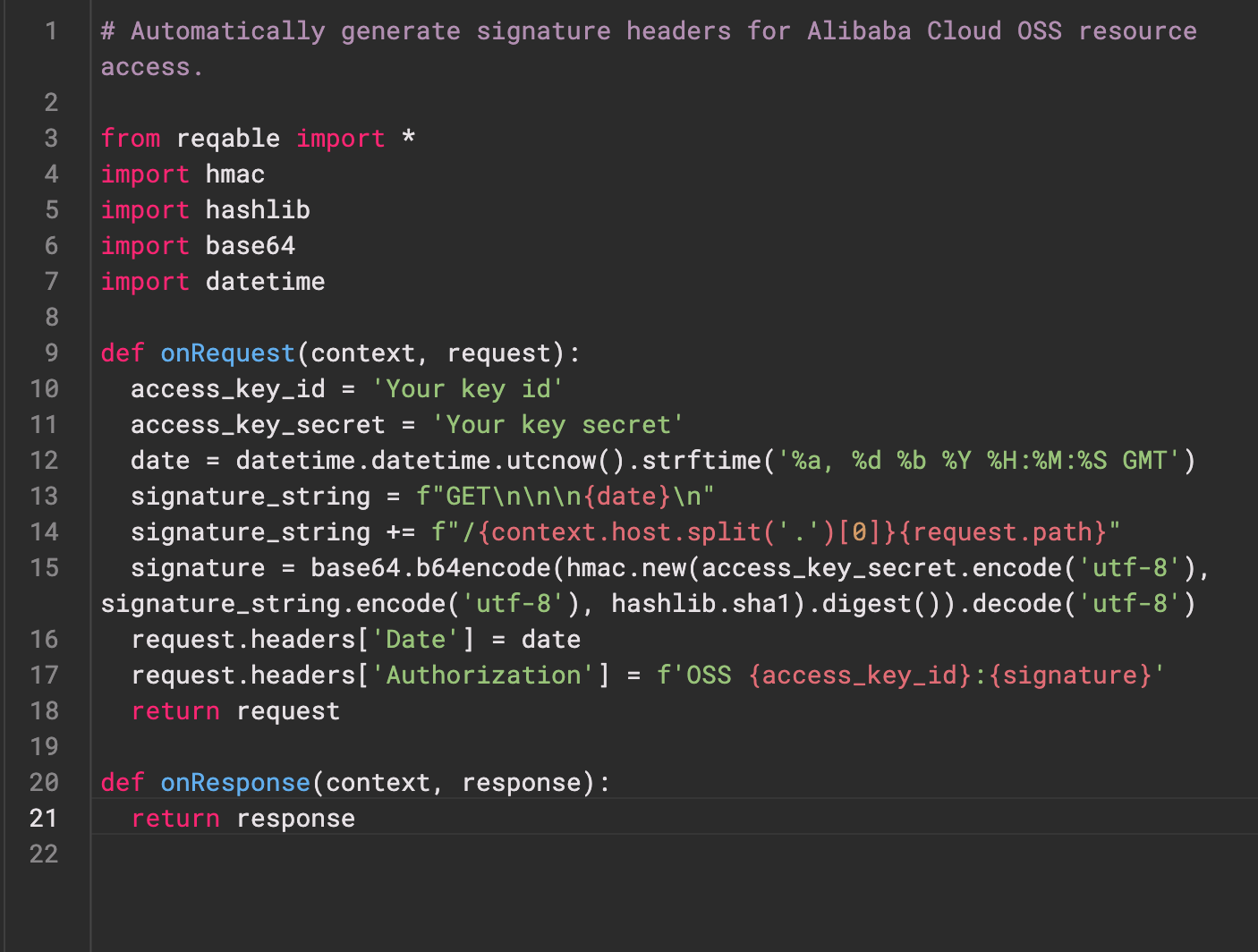
The below shows the highlighting effect. For more styles and languages, please refer to example.
art
Add the followings in pubspec.yaml.
dependencies:
  re_highlight: ^0.0.3
Highlight yout text or code.
final Highlight highlight = Highlight();
highlight.registerLanguages(builtinAllLanguages);

const languages = [
  'json',
  'python',
  // other language
];

// Highlight your text or code.
final HighlightResult result = _highlight.highlightAuto('Your text or code', languages);

// Define your styles.
final TextStyle defaultStyle = TextStyle();
final Map<String, TextStyle> yourTheme = rainbowTheme;

// Convert highlight result to TextSpan
final TextSpanRenderer renderer = TextSpanRenderer(defaultStyle, yourTheme);
result.render(renderer);
final TextSpan? span = renderer.span;

// Pass the span to your Text Widget or TextEditingController.
More codes please see example.
The Re-Highlight project is divided into three parts: syntax highlighting rule interpreter, syntax highlighting rule files, and theme style files. The rule interpreter is located in the src directory, the syntax highlighting rule files are located in the lib\languages directory, and the theme style files are located in the lib\styles directory. The latter two are automatically generated based on the files in highlightjs and do not require manual modification.
gulp.npm install gulp -g
highlightjs modules.git submodule update --remote --init
cd tool
npm install
gulp generate
flutter test
The code in the syntax highlighting rule interpreter part is translated directly from highlightjs, and we have tried to keep the consistency of file structure, class names, function names, and code logic as much as possible to facilitate future upgrades and synchronization.
The syntax and logic of Re-Highlight are strictly translated from the highlightjs project. If you find any syntax issues or need support for new languages, we suggest submitting them to highlightjs, and we will try to synchronize them as soon as possible.
If it's related to Dart or Flutter, it is welcome to submit an issue or PR in this project.
If you would like to sponsor this project, please consider sponsoring the highlightjs project first. If you still have the capacity, you can support us by purchasing a Reqable license.