
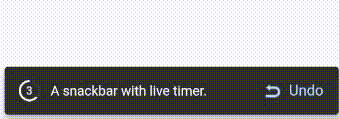
 v0.0.3
timer_snackbar
一個全新的 Flutter 套件,幫助開發者在其 Flutter 應用中加入漂亮的即時計時器至 Snackbar。
28喜歡 154近 30 天下載140Pub 分數
AndroidiOSWebmacOSWindowsLinux
一個全新的 Flutter 套件,幫助開發者在其 Flutter 應用中加入漂亮的即時計時器至 Snackbar。
以下為英文專案原文快照,最新內容請造訪 GitHub。
Timer Snackbar package let you to add a beautiful live timer at snackbar to your Flutter app.
dart pub get):dependencies:
timer_snackbar: ^0.0.3
import 'package:timer_snackbar/timer_snackbar.dart';
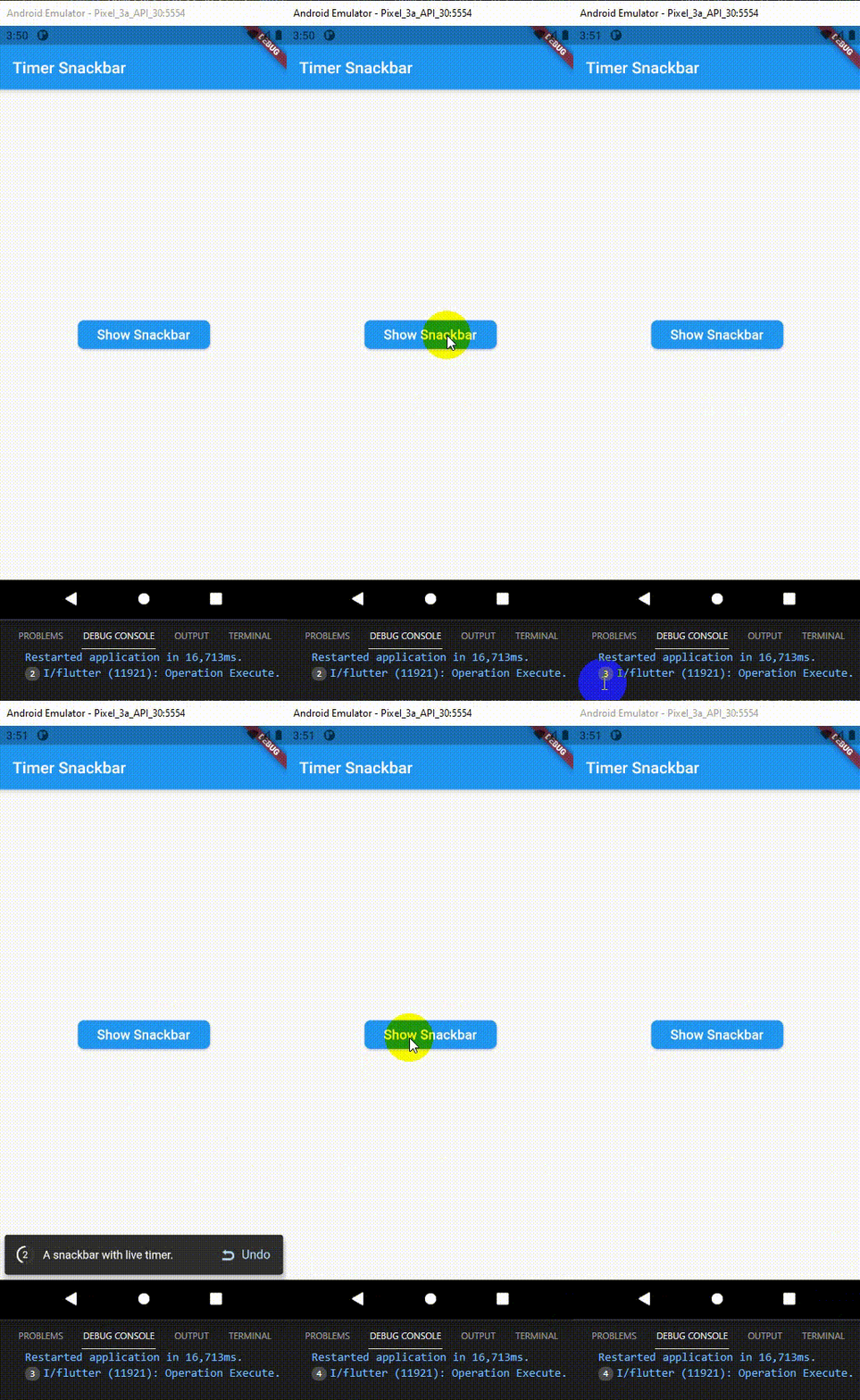
There are a number of properties that you can modify:
class HomePage extends StatelessWidget {
  const HomePage({Key? key}) : super(key: key);

  @override
  Widget build(BuildContext context) {
    return Scaffold(
      appBar: AppBar(
        title: const Text("Timer Snackbar"),
      ),
      body: Center(
        child: ElevatedButton(
          child: const Padding(
              padding: EdgeInsets.all(8.0),
              child: Text('Show Snackbar', textScaleFactor: 1.2)),
          style: ElevatedButton.styleFrom(
              shape: RoundedRectangleBorder(
                  borderRadius: BorderRadius.circular(8.0))),
          onPressed: () => timerSnackbar(
            context: context,
            contentText: "A snackbar with live timer.",
            buttonPrefixWidget: Image.asset(
              'assets/undo.png',
              width: 17.0,
              height: 15.0,
              alignment: Alignment.topCenter,
              color: Colors.blue[100],
            ),
            afterTimeExecute: () => print("Operation Execute."),
            second: 5,
          ),
        ),
      ),
    );
  }
}

依賴清單 3 項
{"sdk":"flutter"}{"sdk":"flutter"}^1.0.0先依使用情境篩選,再比較專案活躍情況,最後到原始儲存庫確認使用要求。
“A repository is the most basic element of GitHub.”
GitHub Docs — About repositories ↗