

 v0.0.7
fade_scroll_app_bar
您可以建立一個大型的 appbar,並透過滑動來實現平滑的漸變效果。
40喜歡 443近 30 天下載130Pub 分數
AndroidiOSWebmacOSWindowsLinux
sametcilingir/fadescrollappbar open-source repository details.

以下為英文專案原文快照,最新內容請造訪 GitHub。
With this package, you can create a large appbar and make a smooth fade effect by swiping.
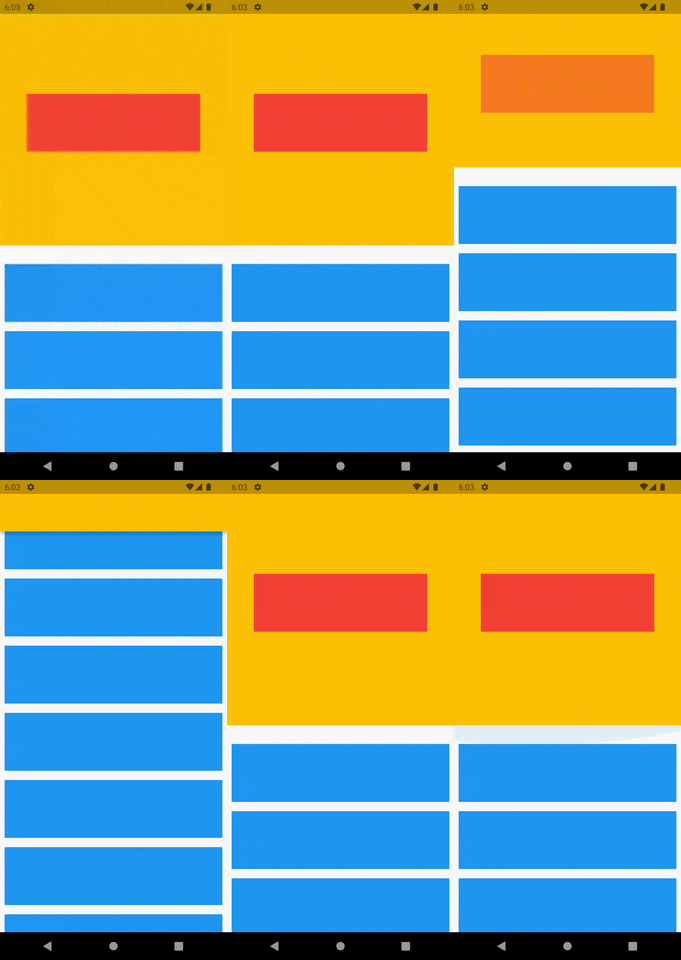
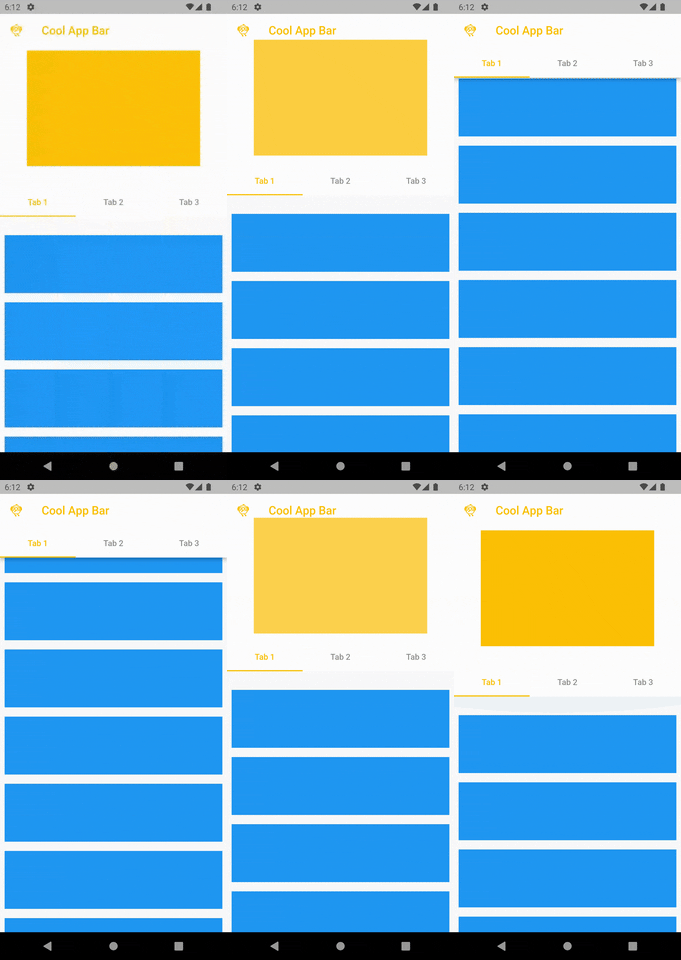
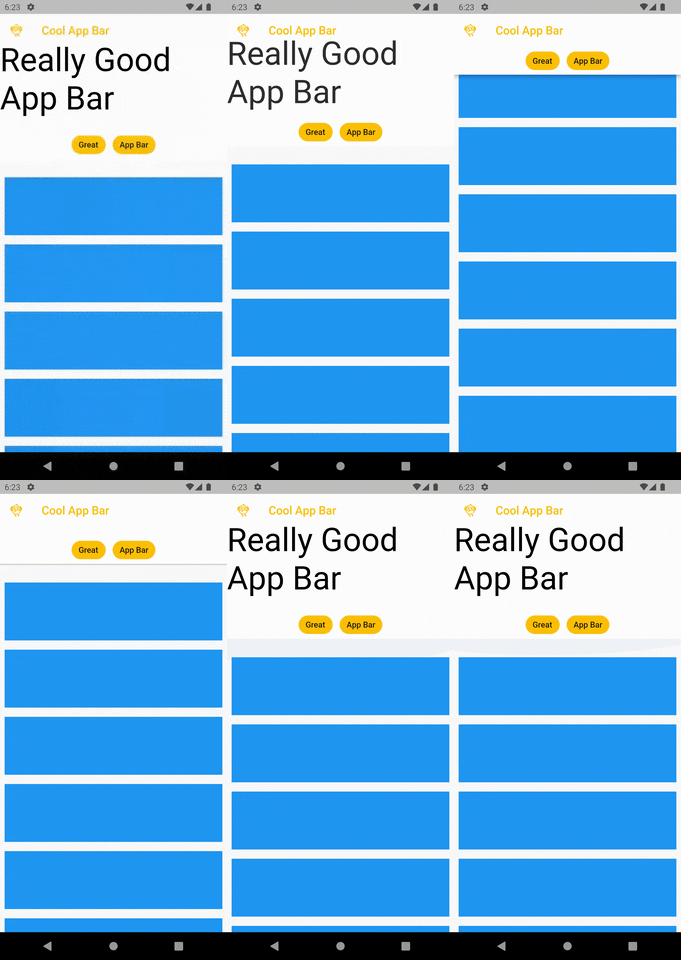
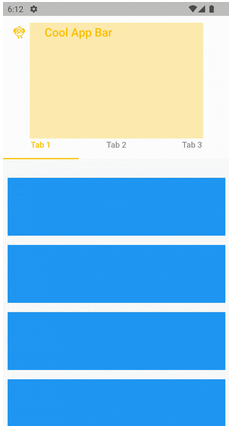
First you should create ScrollController.
final ScrollController _scrollController = ScrollController();
And adding in it.
FadeScrollAppBar(
        scrollController: _scrollController,
        appBarLeading: Icon(Icons.flutter_dash_outlined),
        appBarTitle: Text('Cool App Bar'),
        appBarForegroundColor: Colors.amber,
        pinned: true,
        fadeOffset: 120,
        expandedHeight: 250,
        backgroundColor: Colors.white,
        fadeWidget: Column(
          mainAxisAlignment: MainAxisAlignment.center,
          crossAxisAlignment: CrossAxisAlignment.start,
          children: [
            Text("Really Good App Bar",
                style: Theme.of(context).textTheme.headline2?.copyWith(
                      color: Colors.black,
                    )),
          ],
        ),
        bottomWidgetHeight: 40,
        bottomWidget: Row(
          mainAxisAlignment: MainAxisAlignment.center,
          children: [
            Chip(
              label: Text("Great"),
              backgroundColor: Colors.amber,
              side: BorderSide(
                color: Colors.white,
                width: 1,
              ),
            ),
            SizedBox(width: 10),
            Chip(
              label: Text("App Bar"),
              backgroundColor: Colors.amber,
              side: BorderSide(
                color: Colors.white,
                width: 1,
              ),
            ),
          ],
        ),
        child: ListView.builder(
          itemCount: 100,
          itemBuilder: (BuildContext context, int index) {
            return Padding(
              padding: const EdgeInsets.all(8.0),
              child: Container(
                height: 100,
                width: 300,
                color: Colors.blue,
              ),
            );
          },
        ),
      ),
依賴清單 3 項
{"sdk":"flutter"}{"sdk":"flutter"}^1.0.0先依使用情境篩選,再比較專案活躍情況,最後到原始儲存庫確認使用要求。
“A repository is the most basic element of GitHub.”
GitHub Docs — About repositories ↗