

 v0.0.2+1
checkmark
動畫對勾。自訂顏色、曲線、持續時間等。
26喜歡 10近 30 天下載160Pub 分數
AndroidiOSWebmacOSWindowsLinux
動畫勾號小部件。

以下為英文專案原文快照,最新內容請造訪 GitHub。
An animated check mark widget. It automatically animates when you toggle it on/off. It can also be styled.
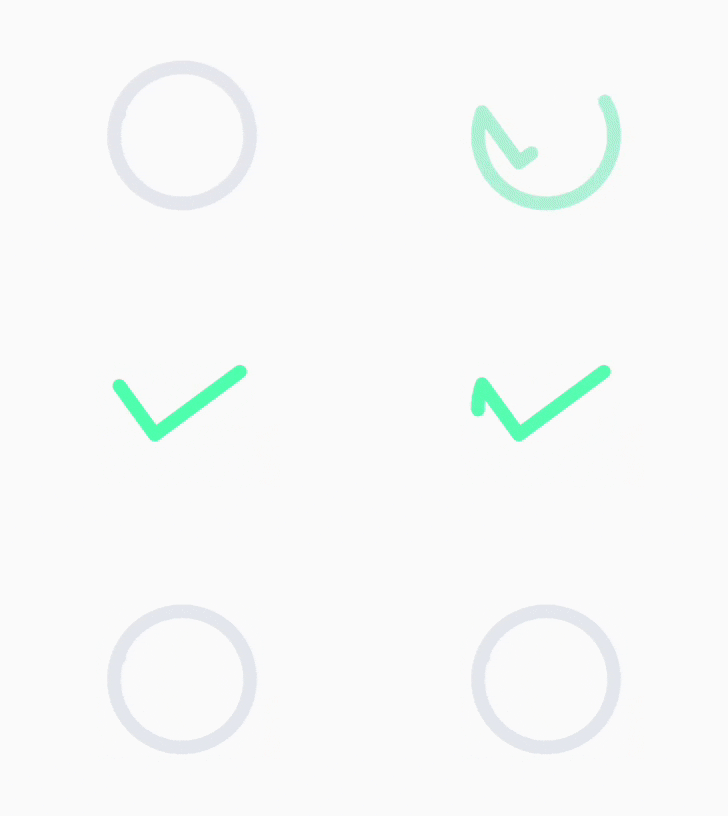
class CheckMark extends ImplicitlyAnimatedWidget {
  const CheckMark({
    Key? key,
    Duration duration = const Duration(milliseconds: 300),
    Curve curve = Curves.linear,
    VoidCallback? onEnd,
    this.active = false,
    this.activeColor = const Color(0xff4fffad),
    this.inactiveColor = const Color(0xffe3e8ed),
    this.strokeWidth = 5,
    this.strokeJoin = StrokeJoin.round,
    this.strokeCap = StrokeCap.round,
  })
}
Check the /example folder for an example of the above functionality.
Minimal example:
SizedBox(
  height: 50,
  width: 50,
  child: CheckMark(
    active: checked,
    curve: Curves.decelerate,
    duration: const Duration(milliseconds: 500),
  ),
),
If you find any problems, please file an issue if one doesn't already exist.
依賴清單 3 項
{"sdk":"flutter"}{"sdk":"flutter"}^1.0.0先依使用情境篩選,再比較專案活躍情況,最後到原始儲存庫確認使用要求。
“A repository is the most basic element of GitHub.”
GitHub Docs — About repositories ↗