

 v0.4.0
wheel_picker
一個使用輸入輪盤選擇值/時間的小部件。可自訂且輕量。
83喜歡 1.4萬近 30 天下載160Pub 分數
AndroidiOSWebmacOSWindowsLinux
用於輸入滾輪的 Flutter 套件

以下為英文專案原文快照,最新內容請造訪 GitHub。
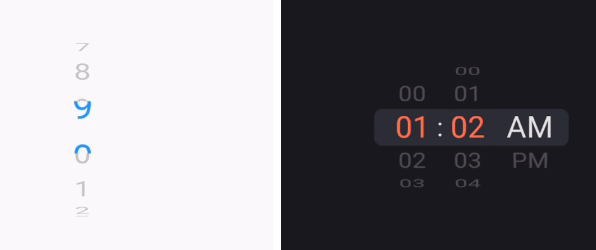
A superset version of original ListWheelScrollView for easily creating wheel scroll input.


WheelPickerStyle.WheelPicker widgets with a WheelPickerController.Add it to your pubspec.yaml file:
dependencies:
  wheel_picker: ^0.3.0
Install packages from the command line:
flutter packages get
To use package, just import package import 'package:wheel_picker/wheel_picker.dart';
Here's a quick example to get you started:
const daysOfWeek = ['Sunday','Monday','Tuesday','Wednesday','Thursday','Friday','Saturday'];
return WheelPicker(
  itemCount: 7,
  builder: (context, index) => Text(daysOfWeek[index]),
  selectedIndexColor: Colors.orange,
  looping: false,
);
For more control, you can attach a controller and adjust it to your liking:
import 'dart:async';

import 'package:flutter/material.dart';
import 'package:wheel_picker/wheel_picker.dart';

class WheelPickerExample extends StatelessWidget {
  const WheelPickerExample({super.key});

  @override
  Widget build(BuildContext context) {
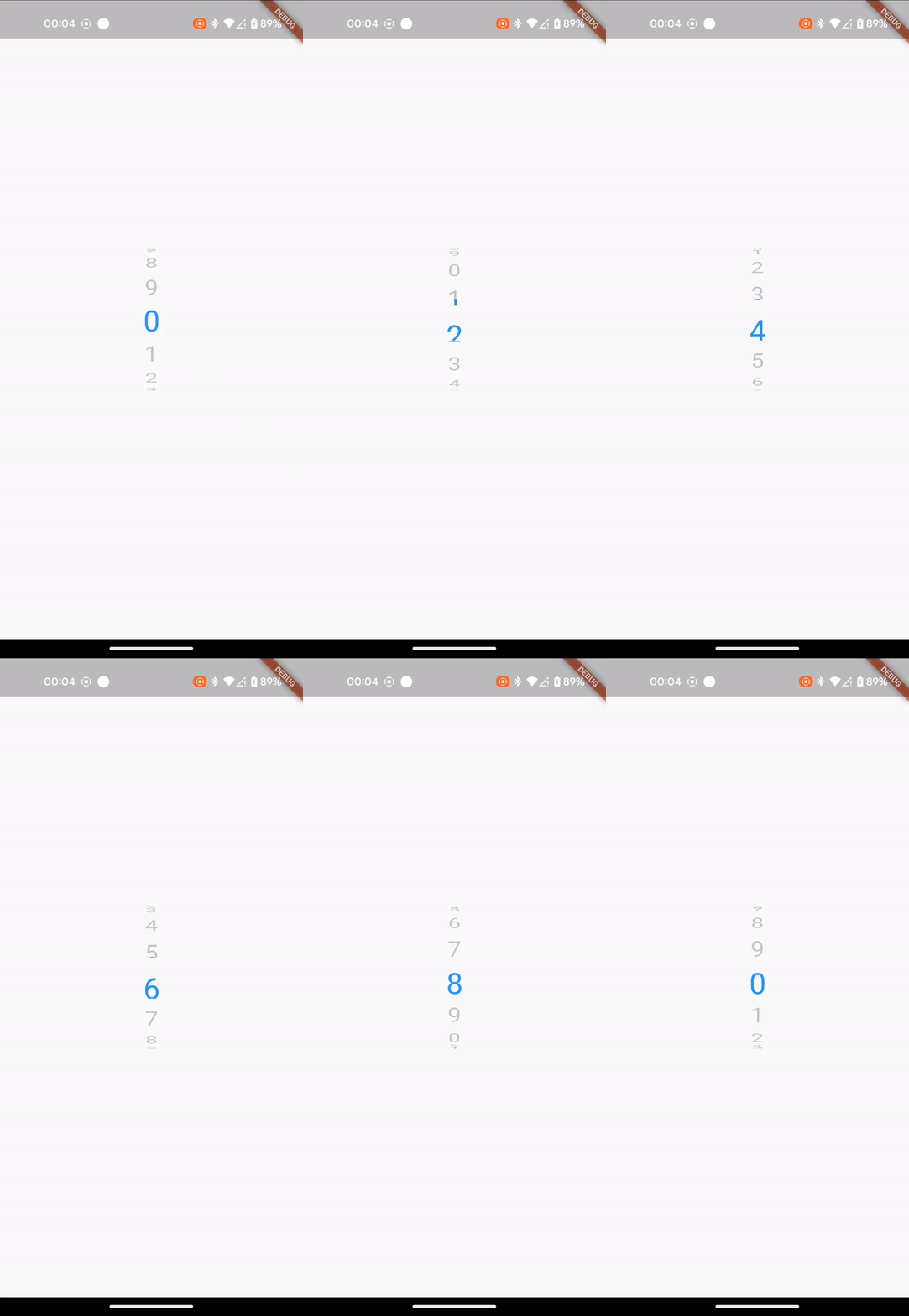
    final secondsWheel = WheelPickerController(itemCount: 10);
    const textStyle = TextStyle(fontSize: 32.0, height: 1.5);

    Timer.periodic(const Duration(seconds: 1), (_) => secondsWheel.shiftDown());

    return WheelPicker(
      builder: (context, index) => Text("$index", style: textStyle),
      controller: secondsWheel,
      selectedIndexColor: Colors.blue,
      onIndexChanged: (index, interactionType) => print("On index $index"),
      style: WheelPickerStyle(
        itemExtent: textStyle.fontSize! * textStyle.height!, // Text height
        squeeze: 1.25,
        diameterRatio: .8,
        surroundingOpacity: .25,
        magnification: 1.2,
      ),
    );
  }
}

class MyApp extends StatelessWidget {
  const MyApp({super.key});

  @override
  Widget build(BuildContext context) {
    return const MaterialApp(
      title: 'Flutter Example',
      home: Scaffold(
        body: Center(
          child: WheelPickerExample(),
        ),
      ),
    );
  }
}

void main() => runApp(const MyApp());
Note: This works for this short example but don't forget to manually dispose controllers you initialize youself.
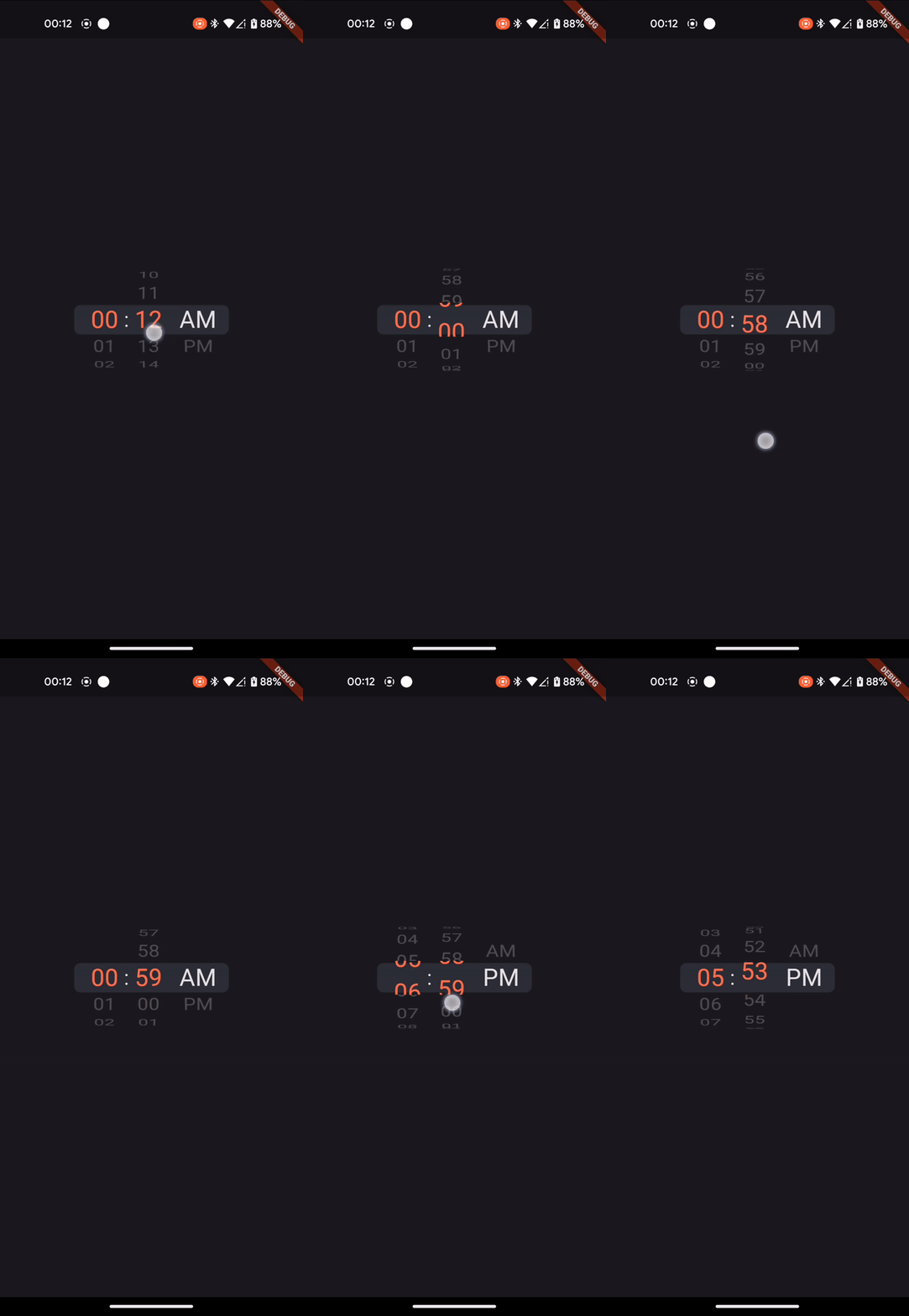
For more advanced usage, you can also mount controllers, making them shift each other. See example.
const daysOfWeek = ['Sunday','Monday','Tuesday','Wednesday','Thursday','Friday','Saturday'];

return NotificationListener(
  onNotification: (notification) {
    if (notification is ScrollEndNotification) {
      print('User has ended scrolling');
    }
    return false;
  },
  child: WheelPicker(
    itemCount: 7,
    builder: (context, index) => Text(daysOfWeek[index]),
    selectedIndexColor: Colors.orange,
    looping: false,
  ),
);
Feel free to share your feedback, suggestions, or contribute to this package :handshake:.
If you like this package, consider supporting it by giving it a star on GitHub and a like on pub.dev :heart:.
依賴清單 3 項
{"sdk":"flutter"}{"sdk":"flutter"}^2.0.0先依使用情境篩選,再比較專案活躍情況,最後到原始儲存庫確認使用要求。
“A repository is the most basic element of GitHub.”
GitHub Docs — About repositories ↗