

 v1.0.6
carousel_indicator
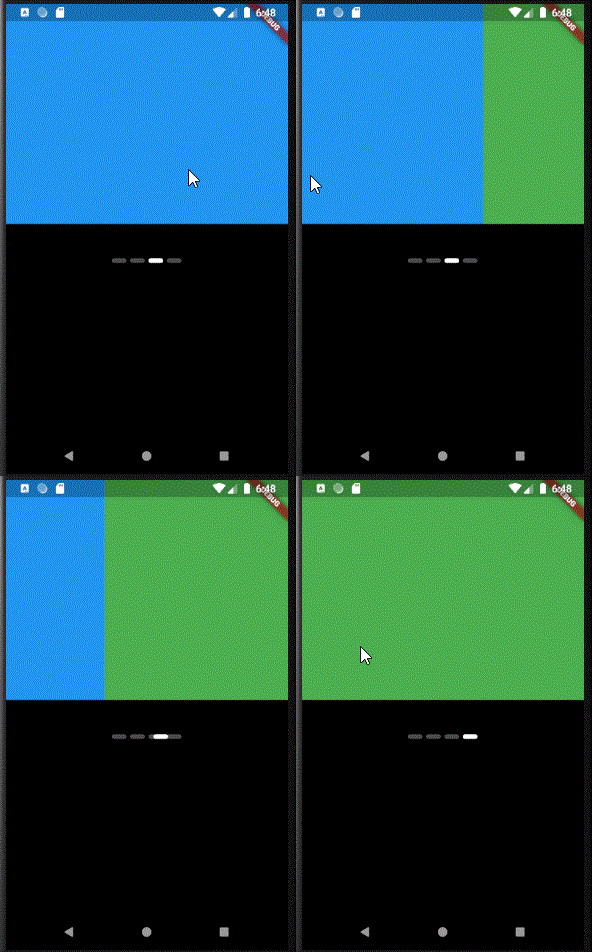
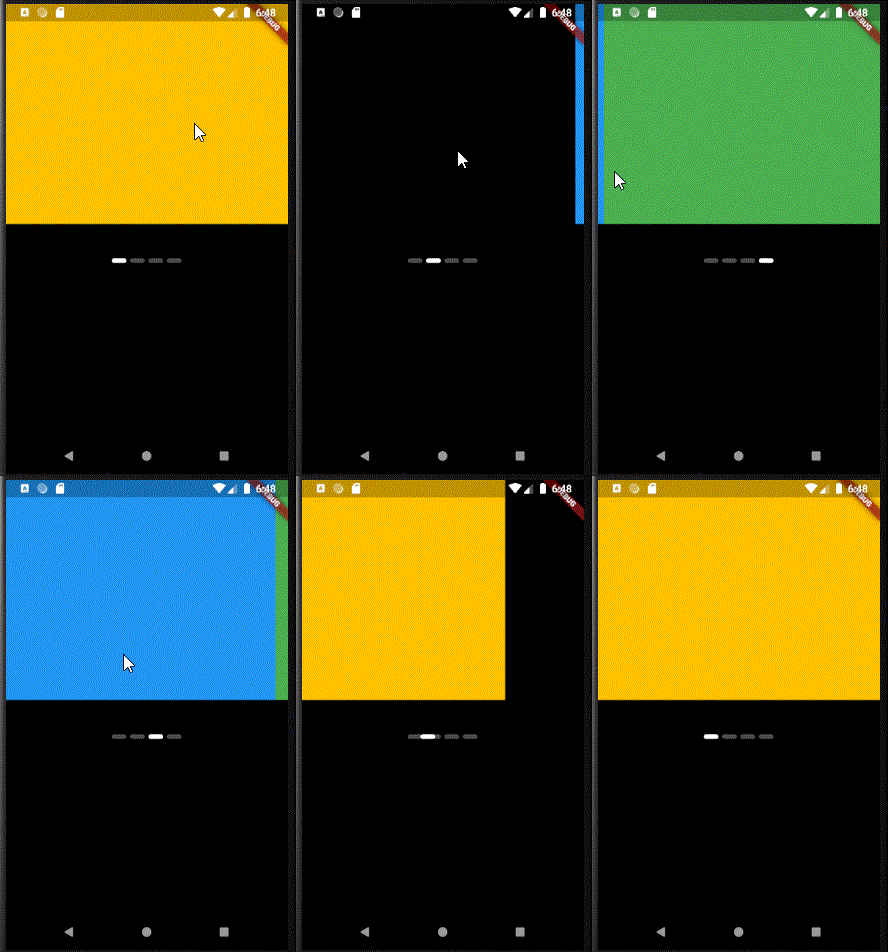
一個極簡且簡單的輪播指示器庫,接受索引作為參數並更新指示器索引。該庫具有預建的滑動動畫。
36喜歡 2820近 30 天下載140Pub 分數
AndroidiOSWebmacOSWindowsLinux
一個最小且簡單的輪播指示器庫

以下為英文專案原文快照,最新內容請造訪 GitHub。
A Minimal and Simple carousel indicator library.
Tech Skape (Love K.) techskape@gmail.com
import 'package:carousel_indicator/carousel_indicator.dart';
import 'package:flutter/material.dart';

void main() {
  runApp(MyApp());
}

class MyApp extends StatelessWidget {
  // This widget is the root of your application.
  @override
  Widget build(BuildContext context) {
    return MaterialApp(
      title: 'Flutter Demo',
      theme: ThemeData(

        primarySwatch: Colors.blue,

        visualDensity: VisualDensity.adaptivePlatformDensity,
      ),
      home: MyHomePage(),
    );
  }
}
class MyHomePage extends StatefulWidget {
  @override
  _MyHomePageState createState() => _MyHomePageState();
}

class _MyHomePageState extends State<MyHomePage> {
 int pageIndex=0;

  List<Widget> _demo=[
    Container(height: 300,color: Colors.amber),
              Container(height: 300,color: Colors.black),
              Container(height: 300,color: Colors.blue),
              Container(height: 300,color: Colors.green),
  ];
  @override
  Widget build(BuildContext context) {
    return Column(
      children: [
        Container(
          height: 300,
          width: double.infinity,
          child: PageView(
            children: _demo,

            onPageChanged: (index){
                setState(() {
                  pageIndex=index;
                });
            },
          ),
        ),
        SizedBox(height: 40,),
        CarouselIndicator(
          count: _demo.length,
          index: pageIndex,
        ),
      ],
    );
  }
}
This project is a starting point for a Flutter application.
A few resources to get you started if this is your first Flutter project:
For help getting started with Flutter, view our online documentation, which offers tutorials, samples, guidance on mobile development, and a full API reference.
依賴清單 3 項
{"sdk":"flutter"}^1.0.4{"sdk":"flutter"}先依使用情境篩選,再比較專案活躍情況,最後到原始儲存庫確認使用要求。
“A repository is the most basic element of GitHub.”
GitHub Docs — About repositories ↗